
Speech to Text on Arch Linux: AUR, Wayland and X11 Setup
Arch ships no dictation app, so you add one: Blip AI's AppImage, or hyprwhspr, Voxtype or Vocalinux from the AUR. Plus the pacman helpers Wayland needs.
Quick answer: Arch gives you a base system, so speech to text is an app you add. Our pick is Blip AI (we build it): cleaned-up text with no GPU, on Wayland and X11, and the same app on iPhone and Android. Free and local: hyprwhspr, Voxtype or Vocalinux, which document AUR installs. For Blip on Wayland, pacman installs wl-clipboard and wtype.
We build Blip AI, one of the options below, so weigh our pick accordingly. Facts about Arch come from the ArchWiki and archlinux.org. Facts about other tools come from each project's own README or site. All were checked on 24 November 2026, from the docs; we didn't install the other tools. Where another option suits you better, we say so.
Does Arch Linux have built-in speech to text?
No dictation comes with the install. The ArchWiki's installation guide ends with you logging in to the new system as root, and points to its General recommendations for "setting up a graphical user interface, sound or a touchpad". So your desktop is the one you picked: GNOME, KDE Plasma, Hyprland, Sway or something else. Dictation is an app you add on top, and which one works best depends on that choice.
The same goes for Arch-based distros. Blip AI runs on Arch, Manjaro and EndeavourOS, and Vocalinux's Arch guide lists all three as having "good support".
Are you on Wayland or X11?
Check before you pick a tool, because typing into other windows is where Linux dictation apps differ most:
echo $XDG_SESSION_TYPE
It prints wayland or x11. The ArchWiki's Wayland page explains that Wayland has no common display server to install: you use a compositor, which a desktop such as GNOME or Plasma can provide. On X11 an app can type into the focused window with a tool like xdotool. On Wayland each dictation app needs a helper such as wtype, ydotool or dotool, a group membership, or a permission from your desktop. How to voice type on Linux explains why.
The helpers live in different places on Arch. wtype, wl-clipboard, ydotool and xdotool are all in Arch's official extra repository (wtype, wl-clipboard, ydotool, xdotool), so pacman installs them. dotool is only in the AUR.
What are your options for speech to text on Arch?
| Option | How it installs on Arch | Cost and processing | Catch on Arch |
|---|---|---|---|
| Blip AI | AppImage (x86-64 only); no AUR package | Free plan of 2,000 words a month; cloud by default, on-device models on Pro | Wayland setup has three parts (below) |
| hyprwhspr | AUR: hyprwhspr, then hyprwhspr setup |
Free (MIT); offline, cloud APIs optional | Toggle by default; push-to-talk is a setting |
| Voxtype | AUR: voxtype-bin (prebuilt) or voxtype (from source) |
Free (MIT); local by default, remote Whisper servers optional | On GNOME and KDE it falls back to dotool or ydotool; KDE needs toggle mode |
| Vocalinux | AUR: vocalinux or vocalinux-bin, or its install script |
Free (AGPL-3.0); local by default | The AUR packages conflict: install one |
| Handy | AppImage (x64 or ARM) from its site; third-party AUR handy, handy-bin |
Free (MIT); works offline | README says "limited support" for Wayland |
| Speech Note | Flatpak, or AUR dsnote |
Free (MPL-2.0); offline | On Wayland the ydotool daemon must be running |
| OpenWhispr | AppImage or .tar.gz from its site (x86-64 only) |
Free for local models; free cloud has a weekly word limit | Wayland needs the input group |
| Superwhisper | Install script; "Arch (Rolling)" listed | Offline is free; cloud is free up to a limit | Wayland only, no X11 |
| nerd-dictation | Git clone and pip3 install vosk |
Free (GPL-3.0); offline | No hotkey of its own; X11 by default |
We put Blip AI first because it's the one we'd pick for most Arch users who want cleaned-up text without running a model, on Wayland or X11. The free tools are the better choice in the cases we list under them.
How do you install Blip AI on Arch Linux?
Blip AI for Linux is one AppImage for any modern 64-bit distro, Arch included, on Wayland and X11. It's x86-64 only, so it won't run on an ARM machine. Blip's release tests included Arch. There's no AUR package, so download it directly:
mkdir -p ~/.local/bin
curl -L -o ~/.local/bin/BlipAI.AppImage "https://www.blipai.app/download/linux"
chmod +x ~/.local/bin/BlipAI.AppImage
~/.local/bin/BlipAI.AppImage
If the AppImage says it needs FUSE, the AppImage docs give the Arch fix as sudo pacman -S fuse2 (fuse2 is in extra). Or start it with --appimage-extract-and-run, which the same page describes as the fallback.
On Wayland, Blip's setup screen walks you through three things with a button for each. By hand they are:
Install the helpers. Both are in Arch's official repositories.
sudo pacman -Syu wl-clipboard wtypeJoin the
inputgroup so Blip can hear your hotkey. Then log out and back in.sudo groupadd -f input sudo usermod -aG input $USERAllow Blip to paste (GNOME and KDE Plasma 6 only). On GNOME, a Remote Desktop window opens: turn on Allow Remote Interaction, then click Share. On KDE Plasma 6.6 and later, click Approve in the Remote control window (Share on Plasma 6.5 and earlier). On Hyprland, Sway and KDE Plasma 5,
wtypetypes your words, so there's nothing to allow.
Then click into any text field, hold Ctrl + Win (the Super key), speak and let go. On Blip Cloud, text appears about 700 ms after you let go. Add Space for hands-free mode. You can change the hotkey in Blip's settings.
One limit to know about. On GNOME and KDE Plasma 6, Blip pastes with Ctrl + V, and terminals don't paste with that shortcut. In a terminal your words wait on the clipboard, and you press Ctrl + Shift + V yourself. On X11 Blip sends the terminal's own paste shortcut, and on Hyprland, Sway and KDE Plasma 5 wtype types into it, so the text lands in the terminal either way. The Linux setup guide has every step in full, and Omarchy dictation covers Blip on Omarchy's Hyprland setup.
Why we pick it for Arch: Blip Cloud is the default, so a laptop with no GPU gets filler words removed and punctuation fixed, with no model download or API key. Pro adds on-device Whisper models that work offline on your computer, and the same app runs on Mac, Windows, iPhone and Android. It also works on X11, which Superwhisper's Linux build doesn't. What it doesn't give you: an AUR package, an ARM build, or offline use on the free plan.
 Screenshot of blipai.app, taken October 24, 2026.
You can download Blip AI for Linux, see all downloads, or compare plans on the pricing page.
Which dictation tools are in the AUR?
Three projects document an AUR install in their own docs. A fourth, Speech Note, lists the AUR next to its Flatpak. Before you use any of them, know what the ArchWiki's AUR page says: "AUR packages are user-produced content", the build files "have not been thoroughly vetted", and you use them "at your own risk". Its AUR helpers page adds that helpers such as yay and paru "are not supported by Arch Linux". The AUR page describes the manual route: clone the package's git repository, check its PKGBUILD, build it with makepkg and install it with pacman.
- hyprwhspr (MIT). The README lists a "Native AUR package for Arch" and installs it with
yay -S hyprwhspr(orhyprwhspr-git), thenhyprwhspr setup. It says it "works on both Wayland and X11", on desktops including GNOME, KDE Plasma, Sway, Hyprland and Niri, and that transcription "never leaves your machine. Cloud APIs are fully optional." The README starts and stops dictation with Super + Alt + D, and its recording modes doc makes toggle the default, with push-to-talk as an option. More in Omarchy dictation. - Voxtype (MIT). Its install guide recommends
paru -S voxtype-bin(oryay -S voxtype-bin), withvoxtypeas the build-from-source package. It lists x86_64 and aarch64 on Linux. The README sayswtypedoesn't work on GNOME and KDE, where Voxtype falls back todotoolorydotool, and that KDE needs toggle mode instead of hold-to-talk. More in Voxtype on Linux. - Vocalinux (AGPL-3.0). Its Arch guide gives
yay -S vocalinuxor the install script, and saysvocalinux-bininstalls the prebuilt AppImage andvocalinux-gitis "a community package" that tracks the main branch. "The three conflict, so install only one." It names whisper.cpp as the default engine. The README lists x86_64 and aarch64 AppImages, and says they still needxdotoolon X11, orwtype,ydotoolor clipboard tools on Wayland. More in Vocalinux on Linux. - Speech Note (MPL-2.0). The README lists the Flatpak (
flatpak install net.mkiol.SpeechNote) and the AUR packagesdsnoteanddsnote-git. It says typing into other apps works out of the box under X11, and that on Wayland you needydotoolwith its daemon running. More in Speech Note on Linux.
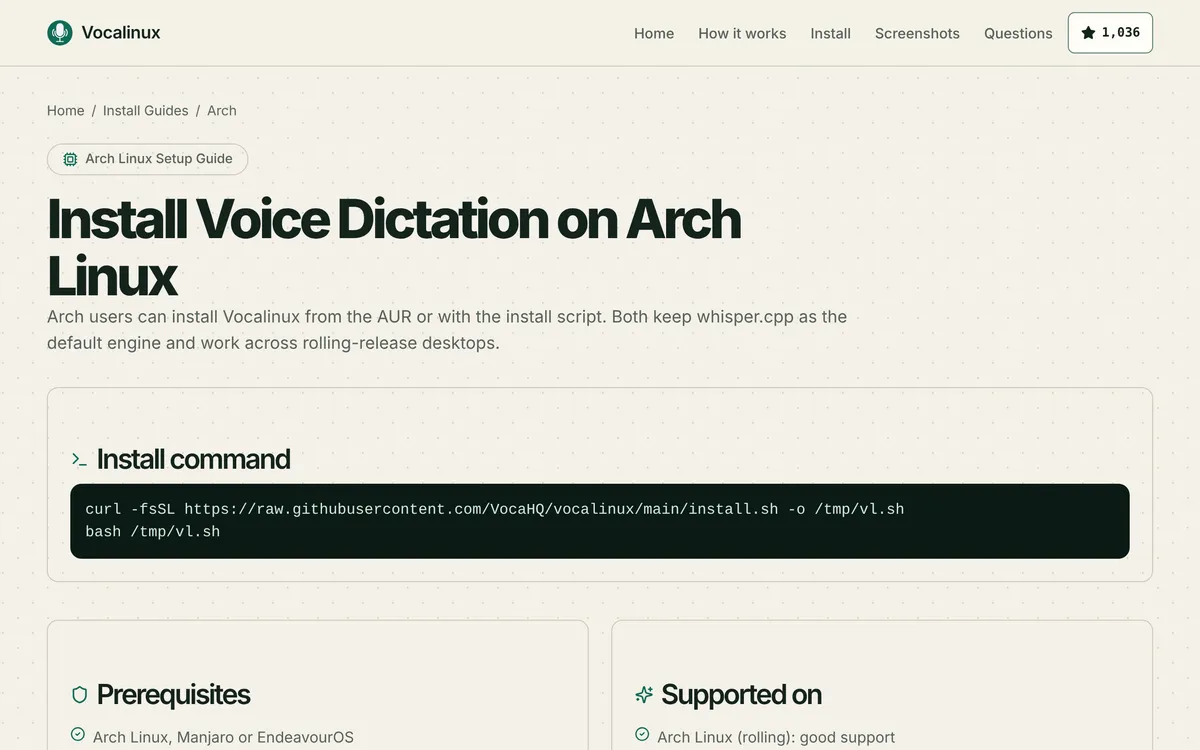 Screenshot of vocalinux.com, taken November 24, 2026.
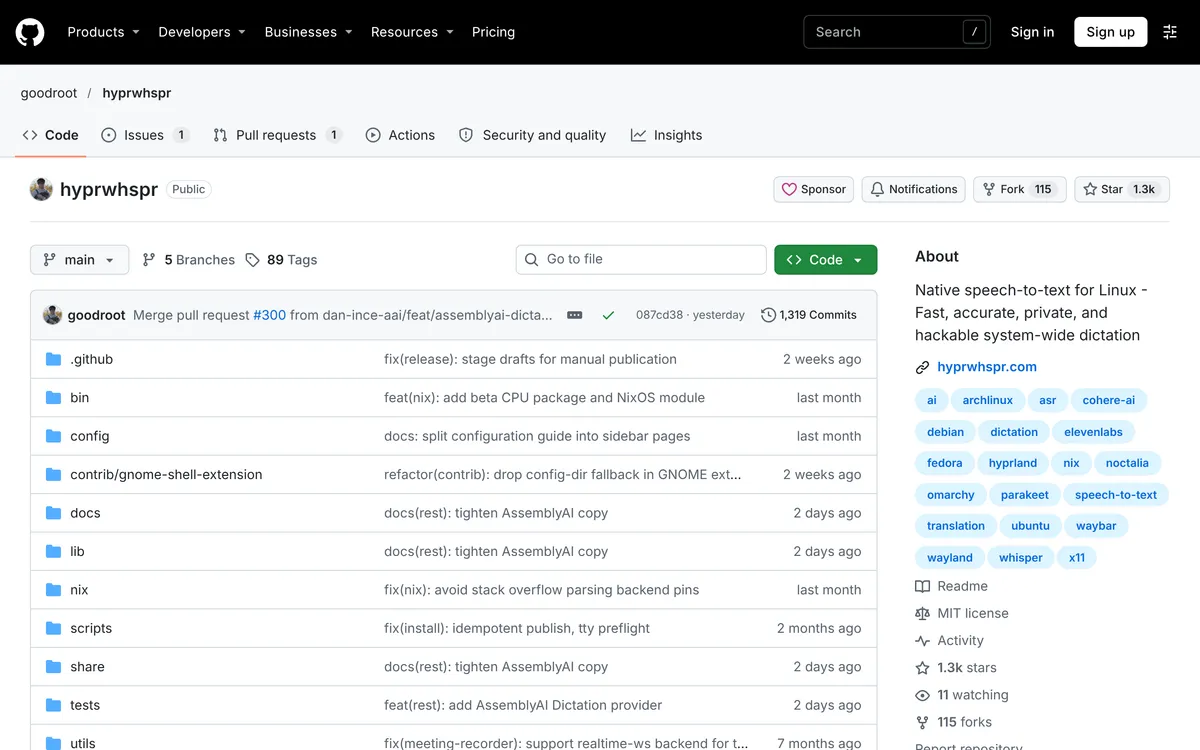 Screenshot of github.com, taken November 13, 2026.
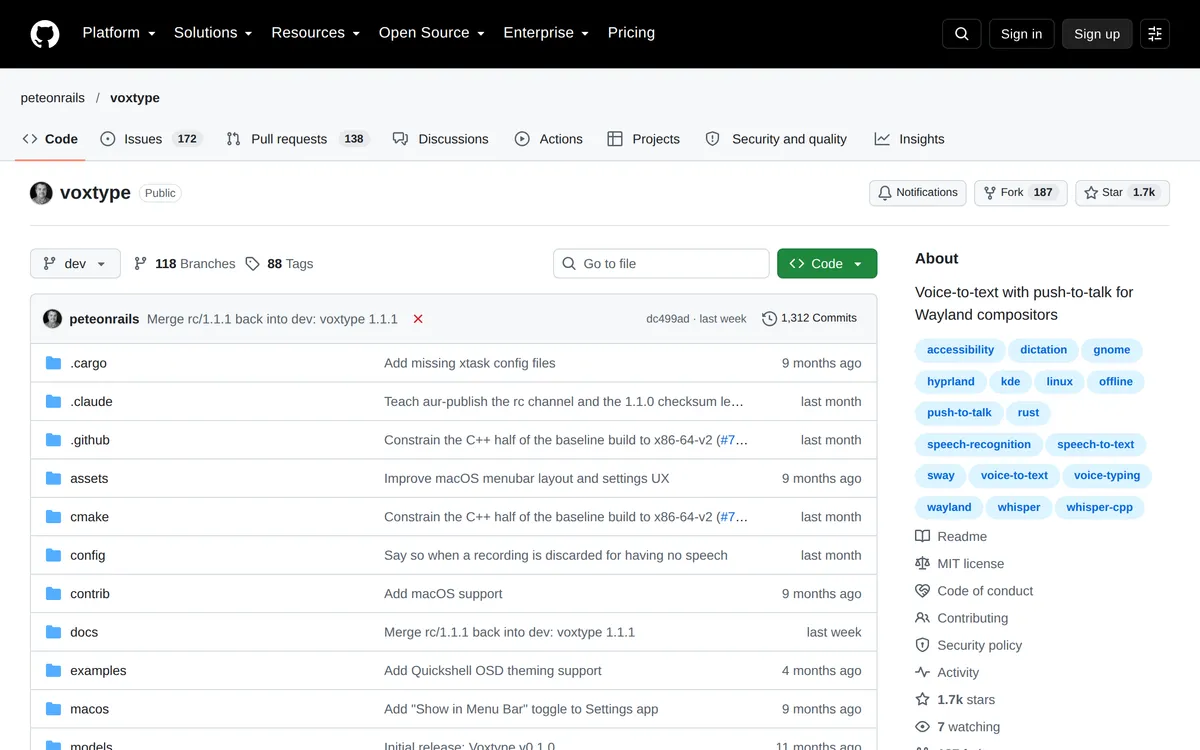 Screenshot of github.com, taken October 24, 2026.
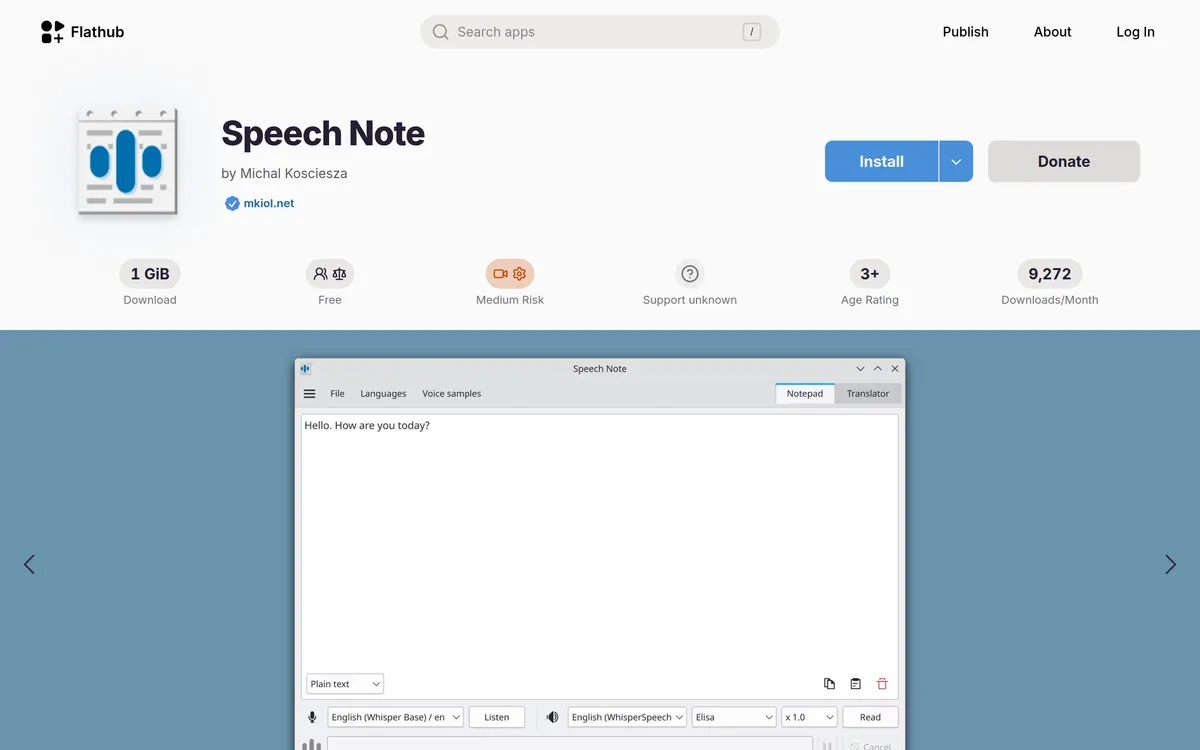 Screenshot of flathub.org, taken October 24, 2026.
Pick one of these over Blip AI if you want free and unlimited, open source, a package pacman manages, or an ARM build: Vocalinux lists aarch64 AppImages, Speech Note's Flathub listing offers aarch64, and Voxtype lists aarch64, though its install guide calls the arm64 binaries experimental and says they aren't in its AUR packages yet, so that's a manual install.
What about Handy, OpenWhispr, Superwhisper and nerd-dictation on Arch?
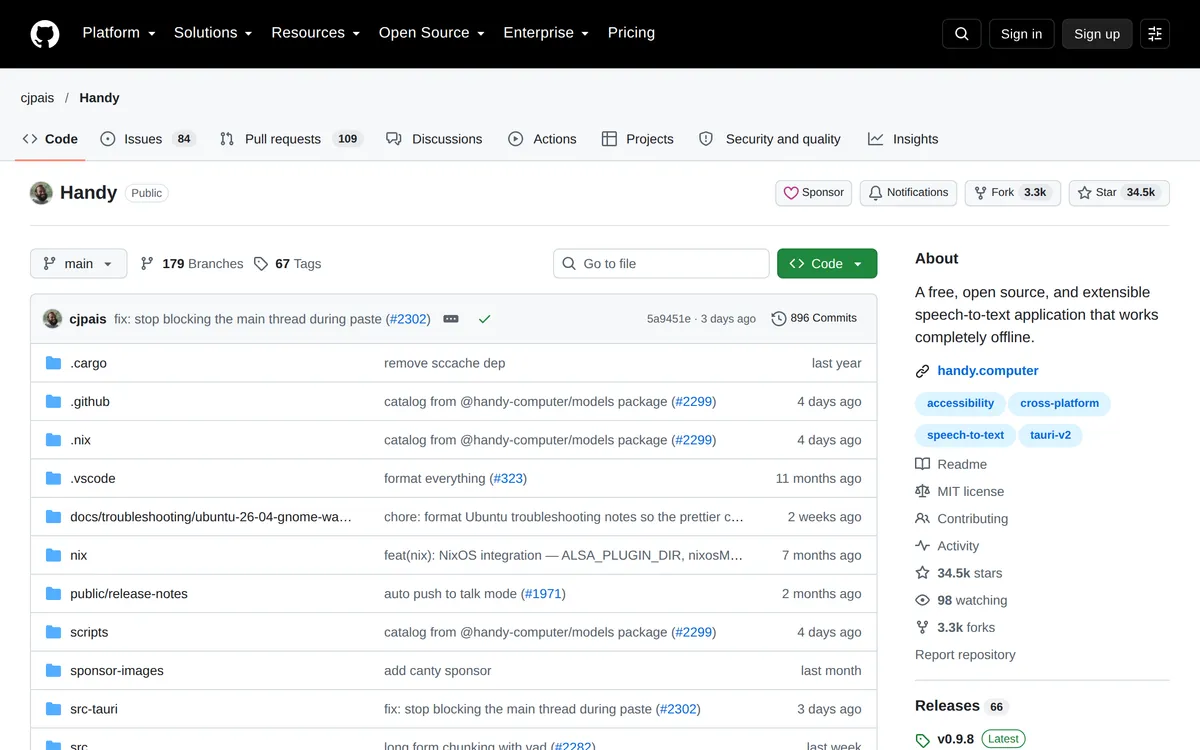
- Handy (MIT). Its download page offers an AppImage,
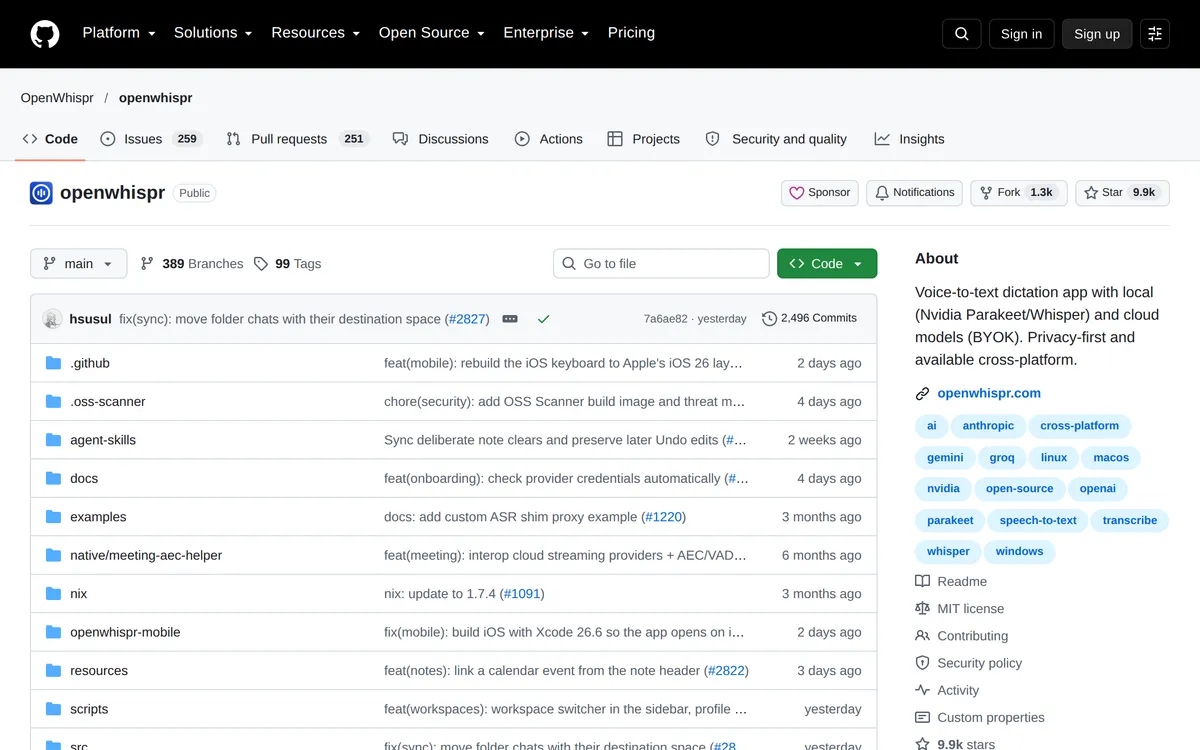
.deband.rpmfor x64 and ARM; neither it nor the README mentions the AUR. The AUR does havehandyandhandy-binpackages, kept by other maintainers and not mentioned in Handy's docs. The README describes "limited support for Wayland", says you needwtypeordotoolfor text input, and givessudo pacman -S gtk-layer-shellas the Arch fix if Handy fails to start over a missinglibgtk-layer-shell.so.0. More in Handy on Linux. - OpenWhispr (MIT). Its Linux guide lists
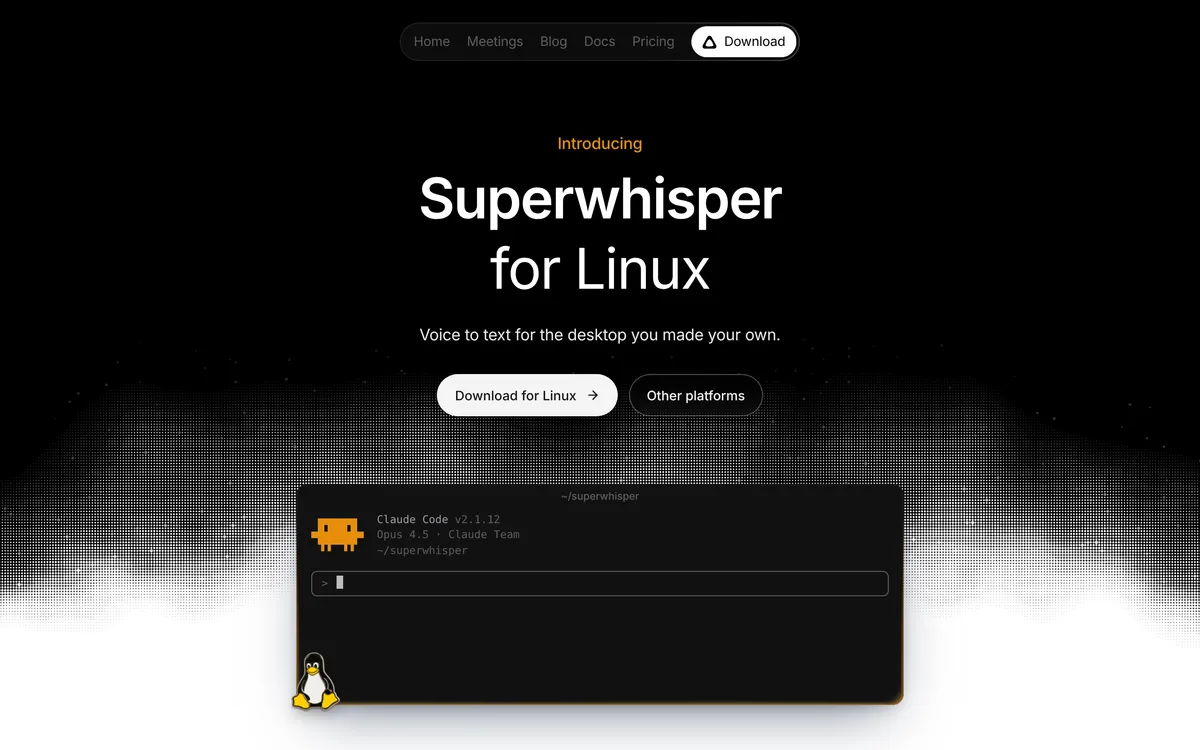
.deb,.rpm, AppImage and.tar.gz, x86-64 only, so on Arch you'd use the AppImage or the tarball. The AUR has anopenwhispr-binpackage, which OpenWhispr's docs don't mention. On Wayland the guide has you join theinputgroup. Its pricing page says local models are free, with 2,000 words a week of its cloud on the free plan. More in OpenWhispr on Linux. - Superwhisper lists "Arch (Rolling)", CachyOS and Omarchy 4.0+ among the distros it runs on, and installs with
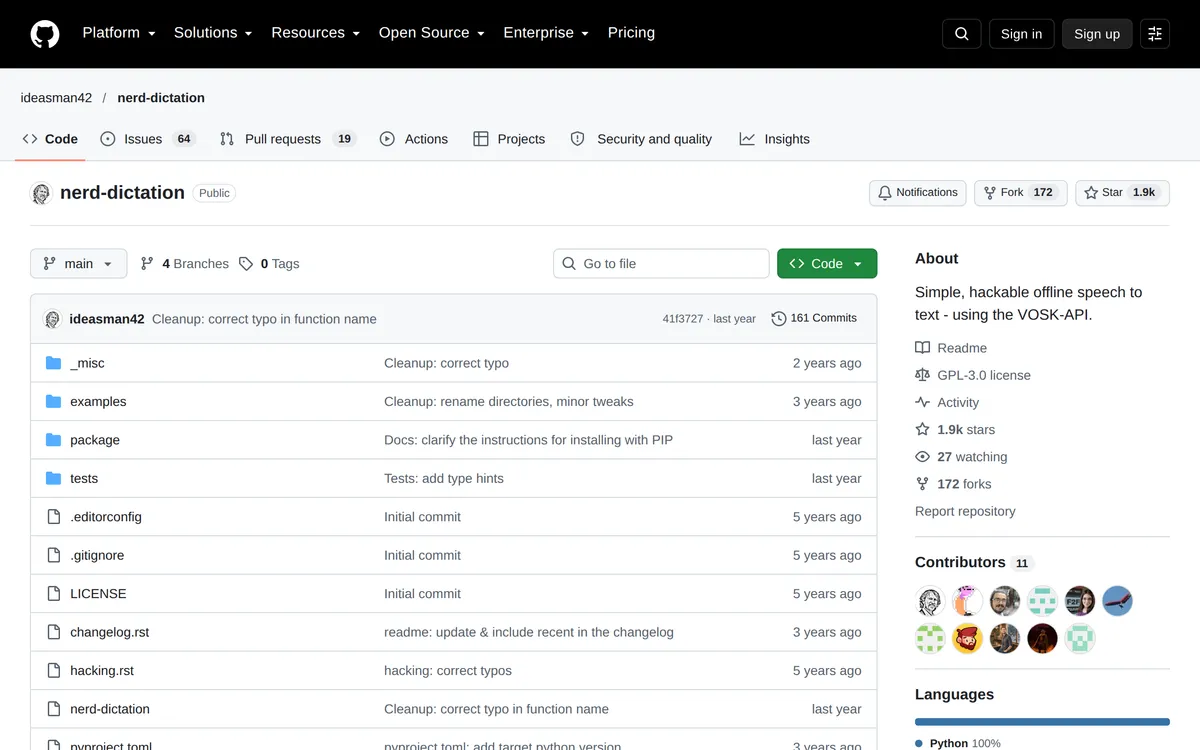
curl -fsSL https://tux.superwhisper.com/install.sh | sh. The page says it "needs Wayland (Hyprland, KDE Plasma or GNOME) and systemd", and that it has x86-64 and ARM builds. It says offline is free with no word limit, and cloud is free for 10,000 words every 30 days. If you're on one of those Wayland desktops, or on ARM, it's a fair pick. See Superwhisper for Linux. - nerd-dictation (GPL-3.0) is a single Python script on the VOSK engine. The README installs it with
pip3 install vosk, a git clone and a downloaded model, and doesn't mention the AUR; the AUR'snerd-dictation-gitwas last updated in December 2024. It types withxdotoolby default, withydotool,dotoolorwtypeas options, and has no hotkey of its own: you bindnerd-dictation beginandendto keys. See nerd-dictation on Linux.
 Screenshot of github.com, taken October 24, 2026.
 Screenshot of github.com, taken October 24, 2026.
 Screenshot of superwhisper.com, taken November 7, 2026.
 Screenshot of github.com, taken October 24, 2026.
One app people search for with Arch doesn't run there. Wispr Flow's download page has no Linux app, only a button to vote for Linux support. Wispr Flow for Linux covers what to use instead.
Why isn't speech to text typing anything on Arch?
- Nothing appears. You're on Wayland and the app is missing its helper or permission. For Blip AI that's the three steps above. For the others, it's the helper named in the table.
- The hotkey does nothing. On Wayland, several of these tools need your user in the
inputgroup, and a full log out and log in after you join it. Rungroups | grep inputto check. On KDE, Voxtype needs toggle mode. - It works in the browser but not the terminal. With Blip AI on GNOME or KDE Plasma 6, press Ctrl + Shift + V: your words are on the clipboard.
- The AppImage won't start. Install
fuse2, or start it with--appimage-extract-and-run. - An AUR build fails. Make sure
base-develis installed, which the ArchWiki's AUR page asks for, and use the project's prebuilt package (voxtype-bin,vocalinux-bin) if there is one.
On another distro? See speech to text on Ubuntu, on Fedora or on Linux Mint. For every option side by side, read the best dictation apps for Linux.
FAQ
Does Arch Linux have built-in speech to text? No. Arch's installation guide leaves setting up a graphical interface to you, and no dictation app comes with the install. You add one: Blip AI, hyprwhspr, Voxtype or Vocalinux are good starting points.
What is the best speech to text app for Arch Linux? For cleaned-up text with no GPU or model download, on Wayland and X11, plus the same app on iPhone and Android, we'd pick Blip AI, which we build. For free, offline and installed from the AUR, try hyprwhspr, Voxtype or Vocalinux.
Does Blip AI work on Arch Linux? Yes. Blip AI for Linux is one x86-64 AppImage for any modern 64-bit distro, Arch, Manjaro and EndeavourOS included. On Wayland, run sudo pacman -Syu wl-clipboard wtype, join the input group and, on GNOME or KDE Plasma 6, allow the paste prompt.
Is there an AUR package for Blip AI? No. Download the AppImage from /linux. If it asks for FUSE, install fuse2 with pacman.
Does Wispr Flow work on Arch Linux? No. Wispr Flow's download page has no Linux app, only a button to vote for Linux support. See Wispr Flow for Linux for the alternatives.
Does Superwhisper work on Arch Linux? Yes, on Wayland. Superwhisper's Linux page lists "Arch (Rolling)" and says it needs Wayland with Hyprland, KDE Plasma or GNOME, plus systemd. It doesn't run on X11.
Does speech to text work offline on Arch? hyprwhspr, Voxtype, Vocalinux, Handy, Speech Note and nerd-dictation say they run locally, and OpenWhispr's pricing page says unlimited local dictation is free. Superwhisper's offline mode is free. Blip AI works offline with its on-device Whisper models, which need the Pro plan.