
Nerd Dictation on Linux: Setup, Limits and Easier Options
Nerd-dictation is a free, offline VOSK dictation script for Linux. Setup for Ubuntu and Fedora (checked Nov 2026), Wayland typing, limits and alternatives.
Quick answer: nerd-dictation is a free, offline Linux dictation script built on VOSK. Install it in a virtual environment, download a VOSK model, and bind nerd-dictation begin and end to shortcuts. It types lowercase, unpunctuated text; Wayland needs ydotool, dotool or wtype. Our pick is Blip AI (we build it): cleaned-up text, plus apps for Mac, Windows, iPhone and Android.
We build Blip AI, one of the options at the end of this guide, so weigh our pick accordingly. Facts about nerd-dictation come from its GitHub repo, README and issues, and facts about other tools from their own pages, all checked on 2 November 2026. We ran the install commands below that day in clean Ubuntu 24.04, Ubuntu 26.04 and Fedora 44 containers. A container has no microphone or desktop, so that confirms the install and that the model loads, not how well it hears you.
What is nerd-dictation?
nerd-dictation is a single-file Python script that turns speech into typed text on Linux, offline, using the VOSK speech engine. Its README calls it simple, hackable and "zero overhead": there's no background process, and you drive it from the command line. You run nerd-dictation begin to start listening and nerd-dictation end to stop, and the words type into whichever window has focus.
| nerd-dictation (checked 2 November 2026) | |
|---|---|
| Speech engine | VOSK, runs on your computer |
| Licence | GPL-3.0 |
| Typing tool | xdotool by default (X11); ydotool, dotool or wtype for Wayland |
| Recording tool | parec by default; sox or pw-cat |
| Controls | Terminal commands you bind to shortcuts |
| Text | Lowercase words; options and a Python config file add digits, capitals and punctuation |
| Last commit | 10 October 2025, with no tagged releases |
The project is quiet. The repo shows 64 open issues and 19 open pull requests. A request for Whisper support has been open since December 2022; the maintainer replied then that Whisper "seemed not to be aimed at real-time operation".
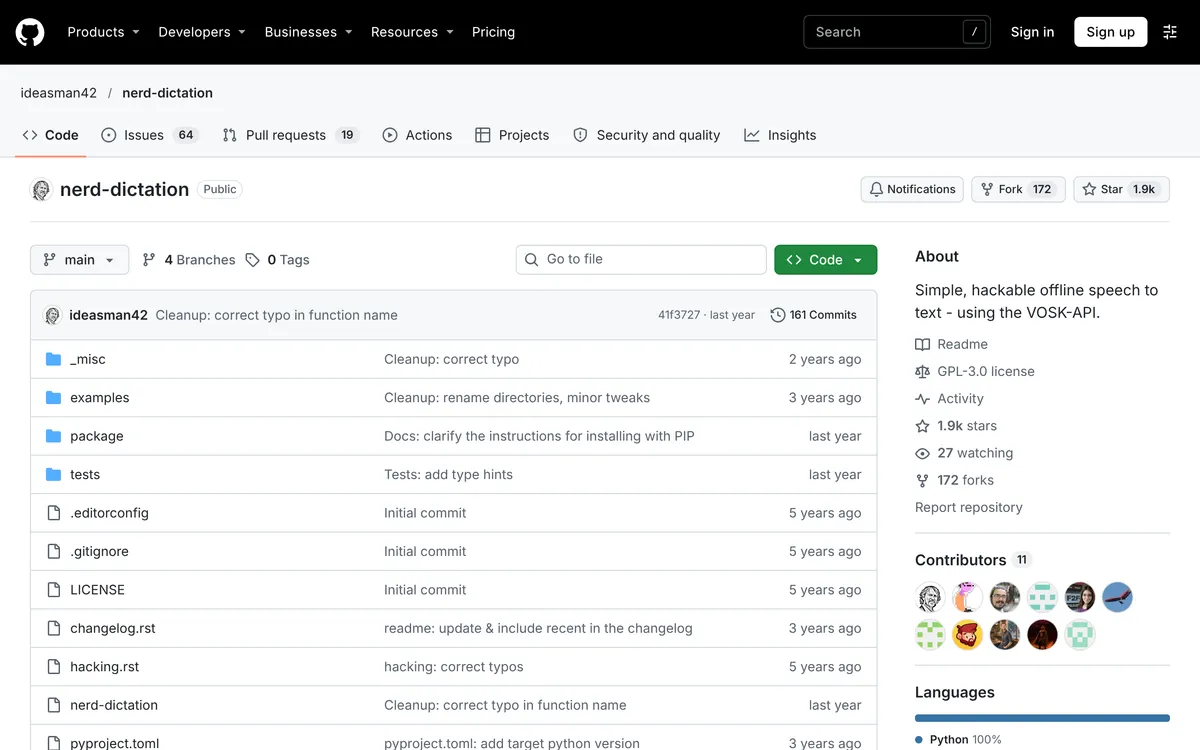 Screenshot of github.com, taken November 2, 2026.
How do you install nerd-dictation on Ubuntu or Fedora?
The README's install starts with pip3 install vosk. In the containers we tested, that line doesn't work as written. In a clean Ubuntu 24.04 container it stopped with error: externally-managed-environment, and in a clean Fedora 44 container Python had no pip at all ("No module named pip"). nerd-dictation's own pip packaging notes say some systems need a virtual environment, so these steps use one.
1. Install the tools. xdotool types the text, and parec (in pulseaudio-utils) records your microphone.
On Ubuntu:
sudo apt install python3-venv git wget unzip xdotool pulseaudio-utils
On Fedora:
sudo dnf install python3 git wget unzip xdotool pulseaudio-utils
2. Install nerd-dictation and VOSK in a virtual environment.
git clone https://github.com/ideasman42/nerd-dictation.git
cd nerd-dictation
python3 -m venv ~/.local/share/nerd-dictation-venv
~/.local/share/nerd-dictation-venv/bin/pip install ./package/python
The package lists vosk as a dependency, so this one command installs VOSK too (version 0.3.45 today). It also creates the command ~/.local/share/nerd-dictation-venv/bin/nerd-dictation.
3. Download a model. The small English model is a 40 MB download:
cd ~
wget https://alphacephei.com/kaldi/models/vosk-model-small-en-us-0.15.zip
unzip vosk-model-small-en-us-0.15.zip
mkdir -p ~/.config/nerd-dictation
mv vosk-model-small-en-us-0.15 ~/.config/nerd-dictation/model
~/.config/nerd-dictation/model is the default model path in the README, so you don't need --vosk-model-dir.
4. Test your microphone and the model.
~/.local/share/nerd-dictation-venv/bin/nerd-dictation begin --timeout 3 --output STDOUT
Say a sentence, then stop talking. After three seconds without speech, it prints what it heard and exits. This test skips the typing tool, so if it works and typing later doesn't, the problem is xdotool or Wayland (below).
On Arch, the AUR has nerd-dictation-git (last updated 20 December 2024, per the AUR), and GNU Guix packages it as nerd-dictation.
Which VOSK model should you use for nerd-dictation?
Start with the small model. VOSK's models page says a small model "requires about 300Mb of memory in runtime" and recommends small models for desktop apps, while big models "require up to 16Gb in memory". Its English models, checked 2 November 2026:
| Model | Download | Word error rate on LibriSpeech test-clean (lower is better) | VOSK's description |
|---|---|---|---|
vosk-model-small-en-us-0.15 |
40 MB | 9.85 | Lightweight model for Android and Raspberry Pi |
vosk-model-en-us-0.22-lgraph |
128 MB | 7.82 | Big US English model with dynamic graph |
vosk-model-en-us-0.22 |
1.8 GB | 5.69 | Accurate generic US English model |
vosk-model-en-us-0.42-gigaspeech |
2.3 GB | 5.64 | Trained on GigaSpeech, mostly for podcasts |
A word error rate of 9.85 means about 10 errors per 100 words on that test set. If the small model mishears you too often, try the 128 MB lgraph model, then the 1.8 GB model if you have the memory. Unzip the new model and replace the model folder, or point to it with --vosk-model-dir. For other languages, VOSK says it covers 20+ languages and dialects, and the models page lists them.
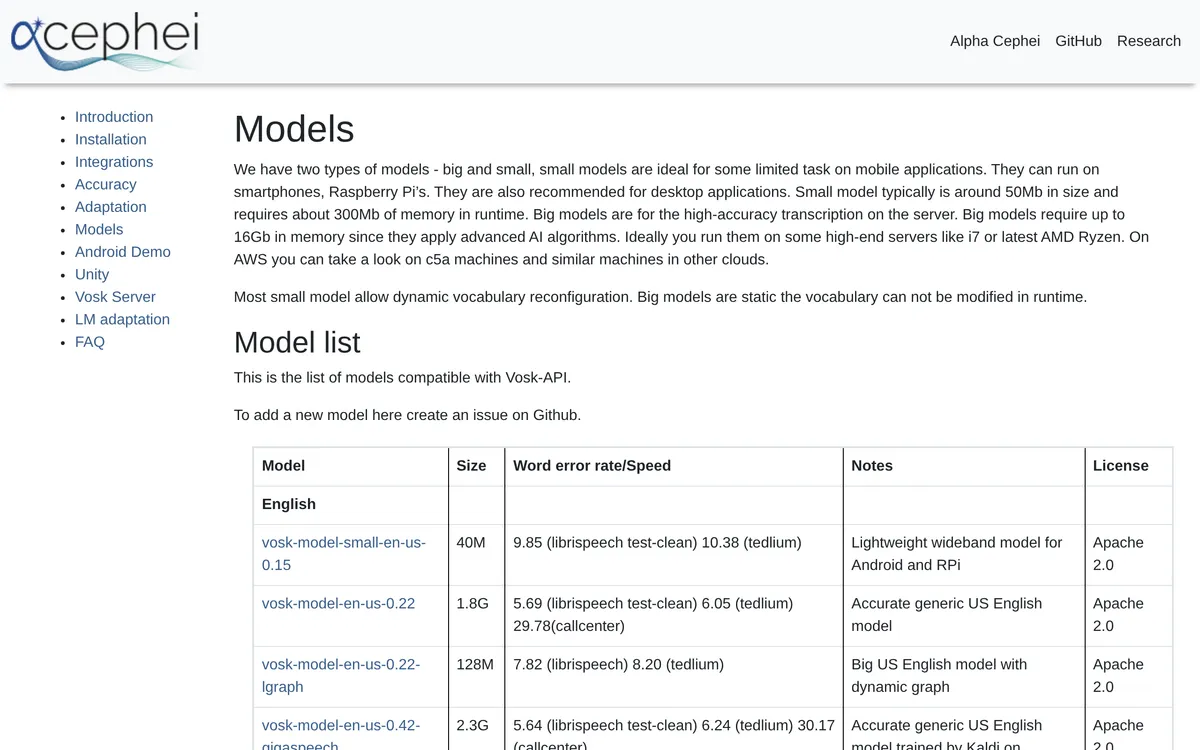 Screenshot of alphacephei.com, taken November 2, 2026.
How do you start and stop nerd-dictation with a keyboard shortcut?
nerd-dictation has no hotkey of its own; the README leaves it to you to bind begin, end and cancel to keys. On GNOME, per GNOME Help:
- Run
echo ~/.local/share/nerd-dictation-venv/bin/nerd-dictationin a terminal and copy the full path it prints. - Open Settings → Keyboard → View and Customize Shortcuts → Custom Shortcuts.
- Click Add Shortcut (or +). Name it "Start dictation" and set the command to the path plus
begin. - Click Add Shortcut…, press the keys you want, and click Add.
- Add a second shortcut, "Stop dictation", with the path plus
end.
Want one key instead of two? Make the first command begin --timeout 2. Dictation then ends itself after two seconds without speech, so you only need the start key. If you'd rather click than remember keys, the README lists Elograf, a tray-icon front end for nerd-dictation.
The options worth knowing, from nerd-dictation begin --help:
| Option | What it does |
|---|---|
--timeout 2 |
Stops after 2 seconds with no speech, so you don't need an end key |
--full-sentence |
Capitalizes the first letter of what you dictate |
--punctuate-from-previous-timeout 10 |
If you dictated in the last 10 seconds, adds a comma before your new text, or a full stop with --full-sentence |
--numbers-as-digits |
Types "two four six eight" as 2468; add --numbers-use-separator for the README's 2,468 |
--continuous |
Meant for keeping dictation on for long stretches |
--simulate-input-tool YDOTOOL |
Uses ydotool to type (also DOTOOL, WTYPE); see the Wayland section |
For spoken punctuation, put a Python function in ~/.config/nerd-dictation/nerd-dictation.py. This one turns the words "comma", "period" and "question mark" into marks and capitalizes "I", without touching words that contain them:
import re

SPOKEN = {"comma": ",", "period": ".", "question mark": "?"}

def nerd_dictation_process(text):
    for spoken, mark in SPOKEN.items():
        text = re.sub(r"\s*\b" + spoken + r"\b", mark, text)
    return re.sub(r"\bi\b", "I", text)
We ran it on sample text: "the periodic table period" becomes "the periodic table." and "i think comma we should ship it period" becomes "I think, we should ship it."
The repo's example config does the same and more, such as dropping "um".
How do you make nerd-dictation type on Wayland?
Run echo $XDG_SESSION_TYPE. If it prints wayland, the default xdotool won't work: nerd-dictation's ydotool guide says xdotool is "only compatible with Xorg" and on Wayland "the program will not type anything". On a recent Fedora or Ubuntu, expect wayland: Fedora 43 removed the GNOME X11 session, and Ubuntu's 26.04 roadmap says "Wayland is now the default session across modern GPUs".
The README lists three Wayland typing tools: ydotool and dotool, which work "anywhere (X11/Wayland/TTYs)", and wtype. Which one is easiest depends on your distro (package versions checked 2 November 2026):
| Your system | Use | Why |
|---|---|---|
| Ubuntu 26.04 or later | ydotool from apt |
Version 1.0.4, with its daemon, a user service and a udev rule |
| Ubuntu 24.04 | ydotool from GitHub |
The 24.04 package is 0.1.8, which fails with nerd-dictation |
| Fedora 44 | dotool from dnf |
Packaged (1.6) with a udev rule for the input group |
| Sway, Hyprland | wtype |
The tool OpenWhispr's Linux docs use on wlroots compositors |
Ubuntu 26.04: ydotool from apt
sudo apt install ydotool
sudo usermod -aG input $USER
Reboot. The package's Debian notes say its daemon needs you in the input group and a reboot or session restart. Check it with systemctl --user status ydotool, then add --simulate-input-tool YDOTOOL to your start shortcut.
Ubuntu 24.04: ydotool from GitHub
Ubuntu 24.04's ydotool package is version 0.1.8. In issue #151, nerd-dictation on 24.04 failed with unrecognised option '--next-delay', and the fix was a newer ydotool from the project's releases. Following nerd-dictation's ydotool guide, with the current v1.0.4 release:
mkdir -p ~/.local/bin
wget -O ~/.local/bin/ydotool https://github.com/ReimuNotMoe/ydotool/releases/download/v1.0.4/ydotool-release-ubuntu-latest
wget -O ~/.local/bin/ydotoold https://github.com/ReimuNotMoe/ydotool/releases/download/v1.0.4/ydotoold-release-ubuntu-latest
chmod +x ~/.local/bin/ydotool ~/.local/bin/ydotoold
sudo usermod -aG input $USER
echo 'KERNEL=="uinput", GROUP="input", MODE="0660", OPTIONS+="static_node=uinput"' | sudo tee /etc/udev/rules.d/80-uinput.rules
Restart, make sure ~/.local/bin is on your PATH, and start ydotoold (add it to your startup programs, as the guide suggests). Then use --simulate-input-tool YDOTOOL. We checked that these binaries run on Ubuntu 24.04; ydotoold --version printed v1.0.4.
Fedora: dotool
sudo dnf install dotool
sudo usermod -aG input $USER
Reboot, then use --simulate-input-tool DOTOOL. The Fedora package installs /usr/lib/udev/rules.d/80-dotool.rules, which lets the input group use dotool without root; we listed the package's files in a Fedora 44 container.
On a non-US keyboard layout, test first. Issue #97 reports ydotool typing wrong words on a non-QWERTY layout; a reply suggests dotool with DOTOOL_XKB_LAYOUT set (for example fr). In issue #132, dotool on a German layout typed shifted characters (capitals, apostrophes, question marks) wrong. Both are still open.
What are nerd-dictation's limits?
- Lowercase, unpunctuated text. The README says "Text from VOSK is all lower-case". Capitals and punctuation come only from the options and config above. VOSK publishes separate punctuation models (1.6 GB for English) on its models page; nerd-dictation's README doesn't mention them.
- Accuracy depends on the model you can run. The small model's 9.85 word error rate drops to 5.69 with the 1.8 GB model, and VOSK says big models can need up to 16 GB of memory.
- A pause before text appears. The README warns of a noticeable start-up delay on slower disks, especially the first time. Recording starts before the speech model loads, so your first words are captured, but text only appears once loading finishes. The
suspendandresumecommands keep the model loaded to avoid the wait. - Wayland takes extra setup, and the layout bugs above are open. The ydotool guide also says xdotool slows down on characters not found in English, "temporarily freezing your computer's display".
- VOSK only. No Whisper or Parakeet models, which Handy, Voxtype and OpenWhispr all run.
- Slow maintenance. A February 2026 report from an Ubuntu 24.04 Wayland user, where no text came out after "Model loaded", has no reply.
nerd-dictation is still the right pick if you want dictation that's free, fully offline, scriptable and light: VOSK's small model needs about 300 MB of memory. --output STDOUT lets you use speech in shell scripts, and the config file is plain Python.
What are easier alternatives to nerd-dictation?
If the setup or the lowercase text is the problem, these five are the ones we'd try first; our Linux roundup lists more. Every one of them still needs a typing helper on Wayland, as the table shows. The free, open-source tools come first, then Blip AI, which we build (free plan, paid Pro). Facts and prices are from each project's own page, checked 2 November 2026.
| Speech engine | Punctuation and cleanup | Setup | Wayland | Price | |
|---|---|---|---|---|---|
| nerd-dictation | VOSK, local | Lowercase; your config adds the rest | pip, a model and two shortcuts | ydotool, dotool or wtype |
Free (GPL-3.0) |
| Handy | Whisper or Parakeet, local | Filler words removed by default; optional AI cleanup | Desktop app | Limited; needs wtype or dotool |
Free (MIT) |
| Voxtype | Nine local engines | Spoken punctuation, word replacements, optional AI cleanup | Terminal | Built for it; types with wtype, dotool or ydotool |
Free (MIT) |
| OpenWhispr | Local models or cloud | Cleanup on by default | Desktop app (x86-64) | input group, plus ydotool (with its daemon) on GNOME and KDE |
Free; Pro $80/user/year |
| Speech Note | Vosk, Whisper and others, local | Punctuation restoration | Flatpak | Needs the ydotool daemon |
Free (MPL-2.0) |
| Blip AI | Blip Cloud by default; on-device models on Pro | Removes filler words, fixes punctuation and formatting | AppImage (x86-64) | Needs wtype, ydotool and the input group (setup guide) |
Free 2,000 words a month; Pro $15/month or $12/month yearly |
Handy: the simplest local app
Handy is a free, MIT-licensed app that "works completely offline" with Whisper or Parakeet V3 models. Its settings remove filler words by default, and AI post-processing is an opt-in extra. Linux builds are AppImage, .deb and .rpm for x86-64 and ARM64 (v0.9.8). The README calls Wayland support limited: you need wtype or dotool (ydotool on Ubuntu 26.04) and bind handy --toggle-transcription in your desktop's shortcut settings.
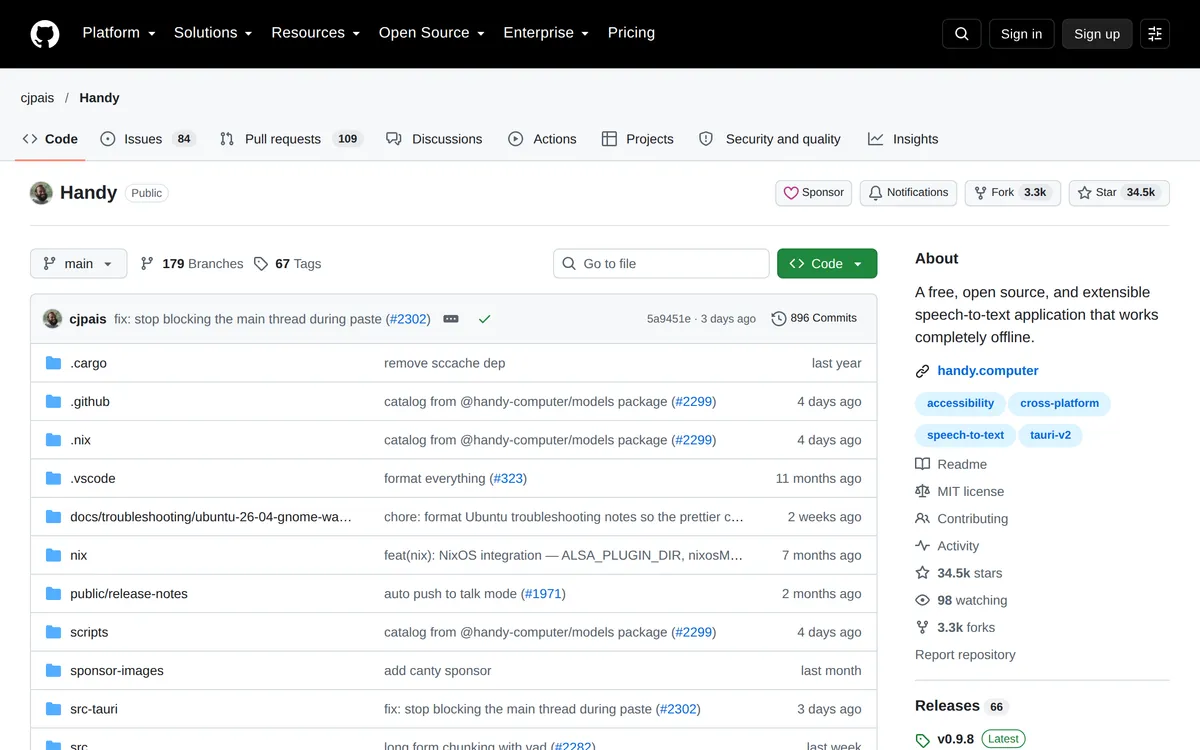 Screenshot of github.com, taken October 24, 2026.
Voxtype: built for Wayland
Voxtype (MIT) is a push-to-talk tool that's local by default, with nine engines including Whisper, Parakeet and Cohere Transcribe, which its README says adds punctuation and capitalization out of the box. It binds keys through Hyprland, Niri, Sway, River, GNOME and KDE, and types with wtype, falling back to dotool, ydotool or the clipboard. You set it up in the terminal. Packages: AUR, .deb and .rpm.
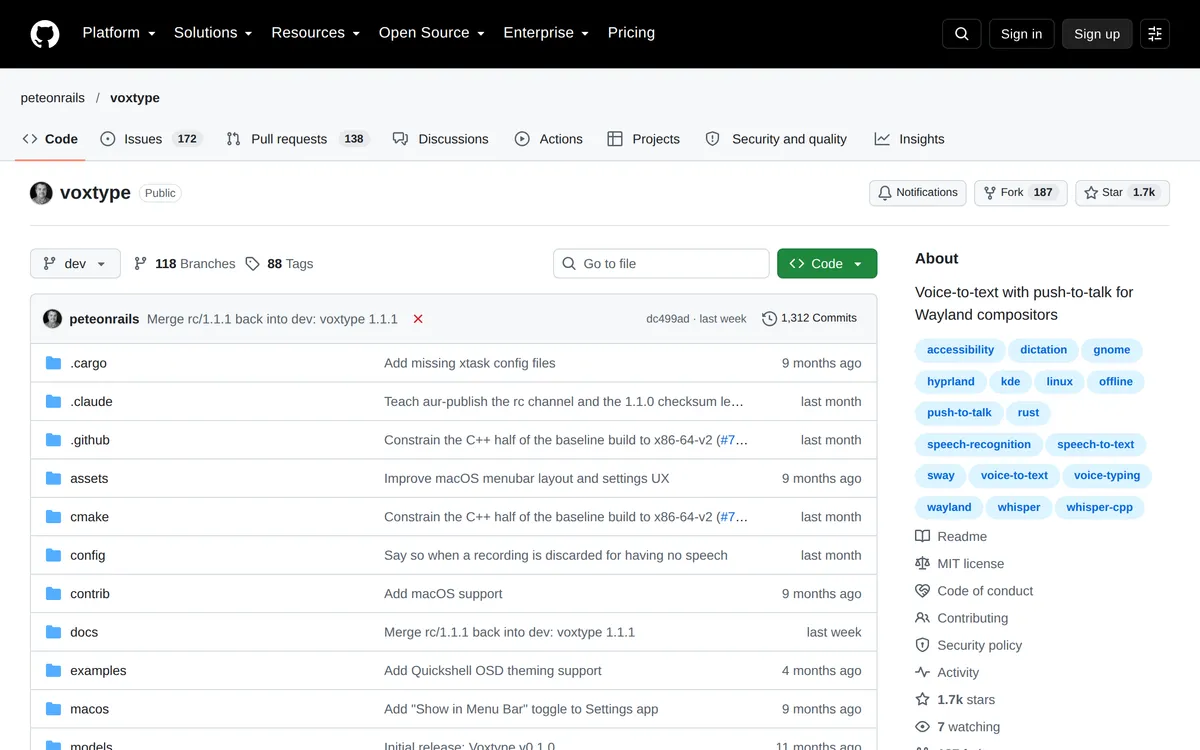 Screenshot of github.com, taken October 24, 2026.
OpenWhispr: open source with cleanup
OpenWhispr (MIT) runs local models or cloud transcription. Its cleanup is on by default and removes filler words, fixes grammar and polishes punctuation, using OpenWhispr Cloud, your own API key or a local model. Linux builds are AppImage, .deb, .rpm and .tar.gz, x86-64 only per its Linux guide. The free plan has unlimited local models and 2,000 words a week of OpenWhispr Cloud; Pro is $80 per user per year.
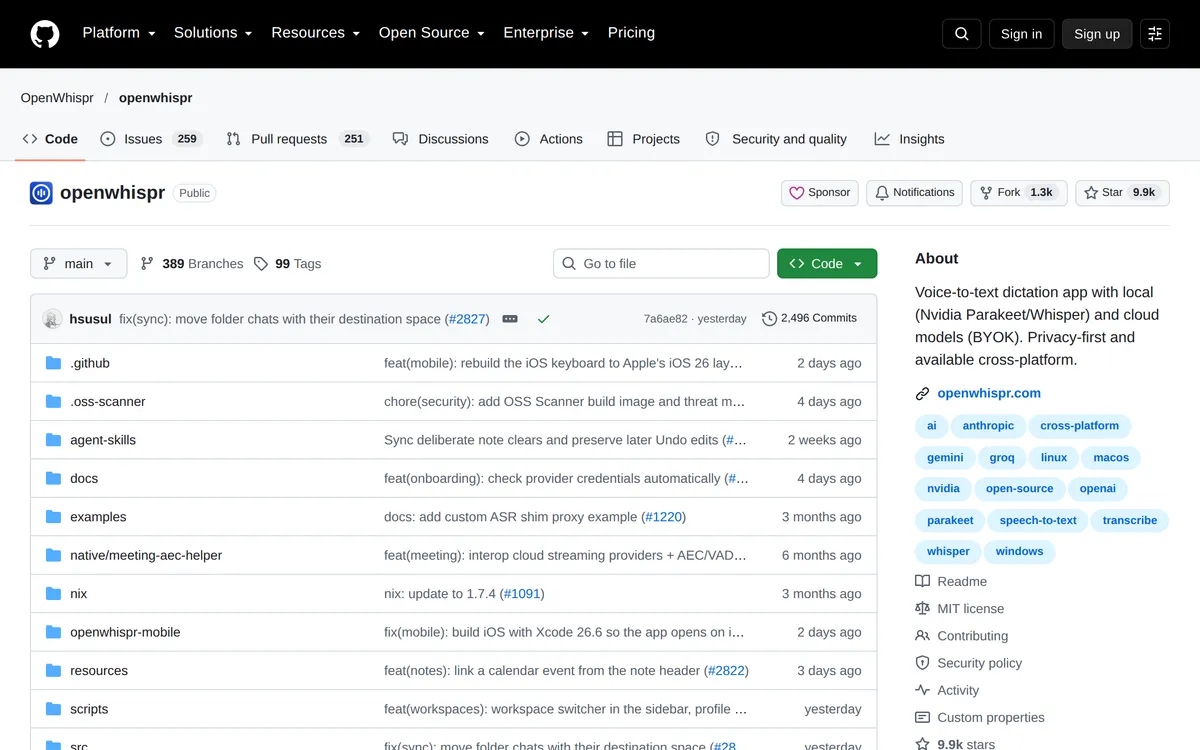 Screenshot of github.com, taken October 24, 2026.
Speech Note: keep VOSK, add an app
Speech Note (MPL-2.0) is a notes app that runs offline and can use Vosk, the engine behind nerd-dictation, plus Whisper and others. Its main Flatpak includes punctuation restoration. Install it with flatpak install net.mkiol.SpeechNote. Its "insert into active window" action types into other apps; the README says that works on X11 out of the box, and on Wayland needs the ydotool daemon running.
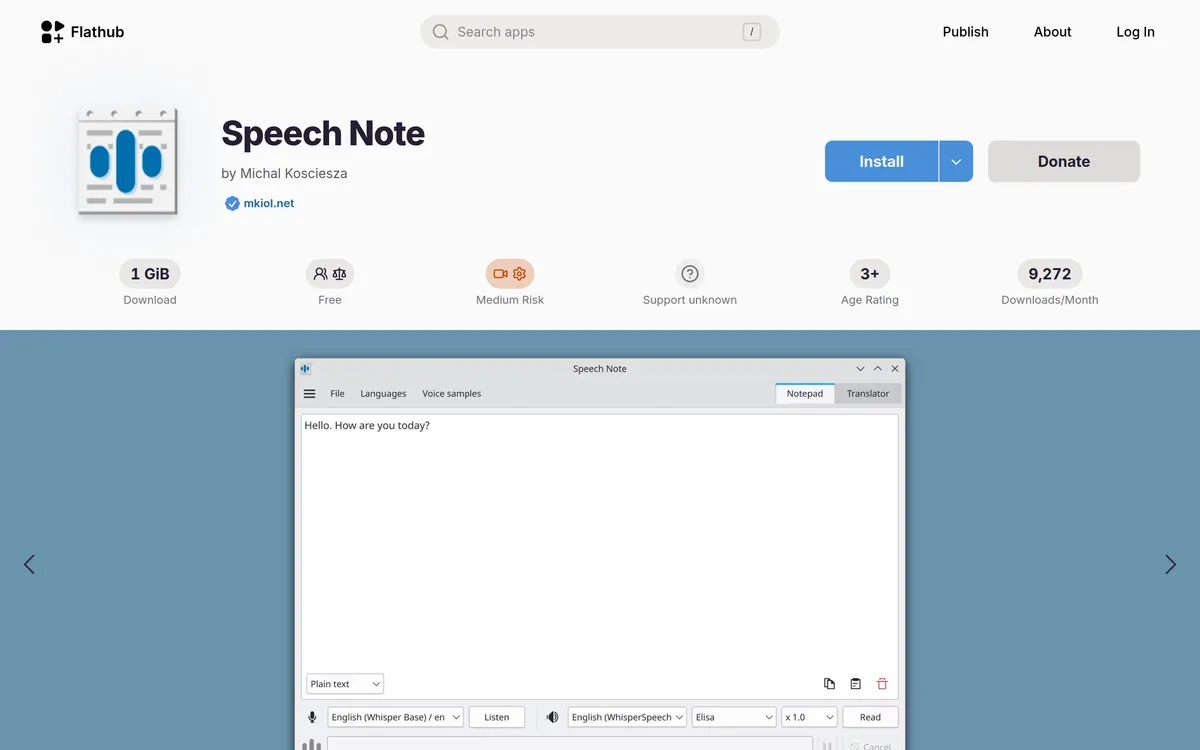 Screenshot of flathub.org, taken October 24, 2026.
Blip AI: our pick if you also dictate on Android, a Mac or Windows
Blip AI has apps for Mac, Windows, iPhone and Android as well as Linux. OpenWhispr's site lists macOS, Windows, Linux and iOS, and its mobile docs say an Android app is "not yet" available but "actively being built" (both checked 2 November 2026). Start with "Hey Blip" and Blip drafts a reply instead of a transcript.
On Linux, Blip AI is a native AppImage for Ubuntu/Debian, Fedora and Arch on Wayland and X11. Blip Cloud, the default, removes filler words and fixes punctuation with no GPU, model download or API key. Pro adds on-device Whisper models that run offline on your computer.
Hold Ctrl + Super, speak and let go; add Space for hands-free. It types into any app with a text field, including terminals and SSH sessions. On Wayland it needs setup too: wtype, wl-clipboard and ydotool, the input group, and on GNOME and KDE the ydotool daemon, as our Linux setup guide lists. The limits: the AppImage is x86-64 only, like OpenWhispr's builds; the free plan is 2,000 words a month on Blip Cloud only; and offline needs Pro. Download Blip AI.
Pick OpenWhispr over Blip AI if you want open source, more free cloud dictation (2,000 words a week against Blip's 2,000 a month), or a cheaper paid plan ($80 a year against $144 a year for Blip Pro billed yearly).
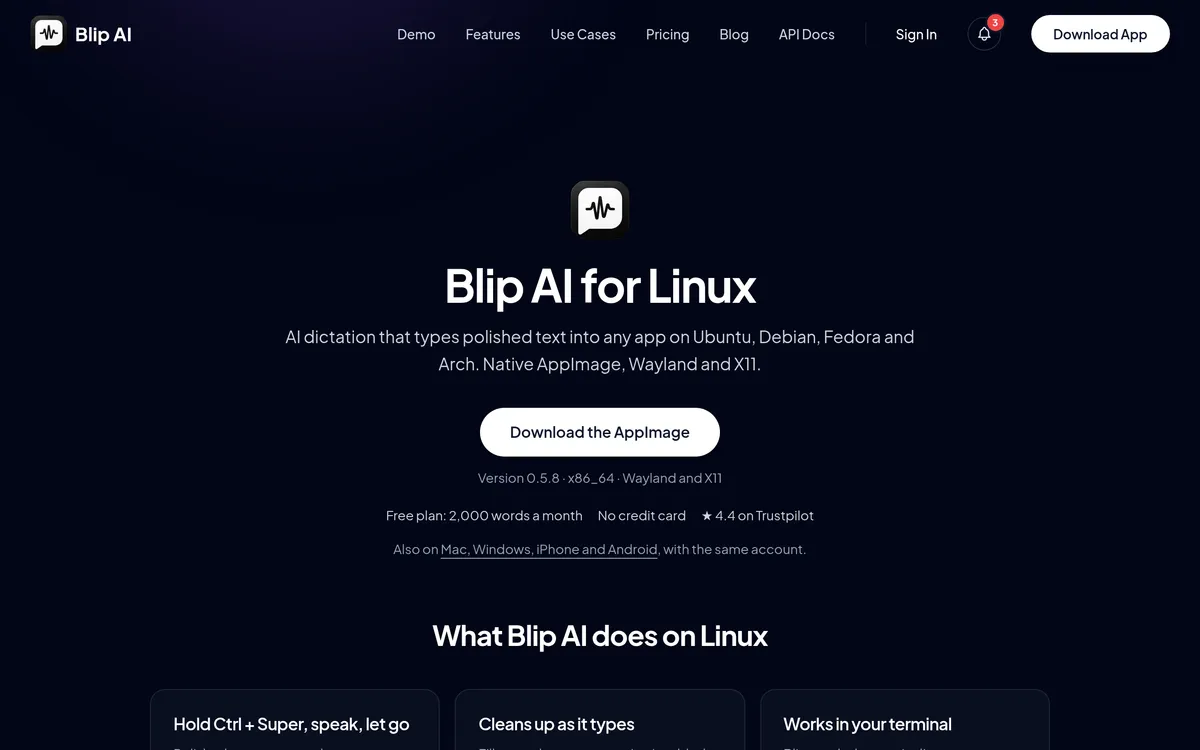 Screenshot of blipai.app, taken October 24, 2026.
Stay with nerd-dictation, or pick Handy, Voxtype, Speech Note or OpenWhispr with its local models, if you want everything free and offline. For the full list, including Vocalinux and Speed of Sound, see the best dictation apps for Linux, and for desktop-by-desktop setup, how to voice type on Linux.
FAQ
Does nerd-dictation work on Wayland? Yes, with a different typing tool. The default xdotool only works on X11, so use --simulate-input-tool YDOTOOL, DOTOOL or WTYPE. On Ubuntu 26.04 install ydotool from apt; on Ubuntu 24.04 the apt version is too old, so use ydotool's GitHub release; on Fedora, dotool is packaged.
Does nerd-dictation add punctuation? Not on its own. VOSK returns lowercase words. nerd-dictation can capitalize the first letter (--full-sentence), add a comma before a dictation that follows soon after the last one (--punctuate-from-previous-timeout, a full stop with --full-sentence), and turn spoken words like "comma" into marks through its Python config file.
How do I make nerd-dictation more accurate? Use a bigger VOSK model. On VOSK's own benchmark, the 40 MB small English model has a word error rate of 9.85, the 128 MB lgraph model 7.82 and the 1.8 GB model 5.69. Big models can need up to 16 GB of memory.
Why does pip3 install vosk fail? Ubuntu 24.04 blocks system-wide pip installs with error: externally-managed-environment, and in our clean Fedora 44 container, Python had no pip. Create a virtual environment with python3 -m venv and install nerd-dictation and VOSK into it, as in the steps above.
Is nerd-dictation still maintained? Slowly. Its last commit was on 10 October 2025, and the repo has 64 open issues and 19 open pull requests (checked 2 November 2026). In our clean-container test on 2 November 2026, it still installed and loaded its model on Ubuntu 24.04, Ubuntu 26.04 and Fedora 44.
Can nerd-dictation use Whisper? No. It only uses VOSK. A request for Whisper support has been open since 2022. For local Whisper dictation on Linux, try Handy, Voxtype, OpenWhispr or Speech Note.
Is there a GUI for nerd-dictation? Not built in. The README lists Elograf, a tray-icon front end, which is in the AUR as elograf-git. Speech Note is a separate app that can run Vosk in a window.