
Speech to Text for ADHD: What Helps and What Doesn't
Speech to text for ADHD can get ideas down before they slip. What the evidence says, a brain-dump workflow, the limits, and free tools to start with.
Quick answer: Speech to text can help with ADHD writing by getting a thought onto the page before it slips, but the research covers writing difficulties in general, not ADHD alone. Start with your phone's built-in dictation. For cleaned-up text in any app, we recommend Blip AI, which we build: it removes filler words.
Does speech to text help with ADHD?
Maybe, and it's worth testing for a week. Here's what we found, and what we didn't.
In the US, about 15.5 million adults, or 6.0%, had a current ADHD diagnosis in 2023, based on self-report (CDC, October 2024). That's a lot of people who write emails, reports and messages every day.
The support for dictation is real but indirect. Understood says dictation "can help people who struggle with writing". It lists poor handwriting, spelling, capturing thoughts quickly and comfort as reasons. Its page doesn't mention ADHD by name. Australia's ADCET does: it says "maintaining concentration whilst writing can be difficult for some students with ADHD" and suggests voice dictation software may help.
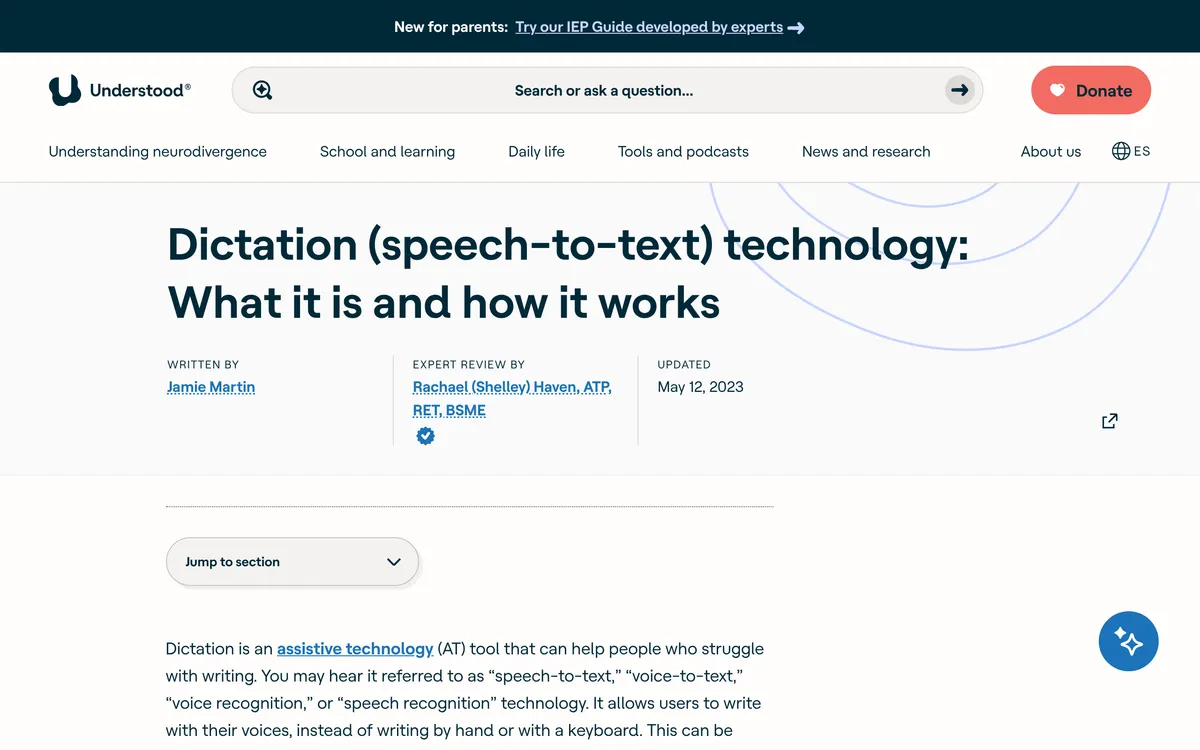 Screenshot of understood.org, taken October 31, 2026.
We didn't find a trial that tested dictation on people with ADHD specifically. The pages we read for this include several from dictation vendors, us among them. So treat dictation as a tool to try, not a treatment. It won't fix attention, and it's not a substitute for support from a clinician or your school or workplace.
Why dictation might fit how ADHD writing breaks down
These are reasons it's worth trying, not proven effects:
- Speech was faster than typing in one lab test. In a lab test of short messages, speech was 2.93 times faster than typing on a phone: 153 words a minute against 52 (Ruan et al.). The same study found slightly more uncorrected errors left in the final speech text. Less lag between thought and page may mean fewer thoughts lost on the way.
- Starting may be easier. Talking out loud skips the blank page. You don't need to choose the first sentence before you begin.
- Fewer small decisions. You're not stopping mid-sentence to fix a typo or find a word, and Understood notes some users draft by voice, then edit with a keyboard and mouse.
A brain-dump workflow that works with dictation
This is guidance built from how dictation behaves, not a tested protocol:
- Name the task in one sentence first. "I'm replying to the landlord about the repair date." It gives you a thread to come back to when you drift.
- Dump without editing. Say everything, in any order. Don't stop to fix a wrong word. Understood says an outline may help you stay organized, so jot three bullet points if the piece is long.
- Keep the raw version. Don't overwrite your first pass. If a tangent turns out to matter, you can still find it.
- Clean up in a second pass. Delete the tangents, reorder, then read it aloud or send it. An AI cleanup tool can tidy filler words and punctuation, but it can't decide what you meant to say, so a pass by you is still needed.
- Turn what's left into actions. If the dump contains tasks, move them to a list the same day. Our guides on turning voice notes into tasks and not saving things for later cover that step.
Free speech to text you already have
Try what's built in before you pay for anything. Understood lists dictation as built in on Windows and macOS computers, Android and iOS devices and Chromebooks.
| Option | How to start | One thing to know |
|---|---|---|
| iPhone | Tap the microphone on the keyboard | Apple says dictation stops after 30 seconds of silence, so a long pause ends it |
| Any browser, no install | Open our free speech-to-text tool | Raw transcript, no AI cleanup |
Mac, Windows and Android have built-in dictation too. Our guides cover the steps for Mac, Windows and Android.
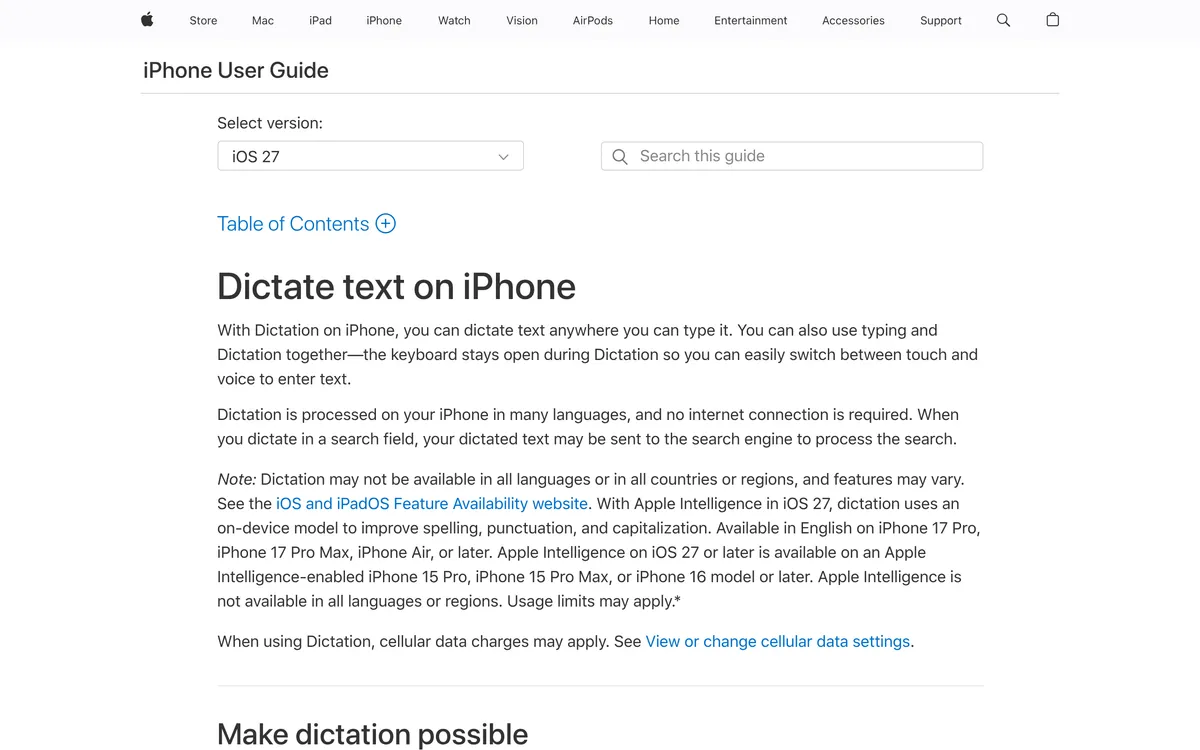 Screenshot of support.apple.com, taken October 31, 2026.
On iPhone, Apple's page says dictation inserts commas, periods and question marks automatically in supported languages, which is one less thing to say aloud. Our iPhone dictation guide walks through the setup.
Where speech to text falls short
Be honest about these before you rely on it:
- It transcribes the tangents too. Dictation types what you say, restarts and detours included. You still have to sort the result.
- Accuracy isn't perfect. Understood says dictation "isn't always perfectly accurate" and works best with clear speech at a steady pace.
- Commands take learning. Understood notes that editing and navigating by voice rely on special commands, and recommends a cheat sheet.
- Whole phrases work best. Understood also says dictating works best in whole phrases, which some people find hard. If that's you, say a short phrase, then pause.
- Privacy matters. Don't dictate anything confidential into a tool your employer hasn't approved.
How to dictate faster with Blip AI
If built-in dictation works for you, keep using it. If you want punctuation fixed and filler words removed, Blip AI is our pick, and we build it. Here's how it works:
- Hold a key, talk, let go. Hold Fn on Mac, Ctrl + Win on Windows or Ctrl + Super on Linux. The text lands wherever your cursor is, in any app with a text field.
- Hands-free mode. Add Space to the same keys (for example Fn + Space on Mac) to dictate without holding the keys down.
- Clean text. AI cleanup removes filler words and fixes punctuation and formatting.
- History is stored on your device. Blip's history, including audio you can extract, is stored locally on your device, not on Blip's servers, and you can extract the audio.
- Describe the message instead of writing it. Start with "Hey Blip" and say, for example, "Hey Blip, reply to Sam and say Thursday works but I need the file by Wednesday." Action Mode drafts the email or Slack message instead of typing your words one by one.
Blip is also on iPhone and Android. The free plan covers 2,000 words a month, so you can try it before paying for Pro. Our full speed numbers post covers what voice typing does and doesn't buy you, and our dyslexia dictation guide covers a related set of writing difficulties.
FAQ
Is speech to text good for ADHD? It can be a useful tool for getting thoughts down quickly, but no study we found tests dictation on ADHD specifically. The evidence we found is about writing difficulties in general. Try built-in dictation for a week and see whether starting and finishing messages gets easier.
What is the best speech to text app for ADHD? There isn't a tested "best". Start with free built-in dictation on your phone or computer. If you want filler words removed and punctuation fixed in any app, we recommend Blip AI, which we build; its free plan covers 2,000 words a month. Our best free dictation apps post lists the other free options.
Can dictation help with writing emails if you have ADHD? It can, because you can say the message instead of staring at a blank draft. Dump the points out loud, then edit once before sending. Blip AI's Action Mode can draft a reply from a spoken description, and you should read it before you send.
Does speech to text work if I ramble or lose my train of thought? It transcribes what you say, tangents included. Name the task in one sentence first, dump the ideas, then delete what doesn't belong. An outline of three bullets helps on longer pieces.
Is dictation an accommodation for ADHD? Understood and ADCET both describe dictation as a support for writing, and schools and employers set their own rules. Ask your school's disability office or your employer's HR what they offer in your area.
Is Blip AI free to try for ADHD? Blip AI has a free plan of 2,000 words a month, and a 7-day free trial on paid plans. You can also try our browser-only speech-to-text tool with no install.