
Speech to Text on Ubuntu: Wayland, X11 and 24.04+
Ubuntu has no system-wide speech to text by default. Your options on 24.04 and later: Canonical's Myna preview, Blip AI, or free tools, and the Wayland step.
Quick answer: Ubuntu 24.04 and later don't include system-wide speech to text by default, but Canonical's Myna preview adds it on GNOME with Wayland. Otherwise, install a dictation app; on Wayland it also needs ydotool. Our pick is Blip AI (we build it): a native Ubuntu AppImage that removes filler words and fixes punctuation on Blip Cloud.
We build Blip AI, one of the options below, so weigh our pick accordingly. Facts about other tools come from each project's own page, checked on 1 November 2026. Where another option suits you better, we say so.
What are your options for speech to text on Ubuntu?
Three kinds of tool will type what you say into whichever window has focus on Ubuntu:
| Option | Best for | Cost and processing | Catch |
|---|---|---|---|
| Myna (Canonical) | Ubuntu on GNOME with Wayland, offline | Free, a technology preview | Canonical's post names GNOME on Wayland only |
| Blip AI | Polished text without a GPU, model download or API key | Free plan of 2,000 words a month; cloud by default, on-device models on Pro | AppImage is x86-64 only |
| Free and open source (OpenWhispr, Handy, Speech Note, nerd-dictation) | Free, local models | Free; local, and OpenWhispr can use the cloud too | You set up models and, on Wayland, input helpers |
Ubuntu's own 26.04 LTS roadmap says "Wayland is now the default session across modern GPUs", which is why the Wayland step below matters for most readers. The same page lists the final release as 23 April 2026.
How do you check whether Ubuntu is on Wayland or X11?
Open a terminal and run:
echo $XDG_SESSION_TYPE
It prints wayland or x11. On X11, every option below works without extra helpers. On Wayland, apps can't type into other windows by default, so each tool needs a helper (the Wayland section below).
Does Ubuntu have built-in speech to text? Canonical's Myna preview
Canonical published Myna on 12 October 2026 as a technology preview. As we read Canonical's post on 31 October (the page returned an error when we re-checked on 1 November), it covers Ubuntu 24.04 LTS, 26.04 LTS and 26.10 on GNOME with Wayland, runs offline once a model is downloaded, and installs like this:
sudo add-apt-repository ppa:canonical-desktop-team/myna
sudo apt install myna-config
Then finish setup in the Myna settings app. Canonical's post doesn't say whether Myna removes filler words or fixes punctuation, so test that before relying on it. Try Myna if you're on GNOME with Wayland and want something from Canonical that stays offline. Canonical's page was unreachable for a screenshot today, so there's no image of it here. Pick another option if you use X11, KDE, or want cleaned-up text.
How do you set up Blip AI on Ubuntu?
Blip AI ships a native AppImage for Ubuntu and Debian (x86-64 only, Wayland and X11). Install it with:
mkdir -p ~/.local/bin
curl -L -o ~/.local/bin/BlipAI.AppImage "https://www.blipai.app/download/linux"
chmod +x ~/.local/bin/BlipAI.AppImage
~/.local/bin/BlipAI.AppImage
If it complains about FUSE, run sudo apt install libfuse2. On X11 you're done. On Wayland, do the Wayland setup below first. Then click into any text field, hold Ctrl + Super, speak and let go. Add Space for hands-free mode.
Why we pick it for Ubuntu: Blip Cloud is the default, so a thin laptop gets cleaned-up text (filler words removed, punctuation fixed) with no GPU, model download or API key. Pro adds on-device Whisper models for offline use, and the same app runs on Mac, Windows, iPhone and Android. The free plan is 2,000 words a month, and it works in terminals and SSH sessions because it types into your local window.
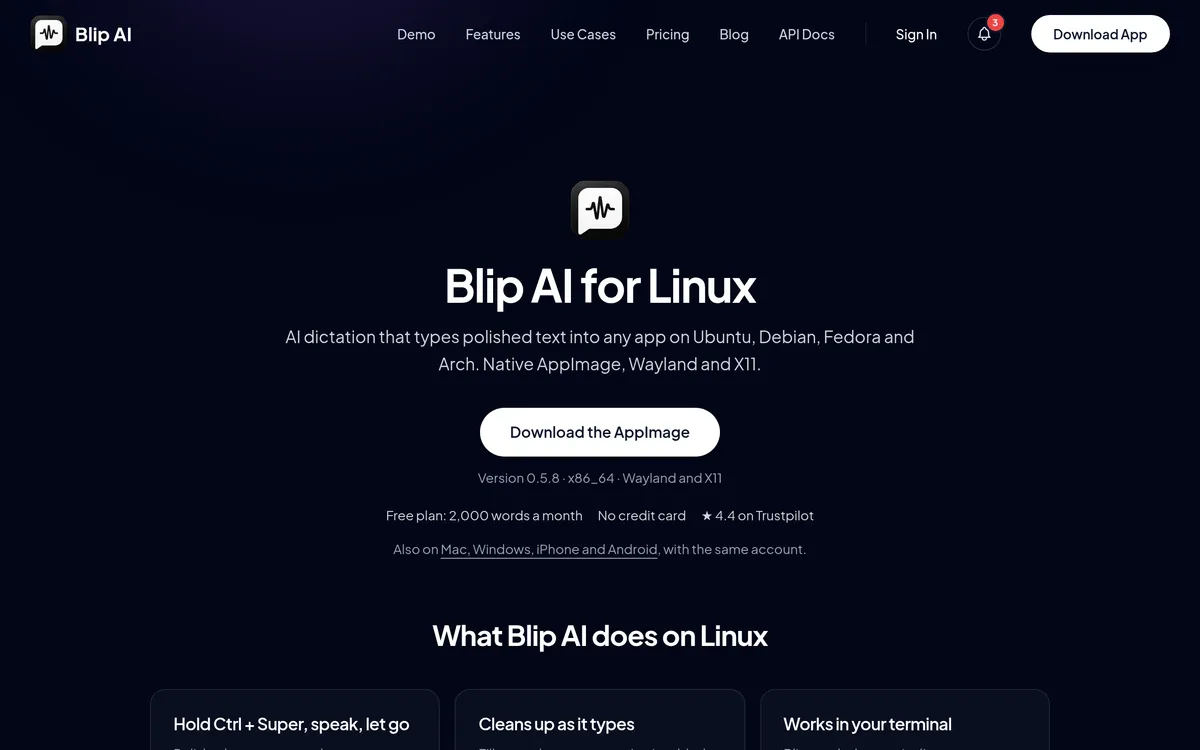 Screenshot of blipai.app, taken October 24, 2026.
The Linux setup guide has the same steps with copy buttons, and you can download Blip AI for Linux or see all downloads.
Which free speech to text tools work on Ubuntu?
Four free projects are worth trying. We list what each project's own page says.
- OpenWhispr (MIT). Install the
.debfrom its releases page withsudo apt install ./OpenWhispr-*-linux-x64.deb, or run the AppImage (the docs say the AppImage supports email sign-in only). Its docs give a default hotkey of F8 on GNOME and say hold-to-talk works natively on GNOME 48 or newer. It can use local models or the cloud. - Handy (MIT code). Install the
.debwithsudo apt install ./Handy_*.deb; its README warns againstdpkg -i. It runs Whisper or Parakeet models entirely on your computer. Its README calls Wayland support limited and says that on Ubuntu 26.04,wtypedoesn't work and you needydotool; that note is for 26.04, and the README doesn't say the same for 24.04. - Speech Note. Install with
flatpak install net.mkiol.SpeechNote. Its README says typing into other apps works out of the box on X11, and on Wayland needs theydotooldaemon installed and running (Flatpak users also need to grant access to its socket). - nerd-dictation (GPL-3.0). A scriptable, offline tool built on the VOSK API:
pip3 install vosk, clone the repo, download a VOSK model, then run./nerd-dictation begin --vosk-model-dir=./model &and./nerd-dictation endto stop. It's the most hands-on option and has no hotkey of its own, so you bind those two commands to a shortcut yourself.
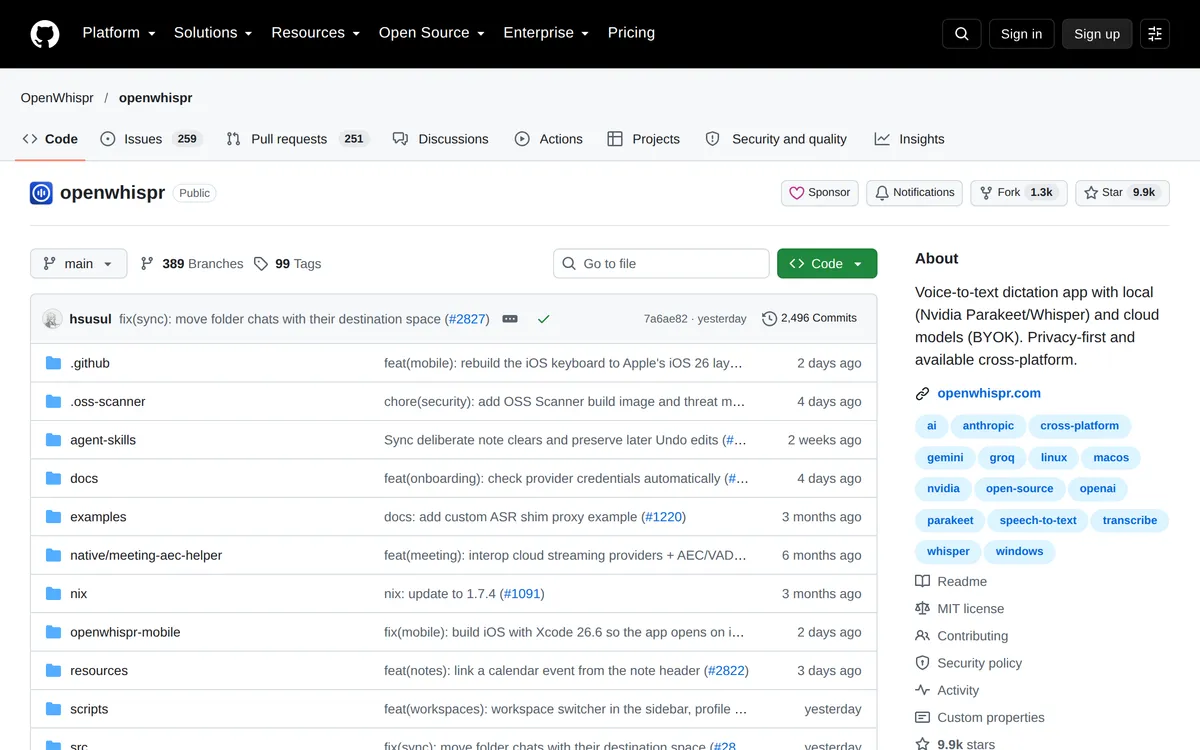 Screenshot of github.com, taken October 24, 2026.
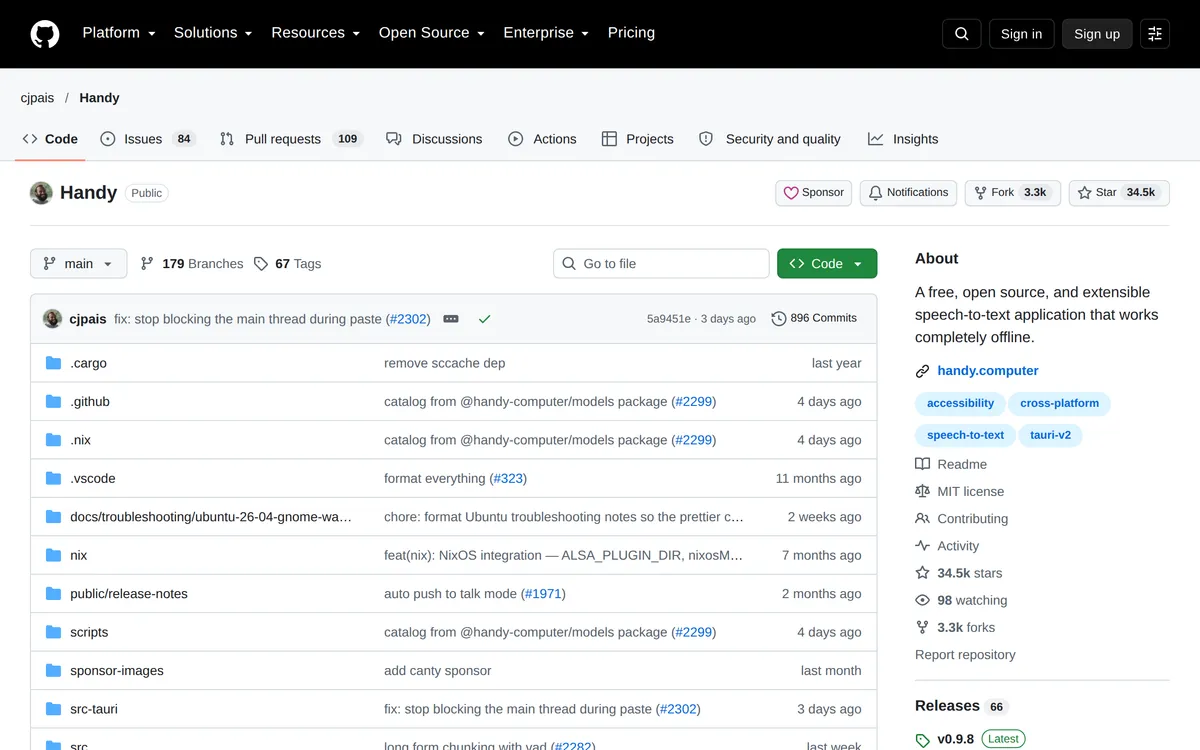 Screenshot of github.com, taken October 24, 2026.
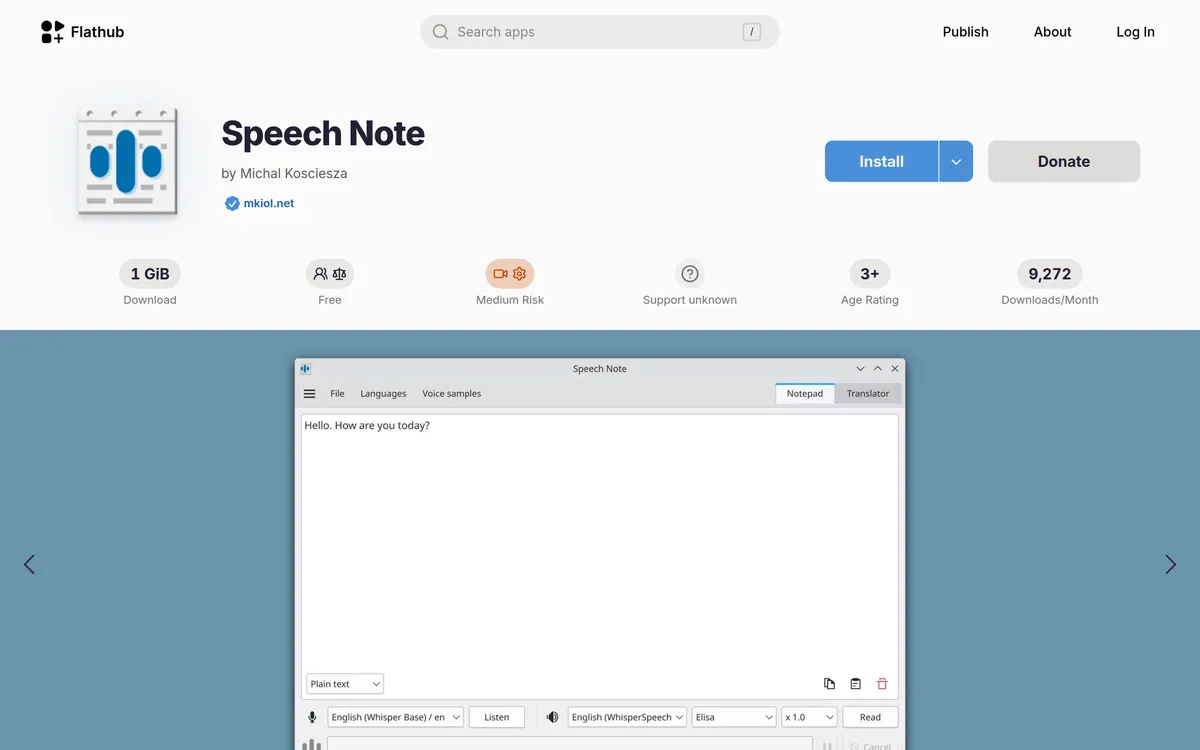 Screenshot of flathub.org, taken October 24, 2026.
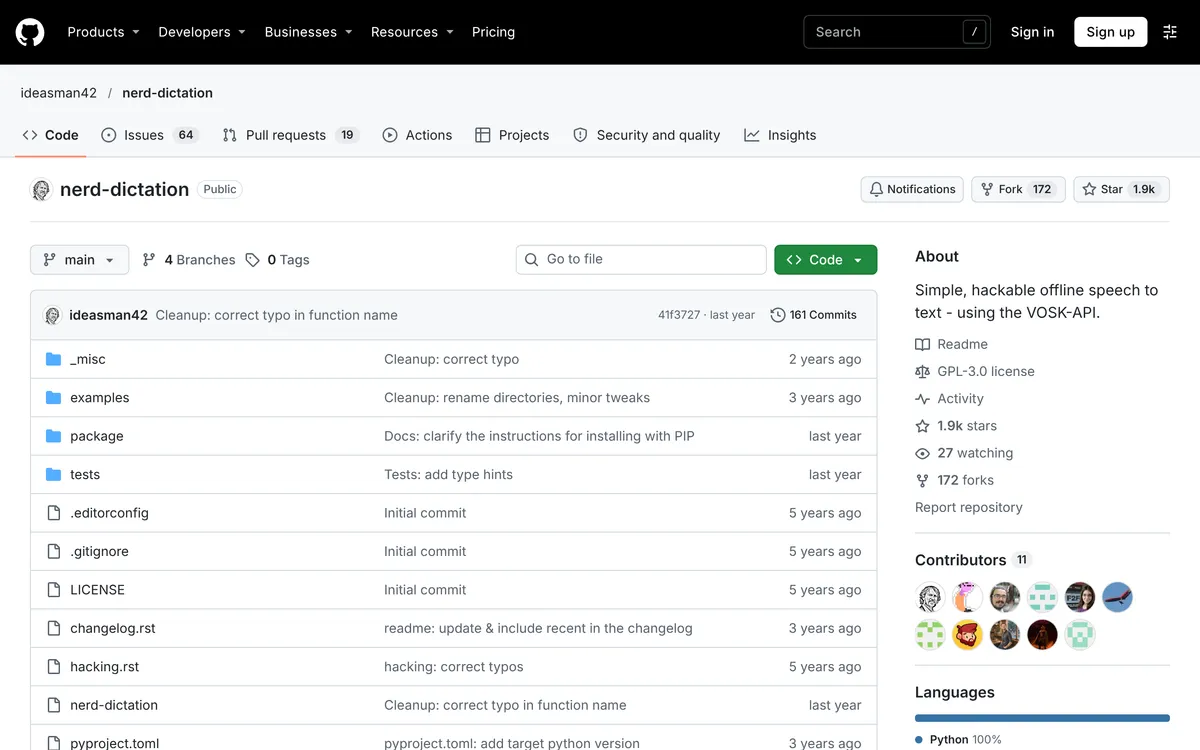 Screenshot of github.com, taken November 1, 2026.
Pick one of these over Blip AI if you want free and unlimited, open source, or fully offline with no paid tier. For more Linux options, including Voxtype and Vocalinux, see the best dictation apps for Linux.
How do you set up typing on Wayland?
Skip this on X11. On Wayland, install the helpers, join the input group, and start the ydotool daemon:
sudo apt install wtype wl-clipboard ydotool
sudo groupadd -f input
sudo usermod -aG input $USER
systemctl --user enable --now ydotool
Then log out completely and back in, because the group change doesn't apply to your current session. Check with groups | grep input. On GNOME, ydotool does the typing: OpenWhispr's docs point GNOME and KDE Wayland users to it, and Handy's README does for Ubuntu 26.04. wtype is the helper for wlroots desktops such as Sway and Hyprland. How to voice type on Linux explains why Wayland needs this and covers KDE and wlroots desktops.
Why isn't speech to text typing anything on Ubuntu?
- Nothing appears on Wayland. Check
systemctl --user status ydotool. Ifydotooldcan't open/dev/uinput, you haven't logged out and back in since joining theinputgroup. - The hotkey does nothing. Confirm
groups | grep inputlistsinput. Some apps also can't bind a modifier-only hotkey on GNOME, which is why OpenWhispr defaults to F8 there. - The AppImage won't start. Install
libfuse2, or start it with--appimage-extract-and-run. - The microphone is silent. Pick the right input in Settings → Sound, then allow microphone access when the app asks.
FAQ
Does Ubuntu have built-in speech to text? Not by default. Per Canonical's post, its Myna preview, announced on 12 October 2026, adds system-wide dictation on Ubuntu 24.04 LTS, 26.04 LTS and 26.10 with GNOME on Wayland. Otherwise you install a dictation app such as Blip AI, OpenWhispr or Handy.
How do I use speech to text on Ubuntu 24.04? Install a dictation app, run echo $XDG_SESSION_TYPE, and on Wayland add ydotool, the input group and the ydotool user service. We recommend Blip AI's AppImage, which is built for Ubuntu and Debian. Per Canonical's post, the Myna preview also covers 24.04 LTS.
Is there free speech to text for Ubuntu? Yes. OpenWhispr, Handy, Speech Note and nerd-dictation are free; Handy, Speech Note and nerd-dictation run on your computer, and OpenWhispr can use local models or the cloud. Blip AI has a free plan of 2,000 words a month, with cloud transcription on that plan.
Does speech to text on Ubuntu work offline? Per Canonical's post, Myna processes audio on your computer once a model is downloaded, and Handy, Speech Note and nerd-dictation say the same about themselves. Blip AI works offline with its on-device Whisper models, which need the Pro plan.
Does it work in the Ubuntu terminal? A system-wide dictation app types into whichever window has focus, so it works in terminal emulators and SSH sessions running in them.
Do I need ydotool on Ubuntu? On Wayland, usually yes. Handy's README says wtype doesn't work on Ubuntu 26.04 and recommends ydotool. On X11 you don't need it.