
Vocalinux on Linux: Install, Wayland Setup and Alternatives
Vocalinux is free, offline voice dictation for Linux. How to install it on Ubuntu, Fedora or Arch, what Wayland needs, and when to pick something else.
Quick answer: Vocalinux is a free, AGPL-3.0 voice dictation app for Linux. Hold Right Alt, speak, and it types into the focused app, using speech models on your machine. Install it with its script, a .deb, an .rpm, the AUR, Flatpak or an AppImage. For cleaned-up text with no model to run, our pick is Blip AI (we build it).
By the Blip AI team. We build Blip AI, a competing dictation app, so weigh our pick with that in mind. Facts about Vocalinux come from its GitHub README, the docs in that repository and vocalinux.com, checked on 14 November 2026. We didn't run Vocalinux for this guide, so we report what its documentation says, not how it felt to use.
What is Vocalinux?
Vocalinux is a desktop app that types what you say into whichever window has focus. Its README calls it "Voice dictation for Linux" and says it is free and licensed under AGPL-3.0. It sits in the system tray, with a Settings window for the microphone, shortcut and speech model.
The speech recognition runs locally. You download a model once, and from then on, the README says, "speech-to-text stays on your machine". No account is needed. There is one exception you control: an optional remote API, which the README says stays off until you point it at a server.
On a new install the default is push-to-talk: hold Right Alt, speak, release. Settings also has a toggle mode, if you'd rather not hold the key.
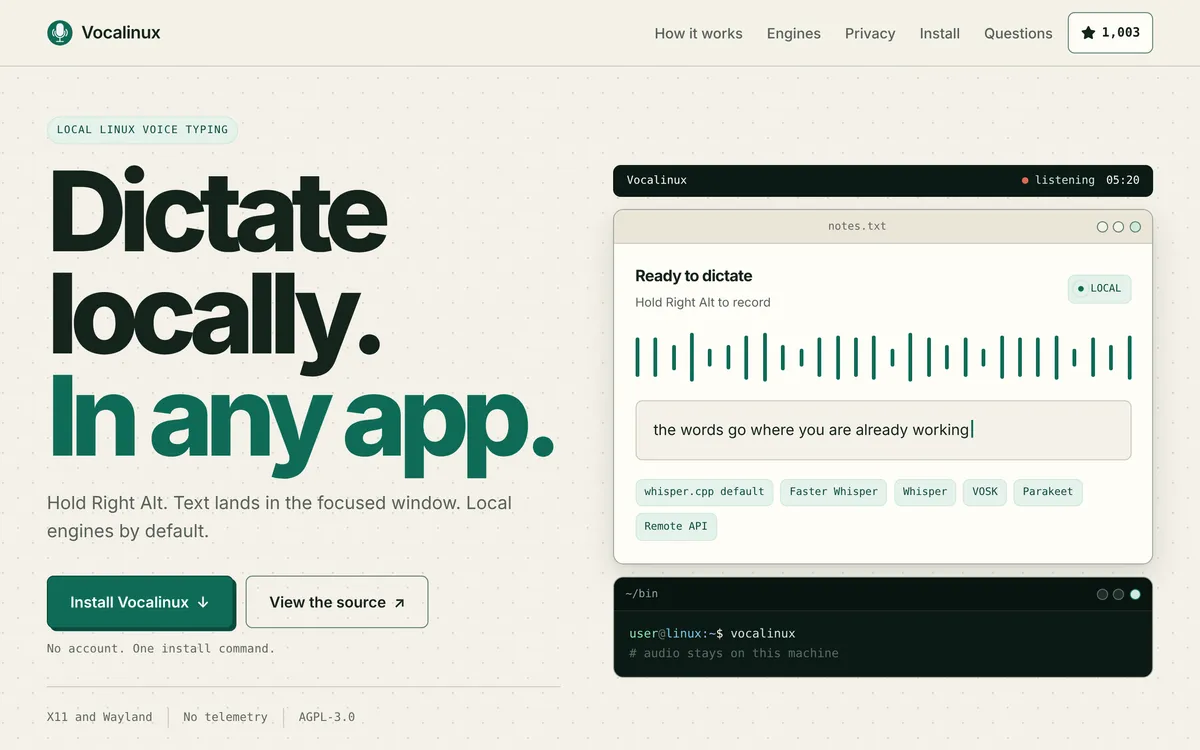 Screenshot of vocalinux.com, taken November 14, 2026.
Does Vocalinux work on Ubuntu, Fedora and Arch?
Yes, on all three. For the install script and the packages, the README's requirements are Python 3.11 or newer and one of these distros:
| Distro | Version the README lists | Package for it |
|---|---|---|
| Ubuntu | 24.04 or later | .deb |
| Debian | 12 or later | .deb |
| Fedora | 42 or later | .rpm |
| Arch | Rolling | AUR (yay -S vocalinux) |
| openSUSE | Tumbleweed | Install script, Flatpak or AppImage |
Checked 14 November 2026 on the README and docs/DISTRO_COMPATIBILITY.md.
Three details from those pages are worth knowing before you start:
- Ubuntu 22.04 can't use the install script or the
.deb. It ships Python 3.10, which the README says is below their floor. The other routes are separate. The install guide says the AppImage is built against glibc 2.35 and starts on Debian 12 or later, Ubuntu 22.04 or later and Fedora 36 or later, and the README labels the Flatpak "any distro". Debian 11 and Ubuntu 20.04 are below the AppImage's floor as well. - Derivatives follow their base. The compatibility doc lists Linux Mint, Pop!_OS, elementary OS and Zorin OS as supported when they sit on Ubuntu 24.04 or later, so Mint 22 qualifies. The doc puts Mint 21 and Zorin 17 on Ubuntu 22.04, below that floor, so the same two routes (AppImage or Flatpak) should apply to them; it doesn't name either for those releases. Manjaro and EndeavourOS are listed too.
- The Fedora number differs by page. The README and the compatibility doc say Fedora 42 or later; the FAQ on vocalinux.com said 39 or later on the day we checked. We'd go by the README for the
.rpmand the install script, since it carries the current release notes. On an older Fedora, the AppImage's floor is Fedora 36.
Vocalinux also covers ARM. The AppImage comes in x86_64 and aarch64 builds, and the install guide says .deb and .rpm files for ARM are attached to releases too.
How do you install Vocalinux?
The README recommends its interactive installer, which downloads to a file first so you can read it before running it:
curl -fsSL https://raw.githubusercontent.com/VocaHQ/vocalinux/main/install.sh -o /tmp/vl.sh
bash /tmp/vl.sh
According to the README, that script checks your hardware, suggests an engine, fetches a default model (about 74 MB for whisper.cpp's tiny model) and sets up the desktop entry. It puts the typical time at one to two minutes with whisper.cpp.
If you'd rather use a package, download the file for your CPU from the releases page:
sudo apt install ./vocalinux_*.deb     # Debian 12+, Ubuntu 24.04+
sudo dnf install ./vocalinux-*.rpm     # Fedora
yay -S vocalinux                       # Arch (AUR)
The trade-offs between the routes, as the README and docs/INSTALL.md describe them:
.deband.rpmdon't update themselves, and whisper.cpp runs on the CPU in them.- AppImage: download it, mark it executable and run it. It carries a Vulkan build of whisper.cpp for the GPU, but you still install the typing tools (below) from your distro.
- Flatpak comes from VocaHQ's own remote and updates with
flatpak update. It isn't on Flathub. - Snap is
sudo snap install vocalinux --edge, plus a fewsnap connectcommands for the microphone and shortcuts. It's behind the other routes: the README says the Snap Store held back newer revisions, which left v0.16.2 on the edge channel while the current release is v0.18.6.
Then start it with vocalinux or from your application menu.
How do you set up Vocalinux on Wayland and X11?
Check your session first with echo $XDG_SESSION_TYPE.
On X11 there's less to do. The docs list xdotool as the one required typing tool, and the install guide says hotkeys on X11 work without the input group setup below. It names one exception: GNOME on X11, where the hotkey needs the same device access as on Wayland. Install xdotool from your distro's packages.
On Wayland there are two jobs: hearing your shortcut, and typing into other windows.
1. The shortcut. Your user has to be in the input group, because Vocalinux listens for Right Alt at the device level on Wayland. The install guide warns that without the group the hotkey is "silently disabled":
sudo usermod -aG input $USER # then log out and back in
The guide says the install script adds you to the group itself, while the packages can't. It's also plain about the cost: the group "grants read access to every keyboard and pointer device".
If you'd rather not grant that, the user guide has another route. Turn on External Activation (Desktop Shortcut) under Settings → Shortcuts, then bind vocalinux --toggle to a key in your desktop's own shortcut settings. That command is for a native install; for the Flatpak, the guide points to a gdbus command to bind instead. That way needs no input group, but it is toggle only: the guide says a desktop shortcut can't do push-to-talk because it never sees you let go of the key.
2. Typing. Vocalinux picks a typing method automatically. Its docs name these for Wayland:
- IBus, which the compatibility doc recommends for KDE Plasma. On KDE, select IBus Wayland under System Settings → Keyboard → Virtual Keyboard, then restart Vocalinux.
wtype, recommended for wlroots compositors such as Sway.- The RemoteDesktop portal, which asks for permission once.
ydotool, or a clipboard paste, as fallbacks.
The helper packages have the same names on the main distros:
sudo apt install wtype wl-clipboard      # Ubuntu, Debian
sudo dnf install wtype wl-clipboard      # Fedora
sudo pacman -S wtype wl-clipboard        # Arch
How well each desktop is supported. The compatibility doc rates GNOME and KDE Plasma as full support and Sway as good support. Hyprland is marked experimental, with a note that it may need wtype configuration.
Two fixes to know about. If text shows up in some apps and never arrives in others, the user guide says to pin the typing method by setting text_injection.backend (to wtype or portal, for example) in ~/.config/vocalinux/config.json. Quit Vocalinux before you edit that file; the guide warns that a running app can overwrite the change. And for terminals on GNOME or KDE Wayland, it says to set Settings → Dictation → Clipboard Paste Shortcut to Ctrl+Shift+V.
Which speech engine and model should you use in Vocalinux?
Start with the default. whisper.cpp is what the installer sets up unless you choose otherwise, and the README says it can use a GPU from AMD, Intel or NVIDIA through Vulkan. The other engines are there for specific cases:
- VOSK for machines with little RAM. The user guide puts its footprint at about 40 MB.
- Faster Whisper for running Whisper models on the CPU.
- OpenAI Whisper if you already use PyTorch with an NVIDIA card.
- Parakeet, which runs on the CPU and covers 25 European languages. Its default model is about 639 MB.
- Remote API to send audio to a server you run or trust. Audio leaves your machine in this mode.
For whisper.cpp and Whisper, the user guide lists five model sizes: tiny (about 74 MB), base (141 MB), small (465 MB), medium (1.5 GB) and large (3.0 GB). The smaller the model, the quicker it runs; the guide marks the larger ones as more accurate and heavier. The site's FAQ suggests at least 4 GB of RAM, and 8 GB or more for the larger models.
For how the Whisper sizes compare in general, see Whisper dictation on Linux.
Can Vocalinux clean up filler words?
Not by itself, as far as its docs go. The README and user guide we read don't describe filler-word removal or AI rewriting. What they do describe:
- Basic formatting. It capitalises the start of dictation and the letter after a full stop, question mark or exclamation mark.
- Voice commands. Say "new line", "comma" or "question mark" for punctuation, and "delete that" to remove the last sentence.
- A custom dictionary. Add names and jargon to bias recognition (the guide says this part works with whisper.cpp, Whisper and Faster Whisper), and set corrections that replace a misheard phrase (the guide's example turns "super base" into "Supabase"). Corrections work with every engine.
- Your own script. Under Post-Processing you can point Vocalinux at an executable. It gets each transcription on stdin and whatever it prints is typed instead. If the script fails or takes longer than 10 seconds, the original text is used.
So cleanup is possible, but you write or find the script and run any model behind it yourself.
Vocalinux vs Handy vs Blip AI: which should you use?
| Vocalinux | Handy | Blip AI | |
|---|---|---|---|
| Price | Free, AGPL-3.0 | Free, MIT | Free plan (2,000 words a month); Pro $15 a month, or $12 a month billed yearly |
| Where the speech runs | On your machine; optional remote API you configure | On your machine; its README says it "works completely offline" | Blip Cloud by default; on-device models on Pro |
| Text cleanup | Voice commands, a custom dictionary, your own script | Filler words removed by default (per its settings code) | Filler words and punctuation cleaned up |
| Wayland | Supported; input group for the default hotkey, plus IBus, wtype or the portal to type |
README says "Limited support"; needs wtype or dotool, and shortcuts set in your desktop |
Supported; install wl-clipboard and wtype, join the input group, and allow a paste prompt on GNOME and KDE Plasma 6 |
| Also on | Linux only; VocaHQ lists separate apps for macOS, Windows and phones | Windows and macOS | Mac, Windows, iPhone and Android |
Vocalinux's column is from its README and docs, and Handy's from its README and settings code, all checked 14 November 2026. Blip AI's column is from our own product facts.
Pick Vocalinux if you want free, open-source dictation that stays on your machine, especially on an ARM computer or if you want a choice of engines. It's the one we'd try first for that.
Pick Handy if you also dictate on a Mac or Windows PC and want the same free app everywhere. On Wayland, read its README's Linux notes first; our Handy on Linux guide walks through them.
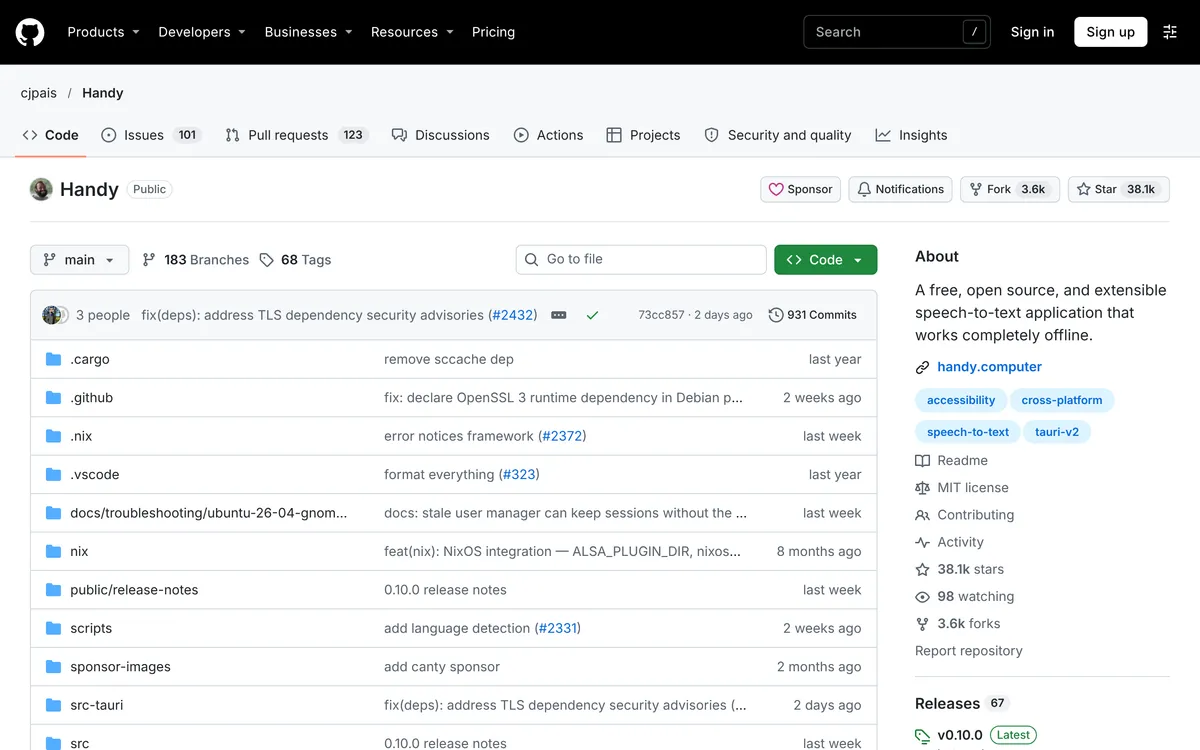 Screenshot of github.com, taken November 9, 2026.
Pick Blip AI if you want filler words and punctuation cleaned up without choosing, downloading or running a model, or you want the same app on your phone.
How to dictate on Linux with Blip AI instead
Blip AI is one AppImage for any modern 64-bit Linux distro, such as Ubuntu, Debian, Fedora, Arch and Linux Mint, on Wayland and X11. Like Vocalinux's AppImage it has a floor: Ubuntu 22.04 or later and Debian 12 or later. It's x86-64 only, so there's no ARM build. You hold Ctrl + Win, speak, and let go; the text lands in whichever app has focus. Adding Space to those keys switches to hands-free mode.
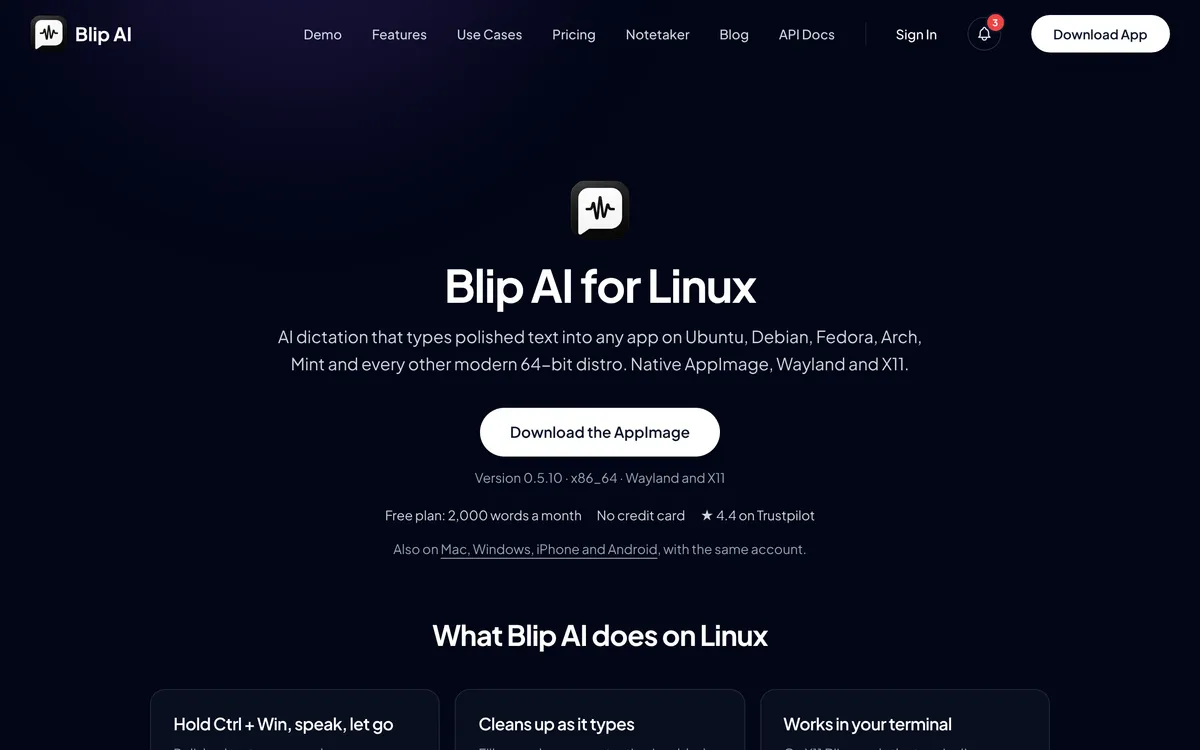 Screenshot of blipai.app/linux, taken November 14, 2026.
- No model to manage. Blip Cloud is the default. It removes filler words and fixes punctuation, with no GPU and no API key.
- Offline when you need it. Pro adds downloadable on-device Whisper models that transcribe without a connection. The free plan is cloud-only.
- Same app elsewhere. It also runs on Mac, Windows, iPhone and Android.
Wayland takes setup here too: install wl-clipboard and wtype, join the input group for the hotkey, and on GNOME and KDE Plasma 6 allow the prompt that lets Blip paste. In a terminal on those two desktops Blip leaves the words on the clipboard and you press Ctrl + Shift + V yourself. The Linux setup guide has each step.
Download it from the Linux page, or from /download for Mac, Windows and phones, and compare plans on the pricing page. The honest trade: Vocalinux is free, open source and keeps audio on your machine, and Blip AI's free plan sends audio to Blip Cloud and stops at 2,000 words a month. If free and local matters most, use Vocalinux.
For the whole field, see the best dictation apps for Linux. Other free tools have their own guides: Voxtype, OpenWhispr and nerd-dictation. Coming from a Mac or Windows app? See Wispr Flow for Linux (Wispr Flow's site).
FAQ
What is Vocalinux? Vocalinux is a free, AGPL-3.0 voice dictation app for Linux from VocaHQ. You hold Right Alt and speak, and it types the text into the focused app. Speech models run on your own machine, with whisper.cpp as the default engine.
Is Vocalinux free? Yes. Its README describes it as free and AGPL-3.0-licensed, and says "No Voca account is required". The only network use its site lists is downloading the app and models, plus a remote API server if you add one.
Does Vocalinux work offline? Yes, after you download a model. Its site calls it "Offline voice typing for Linux", and the README says the local engines then do the recognition on your computer. The optional remote API sends audio to whichever server you set, so leave it off to stay offline.
Does Vocalinux work on Wayland? Yes. Its compatibility doc rates GNOME and KDE Plasma as full support, Sway as good support and Hyprland as experimental. On Wayland the default hotkey needs your user in the input group, and KDE needs IBus Wayland selected as the virtual keyboard.
Does Vocalinux work on Ubuntu? Yes. On Ubuntu 24.04 or later, use the install script or the .deb. Ubuntu 22.04 ships Python 3.10, below the 3.11 those two need, so there the routes are the AppImage, which the install guide says starts on Ubuntu 22.04 or later, or the Flatpak, which the README labels "any distro".
Does Vocalinux run on ARM? Yes. The README lists aarch64 AppImages next to the x86_64 ones, and the install guide says ARM .deb and .rpm files are attached to releases too. Its compatibility doc rates arm64 as good support, tested on a Raspberry Pi.
Does Vocalinux remove filler words? Its README and user guide don't describe that. They describe voice commands for punctuation, a custom dictionary with corrections, and a post-processing hook that passes each transcription through a script you supply.
What's a Vocalinux alternative with built-in cleanup? Blip AI is our pick: Blip Cloud removes filler words and fixes punctuation with no model to run, and Pro adds on-device models. It's a paid app with a free plan of 2,000 words a month. Handy is the free, open-source alternative.
Last checked 14 November 2026. If Vocalinux has changed since then, tell us and we'll update this page.