
Whisper Dictation on Linux: Local Setup or Skip It
Whisper is a speech model, not a dictation app. How to use it for voice typing on Linux with Handy, Voxtype, whisper.cpp or Speech Note, and when to skip it.
Quick answer: Whisper is an open-source speech model, not a dictation app, so on Linux you use it through a tool that adds the hotkey and typing. Try Handy (desktop app) or Voxtype (terminal setup; its README suggests base.en). To skip the setup, our pick is Blip AI (we build it): an AppImage with cleaned-up text, and on-device Whisper models on Pro.
By the Blip AI team. We build Blip AI, a competing dictation app, so weigh our pick with that in mind. Facts about Whisper, whisper.cpp, Handy, Voxtype and Speech Note come from their own GitHub READMEs and pages, checked on 6 November 2026. We didn't run these tools ourselves for this guide, so we say what their documentation says, not how fast they felt.
What is Whisper, and is it a dictation app?
No. The Whisper README calls it "a general-purpose speech recognition model", one that can do "multilingual speech recognition, speech translation, and language identification". Its code and model weights are released under the MIT License.
The README describes Whisper working on whole audio files: it "reads the entire file and processes the audio with a sliding 30-second window". It doesn't say anything about live dictation. That's the gap the Linux tools below fill. Each one adds the parts a model doesn't have: a hotkey, microphone capture, and a way to type the text into whichever window has focus.
So "Whisper dictation on Linux" really means one of three things:
- A finished app built on Whisper-family models, such as Handy or Voxtype. Install it, pick a model, press a key.
- A toolkit you assemble yourself, such as whisper.cpp plus a script that types the output.
- An app that offers Whisper as one option next to a cloud engine, such as Blip AI.
How do you use Whisper for live dictation on Linux?
Pick the tool, then pick a model size. Here is what each project's own page says today.
| Handy | Voxtype | whisper.cpp | Speech Note | |
|---|---|---|---|---|
| What it is | Desktop app | Tool set up in the terminal | C/C++ library with examples | Desktop app |
| Models | Whisper (Small, Medium, Turbo, Large) and Parakeet | Nine engines; Whisper is the default | Whisper models, tiny to large | Several engines, including Whisper and Faster Whisper |
| Types into other apps | Yes; X11 needs xdotool, Wayland needs wtype or dotool |
Yes; wtype first on Wayland, then dotool, ydotool, clipboard |
No; its real-time example only prints text | Yes; X11 works out of the box, Wayland needs the ydotool daemon |
| Install on Linux | .deb, releases page |
AUR, .deb, .rpm, AppImage |
Build from source | Flatpak |
Checked 6 November 2026 on each project's README or page.
Handy
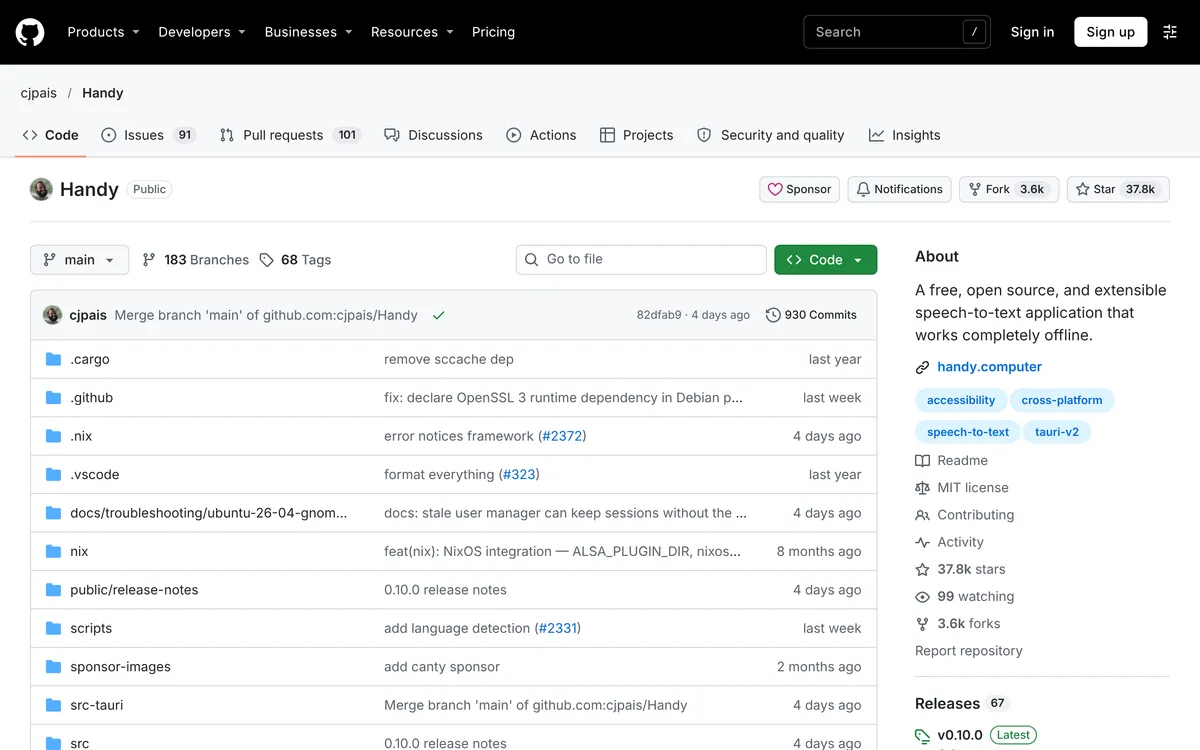
Handy describes itself as "a free, open source, and extensible speech-to-text application that works completely offline". Its README lists Whisper models (Small, Medium, Turbo, Large) that use GPU acceleration when available, and Parakeet V3, which it calls CPU-optimized. It gives approximate download sizes of 487 MB for Whisper Small, 492 MB for Medium, 1,600 MB for Turbo and 1,100 MB for Large.
On Linux it ships a .deb (install it with sudo apt install ./Handy_*.deb so APT pulls the dependencies in). To type into other windows you need xdotool on X11, or wtype (preferred) or dotool on Wayland. The README calls Wayland support limited, says global shortcuts have to be set in your desktop environment, and says that on Ubuntu 26.04 wtype doesn't work and you need ydotool.
 Screenshot of github.com, taken November 6, 2026.
Voxtype
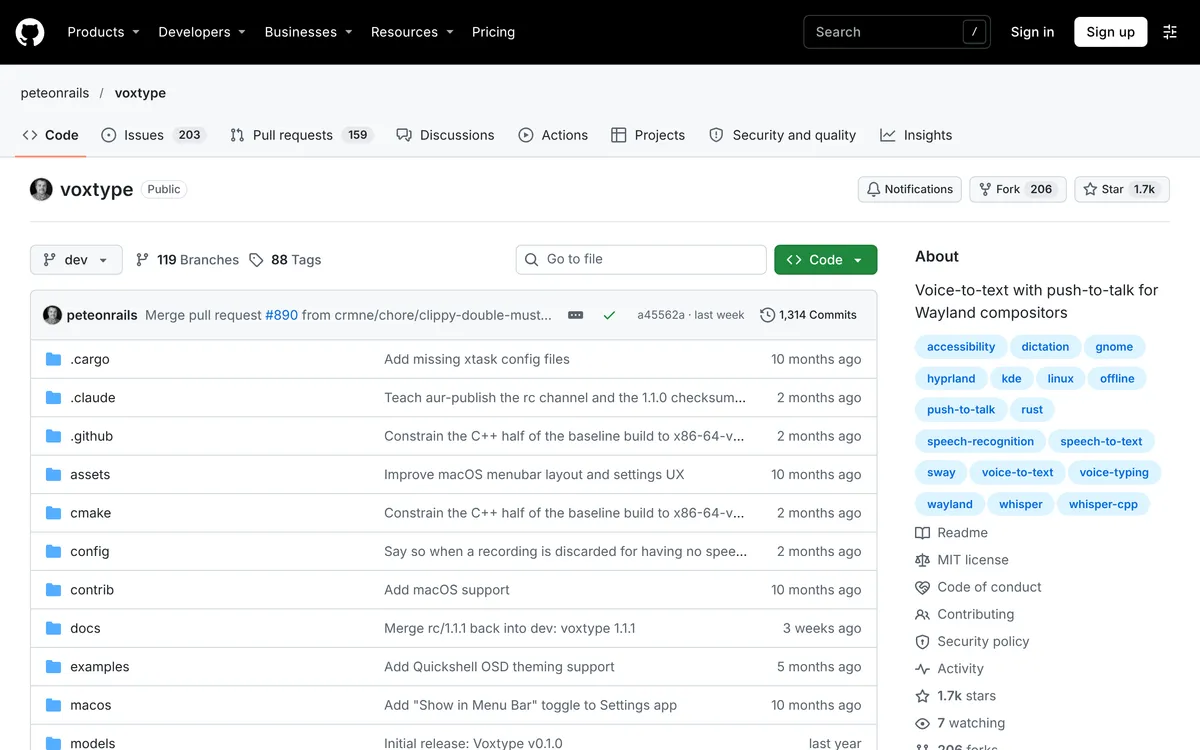
Voxtype is MIT-licensed and written in Rust. Whisper is its default engine, among nine in total, and its README says "For most uses, base.en provides a good balance of speed and accuracy." You hold a hotkey while speaking (ScrollLock by default) and release to transcribe. On Wayland it types through wtype and falls back through dotool, ydotool and the clipboard. The README says wtype doesn't work on KDE Plasma and GNOME, and that KDE lacks key-release events, so it tells KDE users to use toggle mode. Install and hotkey steps are in Voxtype on Linux.
Packages are listed for the AUR, .deb and .rpm, plus an AppImage that "works on any Linux distribution without installation". The prebuilt packages include a Vulkan binary that covers AMD, NVIDIA and Intel GPUs; CUDA needs a build from source.
 Screenshot of github.com, taken November 6, 2026.
whisper.cpp
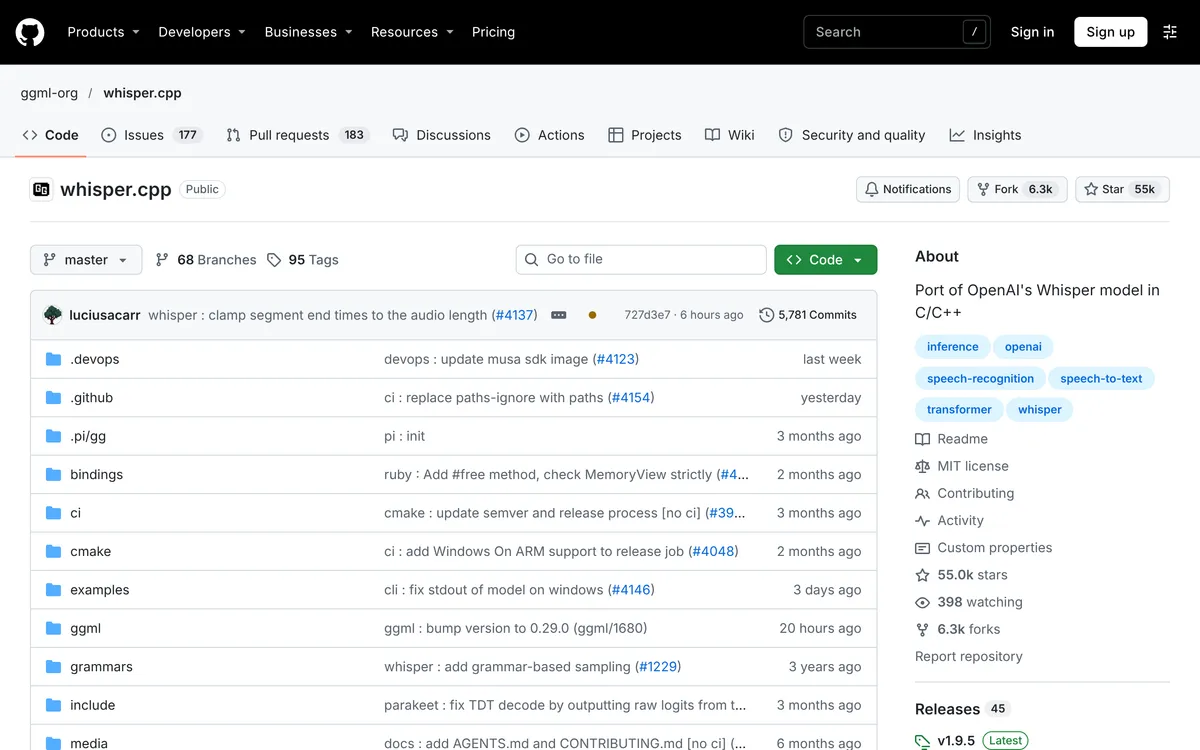
whisper.cpp is the plain C/C++ port of Whisper that several of these apps are built around, MIT-licensed, with "CPU-only inference" and optional NVIDIA CUDA and Vulkan acceleration. It includes whisper-stream, which its README calls "a naive example of performing real-time inference on audio from your microphone". It samples audio every half a second and needs SDL2. It prints text; it doesn't type it. To dictate with it, you write the hotkey and typing glue yourself.
 Screenshot of github.com, taken November 6, 2026.
Speech Note
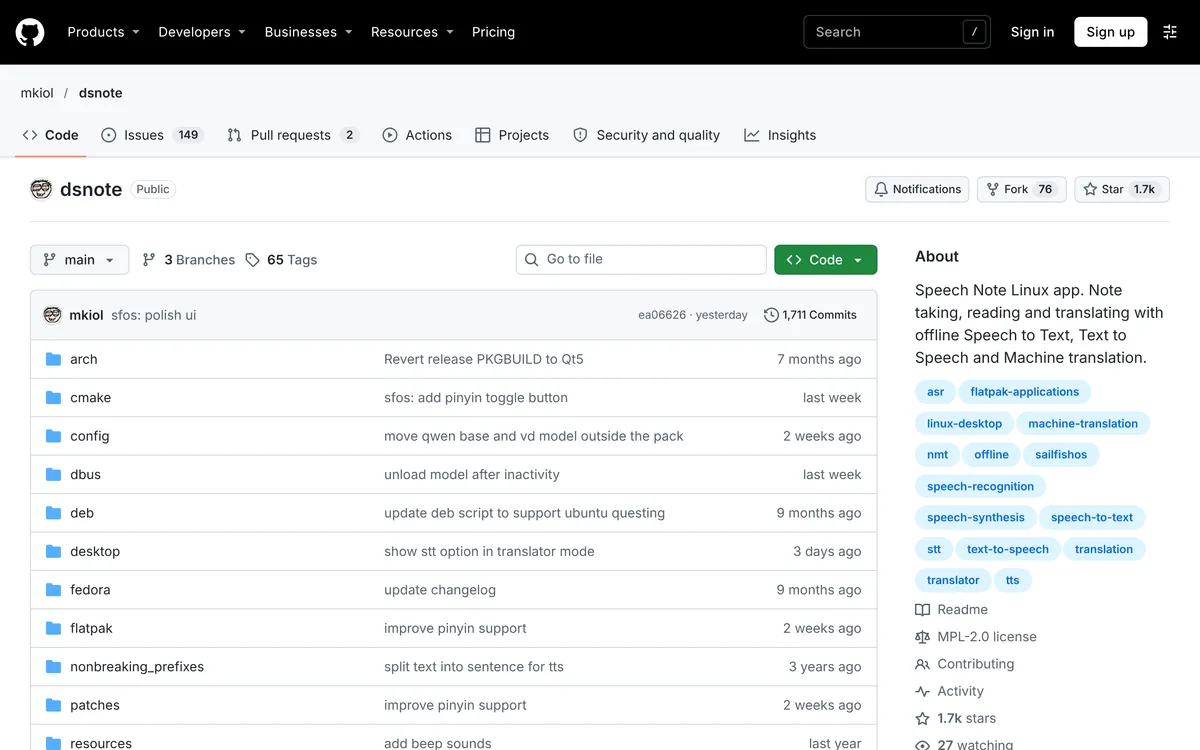
Speech Note lists several engines, including Vosk, whisper.cpp, Faster Whisper and others. Its page says it can "insert the decoded text into any window that is currently in focus". On X11 that "should work right out of the box". On Wayland it needs the external ydotool daemon running, and its global shortcuts need the XDG Desktop Portal's GlobalShortcuts interface, which the page says is supported only in the latest KDE Plasma and GNOME. It installs through Flatpak; the Base package is a 1.2 GiB download, and the page points to a 48 MiB "Tiny" package if you don't need everything.
 Screenshot of github.com, taken November 6, 2026.
Set up Handy on Ubuntu, step by step
Handy is the one with the fewest moving parts, so here are its README's steps for Ubuntu or Debian:
- Download the
.debfrom the releases page and runsudo apt install ./Handy_*.deb. The README says to use APT, notdpkg -i, so dependencies are handled. - Install the typing helper for your session:
xdotoolon X11, orwtypeon Wayland (dotoolalso works there and needs your user in theinputgroup). On Ubuntu 26.04 the README sayswtypedoesn't work and you needydotool. - Open Handy and pick a model. Its README lists Whisper Small (about 487 MB) as the smallest Whisper download, and Parakeet V3 as its CPU-optimized model. Bigger Whisper models need more memory (see the table below).
- Set the global shortcut in your desktop environment's settings, with the command
handy --toggle-transcription, because the README says Wayland shortcuts have to be set there.
Which Whisper model size should you use?
Bigger models are more accurate and slower, and they need more memory. The numbers below are from the whisper.cpp README (disk size and approximate memory) and the Whisper README (parameters and VRAM), checked 6 November 2026.
| Model | whisper.cpp disk | whisper.cpp memory |
|---|---|---|
| tiny | 75 MiB | about 273 MB |
| base | 142 MiB | about 388 MB |
| small | 466 MiB | about 852 MB |
| medium | 1.5 GiB | about 2.1 GB |
| large | 2.9 GiB | about 3.9 GB |
The Whisper README says the original models need roughly 1 GB of VRAM for tiny and base and about 10 GB for large, and that turbo has 809M parameters and about 6 GB of VRAM. English-only .en variants exist for tiny through medium.
Speed depends on your hardware, and the projects say so themselves. Voxtype's README gives one CPU benchmark, about 7x realtime for base.en and about 1x for large-v3 on its AMD RX 6800 example system (CPU column), with the note "Results vary by hardware." For live typing, that means a small or base model on a CPU, and a GPU for anything bigger. Voxtype's own advice for most uses is base.en.
Does Whisper dictation work on Wayland and X11?
It depends on the tool, because the model has nothing to do with typing. Typing into another window is the hard part on Linux, and every tool above solves it with a helper:
- X11:
xdotoolfor Handy; Speech Note works out of the box. - Wayland:
wtype,dotoolorydotool.dotoolneeds your user in theinputgroup, andydotoolneeds its daemon running. - GNOME and KDE: Voxtype's README says
wtypefails on both and that KDE lacks key-release events (use toggle mode). Handy's README calls its Wayland support limited. Read the Wayland section of the tool you pick before you install it.
Blip AI needs the same kind of setup on Wayland: wtype, wl-clipboard and ydotool, joining the input group, and the ydotool daemon on GNOME and KDE, all in the Linux setup guide. On X11 there's nothing extra to install. Before you pick any of these, run echo $XDG_SESSION_TYPE to see which one you're on.
When should you skip the Whisper setup?
Running Whisper yourself is a good fit when you want everything on your own machine, you're happy to read a README, and you're fine setting up any text cleanup yourself. Handy's README lists optional LLM post-processing and a transcription hook script, and Voxtype's README describes piping the text through any LLM or shell script.
It's the wrong fit when you want to press a key, speak, and get finished text without choosing a model, sizing a GPU or debugging a typing helper. That's the gap Blip AI is built for.
How to dictate on Linux with Blip AI instead
Blip AI is a native AppImage for Ubuntu and Debian, Fedora and Arch, on Wayland and X11. It's x86-64 only, so there's no ARM build. You hold Ctrl + Super, speak, and let go; the text lands in whichever app has focus, including a terminal. Space adds hands-free mode.
 Screenshot of blipai.app/linux, taken November 6, 2026.
- Cloud and on-device, in one app. Blip Cloud is the default. It removes filler words and fixes punctuation, with no GPU and no API key. Pro adds downloadable on-device Whisper models (Base about 148 MB, Small about 488 MB, Medium about 1.5 GB and Large Turbo about 1.6 GB) that transcribe offline, so you get Whisper without wiring it up yourself.
- Free plan: 2,000 words a month with no credit card. On-device models are a Pro feature.
- Other devices: the app also runs on Mac, Windows, iPhone and Android.
Download the AppImage from the Linux page (or /download) and follow the Linux setup guide. If you're deciding between several apps rather than just Whisper tools, the Linux dictation roundup compares them, and how to voice type on Linux covers the basics. For a script-based offline option instead of Whisper, see nerd-dictation on Linux. Compare pricing on the pricing page.
Which Whisper option should you pick on Linux?
- You want a desktop app, fully offline, and don't mind setup: Handy. Its README gives plain install steps for Ubuntu and Debian.
- You live in a terminal or a tiling compositor such as Hyprland or Sway: Voxtype.
- You want to build your own tool or script: whisper.cpp.
- You mostly want to transcribe and edit notes, with some typing into other windows: Speech Note, if you're on X11 or a recent KDE Plasma or GNOME.
- You want polished text with no model to choose, and Whisper offline as an option: Blip AI. Wispr Flow has no Linux app, and Superwhisper now has a Linux build; see Wispr Flow for Linux and Superwhisper for Linux.
FAQ
Is Whisper a dictation app? No. Whisper is a speech recognition model released under the MIT License. For dictation you need a tool that adds a hotkey, microphone capture and typing, such as Handy, Voxtype or Blip AI.
Can you run Whisper dictation offline on Linux? Yes. Handy describes itself as working completely offline, and Voxtype and whisper.cpp run models on your own machine. Blip AI Pro has downloadable on-device Whisper models too; Blip Cloud is the default.
Do you need a GPU for Whisper on Linux? Not necessarily. whisper.cpp supports CPU-only inference and Handy calls its Parakeet V3 model CPU-optimized, while Whisper in Handy uses GPU acceleration when available. Speed varies with hardware, so start with a small or base model.
Which Whisper model is best for dictation? Voxtype's README suggests base.en for most uses, a balance of speed and accuracy. Larger models are more accurate and need more memory; see the table above.
Does Whisper dictation work on Wayland? Yes, through a typing helper. Handy and Voxtype use wtype first, with dotool or ydotool as other routes. Voxtype's README says wtype fails on GNOME and KDE, and Handy's calls its Wayland support limited. Speech Note needs the ydotool daemon on Wayland.
Is there a Whisper dictation app that works on Ubuntu? Handy ships a .deb for Ubuntu and Debian, and its README notes that on Ubuntu 26.04 you need ydotool. Blip AI's AppImage covers Ubuntu, Debian, Fedora and Arch; see speech to text on Ubuntu.
Last checked 6 November 2026. If a project has changed its Linux support since then, tell us and we'll update this page.