
Speech to Text on Linux Mint: Cinnamon, X11 and Wayland
Speech to text on Linux Mint: the 22.3 release notes mention no built-in dictation. Install Blip AI, Handy or Speech Note, and check X11 vs Wayland first.
Quick answer: Linux Mint's release notes don't mention built-in speech to text, so you install a dictation app. Our pick is Blip AI (we build it): an AppImage built for Ubuntu and Debian, which should suit Ubuntu-based Mint 22.x (untested by us). Free options: Handy, Speech Note, nerd-dictation. Run echo $XDG_SESSION_TYPE first.
We build Blip AI, one of the options below, so weigh our pick accordingly. Facts about Linux Mint come from linuxmint.com and facts about other tools from each project's own page, all checked on 7 November 2026. Where another option suits you better, we say so. We haven't tested Blip on a Mint install, and we say below what that means.
Does Linux Mint have built-in speech to text?
Not that Mint's own pages say. The Linux Mint 22.3 "Zena" release notes describe a long-term support release, supported until April 2029, and don't mention speech, dictation or voice typing. So if you came from Windows looking for Win + H, there's no equivalent that Mint documents. You install a dictation app that types into whichever window has focus.
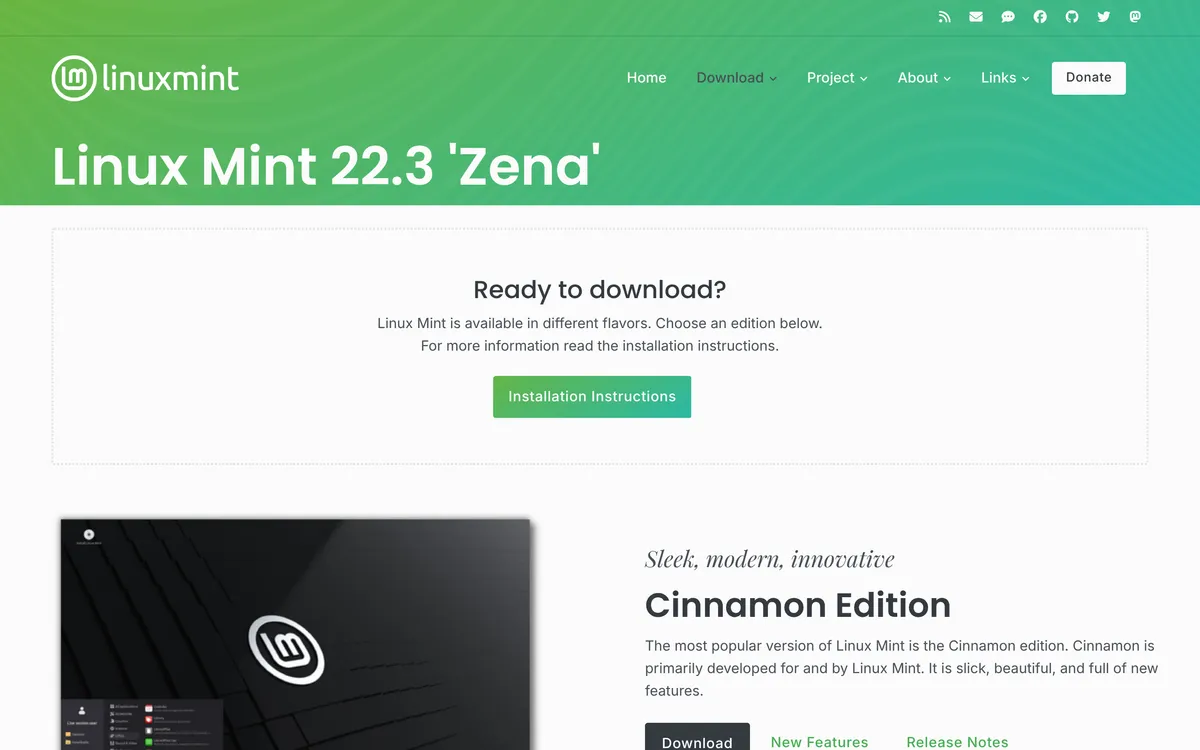 Screenshot of linuxmint.com, taken November 7, 2026.
Two Mint facts decide which app fits:
- Mint 22.x is based on Ubuntu 24.04. The release notes say so in as many words. Ubuntu-based tools and
.debfiles are the ones to try first, and our Ubuntu speech to text guide applies in most places. - Your session might be X11 or Wayland. The release notes we read don't describe a Wayland session for Cinnamon. Mint's September 2026 news post says the team has been "working on Wayland compatibility", and that Linux Mint 27 "Adrien", scheduled for Christmas, will be based on Ubuntu 26.04. It doesn't say which session 27 will default to. Don't assume: check your own.
Are you on X11 or Wayland?
Open a terminal and run:
echo $XDG_SESSION_TYPE
It prints x11 or wayland. On X11, Blip AI and Speech Note type into other apps without extra setup (per Blip's setup guide and Speech Note's README). nerd-dictation uses xdotool there, Handy's README asks for wtype or dotool, and Superwhisper needs Wayland. On Wayland, apps can't type into other windows by default, so each tool needs a helper, and the setup differs by app. How to voice type on Linux explains why.
What are your options for speech to text on Linux Mint?
| Option | Best for | Cost and processing | Catch |
|---|---|---|---|
| Blip AI | Cleaned-up text without a GPU, model download or API key | Free plan of 2,000 words a month; cloud by default, on-device models on Pro | AppImage is x86-64 only; not listed by Mint name (see below) |
| Handy | Free, simple, offline | Free (MIT); local models | Its README calls Wayland support limited |
| Speech Note | Free notes and typing into apps, offline | Free; runs on your computer | On Wayland it needs the ydotool daemon running |
| nerd-dictation | Tinkerers who want a scriptable tool | Free (GPL-3.0); offline | No hotkey of its own; the most hands-on option |
| Superwhisper | Wayland users on GNOME, KDE Plasma or Hyprland | Paid app; local and cloud modes | Its Linux page says it needs Wayland |
How do you set up Blip AI on Linux Mint?
Blip AI ships a native AppImage for Ubuntu and Debian, Fedora and Arch (x86-64 only, X11 and Wayland). Linux Mint isn't on that list by name. Because Mint 22.x is Ubuntu 24.04-based, the Ubuntu steps are the ones to follow, and we haven't confirmed them on a Mint install ourselves. If something doesn't work on your Mint, tell us and we'll fix this page. The steps:
mkdir -p ~/.local/bin
curl -L -o ~/.local/bin/BlipAI.AppImage "https://www.blipai.app/download/linux"
chmod +x ~/.local/bin/BlipAI.AppImage
~/.local/bin/BlipAI.AppImage
If it complains about FUSE, run sudo apt install libfuse2. Then click into any text field, hold Ctrl + Super, speak and let go. Add Space for hands-free mode. The hotkey is configurable, which helps if your desktop already uses a Super combination. On Wayland, do the Wayland setup in the Linux setup guide first.
Why we pick it for Mint: Blip Cloud is the default, so a laptop without a GPU gets cleaned-up text (filler words removed, punctuation fixed) with no model download or API key, and on Blip Cloud it appears about 700 ms after you let go of the keys. Pro adds on-device Whisper models for offline use, and the same app runs on Mac, Windows, iPhone and Android. It types into your local window, so it works in terminals and SSH sessions too.
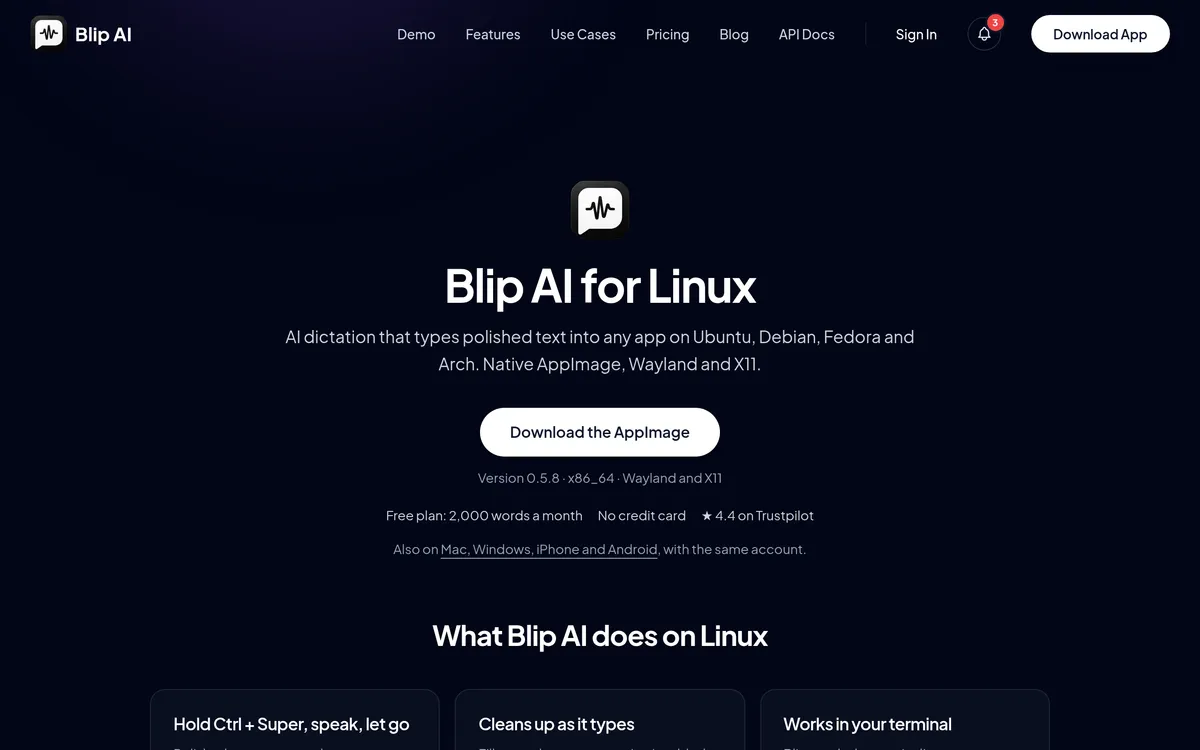 Screenshot of blipai.app, taken October 24, 2026.
You can download Blip AI for Linux or see all downloads.
Which free speech to text tools work on Linux Mint?
We list what each project's own page says. None of these pages name Mint, so the Ubuntu instructions are the closest match.
- Handy (MIT code). Its README says to install the downloaded
.debwith APT,sudo apt install ./Handy_*.deb, and not withdpkg -iunless the dependencies are already installed. It runs Whisper or Parakeet models on your computer. The README lists "limited support for Wayland", says text input needswtypeordotool, and says that on Wayland you set the global shortcut in your desktop's settings. - Speech Note. Its README gives
flatpak install net.mkiol.SpeechNote(from Flathub). It says typing into other apps works out of the box under X11, and under Wayland needs the externalydotooldaemon installed and running (the README also says the Flatpak needs permission to reach its socket). - nerd-dictation (GPL-3.0). A scriptable offline tool: you install it in a Python virtual environment, download a VOSK model and bind
nerd-dictation beginandendto shortcuts yourself. Our nerd-dictation guide has the commands, including what to do on Ubuntu 24.04's base.
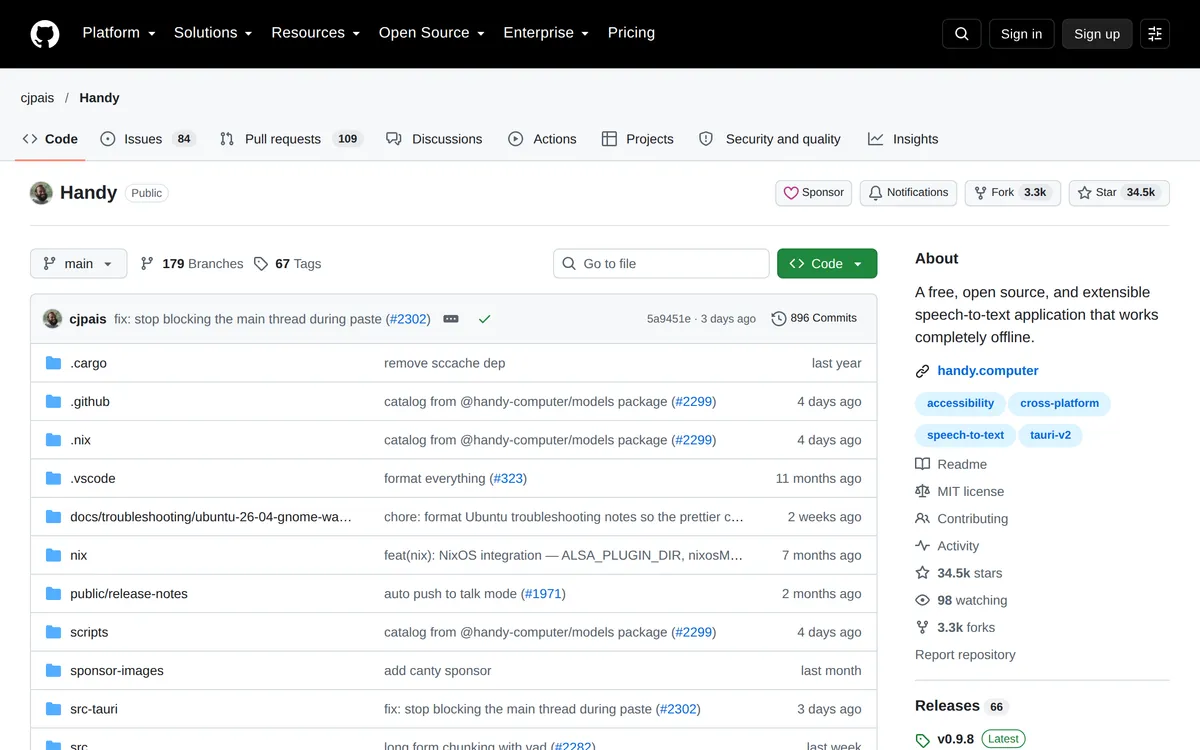 Screenshot of github.com, taken October 24, 2026.
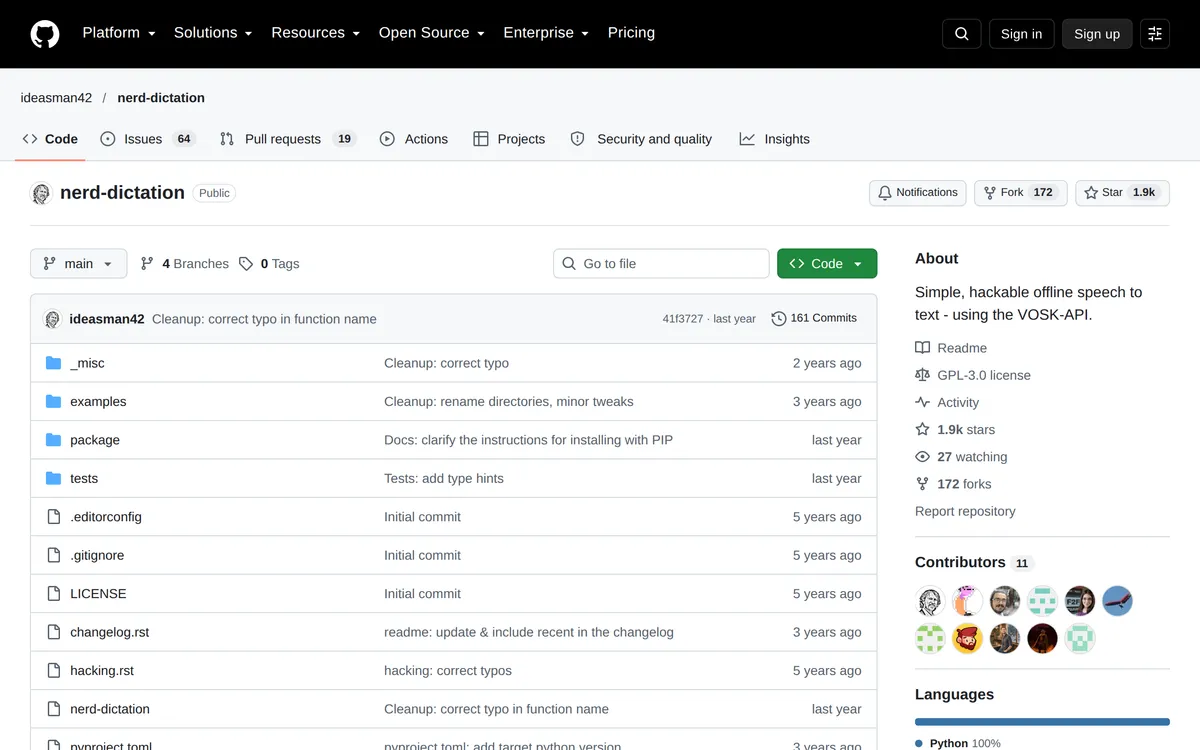 Screenshot of github.com, taken October 24, 2026.
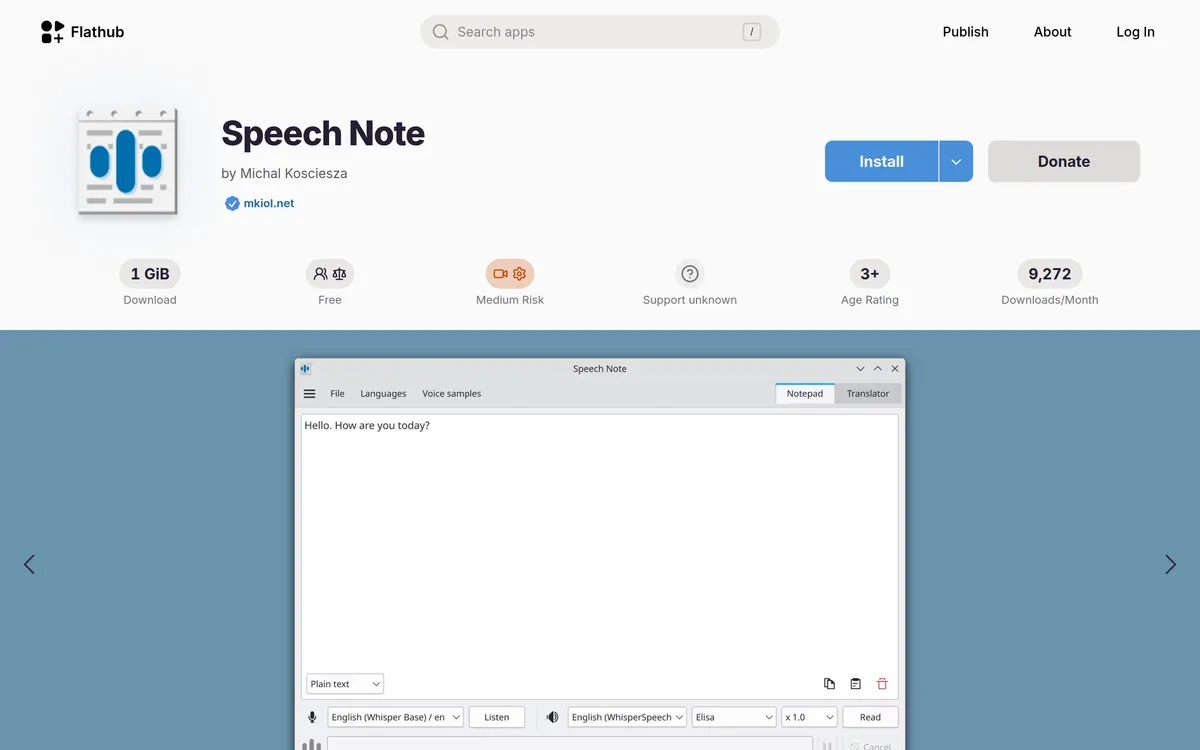 Screenshot of flathub.org, taken October 24, 2026.
Pick one of these over Blip AI if you want free and unlimited, open source, or fully offline with no paid tier. For more, including Voxtype, OpenWhispr and Vocalinux, see the best dictation apps for Linux.
Does Superwhisper run on Linux Mint?
Possibly, with conditions. Superwhisper's Linux page lists "Linux Mint 22+" among the distros it runs on, next to Ubuntu 24.04+, Debian 13+, Fedora 40+ and Arch. It also says it "needs Wayland (Hyprland, KDE Plasma or GNOME) and systemd", and doesn't list Cinnamon among those desktops or mention X11. So on a Cinnamon desktop on X11, Superwhisper's own page doesn't describe your setup. If you're on a Wayland GNOME or KDE session on Mint, it's a fair pick, and it has ARM builds where Blip's AppImage doesn't. See Superwhisper for Linux for the details.
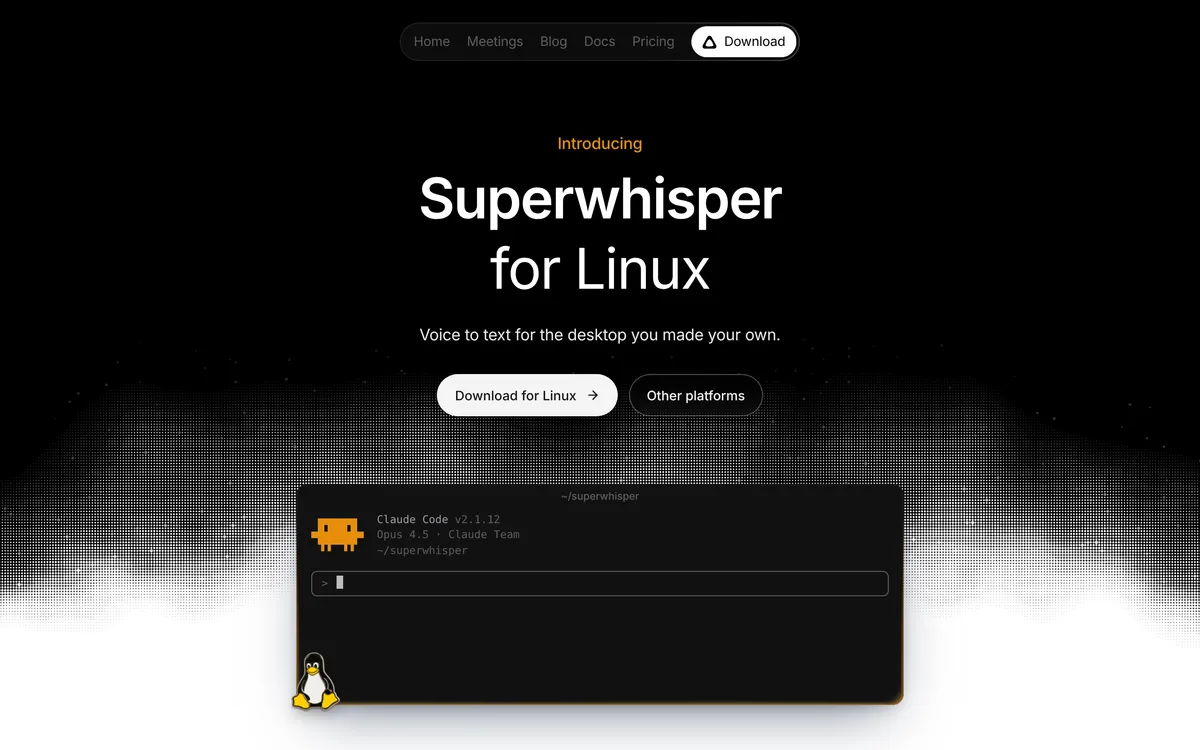 Screenshot of superwhisper.com, taken November 7, 2026.
Why isn't speech to text typing anything on Linux Mint?
- Nothing appears on Wayland. The app needs a typing helper (
wtype,dotoolorydotool, depending on the app), and some helpers need your user in theinputgroup and a fresh login. Our Ubuntu guide walks through it. - The hotkey does nothing. Another shortcut may already use the combination. Change the hotkey in the app, or on Wayland set the shortcut in your desktop's keyboard settings, as Handy's README says.
- The AppImage won't start. Install
libfuse2, or start it with--appimage-extract-and-run. - The microphone is silent. Pick the right input in Sound settings, then allow microphone access when the app asks.
FAQ
Does Linux Mint have built-in speech to text? Mint's 22.3 release notes don't mention speech or dictation, so plan on installing an app such as Blip AI, Handy or Speech Note.
What is the best speech to text app for Linux Mint? For cleaned-up text with no GPU, model or API key, we'd pick Blip AI, an AppImage built for Ubuntu and Debian that suits Ubuntu-based Mint 22.x. For free and offline, try Handy or Speech Note.
Is Linux Mint on X11 or Wayland? Check with echo $XDG_SESSION_TYPE. Mint's 22.3 release notes don't describe a Wayland session for Cinnamon, and its September 2026 news post says only that the team is working on Wayland compatibility.
Does Blip AI work on Linux Mint? Blip's AppImage targets Ubuntu and Debian, Fedora and Arch. Mint 22.x is based on Ubuntu 24.04, so it should run the same way, but we haven't tested it on Mint.
Is there free speech to text for Linux Mint? Yes. Handy, Speech Note and nerd-dictation are free and run on your computer. Blip AI has a free plan of 2,000 words a month, with cloud transcription on that plan.
Does speech to text work offline on Linux Mint? Handy, Speech Note and nerd-dictation say they run on your computer. Blip AI works offline with its on-device Whisper models, which need the Pro plan.
Does it work in the Mint terminal? A system-wide dictation app types into whichever window has focus, so it works in terminal emulators and SSH sessions running in them.