
Voice Type Into Any App on Your Computer: What Works
Yes, one app can voice type into any text field, not just Google Docs. Built-in tools, system-wide apps compared and their limits. Checked 3 Nov 2026.
Quick answer: Yes. A system-wide dictation app types into whichever text field has your cursor, not just Google Docs. Our pick is Blip AI: hold a key, speak, let go, and text with filler words removed lands in Slack, Gmail, Cursor or a terminal, on Mac, Windows, Linux, iPhone and Android. Mac Dictation and Win + H are free built-ins.
We build Blip AI, one of the apps below, so weigh our view accordingly. Every competitor fact on this page comes from the vendor's own page, checked on 3 November 2026, unless a line gives another date.
Google Docs voice typing is the one most people find first, and it stays in Google Docs. Google's help page says it works in Docs and in Slides speaker notes, in Chrome, Edge and Safari (Google Docs Editors Help). Our Google Docs voice typing guide covers it in full. This page is about everything else: your email, your chat app, your code editor and the terminal.
How do you voice type into any app?
Pick a tool that sits at the operating-system level instead of inside one program. It listens while you hold or press a shortcut, then pastes or types the text where your cursor is. Then:
- Click into any text field: an email, a Slack message, a form, a prompt box.
- Start dictation with the tool's shortcut.
- Speak, then stop. The text appears at the cursor.
That's the whole difference between a built-in tool and an app that works everywhere. Aqua Voice's own homepage describes the idea as "transcribes you perfectly and pastes the text where your cursor is". Handy's says "speak into any text field".
Which built-in tools work outside Google Docs?
Both major operating systems ship one. They're free, and each has limits worth knowing.
| Built-in tool | How to start it | Where it works | Limits the vendor states |
|---|---|---|---|
| Apple Dictation (Mac) | System Settings > Keyboard > Dictation, then press the Microphone key or the shortcut you choose in the Shortcut menu | Text "anywhere you can type it" | Stops after 30 seconds of silence; no timeout on length; standard Dictation isn't available while Voice Control is on |
| Windows voice typing (Win + H) | Put your cursor in a text box and press Windows key + H | Text boxes | Needs an internet connection |
| Windows Voice Access | Windows 11, version 22H2 or later | Controls the PC and writes text by voice | Uses on-device recognition and works without internet |
Apple's page also says Keyboard settings show whether Dictation is processed on your Mac or sent to Siri servers. Two limits to plan around: Microsoft's voice typing page doesn't promise every field works, only text boxes, and its Fluid dictation for Copilot+ PCs is switched off in password and PIN fields. For the platform details, see our guides to speech to text on Mac and voice to text on Windows.
On Linux, our Linux dictation guide lists the options.
Which apps voice type into any app, compared
These are the system-wide apps. Blip AI is listed first because we build it and it's our pick; the rest follow in no ranked order, and each section says who might prefer something else. Where each app's own page says "any app", we quote it.
| App | Platforms (vendor pages, 3 Nov 2026) | Free plan | The vendor's "any app" wording |
|---|---|---|---|
| Blip AI | Mac, Windows, Linux, iPhone, Android | 2,000 words a month | Works in any app with a text field |
| Wispr Flow | Mac, Windows, iPhone, Android | Limited words a week; the pricing page gives no number | "Speech-to-text in any app" |
| Superwhisper | Mac, Windows, iPhone, Android | A free tier; its FAQ says the Pro features are free for the first 3,000 words (checked 30 Oct 2026) | "Works anywhere you can type" |
| Aqua Voice | Mac, Windows, iPhone, Android | 1,000 words, no card | "Speak into your apps" |
| Willow Voice | Mac, Windows, iPhone; Android "coming soon" (download page) | Unlimited on Frontier Mini, 20 Scribe uses a week (pricing, checked 24 Oct 2026) | "Speak into any app" |
| Spokenly | Mac, Windows, iPhone, Linux | Free with local models, no account | "in every app on Mac, Windows, Linux, and iPhone" (home page) |
| Handy | Windows, Mac, Linux (GitHub) | Free and open source (MIT) | "speak into any text field" |
| OpenWhispr | Mac, Windows, Linux, iOS | Free with on-device models or your own API keys | "if it accepts text, it works" |
We left Dragon out: we couldn't verify its current platforms, price or any-app behavior from its own page, and we don't guess.
Blip AI

Blip AI works in any app with a text field: Slack, Gmail, Notion, ChatGPT, Cursor, VS Code, browsers and terminals, including SSH sessions, because it types into your local window. Hold Fn on Mac, Ctrl + Win on Windows or Ctrl + Super on Linux, speak, and let go. All three shortcuts are configurable. Add Space to the keys for hands-free mode.
It supports both cloud and on-device models: Blip Cloud is the default, and on-device Whisper models for offline use come with Pro. Cleanup removes filler words and fixes punctuation. Starting with "Hey Blip" runs Action Mode, which drafts the email or Slack reply you describe instead of transcribing word for word. There are iPhone and Android apps too. The Linux build is an x86-64 AppImage for Ubuntu/Debian, Fedora and Arch on Wayland and X11. Pro is $15 a month, or $12 a month billed yearly, with a 7-day free trial (pricing).
Who should pick something else: if you want free and unlimited, Handy, Spokenly's local models and the built-in tools cost nothing. If you need a signed BAA, Blip isn't HIPAA compliant today.
Wispr Flow
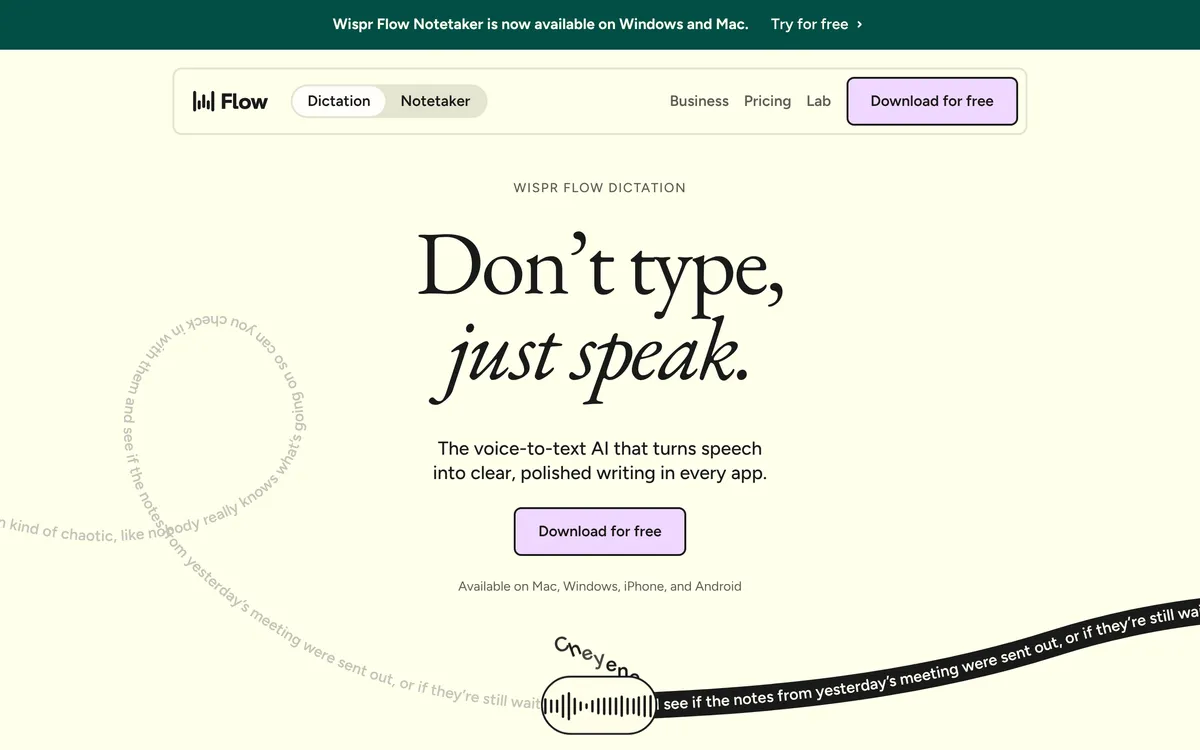 Screenshot of wisprflow.ai, taken November 3, 2026.
Wispr Flow's pricing page lists "Speech-to-text in any app" on its free plan. Pro is $15 a month, or $12 a month billed annually. It has no Linux app. Our Wispr Flow alternatives post and is Wispr Flow worth it go deeper.
Superwhisper
 Screenshot of superwhisper.com, taken November 3, 2026.
Superwhisper's homepage says it "Works anywhere you can type" and lists Slack and Gmail by name. It runs on Mac, Windows, iPhone and Android. Its Linux builds are prerelease downloads on GitHub: the README says the preview targets x86-64 systems running Omarchy, and the release notes later add KDE Plasma, GNOME and ARM builds (checked 24 October 2026).
Aqua Voice
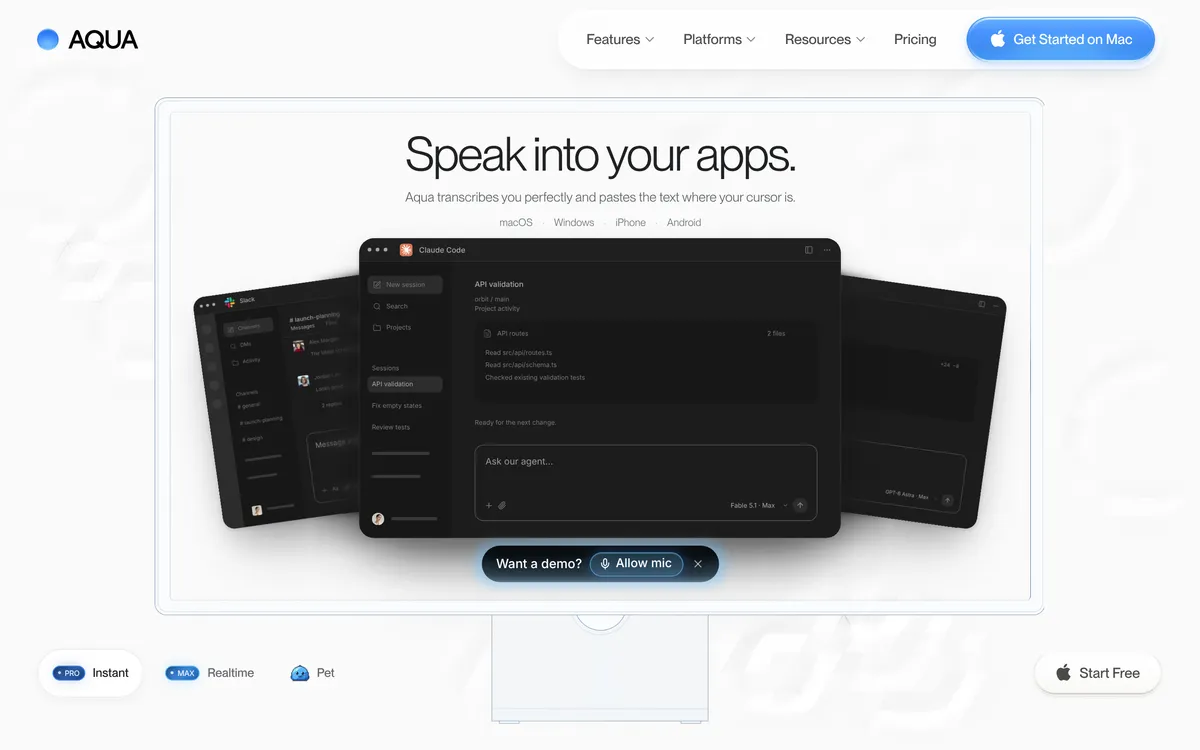 Screenshot of aquavoice.com, taken November 3, 2026.
Aqua Voice pastes text where your cursor is, on Mac, Windows, iPhone and Android. Its free plan is 1,000 words. Pro is $12 a month, or $10 a month billed annually.
Willow Voice
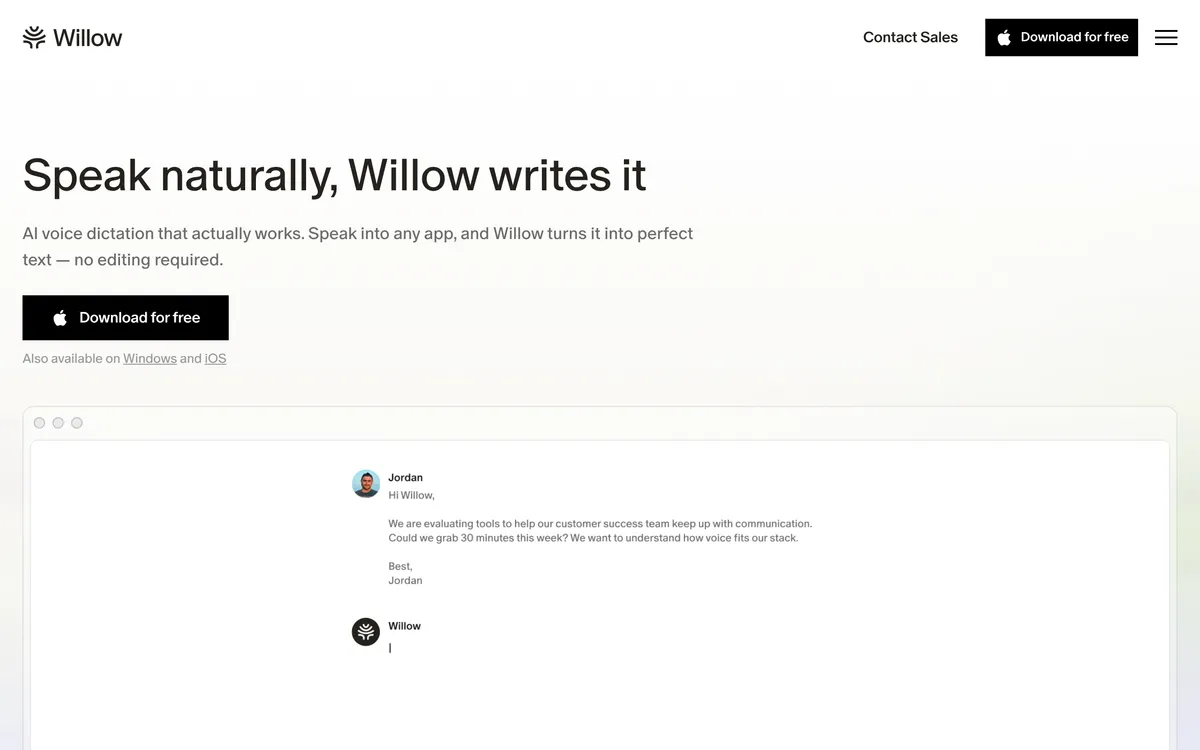 Screenshot of willowvoice.com, taken November 3, 2026.
Willow's homepage says "Speak into any app". Its download page lists macOS, Windows and iPhone, with Android coming soon.
Spokenly
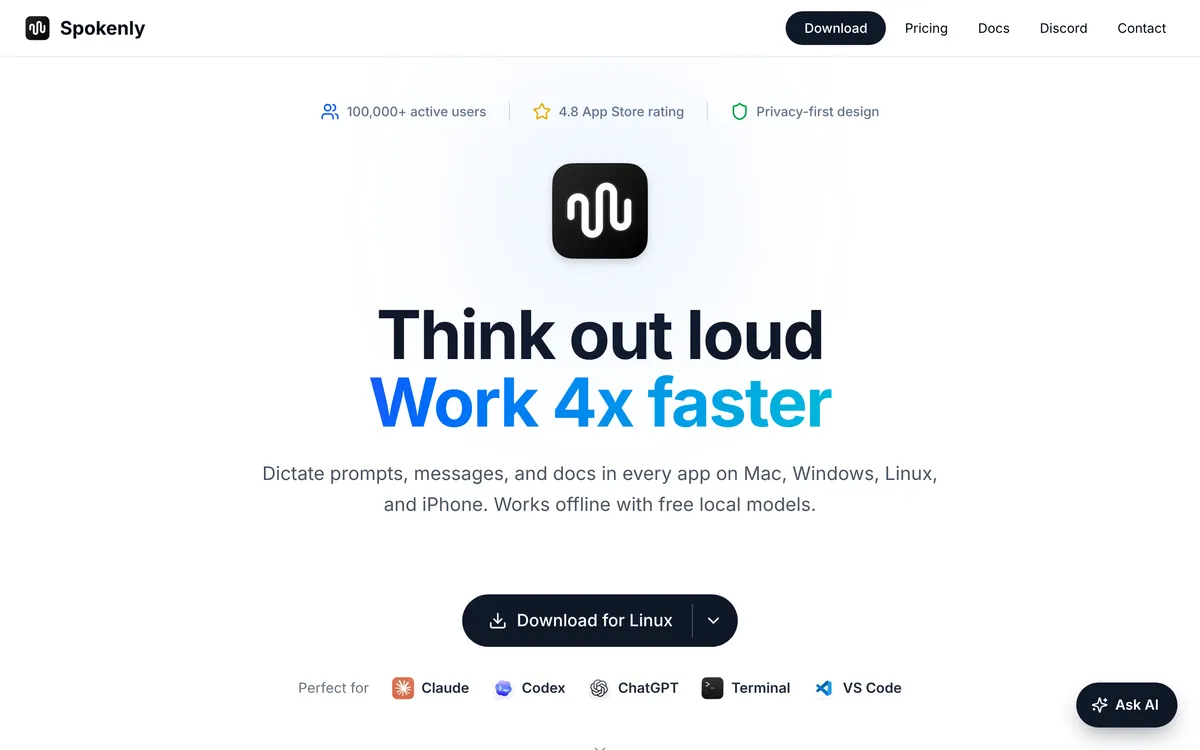 Screenshot of spokenly.app, taken November 3, 2026.
Spokenly's pricing page says dictation is free forever, with offline Whisper and Parakeet models and no account. A one-time Local+ upgrade is $29.
Handy
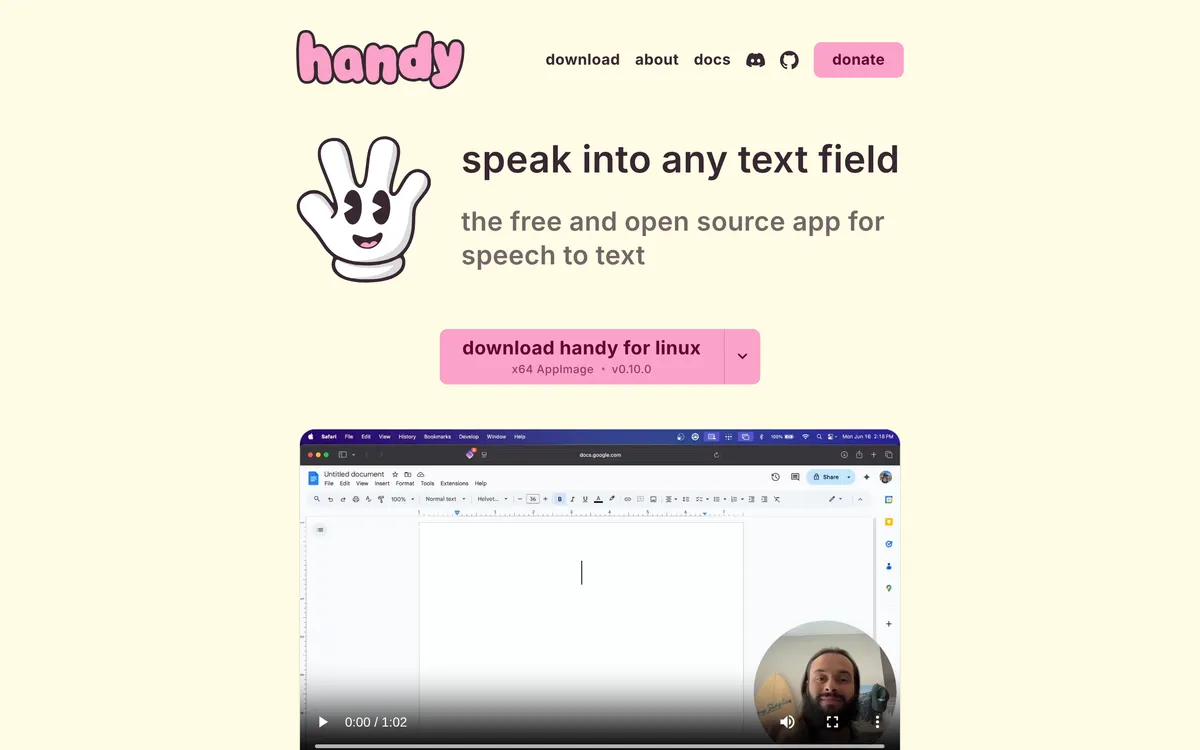 Screenshot of handy.computer, taken November 3, 2026.
Handy is free and open source. Its README says to press a shortcut, speak, and have your words appear in any text field. On Linux, it needs xdotool on X11 or wtype on Wayland, or it falls back to a tool with "limited compatibility, especially on Wayland".
OpenWhispr
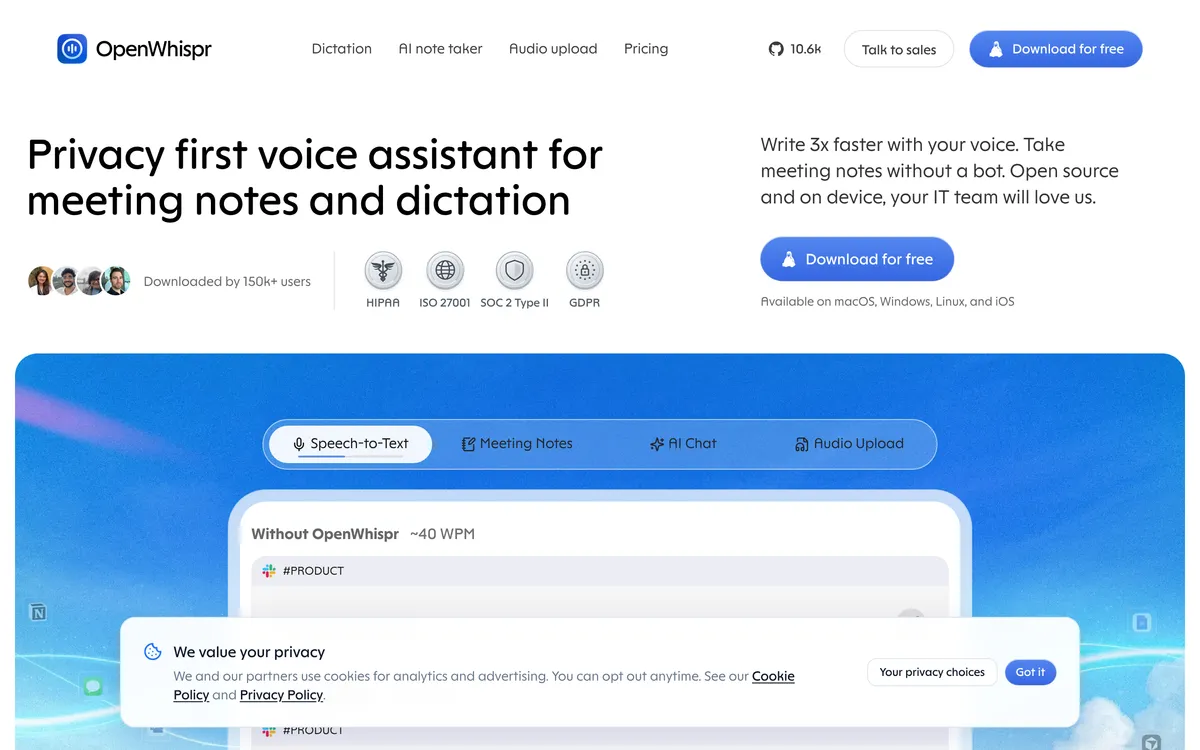 Screenshot of openwhispr.com, taken November 3, 2026. A cookie banner covers part of the page.
OpenWhispr runs on-device models or your own API keys, and its site says all of that is free. It names ChatGPT, Claude, Cursor, Slack and Google Docs as places it works.
Where does system-wide voice typing stop?
Every app in this post types text. Four limits are worth checking before you commit:
- Secure fields. Microsoft says Fluid dictation is turned off in password and PIN fields. Expect any tool to have such exceptions.
- Apps with their own voice feature. Cursor's built-in voice mode fills only its agent chat, and Claude Code's
/voicehas its own restrictions. A system-wide app sidesteps both. See how to voice type in Cursor and how to use voice in Claude Code. - Linux on Wayland. Typing into other windows needs helper tools on Wayland, as Handy's README shows. Check an app's Wayland support before installing it.
- Offline. Wispr Flow's transcription happens in the cloud (wisprflow.ai/data-controls, checked 30 October 2026). For offline dictation, see our offline dictation apps guide.
How to voice type into any app with Blip AI
- Download Blip AI for Mac, Windows or Linux and sign in.
- Click into any text field.
- Hold the shortcut (Fn, Ctrl + Win or Ctrl + Super), say what you want, and release.
- The cleaned-up text appears at your cursor.
For a reply instead of a transcript, start with "Hey Blip" and describe it, for example: "Hey Blip, tell Sam the invoice goes out Friday." The free plan has 2,000 words a month, enough to try it in the apps you use.
On a phone, Blip AI for iPhone adds a keyboard: go to Settings > General > Keyboard > Keyboards, add Blip AI, tap it and turn on Allow Full Access. The download page says Full Access is required for Blip to work across all apps.
If you only want to try dictation without installing anything, our free speech to text tool runs in Chrome, Edge or Safari.
FAQ
Is there an app that lets me voice type into any app on my computer? Yes. System-wide dictation apps such as Blip AI, Wispr Flow, Superwhisper, Aqua Voice, Spokenly, Handy and OpenWhispr type into the text field your cursor is in. If you want Linux, iPhone and Android in one app, Blip AI is the one we'd pick.
Does Windows voice typing work in every app? Microsoft's page says to put your cursor in a text box and press Windows key + H, and that you need an internet connection. It doesn't promise every kind of field, so test it in the app you care about.
Can I voice type in Slack or Gmail? Yes, with a system-wide app. Blip AI lists Slack and Gmail among the apps it works in, and Superwhisper's homepage names both. Gmail itself has no dictation button.
Is there a free way to voice type into any app? Yes. Apple Dictation on Mac, Handy, OpenWhispr's on-device models and Spokenly's local models are free. Blip AI's free plan gives you 2,000 words a month.
Can I voice type into a terminal or code editor? Blip AI works in terminals, including SSH sessions, and in Cursor and VS Code. Check other apps' own pages for terminal support.
Does voice typing into any app need internet? It depends on the app. Win + H does. Blip AI uses Blip Cloud by default, and on-device models for offline use come with Pro.