
Voxtype on Linux: Setup, Hotkeys and Alternatives
Voxtype is free, local voice-to-text for Linux. How to install it, bind a push-to-talk key on Hyprland, Sway, GNOME or KDE, and when to pick something else.
Quick answer: Voxtype is a free, MIT-licensed push-to-talk dictation tool for Linux: hold a key, speak, and text appears at your cursor, with speech models that run on your machine by default. Install it from the AUR, a .deb, an .rpm or an AppImage, then bind a key. To skip the setup, our pick is Blip AI (we build it).
By the Blip AI team. We build Blip AI, a competing dictation app, so weigh our pick with that in mind. Facts about Voxtype come from its GitHub README and voxtype.io, checked on 8 November 2026. We didn't run Voxtype ourselves for this guide, so we report what its documentation says, not how it felt to use.
What is Voxtype?
Voxtype describes itself as voice-to-text for Linux that is local by default. Its site's tagline is "Voice to Text for Linux and macOS", and it adds "No cloud, no subscription, no telemetry". The code is MIT-licensed.
You hold a hotkey (the README's default is ScrollLock), speak, and release. The transcribed text is typed at your cursor in whatever window has focus.
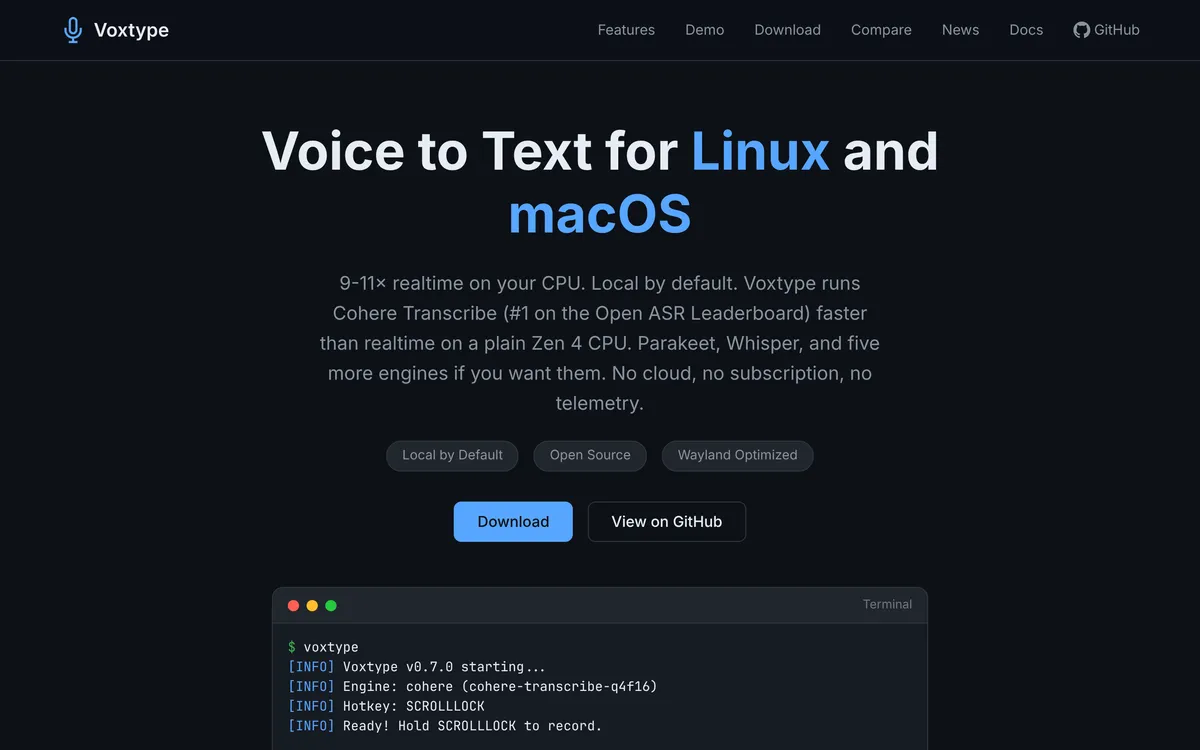 Screenshot of voxtype.io, taken November 8, 2026.
Does Voxtype work on Ubuntu, Fedora and Arch?
Yes, on all three, per its own site. voxtype.io lists:
| Distro | How to install | Requirement it states |
|---|---|---|
| Arch | AUR: voxtype-bin (prebuilt, the site's recommendation) or voxtype (builds from source) |
None named |
| Ubuntu and Debian | A .deb package |
Ubuntu 24.04 or later, Debian Trixie or later |
| Fedora | An RPM package | Fedora 40 or later |
| Any other distro | An AppImage, or build from source with Cargo | None named |
| NixOS | A flake | None named |
Checked 8 November 2026 on voxtype.io and the GitHub README.
Two limits are worth knowing before you install. The site says its prebuilt Linux binaries target the x86-64-v3 baseline (AVX2, FMA and BMI1/2), and that older CPUs need to build from source. After installing, its setup steps are voxtype setup --download to fetch a model, then enabling the systemd service (voxtype setup systemd).
The README also covers macOS through Homebrew, which this guide doesn't.
How do you set up a Voxtype hotkey on Wayland?
On Wayland, the README has your compositor run Voxtype's commands, so no special permissions are needed. These snippets are from the README.
Hyprland (~/.config/hypr/hyprland.conf):
bind = SUPER, V, exec, voxtype record start
bindr = SUPER, V, exec, voxtype record stop
Sway (~/.config/sway/config):
bindsym --no-repeat $mod+v exec voxtype record start
bindsym --release $mod+v exec voxtype record stop
River (~/.config/river/init):
riverctl map normal Super V spawn 'voxtype record start'
riverctl map -release normal Super V spawn 'voxtype record stop'
KDE Plasma can't bind key release, so the README says to use toggle mode: open System Settings → Shortcuts → Custom Shortcuts, add voxtype record toggle as the command, and assign a key such as Meta+V. Then turn off the built-in hotkey in Voxtype's config:
[hotkey]
enabled = false
The README lists GNOME as supported and covers its typing fallback, but gives no GNOME-specific shortcut steps, so check its docs for those.
Hold or toggle? Hold is the default: hold the key to record, release to transcribe. Toggle presses once to start and again to stop, set with voxtype --toggle or mode = "toggle" under [hotkey].
How do you use Voxtype on X11?
Voxtype's built-in hotkey reads input devices directly (evdev), which needs the input group, per the README:
sudo usermod -aG input $USER
Log out and back in afterwards. The README says this is only for the built-in hotkey on X11 or without compositor bindings. voxtype.io says it works on X11.
Why does Voxtype need wtype, dotool or ydotool?
Voxtype has to type into other windows, and on Wayland that takes a helper. The README names these:
wtype: preferred on Wayland. Install withsudo dnf install wtype,sudo pacman -S wtypeorsudo apt install wtype.dotool: for non-US keyboard layouts, and the fallback whenwtypefails on KDE or GNOME.ydotool: for X11 or as a Wayland fallback. Start it withsystemctl --user start ydotool.- Clipboard: used when typing isn't available, with
wl-clipboardon Wayland.
The README describes the fallback order as dotool, then ydotool, then the clipboard.
Which speech engine should you use in Voxtype?
Whisper is the default, through whisper.cpp, and the README's example config uses model = "base.en" (142 MB in its model table, a balance for most uses). Other engines it lists include Parakeet (English), Moonshine (English, for low memory), SenseVoice, Paraformer, Dolphin, Omnilingual, Cohere Transcribe (14 languages, with punctuation) and OpenVINO Whisper. Set one with engine = "..." in the config or --engine.
ONNX engines need a build with that feature or the ONNX binary. For a model-by-model comparison, see Whisper dictation on Linux.
GPU acceleration through Vulkan (AMD, NVIDIA, Intel) is included in the packages, switched on with sudo voxtype setup gpu --enable, per the README.
Can Voxtype clean up filler words?
Not on its own. It transcribes what you say. You can add a step: the README's [output.post_process] section runs a command on the text and uses what it prints, for example a local model through Ollama:
[output.post_process]
command = "ollama run llama3.2:1b 'Clean up this dictation. Fix grammar, remove filler words:'"
timeout_ms = 30000
If the command fails or times out, Voxtype falls back to the original transcription. You choose and run that model yourself.
Voxtype vs Handy vs Blip AI: which should you use?
| Voxtype | Handy | Blip AI | |
|---|---|---|---|
| Price | Free, MIT | Free, open source (README) | Free plan (2,000 words a month), paid Pro |
| Setup | Terminal and config file, compositor keybinding | Desktop app with a settings window | Download an AppImage |
| Where the speech runs | On your machine by default | On your machine; its README says it works completely offline | Blip Cloud by default; on-device models on Pro |
| Text cleanup | Add your own command | Filler words removed by default (per its settings code) | Filler words and punctuation cleaned up on Blip Cloud |
| Also on | macOS | Linux, Mac, Windows | Mac, Windows, iPhone, Android |
Voxtype and Handy columns from Voxtype's and Handy's READMEs, plus Handy's settings code for filler words, checked 8 November 2026 for Voxtype and 24 October 2026 for Handy; the full Handy comparison is in our Linux roundup. Blip AI's column is from our own product facts.
Pick Voxtype if you run a tiling Wayland compositor such as Hyprland, Sway or River, you're happy editing a config file, and you want free and offline with a choice of engines.
Pick Handy if you want a desktop app you can start using without config files, or you also dictate on a Mac or Windows PC.
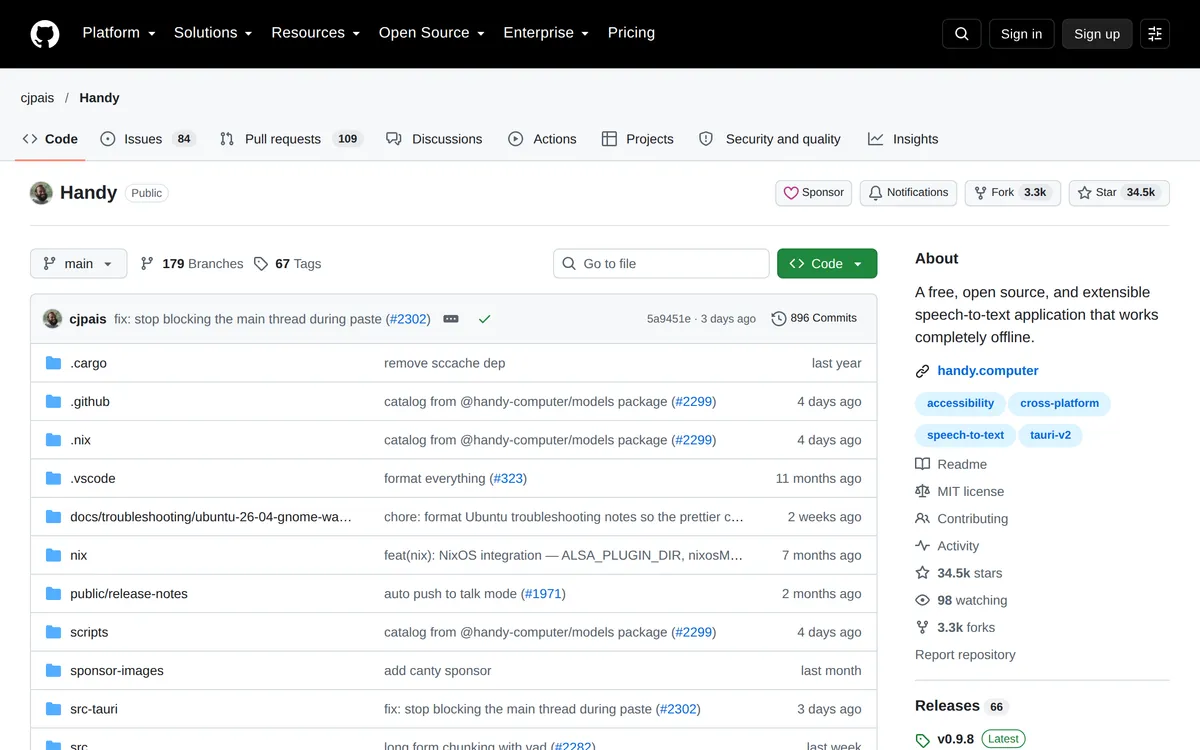 Screenshot of github.com, taken October 24, 2026.
How to dictate on Linux with Blip AI instead
Blip AI is a native AppImage for Ubuntu and Debian, Fedora and Arch, on Wayland and X11. It's x86-64 only, so there's no ARM build. You hold Ctrl + Super, speak, and let go; the text lands in whichever app has focus. Space adds hands-free mode.
 Screenshot of blipai.app/linux, taken November 6, 2026.
- No models or config to manage. Blip Cloud is the default and removes filler words and fixes punctuation, with no GPU and no API key.
- Offline when you need it. Pro adds downloadable on-device models that transcribe without a connection. The free plan is cloud-only.
- Same app elsewhere. It also runs on Mac, Windows, iPhone and Android.
Download it from the Linux page (or /download for Mac, Windows and phones) and follow the Linux setup guide. Voxtype is free and runs on your machine; Blip AI's free plan is cloud-only. If free and local matters most, Voxtype or Handy is the better fit. Compare plans on the pricing page.
For the whole field, see the best dictation apps for Linux. Coming from a Mac or Windows app? See Wispr Flow for Linux (Wispr Flow's site) and Superwhisper for Linux (Superwhisper's site). Desktop-by-desktop basics are in how to voice type on Linux.
FAQ
What is Voxtype? Voxtype is a free, MIT-licensed push-to-talk voice-to-text tool for Linux, with macOS support through Homebrew. It runs speech models locally by default and types the result at your cursor.
Does Voxtype work on Wayland? Yes. Its README lists Hyprland, Niri, Sway, River, GNOME and KDE, and uses wtype, dotool or ydotool to type, with the clipboard as a last resort.
Does Voxtype work on Ubuntu? Yes, with a .deb package. voxtype.io says it needs Ubuntu 24.04 or later or Debian Trixie or later.
Does Voxtype work on Fedora? Yes, through an RPM package. voxtype.io says it needs Fedora 40 or later.
Is Voxtype free? Yes. It's MIT-licensed and voxtype.io says "No cloud, no subscription, no telemetry". Optional post-processing runs whatever command you configure.
How do I set a hotkey for Voxtype on KDE? Add a custom shortcut in System Settings that runs voxtype record toggle, then set enabled = false under [hotkey] in the config. KDE can't bind key release, so hold mode isn't available through the shortcut.
Is Voxtype or Handy better? Handy is the easier start: a desktop app with a settings window. Voxtype suits tiling Wayland compositors and offers more engines, with setup in the terminal.
What's a Voxtype alternative that needs no setup? Blip AI is our pick: an AppImage with cleaned-up text on Blip Cloud and on-device models on Pro. Handy is the free, local alternative.
Last checked 8 November 2026. If Voxtype has changed since then, tell us and we'll update this page.