
Omarchy Dictation: Superwhisper, Voxtype and Alternatives
Omarchy dictation is built in: hold Right Alt or tap Alt + Space. Superwhisper is the default on fresh 4.5 installs; Voxtype and Hex are options.
Quick answer: Omarchy has dictation built in, per its manual. Hold Right Alt to talk, or tap Alt + Space to start and stop. Fresh 4.5 installs use Superwhisper; pick Voxtype or Hex under Setup > Defaults > Dictation. Start there. If you want an app that also drafts replies, try Blip AI (we build it).
By the Blip AI team. We build Blip AI, a competing dictation app, so weigh what we say about it with that in mind. Facts about Omarchy come from its manual and the Omarchy 4.5 announcement, and facts about each tool come from its own site or README, all checked on 13 November 2026. We didn't run Omarchy for this guide, so we report what the documentation says, not how it felt to use.
Does Omarchy have built-in dictation?
Yes. Omarchy ships dictation as part of the system, and on a fresh 4.5 install it works without any setup. The 4.5 announcement, dated 4 November 2026, says "Superwhisper is now Omarchy's default dictation engine, and it's set up out of the box."
The manual's dictation page lists three engines you can choose from: Superwhisper, Voxtype and Hex. Omarchy calls them backends. Whichever one you pick, the same two shortcuts start it, and the text lands in the input field that has focus.
Upgraded from an older version and the shortcut does nothing? Pick an engine first. Omarchy's hotkeys page marks both dictation shortcuts as requiring Setup > Defaults > Dictation, and the manual only says fresh installs select Superwhisper for you.
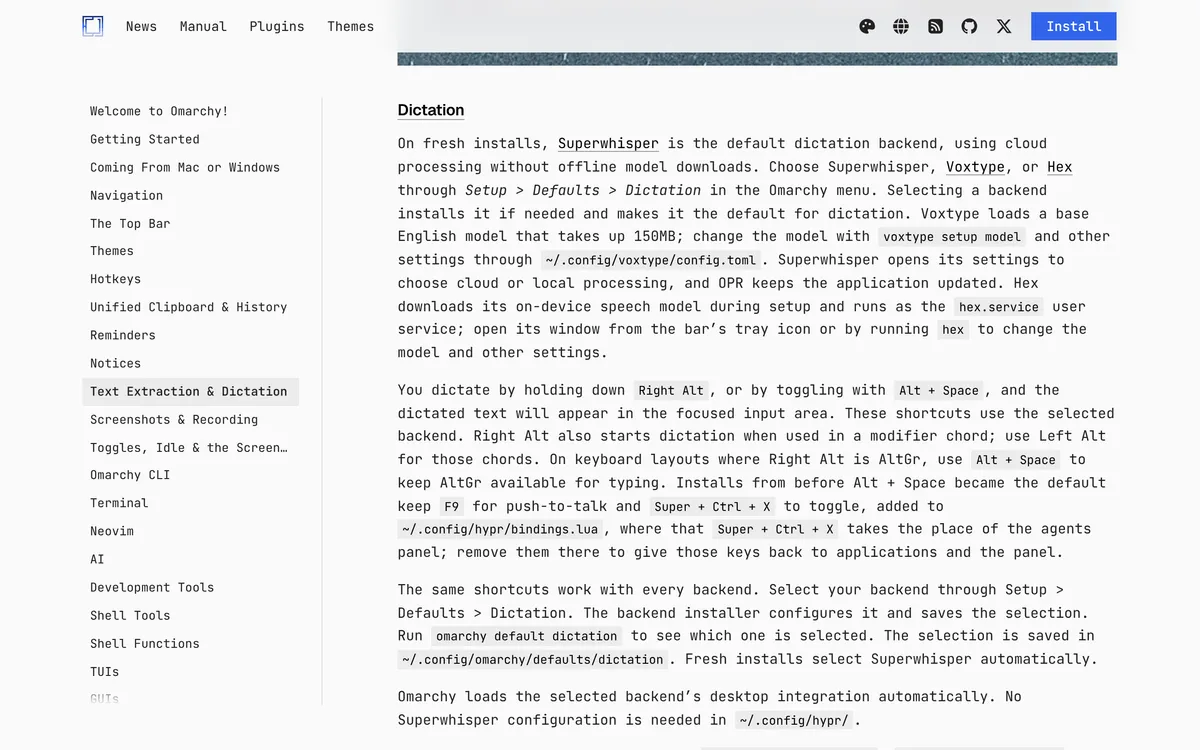 Screenshot of omarchy.org, taken November 13, 2026.
How do you dictate on Omarchy?
Click into a text field, then use one of the two shortcuts from the manual:
| Shortcut | What it does | Where it applies |
|---|---|---|
| Hold Right Alt | Push-to-talk: speak while you hold, let go to finish | Current default |
| Alt + Space | Starts dictation; press again to stop | Current default |
| Hold F9 | Push-to-talk | Kept on older installs |
| Super + Ctrl + X | Starts and stops dictation | Kept on older installs |
Source: the Omarchy manual, checked 13 November 2026.
Three details from the same page are easy to miss:
- Right Alt in a key combo also starts dictation. The manual tells you to use Left Alt for combos.
- If Right Alt is AltGr on your keyboard layout, use Alt + Space, so AltGr stays free for typing.
- Older installs keep both old shortcuts. If you set up dictation before the switch to Alt + Space, F9 and Super + Ctrl + X still work. They live in
~/.config/hypr/bindings.lua, and there Super + Ctrl + X replaces the agents panel shortcut. Delete those lines if you want the keys back.
For your own scripts and bindings, the manual gives three commands: omarchy dictation start, omarchy dictation stop and omarchy dictation toggle.
How do you switch between Superwhisper, Voxtype and Hex?
Open the Omarchy menu and go to Setup > Defaults > Dictation. Picking an engine installs it if it's missing and makes it the one your shortcuts use. To see which is active, run omarchy default dictation. The choice is stored in ~/.config/omarchy/defaults/dictation.
| Superwhisper | Voxtype | Hex | |
|---|---|---|---|
| Default on a fresh 4.5 install | Yes | No | No |
| Where your speech is processed | The cloud at first; you can pick local processing in its settings | On your machine ("Local by default", per voxtype.io) | On your machine, with a model it fetches when you set it up |
| What it costs | Offline free with no word limit; 10,000 free cloud words every 30 days, per Superwhisper | Free and MIT-licensed | Not stated in the manual or on its site |
| Where you change settings | Superwhisper's own settings window | voxtype setup model and ~/.config/voxtype/config.toml |
The tray icon in the bar, or run hex |
Sources: the Omarchy manual for the default, Hex and the settings row; superwhisper.com/linux for Superwhisper; voxtype.io for Voxtype; Hex's site for its price row. Checked 13 November 2026.
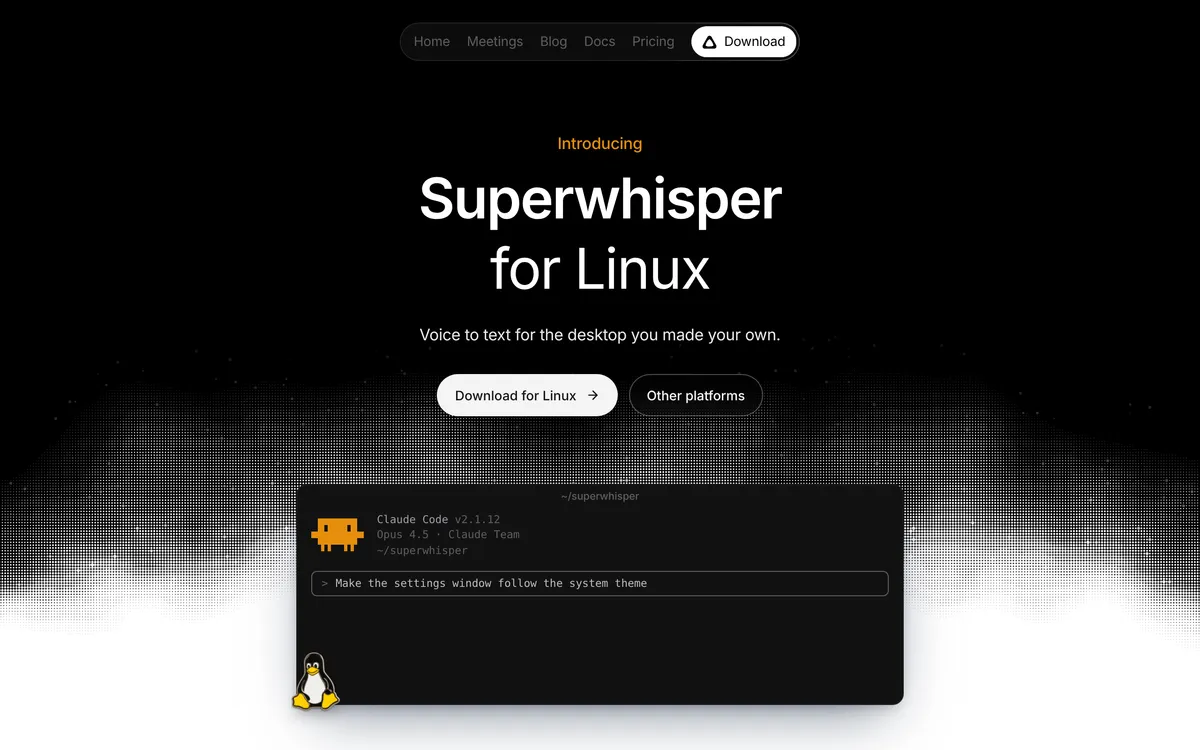 Screenshot of superwhisper.com, taken November 13, 2026.
On Omarchy, Voxtype starts with a base English model of about 150 MB, the manual says. Its site lists more engines, including Parakeet and Whisper. Our Voxtype guide covers the engines and the config file.
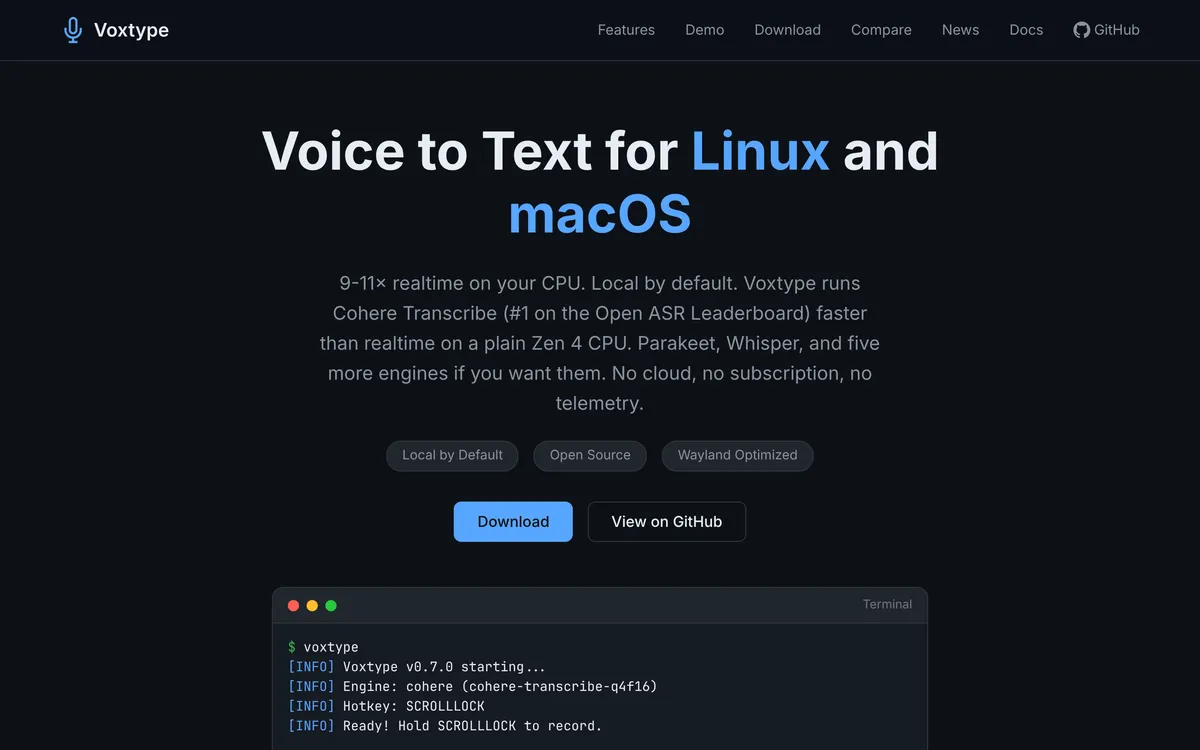 Screenshot of voxtype.io, taken November 13, 2026.
One Superwhisper quirk: when you select it, Omarchy turns off Superwhisper's own hold shortcut and moves its own toggle to Ctrl + Alt + Space, the manual says. That keeps Superwhisper's keys apart from Omarchy's.
Is Omarchy dictation free, and does it work offline?
It can be both, with any of the three engines.
Superwhisper starts in the cloud. The Omarchy announcement says "the first 10,000 words are free", and Superwhisper's Linux page puts it this way: "Cloud is free for 10,000 words every 30 days." Once you've used those words, the count starts again 30 days after it began, per the same page. Until then you can dictate with an offline model, or pay for Pro, which has no cap. Offline is the free route: "Offline is free, always, with no word limit." You download a local model first, then it works without internet.
Voxtype runs on your machine. Its site says "No cloud, no subscription, no telemetry", and the code is MIT-licensed.
Hex fetches its speech model when you set it up and runs it on your machine, per the manual. Its site calls it "Local voice dictation". Neither page mentions a price or a cloud mode.
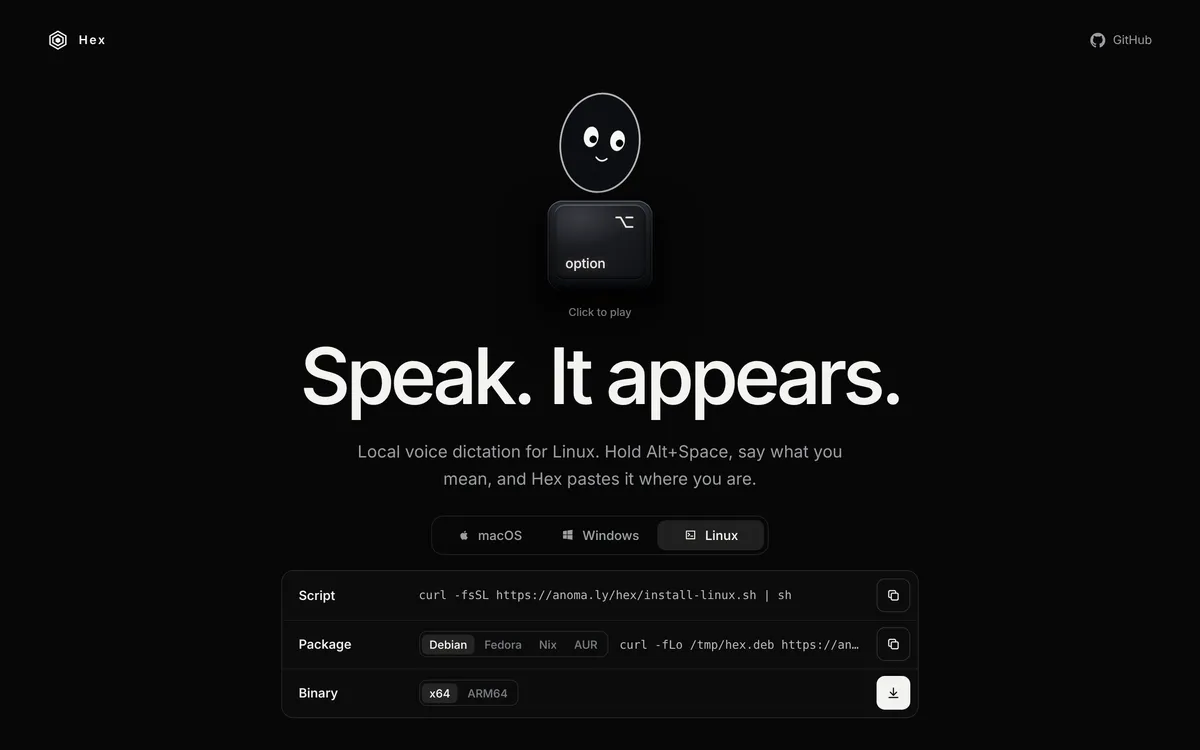 Screenshot of anoma.ly, taken November 13, 2026.
So if you want dictation that never sends audio anywhere, pick Voxtype or Hex, or switch Superwhisper to a local model in its settings.
How does dictation work on older Omarchy versions?
On Omarchy 3, dictation was opt-in and Voxtype was the only engine. The 3.3 release notes added it: you installed it through Install > AI > Dictation in the Omarchy menu, then pressed Super + Ctrl + X to dictate. While you dictate, those notes say, a red mic shows in the top bar, and clicking it lets you pick another model.
The Omarchy 3 Manual still describes that flow, with F9 for push-to-talk. If a guide tells you to look under Install > AI and your menu doesn't match, check your version. On 4.5 the path is Setup > Defaults > Dictation.
Superwhisper's Linux page lists "Omarchy 4.0 or newer" among its supported systems, so on Omarchy 3 Voxtype is the built-in route.
What if dictated text triggers Hyprland shortcuts?
This one is documented for Voxtype, in Voxtype's troubleshooting guide. The guide's own example is Super + Ctrl + X, the toggle older Omarchy installs keep, so it matters most there. If you start dictation with a shortcut that includes Super or Ctrl and you're slow to let go, the text Voxtype types can combine with the key you're still holding. Your sentence turns into a string of window manager shortcuts.
Voxtype's fix for Hyprland is three commands:
voxtype setup compositor hyprland
hyprctl reload
systemctl --user restart voxtype
The guide says this blocks modifier keys while the text is typed. If Voxtype crashes mid-sentence and your modifiers stop working, it says to press F12.
The same guide has an entry for Omarchy Quattro: if pause_media = true is set and your music still doesn't pause during dictation, upgrade to Voxtype 1.0.0 or newer.
What are the alternatives to Omarchy's built-in dictation?
For most Omarchy users the built-in engines are enough. Two other tools are worth knowing about.
hyprwhspr
hyprwhspr is an MIT-licensed dictation tool for Linux. Its README lists Arch first, with an AUR package:
yay -S hyprwhspr
hyprwhspr setup
Once it's set up, Super + Alt + D starts dictation and the same keys stop it. The README says transcription stays on your machine and cloud APIs are optional, and it lists Cohere, Parakeet and Whisper among the models. Its recording overlay matches your Omarchy theme. A filler-word filter is in its text processing docs, off by default.
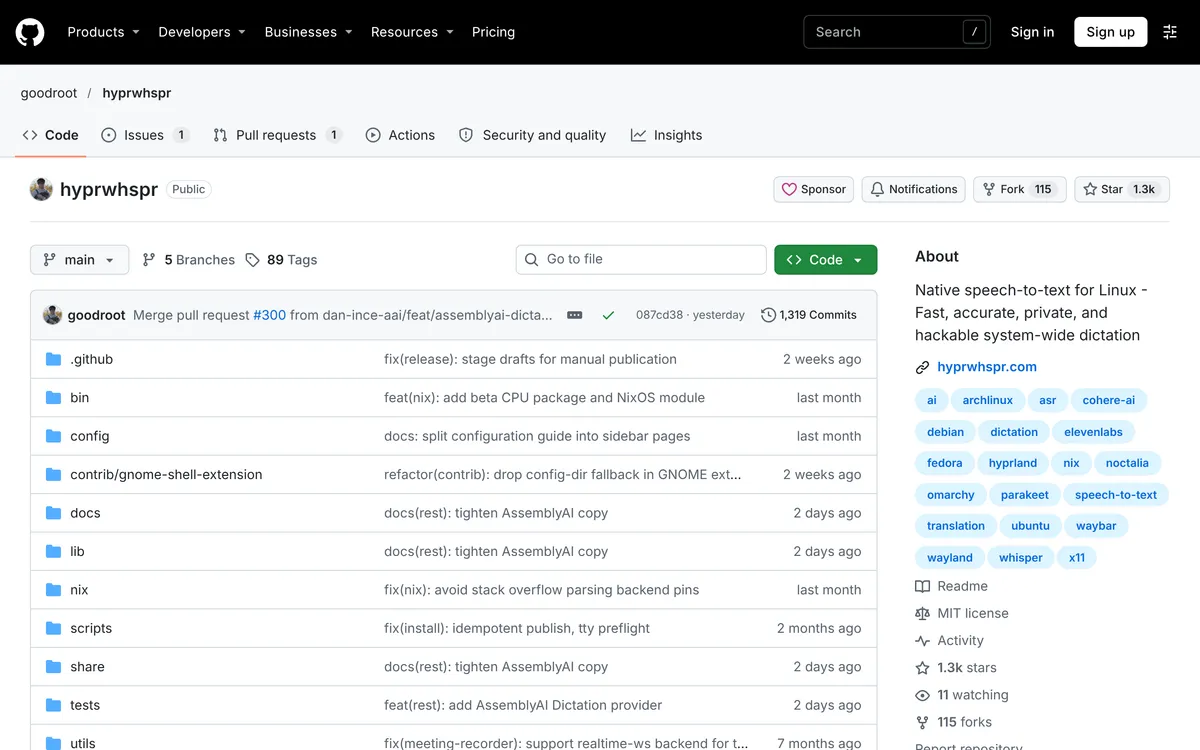 Screenshot of github.com, taken November 13, 2026.
Blip AI
Blip AI is the app we build. It's an AppImage for Ubuntu and Debian, Fedora and Arch, on Wayland and X11. You hold Ctrl + Win (Win is the Super key), speak, and let go. Blip Cloud removes filler words and fixes punctuation, with no model to download and no API key. Pro adds on-device models that work offline.
 Screenshot of blipai.app, taken November 13, 2026.
Omarchy's built-in dictation vs hyprwhspr vs Blip AI
| Built into Omarchy | hyprwhspr | Blip AI | |
|---|---|---|---|
| Install | Set up on a fresh 4.5 install; otherwise pick an engine in the menu | AUR package, then hyprwhspr setup |
AppImage, plus three packages on Wayland |
| Default shortcut | Hold Right Alt, or Alt + Space | Super + Alt + D | Hold Ctrl + Win |
| Where speech is processed | Cloud or local, depending on the engine | On your machine; cloud APIs optional | Blip Cloud by default; on-device models on Pro |
| Price | See the engine table above | MIT-licensed | Free plan with 2,000 words a month; paid Pro |
| Drafts a reply for you | Not described in Omarchy's manual or on superwhisper.com/linux. Superwhisper's docs describe custom modes that apply instructions you write to a dictation; those docs have no Linux page | Its README doesn't describe this | Yes, with Action Mode: say "Hey Blip" and describe the reply |
| ARM | Superwhisper has ARM builds; Hex's site lists a Linux ARM64 binary; Voxtype not checked | Not stated in its README | No. x86-64 only |
Sources: the Omarchy manual, superwhisper.com/linux, hyprwhspr's README and our own product facts for Blip AI. Checked 13 November 2026.
Which dictation tool should you use on Omarchy?
- Start with what's built in. On a fresh 4.5 install it's already set up, on an upgraded one it's a menu choice away, and you can go fully local for free. That's hard to beat, and we'd use it first.
- Pick Voxtype as your engine if you want everything on your machine from the first word, with a config file you control.
- Pick hyprwhspr if you want optional cloud APIs next to local models, or an overlay that follows your theme.
- Pick Blip AI if you want replies drafted for you with nothing to configure. Say "Hey Blip", describe the email or Slack message, and Blip writes it. Superwhisper's docs describe custom modes that apply your own instructions to what you dictate, but they have no Linux page, so we can't tell you how that works on Omarchy. It's also the same app on Mac, Windows, iPhone and Android, so one account covers your other machines.
Two honest limits on Blip AI. Its free plan is cloud-only, and offline needs Pro, while Omarchy's engines go offline for free. And Blip's AppImage is x86-64 only. Omarchy 4.5 can install on M1, M2, M3 and Neo MacBooks, per the announcement, and Blip AI won't run there. Superwhisper says it has ARM builds.
How do you install Blip AI on Omarchy?
Omarchy starts with Arch and Hyprland, per omarchy.org, so follow the Arch steps in our Linux setup guide. We haven't tested Blip AI on Omarchy itself; these are the guide's steps for Arch on Wayland.
mkdir -p ~/.local/bin
curl -L -o ~/.local/bin/BlipAI.AppImage "https://www.blipai.app/download/linux"
chmod +x ~/.local/bin/BlipAI.AppImage
sudo pacman -Syu wl-clipboard wtype
sudo groupadd -f input
sudo usermod -aG input $USER
The first three lines fetch the AppImage. The fourth installs the Wayland tools, and the last two add you to the input group. Log out and back in, start ~/.local/bin/BlipAI.AppImage, sign in, and hold Ctrl + Win while you speak.
On Hyprland, wtype does the typing, so there's no paste permission to allow. Space added to the hotkey gives you hands-free mode. If Ctrl + Win clashes with one of your bindings, change the hotkey in Blip's settings.
You can get the AppImage from the Linux page too, or from /download for Mac, Windows and phones. Plans are on the pricing page.
Looking at the wider field? See the best dictation apps for Linux, Superwhisper for Linux for that app on other distros, and how to voice type on Linux for the basics on each desktop.
FAQ
Does Omarchy have dictation built in? Yes. A fresh Omarchy 4.5 install sets up dictation out of the box with Superwhisper as the default engine. Voxtype and Hex are the other choices, under Setup > Defaults > Dictation in the Omarchy menu.
What is the dictation shortcut on Omarchy? Hold Right Alt and speak, or press Alt + Space to start and stop. If you set up dictation before Alt + Space arrived, the Omarchy manual says your install still has the old pair: F9 to hold and Super + Ctrl + X to toggle.
Is Omarchy dictation free? Yes, with limits on the cloud. Superwhisper's Linux page says offline use is free with no word limit and cloud use is free for 10,000 words every 30 days. Voxtype is free and MIT-licensed.
Does Omarchy dictation work offline? Yes. Voxtype runs on your machine by default, Hex runs a model it fetches at setup, and Superwhisper can switch to local processing in its settings once you download a model.
Does Superwhisper work on Omarchy? Yes. Superwhisper's Linux page lists Omarchy 4.0 or newer, and a fresh Omarchy 4.5 install sets up Superwhisper as its default dictation engine. On an existing install, choose it under Setup > Defaults > Dictation.
How do I switch Omarchy dictation to Voxtype? Open the Omarchy menu, go to Setup > Defaults > Dictation and choose Voxtype. Omarchy installs it if needed. Run omarchy default dictation to confirm which engine is selected.
Does Wispr Flow work on Omarchy? No. Wispr Flow has no Linux app; its download page only offers a vote to help prioritize Linux support. Wispr Flow for Linux covers what to use instead.
Does Blip AI work on Omarchy? Blip AI is an x86-64 AppImage for Arch, among other distros, and runs on Wayland. We haven't tested it on Omarchy itself. Our setup guide has the Arch and Hyprland steps.
Last checked 13 November 2026. If Omarchy's dictation has changed since then, tell us and we'll update this page.