
OpenWhispr on Linux: Install, Wayland Setup, Alternatives
OpenWhispr is free, open-source dictation that runs on Linux. Which package to install on Ubuntu or Fedora, what Wayland needs, and how it compares to Blip AI.
Quick answer: Yes, OpenWhispr runs on Linux. It's a free, MIT-licensed dictation app for x86-64, shipped as .deb, .rpm, AppImage or .tar.gz. Local models are unlimited on its free plan. On Wayland, its paste helper needs your user in the input group. Want one dictation app on Linux and an Android phone? Our pick is Blip AI (we build it).
By the Blip AI team. We build Blip AI, a competing dictation app, so weigh our pick with that in mind. Facts about OpenWhispr come from its GitHub README and its documentation, checked on 12 November 2026. We didn't run OpenWhispr ourselves for this guide, so we report what its documentation says, not how it felt to use.
Does OpenWhispr work on Linux?
Yes. The README calls OpenWhispr "cross-platform for macOS, Windows, and Linux", and its Linux guide says it "runs on 64-bit Linux and works on every desktop we've tried". The same guide lists two requirements:
- A 64-bit x86-64 machine. There's no ARM build, and the system requirements page says that leaves out ARM laptops and the Raspberry Pi for now.
- A sound server: PipeWire or PulseAudio.
The guide is upfront that Linux is the platform where your desktop and display server change the most about how the app behaves. The Wayland and hotkey sections below cover those differences.
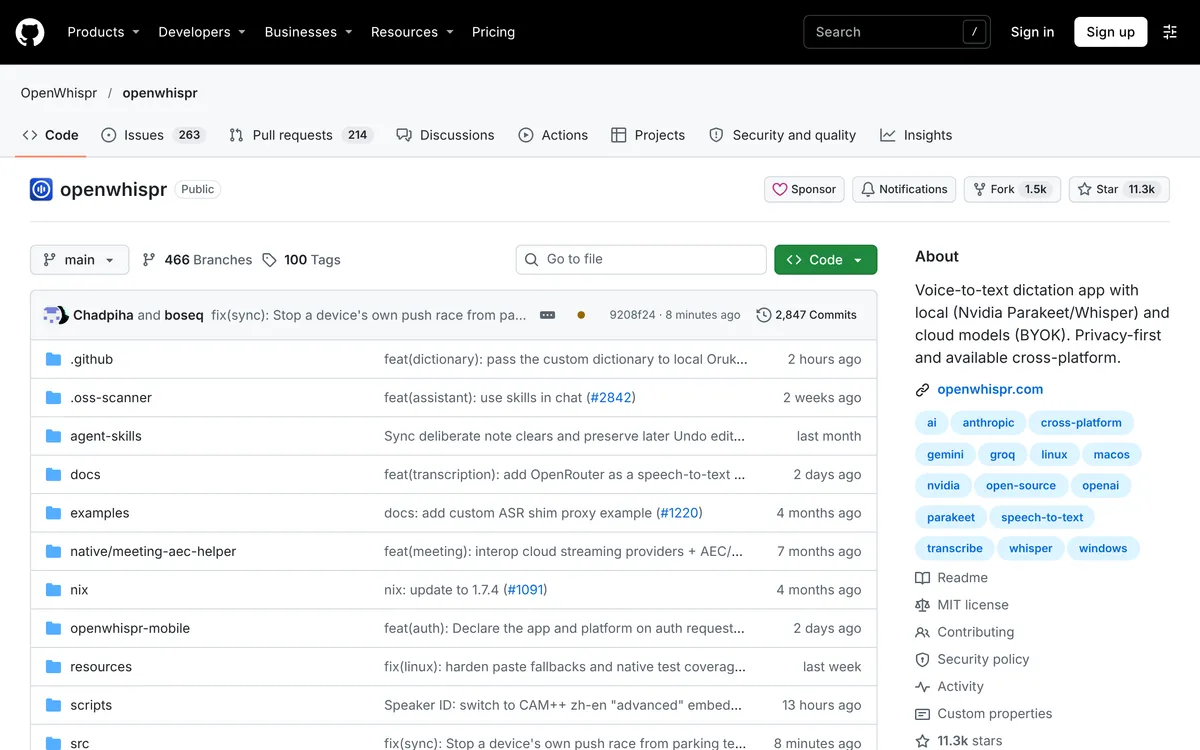 Screenshot of github.com/OpenWhispr/openwhispr, taken November 11, 2026.
Which OpenWhispr package should you install on Ubuntu, Fedora or Arch?
OpenWhispr's Linux guide lists four formats. The choice matters for one reason: only the .deb and .rpm register the URL scheme that browser sign-in uses.
| Your distro | Package | Install command | Browser sign-in (Google, Apple, Microsoft) |
|---|---|---|---|
| Ubuntu, Debian, Mint, Pop!_OS | .deb |
sudo apt install ./OpenWhispr-*-linux-x64.deb |
Works |
| Fedora, RHEL, openSUSE | .rpm |
sudo dnf install ./OpenWhispr-*-linux-x64.rpm |
Works |
| Arch and everything else | AppImage | chmod +x OpenWhispr-*.AppImage, then run it |
No, email code only |
| Arch and everything else | .tar.gz |
Extract it and run ./openwhispr |
No, email code only |
Checked 12 November 2026 on OpenWhispr's Linux guide. Download the files from the releases page.
The guide doesn't name a package for Arch, so on Arch the AppImage or the .tar.gz is the documented route. With those two formats you can't sign in through Google, Apple or Microsoft. You sign in with a code sent to your email instead, and the guide says the app works the same once you're in.
The README also mentions a Homebrew cask for x86_64 Linux that the community looks after, not the OpenWhispr team: brew install --cask openwhispr.
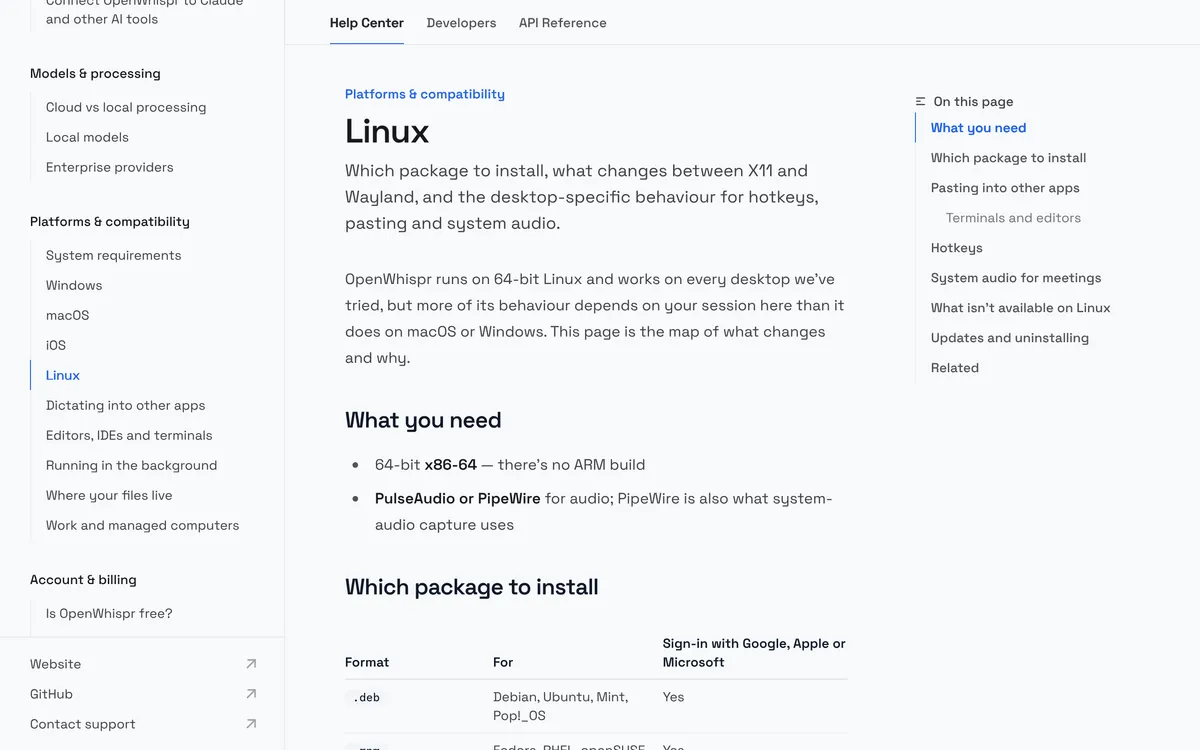 Screenshot of docs.openwhispr.com/platform/linux, taken November 11, 2026.
What does OpenWhispr need on Wayland and X11?
Whatever your session, your words end up on the clipboard. What differs between X11 and Wayland is whether OpenWhispr can also paste them into the window you're typing in. Its Linux guide says the app ships its own paste helper:
- On X11 the helper does the pasting, and the guide says that "needs nothing from you".
- On Wayland it has to write to
/dev/uinput, which the guide says an ordinary user account usually isn't allowed to do. Adding yourself to theinputgroup fixes that. Run this, then sign out and in again:
sudo usermod -aG input $USER
If the helper isn't available, OpenWhispr tries a typing tool instead, so it's worth having the right one installed for your desktop:
| Your desktop | What to have installed |
|---|---|
| Any X11 session | xdotool |
| Sway or Hyprland (wlroots) | wtype; xdotool covers apps running under XWayland |
| GNOME or KDE on Wayland | ydotool, and its ydotoold daemon has to be running; xdotool covers XWayland apps |
Tool names are from the "Pasting into other apps" section of OpenWhispr's Linux guide, checked 12 November 2026.
Two more things from its clipboard and system audio page:
- Install
wl-clipboardon Wayland. The page calls it "the most reliable clipboard support on Wayland":sudo apt install wl-clipboardon Debian and Ubuntu,sudo dnf install wl-clipboardon Fedora,sudo pacman -S wl-clipboardon Arch. - If nothing can paste, you still get your text. The app shows "Clipboard Mode on Wayland" and you press Ctrl + V to paste it. The docs call that "the designed behaviour, not a failure".
Asked which compositor works best, the same page's FAQ picks Sway and Hyprland, as long as wtype is installed, and says GNOME and KDE work too with the extra steps. Its tip for when ydotool is installed and nothing pastes: make sure ydotoold is actually running.
In terminals OpenWhispr pastes with Ctrl + Shift + V, and the Linux guide says it switches to Shift + Insert for Konsole, VS Code, Cursor and other Electron editors.
What is the OpenWhispr hotkey on Linux?
It depends on your desktop. The Linux guide gives two defaults:
- Ctrl + Super if you're on Wayland with anything other than GNOME: KDE, Hyprland and the rest.
- F8 if you're on GNOME, or on X11 with any desktop. The guide's reason: "GNOME and X11 can't take a modifier-only combination".
OpenWhispr registers the shortcut through your desktop: as a native custom shortcut on GNOME (you'll find it in Settings → Keyboard → Shortcuts → Custom), through KDE's global shortcut service on Plasma, and with hyprctl on Hyprland.
Tap is the default: press to start, press again to stop. Hold-to-talk depends on the desktop, according to the hold or tap page:
| Desktop | Hold-to-talk |
|---|---|
| GNOME 48 and later | Works out of the box |
| GNOME before 48 | Works once you've joined the input group |
| KDE Plasma, Hyprland | Works if the shortcut has an ordinary key in it |
| Any other desktop | Works once you've joined the input group |
Before you've done that, dictation works in tap mode only, and the app shows a notice titled "Hold to Speak needs setup" with the usermod command in it. One catch on KDE and Hyprland: the same page says a modifier-only combination is tap only there, and the default Ctrl + Super is modifier-only. For hold-to-talk on those desktops, change the shortcut to one with an ordinary key in it.
Which local models does OpenWhispr run on Linux?
OpenWhispr's local models guide lists two engines, whisper.cpp and sherpa-onnx, and these models:
| Model | Download size, per the guide | Notes from the guide |
|---|---|---|
| Orukeet | About 672 MB | The recommended local model; multilingual |
| Whisper (tiny to large) | About 75 MB to 3 GB | base, about 142 MB, is the recommended Whisper size |
| NVIDIA Parakeet and Nemotron | About 631 to 680 MB each | Faster than Whisper, per the guide, especially on slower machines |
| Cohere Transcribe | A 1.7 GB download that takes 2.7 GB once installed | The guide ranks it first for accuracy among the offline models, quoting a "5.42% average word error rate across 14 languages"; you pick the language yourself, because it doesn't detect it |
On Linux, the guide says Whisper models on your machine can use a GPU: NVIDIA cards through a CUDA runtime, Intel and AMD graphics through a Vulkan one. You download either from the model picker with one click. If your GPU can't run the model, transcription carries on using the CPU.
After transcription, dictation cleanup is on by default. In the app's words it will "remove filler words, fix grammar, and polish punctuation". It can run on OpenWhispr Cloud, a local model, a self-hosted endpoint, or your own key for Groq, Gemini, Anthropic or OpenAI. You can switch it off under Settings → Language Models (under AI Models) → Dictation Cleanup.
Is OpenWhispr free?
Yes. OpenWhispr's "Is OpenWhispr free?" page says the Free plan "isn't a trial and it doesn't expire", and no card is needed. These are the plans on its plans and limits page, checked 12 November 2026:
| Plan | What you pay | Dictating on a local model or with an API key of your own | Dictating through OpenWhispr Cloud |
|---|---|---|---|
| Free | $0 | No limit | 2,000 words in any 7-day window |
| Pro | $8 a month or $80 a year | No limit | No limit |
There's no weekly reset day: words drop off your count seven days after you dictated them. When you hit the limit, cloud transcription pauses and local dictation keeps working. OpenWhispr's own advice: "If you dictate with a local model, the Free plan is the whole product". Its pricing page shows the yearly Pro price per user per month ($6.67, billed as $80 a year) and also lists Business and Enterprise plans.
OpenWhispr vs Blip AI on Linux: which should you pick?
| OpenWhispr | Blip AI | |
|---|---|---|
| Price | Free plan; Pro $8 a month or $80 a year | Free plan; Pro $15 a month, or $12 a month billed yearly |
| Free plan | No limit on a local model or with an API key of your own; 2,000 words in any 7-day window on OpenWhispr Cloud | 2,000 words a month on Blip Cloud; on-device models need Pro |
| Linux packages | .deb, .rpm, AppImage, .tar.gz |
AppImage for Ubuntu and Debian, Fedora and Arch |
| Architecture | x86-64 only, no ARM build | x86-64 only, no ARM build |
| Wayland | Join the input group for the paste helper; wl-clipboard, with wtype or ydotool as fallbacks |
Install wl-clipboard and wtype, join the input group, and on GNOME and KDE allow Blip to paste when it asks (setup guide) |
| Where speech runs | On your computer, on OpenWhispr Cloud, or through your own API key | Blip Cloud by default; on-device Whisper models on Pro |
| Cleanup | On by default: filler words, grammar, punctuation | Removes filler words, fixes punctuation and formatting |
| Phone apps | iPhone and iPad; Android is "not yet" available but "actively being built", per its mobile docs | iPhone and Android |
OpenWhispr's column is from its documentation, checked 12 November 2026. Blip AI's column is from our own product facts.
Pick OpenWhispr if you want free and open source (it's MIT-licensed), unlimited local dictation without paying, or the lower Pro price. If you searched for OpenWhispr because you want a free, private dictation app on Linux, it fits that better than Blip AI does: Blip AI's offline models need Pro.
Pick Blip AI if you want one dictation app on Linux and on an Android phone today. OpenWhispr's mobile docs say an Android app isn't out yet but is being built (checked 12 November 2026), so this reason may not last. It's a narrow reason, and we'd rather say so than stretch it. Both apps need a similar Wayland setup, and both are x86-64 only.
How to dictate on Linux with Blip AI instead
Blip AI is an AppImage for Ubuntu and Debian, Fedora and Arch, on Wayland and X11. You hold Ctrl + Win, speak, and let go; the text lands in whichever app has focus. Add Space for hands-free mode.
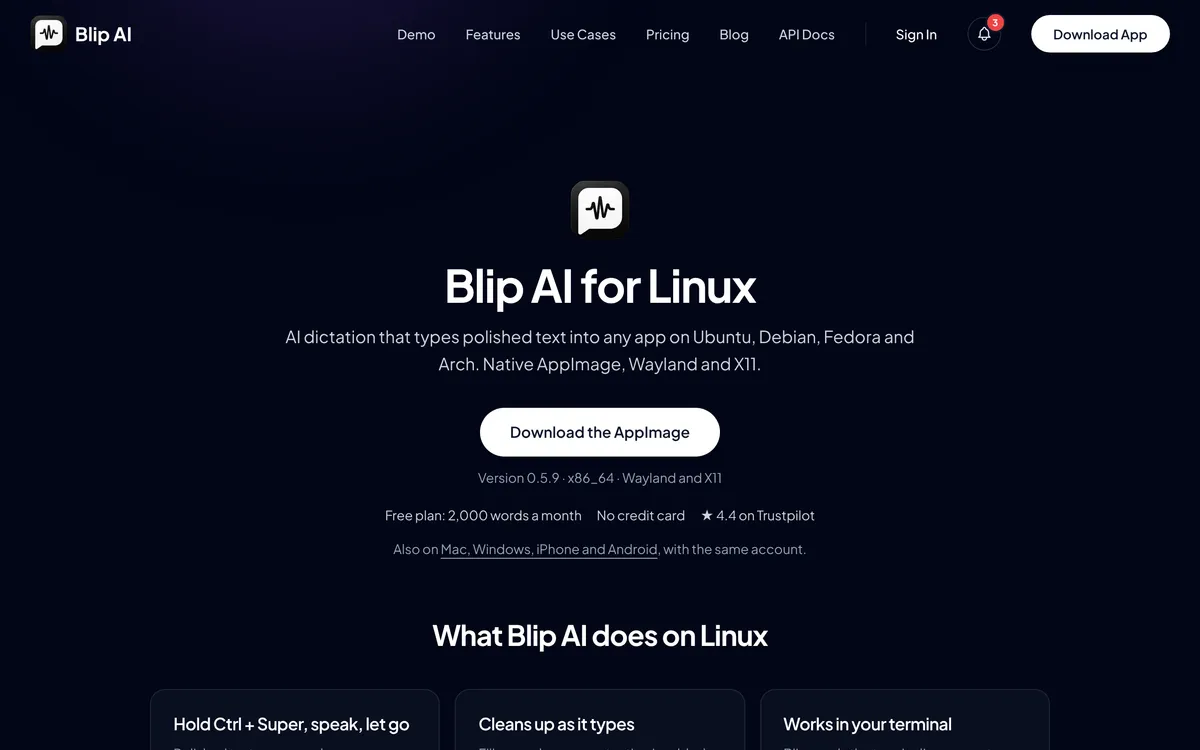 Screenshot of blipai.app/linux, taken November 6, 2026.
- Cloud and on-device in one app. Blip Cloud is the default and removes filler words and fixes punctuation. Pro adds downloadable on-device Whisper models that transcribe without a connection. The free plan is cloud-only.
- Replies, not only transcripts. Start with "Hey Blip" and describe the reply you want, and Blip AI drafts the email or Slack message.
- Same app elsewhere. It also runs on Mac, Windows, iPhone and Android.
Download it from the Linux page and follow the Linux setup guide, or see /download for Mac, Windows and phones. Compare plans on the pricing page.
For the whole field, see the best dictation apps for Linux. Two other free, local tools have their own guides: Handy on Linux and Voxtype on Linux. Coming from a Mac or Windows app? See Wispr Flow for Linux (Wispr Flow's site) and Superwhisper for Linux (Superwhisper's site). Distro basics are in speech to text on Ubuntu and how to voice type on Linux.
FAQ
Does OpenWhispr work on Linux? Yes. OpenWhispr's README lists Linux next to macOS and Windows, and its Linux guide asks for a 64-bit x86-64 machine with PipeWire or PulseAudio. There's no ARM build.
Does OpenWhispr work on Wayland? Yes, with setup. OpenWhispr's Linux guide says its paste helper needs your user in the input group on Wayland, and it falls back to wtype on Sway and Hyprland or ydotool on GNOME and KDE. If nothing can paste, it copies the text and you press Ctrl + V.
How do I install OpenWhispr on Ubuntu? Download the .deb from OpenWhispr's releases page and run sudo apt install ./OpenWhispr-*-linux-x64.deb. The .deb also keeps Google, Apple and Microsoft sign-in working, which the AppImage doesn't.
How do I install OpenWhispr on Fedora? Download the .rpm and run sudo dnf install ./OpenWhispr-*-linux-x64.rpm. OpenWhispr's Linux guide lists the .rpm for Fedora, RHEL and openSUSE.
Is OpenWhispr free on Linux? Yes. On OpenWhispr's Free plan, dictation on a local model, or with an API key of your own, has no limit, and OpenWhispr Cloud covers 2,000 words in any 7-day window. Pro is $8 a month or $80 a year (checked 12 November 2026).
Does OpenWhispr work offline? Yes, with a local model. OpenWhispr's system requirements page says a downloaded local model needs no internet to transcribe.
What's an OpenWhispr alternative on Linux? Handy and Voxtype are free, open-source tools that run speech models on your computer. Blip AI is our pick if you want one dictation app on Linux and an Android phone; OpenWhispr's docs say its Android app isn't out yet but is being built.