
Linux Voice Control: Commands vs Dictation Tools (2026)
Linux voice control, checked November 2026: Talon, Numen, EasySpeak and TuxTalk for voice commands, and Blip AI or Handy if you mostly want to type by voice.
Quick answer: Linux has no built-in voice control, so you add a tool. For voice commands (open apps, click, navigate), use Talon on X11, or the free Numen or EasySpeak; TuxTalk adds experimental ones. If you mostly want to type by voice, Blip AI is our pick: hold a key, speak, and get cleaned-up text on Wayland and X11.
We build Blip AI, one of the tools below, so weigh our pick accordingly. Facts about every other tool come from its own site, docs or README, checked on 20 November 2026.
Does Linux have built-in voice control?
No. The main Linux desktops don't ship speech input. GNOME's accessibility help covers the Orca screen reader, which speaks to you, but doesn't mention speech recognition or dictation. KDE Plasma's accessibility settings docs don't mention speech input either.
KDE has an open proposal for its 2026 goals that includes offline voice commands for Plasma. It's a proposal, not a feature you can turn on today. KDE's older speech recognition app, Simon, is listed on apps.kde.org as "unmaintained and no longer released by the KDE community".
So on Ubuntu, Fedora, Arch or any other distro, voice control means installing a third-party tool.
Voice commands or dictation: which do you need?
"Voice control" covers two different jobs, and most tools do one of them well:
- Voice commands run actions. You say "open Firefox" or "snap left", click with a mouse grid, or move around a document without touching the keyboard. This is what you need if you can't use a keyboard and mouse, or want to avoid them completely.
- Dictation turns speech into text in the window you're typing in: messages, email, documents, AI prompts, code comments. This is what most people mean when they say they want to "talk instead of type".
If your hands work but you type a lot, dictation saves the most time. If you need to run the whole desktop hands-free, you need a command tool, and you can add dictation on top.
The Linux voice control tools compared
| What it does | Wayland or X11 | Runs where | Price and license | |
|---|---|---|---|---|
| Talon | Commands and dictation, eye-tracking mouse, noise clicks | X11 only; "Wayland support is not planned" | Local (free built-in engine) | No price on its pages; Talon+ via Patreon |
| Numen | Full control by voice, typing by syllables and words | Not stated; types through dotool | Local (Vosk) | Free, AGPLv3 |
| EasySpeak | Wake word, app launcher, mouse grid, browser control, dictation | Wayland only: GNOME Shell 47+ or KDE Plasma 6 | Local (Parakeet or Whisper) | Free, GPL-3.0; alpha |
| TuxTalk | Push-to-talk dictation, editing commands, Labs desktop commands | Wayland and X11 | Local (Parakeet or Whisper) | Free, MIT |
| Blip AI | Push-to-talk dictation with AI cleanup, Action Mode replies | Wayland and X11 | Blip Cloud; on-device Whisper models on Pro | Free plan 2,000 words a month; Pro $15/mo |
Talon: the most complete, but X11 only
Of the tools here, Talon lists the most ways to control a computer. Its homepage pitches "Write. Code. Browse. Game." and lists "Commands and dictation", "Mouse by just looking" and "Pop to click, hiss to scroll". You write your own commands in .talon files and Python. Talon's system requirements page says it comes with a free speech recognition engine, and that eye tracking needs a Tobii 4C, Tobii 5 or equivalent tracker.
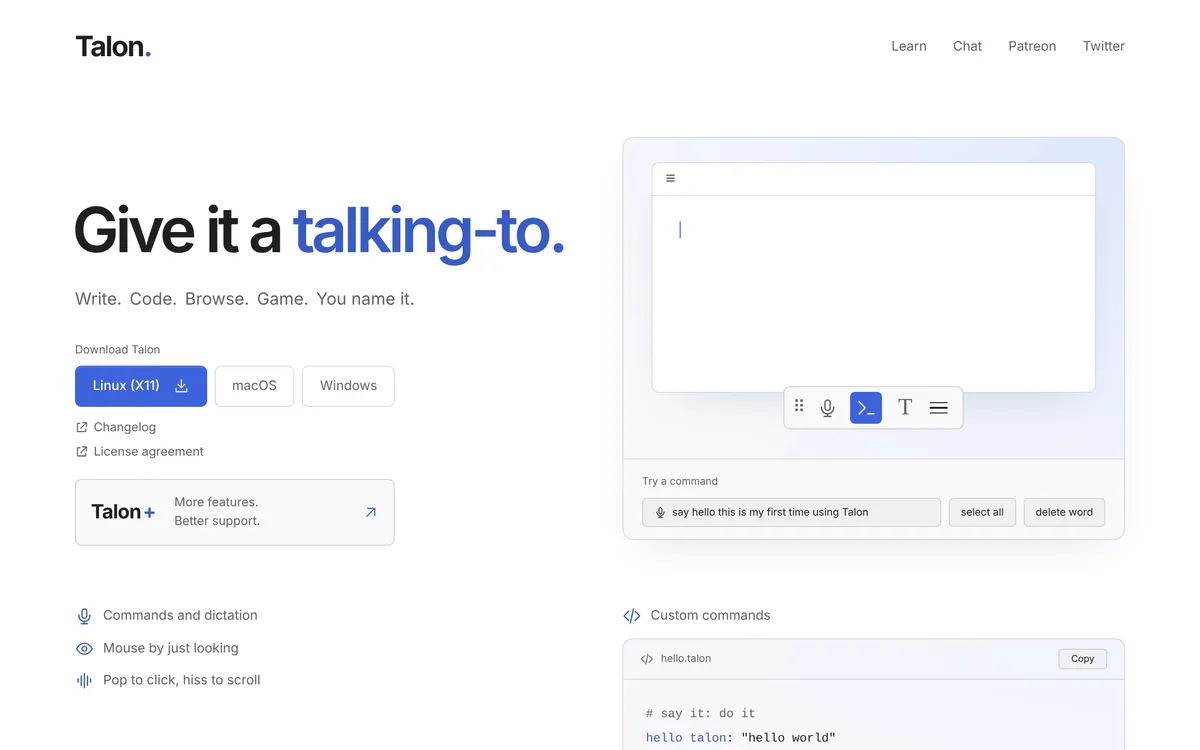 Screenshot of talonvoice.com, taken November 20, 2026.
The catch on Linux is the display server. The same page lists "Linux / X11 (Ubuntu 18.04+, and most modern distros if you switch to an X11 session)" and says "Wayland support is not planned". And Talon's changelog says Talon 1.0 (20 September 2026) "is planned to be the last public release of Talon for Linux/X11", while Talon+ lists "Ongoing Linux/X11 support". Talon's pages don't state Talon+'s price; the homepage links it to Patreon.
Pick Talon if you need full hands-free control, you can stay on an X11 session, and you're willing to learn its command system. Our Talon alternatives post covers what to use if you only need dictation.
Numen: free voice control that runs locally
Numen describes itself as "voice control letting you have full control of a Linux machine without needing to type". It's free (libre) software and runs locally. Its README says you type "by saying syllables and literal words", uses a Vosk speech library with an English model of about 40 MB, and sends input through dotool, which needs permission to /dev/uinput (the README grants it to the input group with a udev rule).
 Screenshot of numenvoice.org, taken November 20, 2026.
Packages are listed for Alpine, Arch (AUR) and Nix; on other distros you build it from source. Neither its site nor its README says anything about Wayland or X11. Pick Numen if you want a free, keyboard-free setup and are comfortable configuring it yourself.
EasySpeak: Wayland-native voice control for GNOME and KDE
EasySpeak is "Voice control for Linux desktops. Fully local, no cloud, Wayland-native." You wake it with "Hey Jarvis", and its README lists a mouse grid, experimental head tracking, browser control, dictation, an app launcher, and media and system controls. Speech runs on your computer with Parakeet or Whisper.
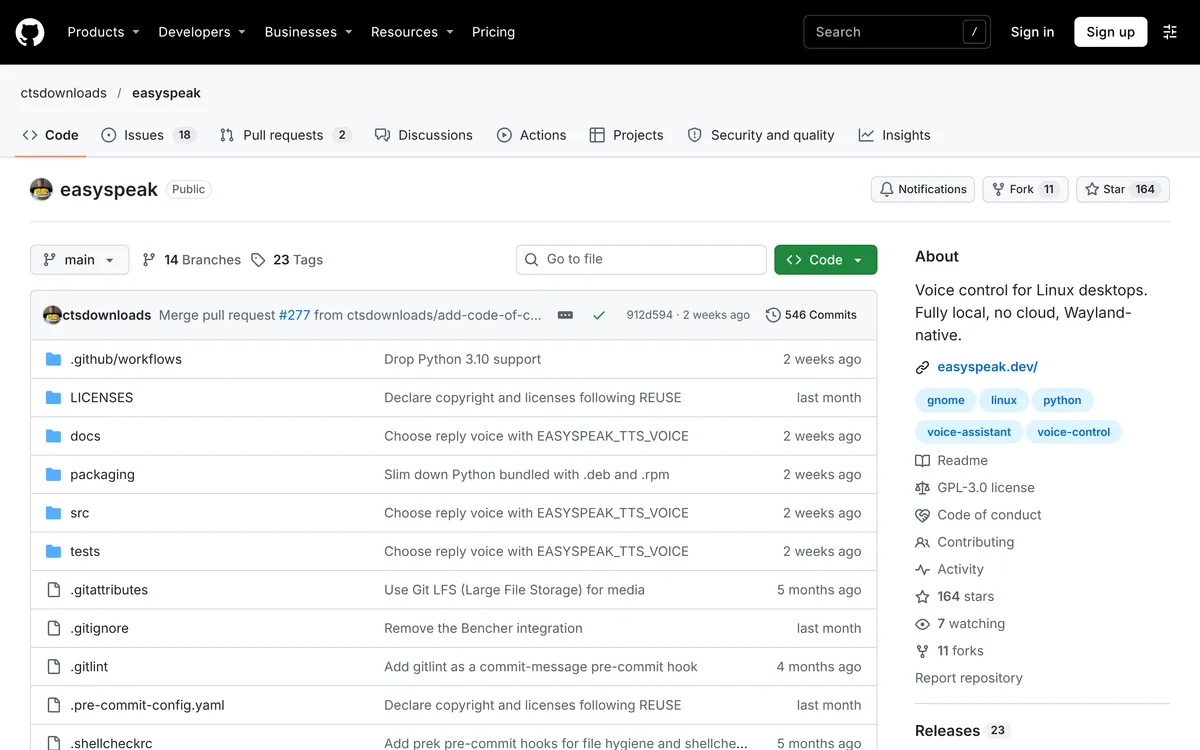 Screenshot of github.com/ctsdownloads/easyspeak, taken November 20, 2026.
It needs Wayland with GNOME Shell 47+ or KDE Plasma 6, Python 3.11 to 3.14 and about 2 GB of disk for models, and there are .deb and .rpm packages. The README is upfront that it's early: "Expect bugs, incomplete docs, and changes without notice." Pick EasySpeak if you're on a recent GNOME or Plasma Wayland desktop, where Talon doesn't run, and don't mind alpha software.
TuxTalk: dictation first, with desktop commands in Labs
TuxTalk is "Free push-to-talk voice dictation for Linux. Hold a key, talk, let go." It works on Wayland and X11 and runs offline. Its built-in commands cover punctuation ("comma", "new paragraph") and edits ("undo last word"). The optional TuxTalk Labs adds commands such as "open Firefox", "snap left", "show desktop" and a mouse grid, which the README describes as working but not finished.
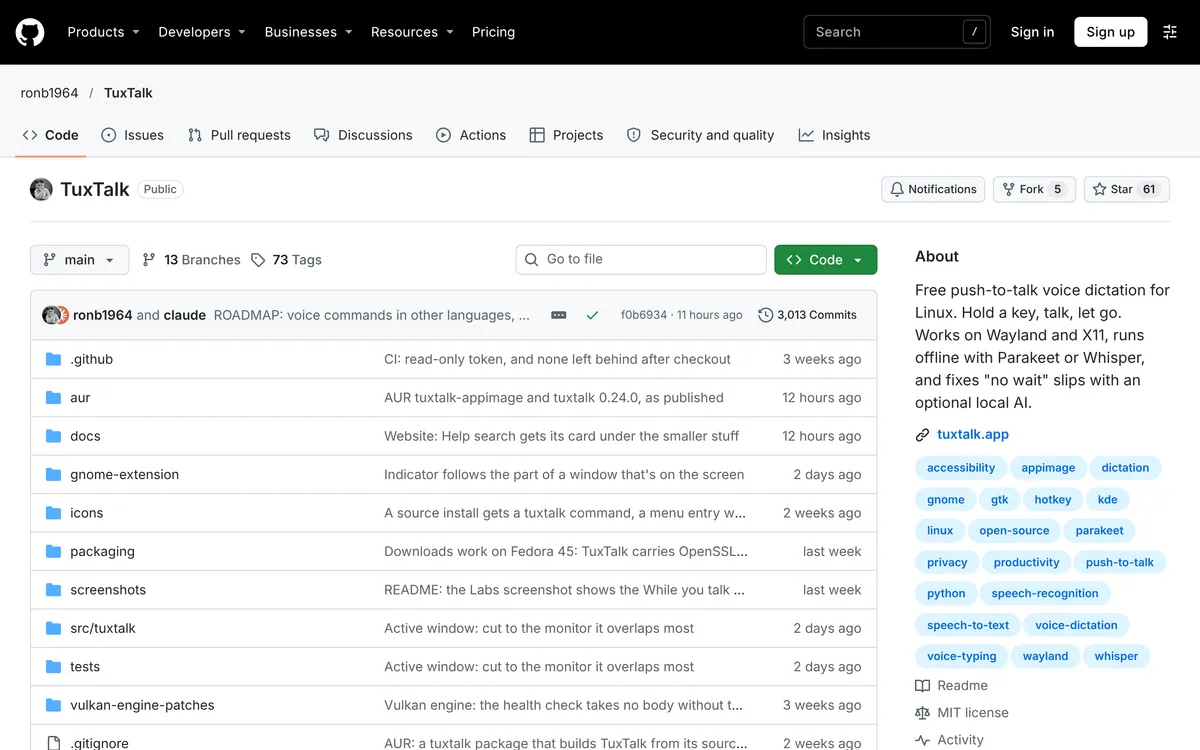 Screenshot of github.com/ronb1964/TuxTalk, taken November 20, 2026.
It ships as an AppImage, .deb, .rpm and AUR packages. Pick TuxTalk if you want free, offline dictation with a few desktop commands, and are happy with what's still experimental.
Older tools you'll find in search results
Some tools that come up in older guides aren't good starting points today:
- voice2json was archived by its owner on 6 October 2025 and is read-only.
- Dragonfly (the library behind Caster) says on PyPI that it's "only fully functional in an X11 session on Linux", and its last stable release, 0.35.0, came out in March 2022.
- Simon, KDE's old speech app, is unmaintained (see above).
- Vosk is an offline speech recognition toolkit, not an app. Numen builds on it.
How to type by voice on Linux with Blip AI
If what you want is to stop typing, rather than to drive the desktop, a dictation app is simpler than any command system. Blip AI is our pick for most Linux users here: one AppImage for any modern 64-bit distro (Ubuntu, Debian, Fedora, Arch, Mint and more), on Wayland and X11. Blip Cloud removes filler words and fixes punctuation with no GPU or API key, and Pro adds on-device Whisper models that work offline.
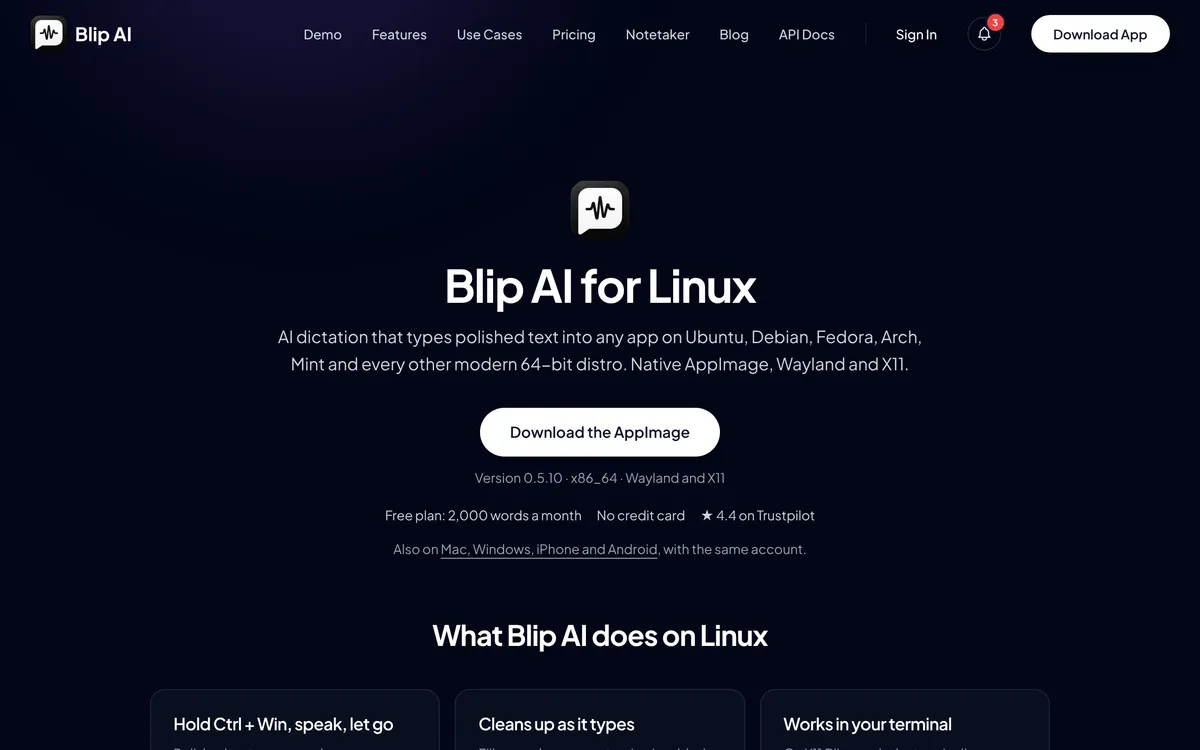 Screenshot of blipai.app/linux, taken November 20, 2026.
- Download the AppImage, make it executable and open it.
- On Wayland, install
wl-clipboardandwtype, join theinputgroup, and on GNOME or KDE Plasma 6 allow Blip to paste. The Linux setup guide has the commands for each distro. In a terminal on those two desktops, Blip leaves the words on the clipboard and you press Ctrl + Shift + V yourself. - Hold Ctrl + Win (Win is the Super key), speak, and let go. The text appears where your cursor is.
- Add Space to the same keys for hands-free mode.
- Start with "Hey Blip" and describe a reply, and Action Mode drafts the email or Slack message instead of transcribing word for word.
Blip types into any app with a text field, including terminals and SSH sessions, and the same account works on Mac, Windows, iPhone and Android. The free plan is 2,000 words a month; Pro is $15 a month, or $12 a month billed yearly (pricing).
Where Blip isn't the right tool: it's not a voice command system. It won't open apps, click buttons or move the mouse, so if you need hands-free control of the whole desktop, use Talon, Numen or EasySpeak, and add dictation if you want it. Blip's Linux build is x86-64 only. If you want free and fully offline dictation, Handy and Voxtype are both MIT-licensed and run locally; their READMEs describe dictation, not desktop commands. Our best dictation apps for Linux compares them all.
Which Linux voice control tool should you pick?
- You need to run the whole desktop by voice, and can use X11: Talon. It lists the most input methods, but its changelog moves ongoing Linux updates to Talon+.
- You need hands-free control on GNOME or KDE Wayland: EasySpeak, as long as alpha software is acceptable.
- You want free voice control you configure yourself: Numen.
- You want free offline dictation with a few commands: TuxTalk.
- You mostly want to type by voice, with cleanup and drafted replies: Blip AI. It's dictation, not desktop control.
If you're coming from a Mac or Windows dictation app, see Wispr Flow for Linux and Dragon NaturallySpeaking on Linux.
FAQ
Does Linux have voice control built in? No. GNOME's accessibility help and KDE Plasma's accessibility settings docs don't mention speech input, so you install a tool such as Talon, Numen, EasySpeak or TuxTalk for commands, or a dictation app such as Blip AI for typing.
Does Talon work on Wayland? No. Talon's system requirements say "Wayland support is not planned", and it runs on Linux in an X11 session. Its changelog says Talon 1.0 is planned to be the last public Linux/X11 release, with ongoing Linux/X11 support in Talon+.
What is the best free voice control for Linux? For full hands-free control, Numen and EasySpeak are free and run locally; EasySpeak needs GNOME 47+ or KDE Plasma 6 on Wayland and is alpha software. TuxTalk is free, offline dictation with a set of experimental desktop commands.
Can I control Ubuntu with voice commands? Yes, with a third-party tool. Talon runs in an X11 session (its requirements name Ubuntu 18.04 and later). EasySpeak needs a Wayland session with GNOME Shell 47+ or KDE Plasma 6. Numen and TuxTalk are other options; check each tool's requirements against your Ubuntu version.
Is there a Linux voice assistant like Siri? Not built in. EasySpeak comes closest on the desktop: you wake it with "Hey Jarvis", and it launches apps, controls media and gives voice feedback with Piper, all on your computer.
Is Blip AI voice control for Linux? No. Blip AI is dictation: you hold Ctrl + Win, speak, and cleaned-up text appears in the focused app, on Wayland and X11. It doesn't run desktop commands, so pair it with a command tool if you need hands-free control.