
Talon Voice Alternatives for Linux Dictation (2026)
Talon Voice is voice control for coding and hands-free use. If you only need dictation on Linux, here are the free and paid options, checked November 2026.
Quick answer: Talon Voice is hands-free control: custom voice commands for coding and navigating, not plain dictation. If you only want to speak text into apps on Linux, you don't need that setup. Our pick is Blip AI (we build it): hold a key, speak, get cleaned-up text on Wayland and X11. Handy, Voxtype and OpenWhispr are free.
We build Blip AI, one of the options below, so weigh our pick accordingly. Facts about Talon come from talonvoice.com and a report that quotes its developer. Facts about the other tools come from their own GitHub pages. All were checked on 2 November 2026.
What is Talon Voice, and what is it for?
Talon's own site calls it "Powerful hands-free input" and lists "Write. Code. Browse. Game." It offers commands and dictation, mouse control by looking, and custom commands you write in .talon files.
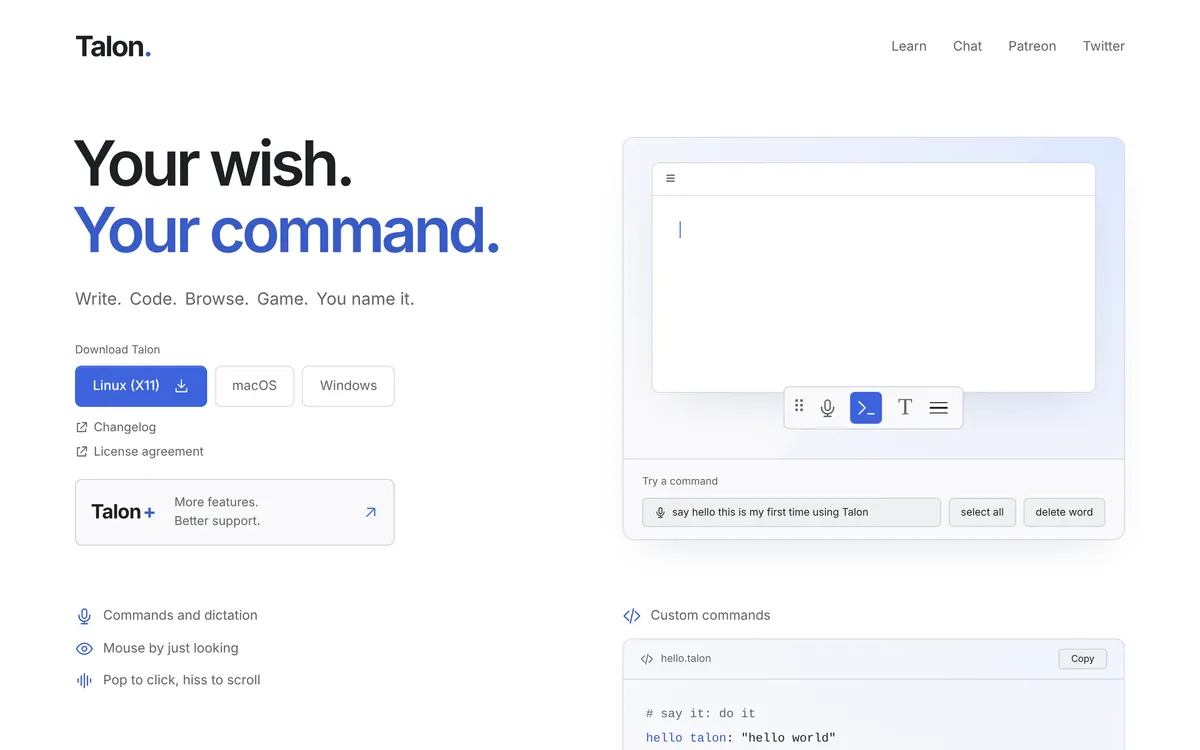 Screenshot of talonvoice.com, taken November 2, 2026.
That makes Talon a different kind of tool from a dictation app:
| Talon Voice | Dictation app (Blip AI, Handy, Voxtype) | |
|---|---|---|
| What you say | Commands you define or learn, plus dictation | Plain sentences |
| Setup | You build or install a command set | Install, pick a hotkey, talk |
| Best for | Hands-free computer use, coding by voice | Emails, notes, chat, documents, prompts |
| Learning curve | You learn or write commands | Hold a key and talk |
If you can't use a keyboard or mouse at all, Talon is built for hands-free use and a dictation app isn't a replacement. Stay with Talon, or keep it and add a dictation app for long-form writing. If your hands work and you mainly want to talk instead of type, you're looking for dictation.
Is Talon still available on Linux?
Check this before you build a workflow on it. Talon's download buttons list "Linux (X11)" today (checked 2 November 2026), with no mention of Wayland. It gives no version number or end date for Linux.
A May 2026 OSnews story says Talon will not gain Wayland support any time soon, and that its developers are removing X11 support. It builds on a blog post by a Talon user, which describes an announcement by Talon's developer, Aegis, that Talon would "imminently remove ALL Linux support from the public release". The blog says the paid tier keeps X11 support for now and that a Wayland backend would be considered only under conditions. Both are secondhand, and we couldn't find a dated statement on Talon's own site. Treat the current status as unconfirmed and check talonvoice.com before you rely on it.
The practical point holds either way. Handy's README says Ubuntu 26.04 uses Wayland by default, and a tool that only runs on X11 can't type into Wayland apps without help. If you're on Wayland, pick a tool that supports it, as the options below do (with some setup).
What are the best Talon Voice alternatives for dictation on Linux?
| Blip AI | Handy | Voxtype | OpenWhispr | |
|---|---|---|---|---|
| Runs | Blip Cloud by default; on-device models on Pro | On your computer | On your computer | Cloud, your own key, or local models |
| Linux packages | x86-64 AppImage | .deb and AppImage; its README notes the 0.9.6 AppImage forces X11 | AUR, .deb, .rpm, AppImage | AppImage, .deb, .rpm, .tar.gz |
| Wayland | Yes, with helper packages (wtype, wl-clipboard, ydotool) |
"Limited support" per its README | Compositor keybindings; typing via wtype, dotool or ydotool | Not covered in its README |
| Price | Free 2,000 words a month; Pro $15/mo ($12 billed yearly) | Free | Free | Free plan; Pro $80/user/year |
Prices and licences were checked on 2 November 2026 on each tool's own pages. Blip's figures are from our pricing.
Blip AI: our pick if you want polished text without running a model
Blip AI comes first here because it fits most Linux users who want finished text with little setup: cleanup of filler words and punctuation on Blip Cloud, the same app on your phone, and Action Mode for drafting replies. Handy and Voxtype don't need an API key either, but you install and run a model on your own machine. You hold Ctrl + Super, speak, and let go. The text types into whatever app has focus, including terminals and SSH sessions, because it types into your local window. Filler words and punctuation are cleaned up, and Action Mode ("Hey Blip") drafts a reply instead of transcribing word for word. Pro adds on-device Whisper models that work offline. The same app runs on Mac, Windows, iPhone and Android.
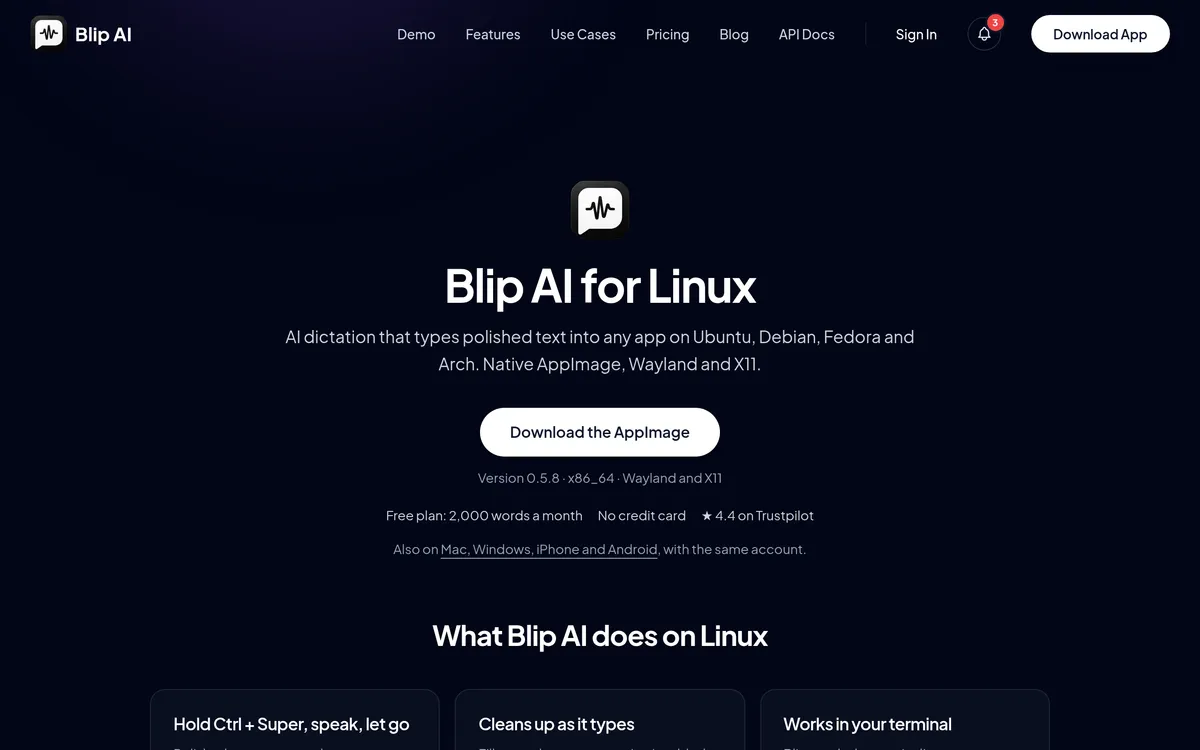 Screenshot of blipai.app, taken October 24, 2026.
Where another tool is the better pick: Blip's Linux build is x86-64 only, and the free plan is 2,000 words a month. If you want free and unlimited, use one of the three below. Blip is also not a voice-command system: it doesn't replace Talon's commands. Setup steps are in our Linux guide, and how to voice type on Linux covers the basics.
Handy: free and offline, with limited Wayland support
Handy is an MIT-licensed, offline push-to-talk tool. You hold a shortcut, speak, and the text pastes into the active app. It offers Whisper models and Parakeet V3 for CPU use. Its README says it has "Limited support for Wayland" and recommends wtype or dotool, and on Ubuntu 26.04 ydotool. On Wayland you also set the global shortcut in your desktop settings.
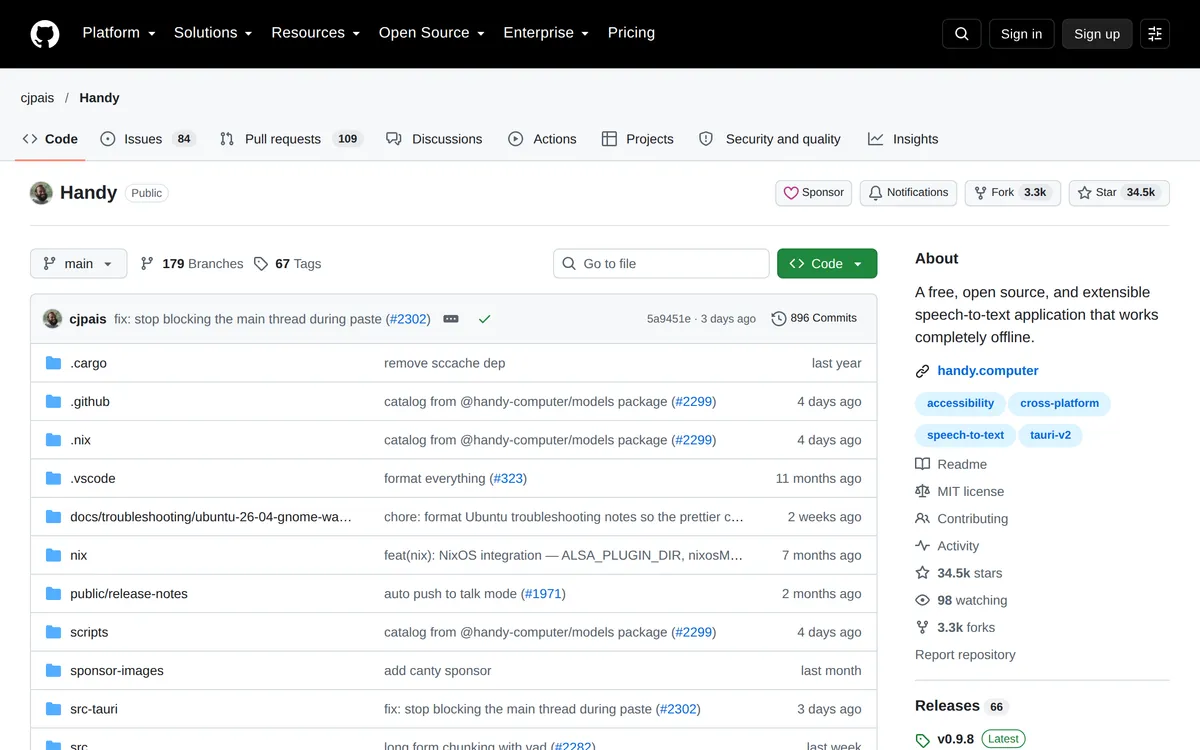 Screenshot of github.com, taken October 24, 2026.
Voxtype: free, many engines, terminal setup
Voxtype is an MIT-licensed local tool for Linux with nine speech engines, including Whisper and Parakeet. You set it up in the terminal. On Wayland it works with compositor keybindings on Hyprland, Niri, Sway, River, GNOME and KDE, and types with wtype, dotool or ydotool. On X11 you add your user to the input group. It's the closest to Talon in spirit, since you configure it yourself.
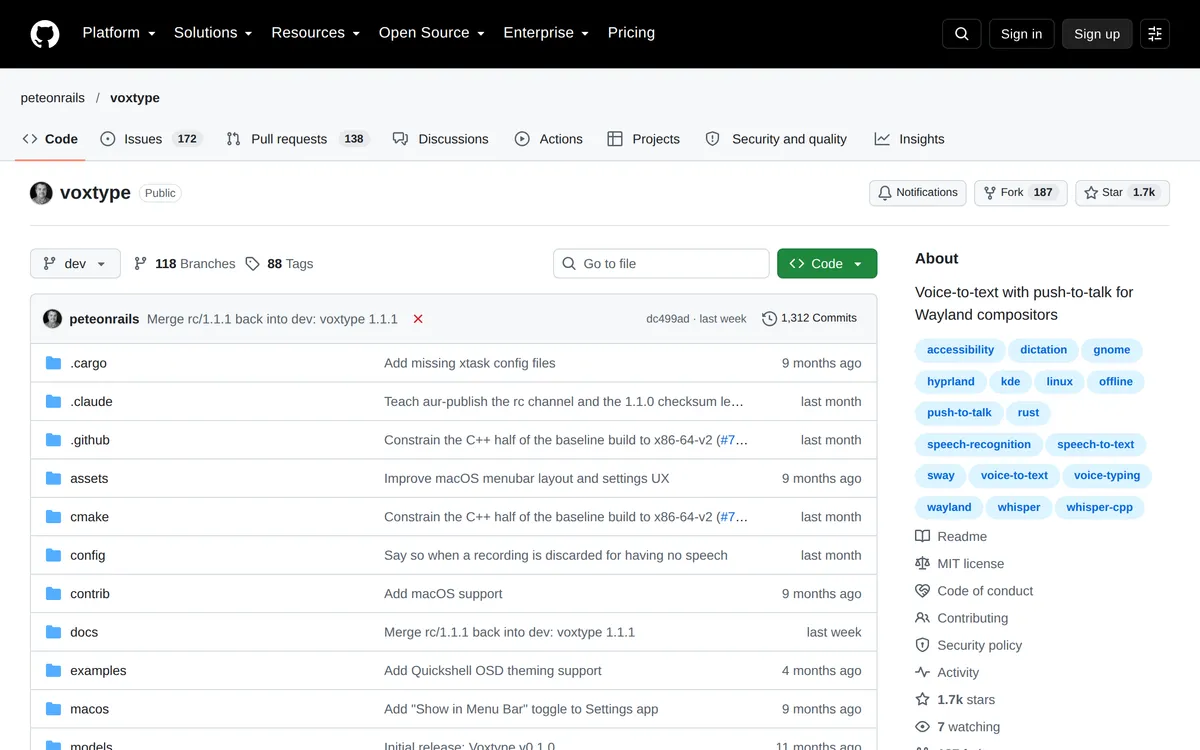 Screenshot of github.com, taken October 24, 2026.
OpenWhispr: free local models or paid cloud
OpenWhispr is an MIT-licensed app for macOS, Windows and Linux. It can use local Whisper, Parakeet and Cohere Transcribe models offline. Its pricing page lists a free plan with 2,000 words a week of its cloud and a Pro plan at $80 per user per year.
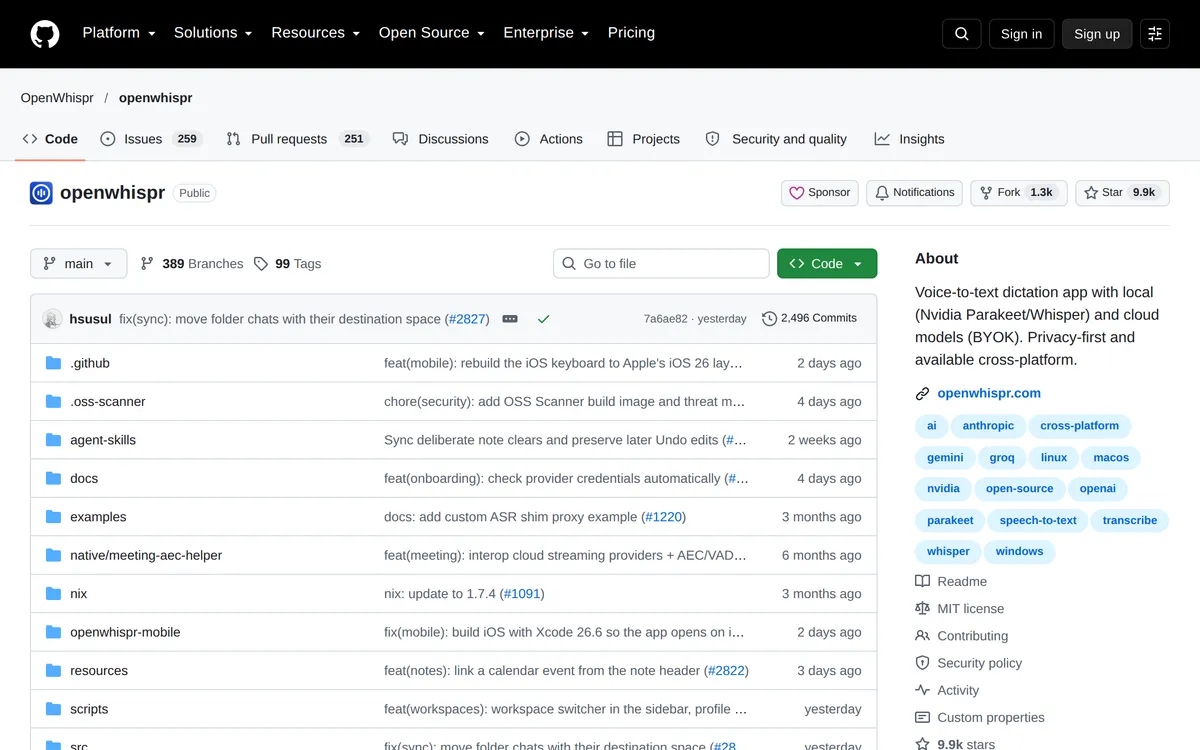 Screenshot of github.com, taken October 24, 2026.
For a longer list, see best dictation apps for Linux, which also covers Vocalinux and Speech Note.
Which one should you pick?
- Keep Talon if you need hands-free control of your computer or code by voice, and you're on a setup it supports.
- Choose Blip AI if you want polished text with the least setup, or you also dictate on Mac, Windows or a phone.
- Choose Handy or Voxtype if you want free and fully offline, and don't mind a setup step or two on Wayland.
- Choose OpenWhispr if you want a free app that can use either local models or a cloud.
How do you start dictating on Linux with Blip AI?
- Download the AppImage for Ubuntu/Debian, Fedora or Arch and open it.
- On Wayland, install the helper packages from the Linux setup guide.
- Hold Ctrl + Super, speak, and release. The text types into the focused app.
- Add Space to the same keys for hands-free mode.
FAQ
What is Talon Voice? Talon Voice is a hands-free input system. You control your computer and write code by speaking commands that you define in .talon files and Python.
Is Talon Voice free? Talon's homepage has download buttons with no price, and a Talon+ link described as "More features. Better support." that goes to Patreon. We didn't find a price on the pages we checked, so check Talon's site for the current terms.
Does Talon Voice work on Wayland? Talon's download buttons list Linux (X11) and doesn't mention Wayland. OSnews reported in May 2026 that Talon won't gain Wayland support any time soon, based on a Talon user's blog post.
What is a good Talon Voice alternative for plain dictation? For plain dictation on Linux, Blip AI is our pick for polished text with little setup. Handy, Voxtype and OpenWhispr are free options that run on your computer.
Can I code by voice without Talon? Dictation apps type what you say, so they suit prompts, comments and messages. They don't give you commands for moving around code the way Talon does.
Do Blip AI and Talon work together? Both type into the focused window, but we haven't tested running them together, so we can't say how they interact.