
Typeless, Spokenly, VoiceInk & MacWhisper on Linux (2026)
Typeless and Spokenly now run on Linux; VoiceInk and MacWhisper don't. What each Linux build does, prices checked 2 Nov 2026, and what to use instead.
Quick answer: Two of the four run on Linux. Spokenly has Linux packages with free offline models; Typeless has an x86-64 .deb that transcribes in the cloud. VoiceInk and MacWhisper have no Linux version. Our pick is Blip AI: cleanup on Blip Cloud with no model or API key, one AppImage for Ubuntu/Debian, Fedora and Arch, and an Android app.
We build Blip AI, a dictation app with a Linux version, so weigh our pick with that in mind. Platforms and prices below come from each vendor's own site, checked on 2 November 2026. We didn't install these four apps for this post. Where a vendor's page doesn't say something, we tell you that instead of guessing.
Which of these dictation apps run on Linux?
| App | Mac | Windows | Linux | Offline or local | Price (checked 2 Nov 2026) |
|---|---|---|---|---|---|
| Typeless | Yes | Yes | Yes: .deb for x86-64 | Transcribes in the cloud, per its data page | Free with a weekly word limit; Pro $12/month billed yearly, or $30 monthly |
| Spokenly | Yes | Yes | Yes: .deb and .rpm (x86-64, ARM64), AppImage (x86-64) | Offline with local Whisper or Parakeet models | Free; Local+ $29 once; Pro $12/month billed yearly ($144), or $15 monthly |
| VoiceInk | Apple Silicon Macs only | No | No | Transcribes locally on your Mac | $25 (1 Mac), $39 (2) or $49 (3), one-time |
| MacWhisper | Yes, macOS 14 or later, with older builds for earlier macOS | No | No | Offline, with local models | Free version; Pro €64 one-time |
| Blip AI | Yes, macOS 11 or later | Yes, 10 and 11 | Yes: AppImage (x86-64), Wayland and X11 | On-device models on Pro; cloud by default | Free 2,000 words a month; Pro $15/month, or $12/month billed yearly |
"No" means the vendor's site lists no version for that system. Each app's section below links the page behind its row. All five also have an iPhone app, and Typeless and Blip AI are on Android too.
Does Typeless work on Linux?
Yes, since September 2026. Typeless's Linux release notes list version 2.2.0, "Introducing Typeless for Linux", on 24 September 2026. Its downloads page now has a Download for Linux button next to macOS and Windows. On 2 November 2026 that button pointed to Typeless-2.2.1-x64.deb, a Debian package for x86-64 machines.
Typeless's post-download page gives three install steps: open Typeless.deb from your Downloads folder, click Install in the App Center and authenticate, then search for Typeless and click its icon.
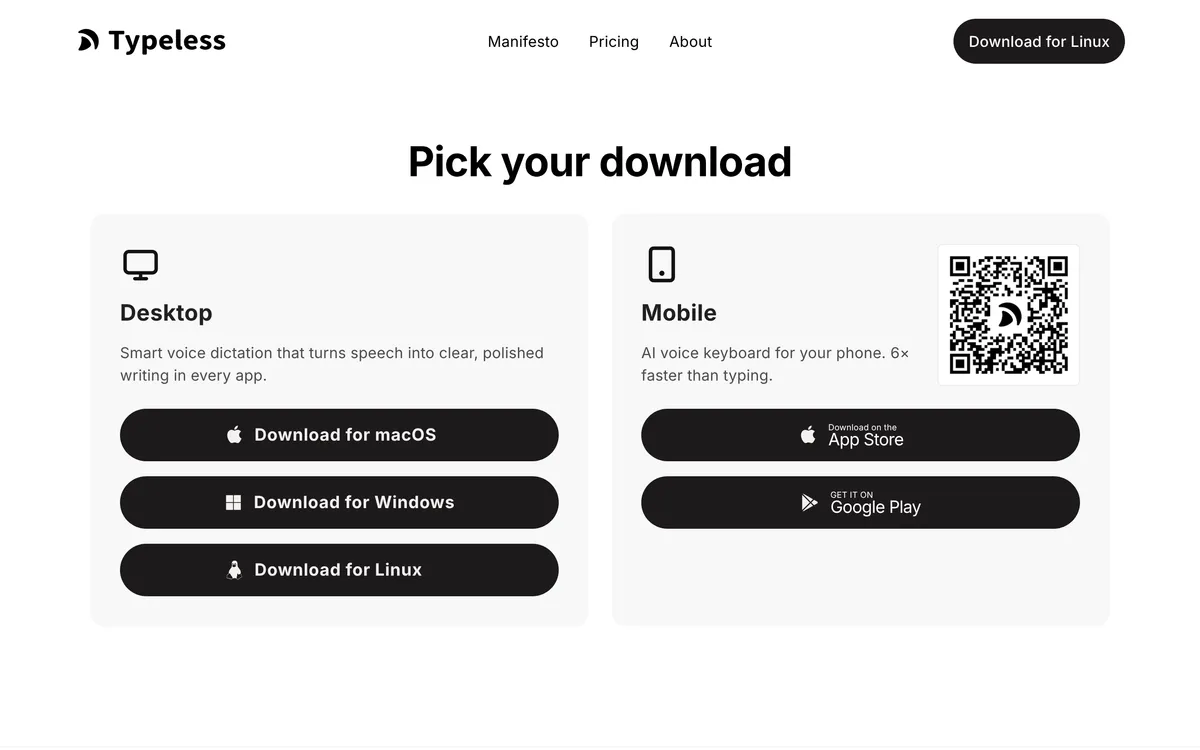 Screenshot of typeless.com, taken November 2, 2026.
The Linux release notes list Typeless's main features. It removes filler words and repetition, turns spoken lists and steps into structured text, translates, and edits text you select when you tell it what to change. It has a personal dictionary and handles 100+ languages. Transcription happens on Typeless's servers: its data controls page says "Transcription is performed on the cloud" and that your voice audio is not stored.
What we couldn't find on Typeless's downloads page, help center or Linux release notes:
- a list of supported distributions;
- whether it works on Wayland, X11 or both;
- an .rpm, AppImage or ARM build;
- an offline mode.
So if you're on Ubuntu, Debian or another distro that installs .deb packages, on an x86-64 machine, Typeless is worth a try. On Fedora, Arch or an ARM machine, there's no official package for you.
Price (Typeless pricing, checked 2 November 2026): Free has "limited words each week" (the page doesn't give the number). Pro is $12 per member per month billed yearly, or $30 billed monthly. The pricing table lists Desktop (Linux) among its platforms.
If you like Typeless but need Fedora or Arch, a documented Wayland setup, or an offline option, look at Blip AI below. Blip Pro is $15 billed monthly, or $12 a month billed yearly, the same yearly price as Typeless Pro.
Does Spokenly work on Linux?
Yes, and its Linux build is the most complete of the four. Spokenly's Linux page lists version 1.2.0, updated October 2026, as generally available:
- Packages: .deb and .rpm for x86-64 and ARM64, plus an AppImage for x86-64.
- Distributions: the AppImage supports Ubuntu 20.04 and later. The .deb and .rpm need Ubuntu 24.04+, Fedora 40+, Debian 13+, or a distro with glibc 2.39 or later.
- Wayland and X11: both, though Spokenly says global shortcuts and text insertion "vary by compositor and target app", so test the apps you use.
- Offline: Spokenly's FAQ says its local Whisper and Parakeet models "run entirely on your machine", so dictation works with no internet connection.
- Cloud and cleanup: cloud engines such as Deepgram, OpenAI, Soniox and ElevenLabs, with your own API keys or through Spokenly Pro. Its AI text processing removes filler words and fixes punctuation, using Pro, your own AI key or a local model through Ollama.
- Files: it transcribes MP3, WAV, M4A and MP4 files, not only live speech.
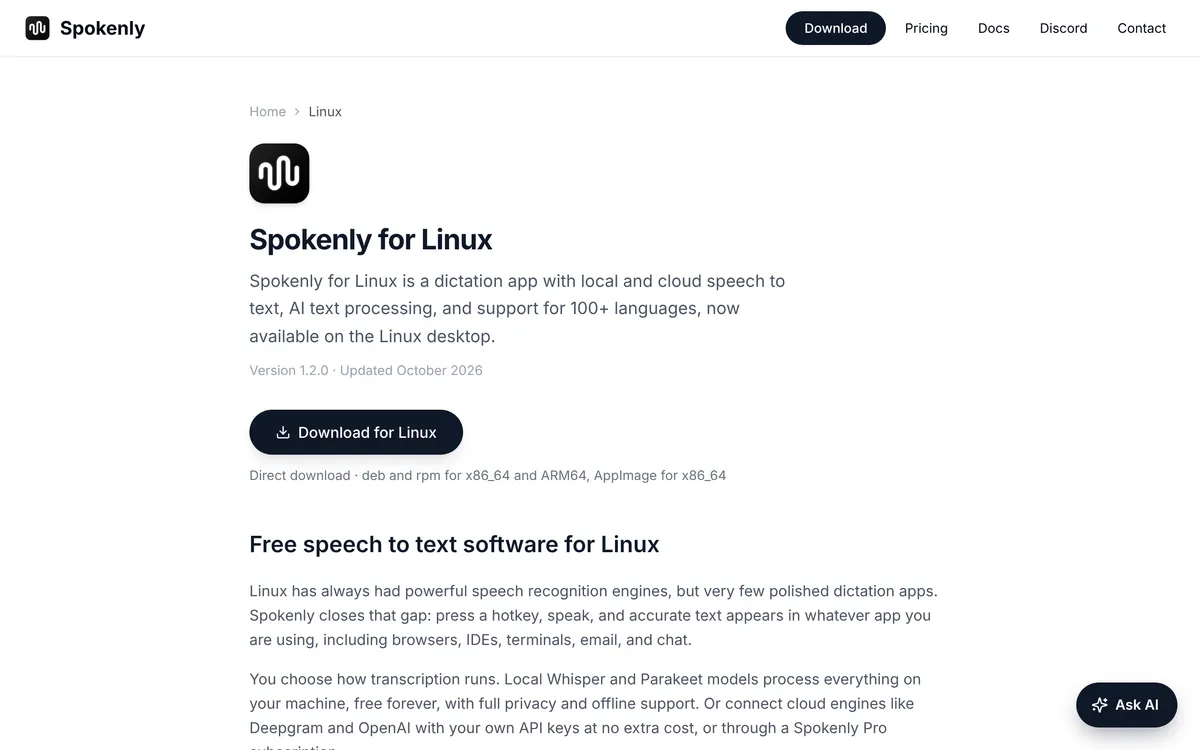 Screenshot of spokenly.app, taken November 2, 2026.
Price (Spokenly pricing, checked 2 November 2026): the Free plan covers local models and your own API keys, with no account. Local+ is $29 once and adds recording styles, settings sync and priority support; Spokenly says it works in the latest Linux app. Pro is $12 a month billed yearly ($144), or $15 billed monthly, and includes Spokenly's cloud models and AI cleanup. Spokenly's FAQ lists Pro on Linux, though activation may need a sign-in or linking your subscription, depending on where you bought it.
Spokenly is a better pick than Blip AI if you want free offline dictation, if your machine is ARM64, or if you also need to transcribe recordings.
Does VoiceInk work on Linux?
No. VoiceInk calls itself a dictation app for macOS. Its pricing section says it "works only on Apple Silicon Macs" and needs macOS 14.4 or later, and it sells licences per Mac: $25 for one, $39 for two or $49 for three, paid once. There's also an iOS version. The site doesn't mention Windows or Linux.
VoiceInk's code is public on GitHub under the GPL v3 licence. That doesn't give you a Linux version: the README lists macOS 15.0 or later under its requirements (the website says 14.4 or later) and says nothing about Linux.
 Screenshot of tryvoiceink.com, taken November 2, 2026.
VoiceInk sells two things: transcription on your own machine and a one-time price. On Linux you can get both:
- Handy or Vocalinux: free, open source, with local models (both below).
- Spokenly Local+: $29 once, with local Whisper and Parakeet models. Cloud models and AI need your own API keys.
Blip AI isn't a VoiceInk match on price, since Pro is a subscription. Pick it if you'd rather have cleanup on Blip Cloud, with on-device models on Pro for the times you're offline.
Does MacWhisper work on Linux?
No. MacWhisper's homepage calls it "the all-in-one Mac app to transcribe it all." Its Gumroad page lists macOS Sonoma, Sequoia and Tahoe (14.0 and higher), with legacy builds for older macOS versions, and says it's also on iPhone and iPad. Neither page mentions Linux or Windows. There's a free version, and MacWhisper Pro is €64 once, with lifetime updates (checked 2 November 2026).
Skip any "MacWhisper for Linux" download you find. MacWhisper's homepage warns that scam websites pretend to be the official site and "may contain malware downloads."
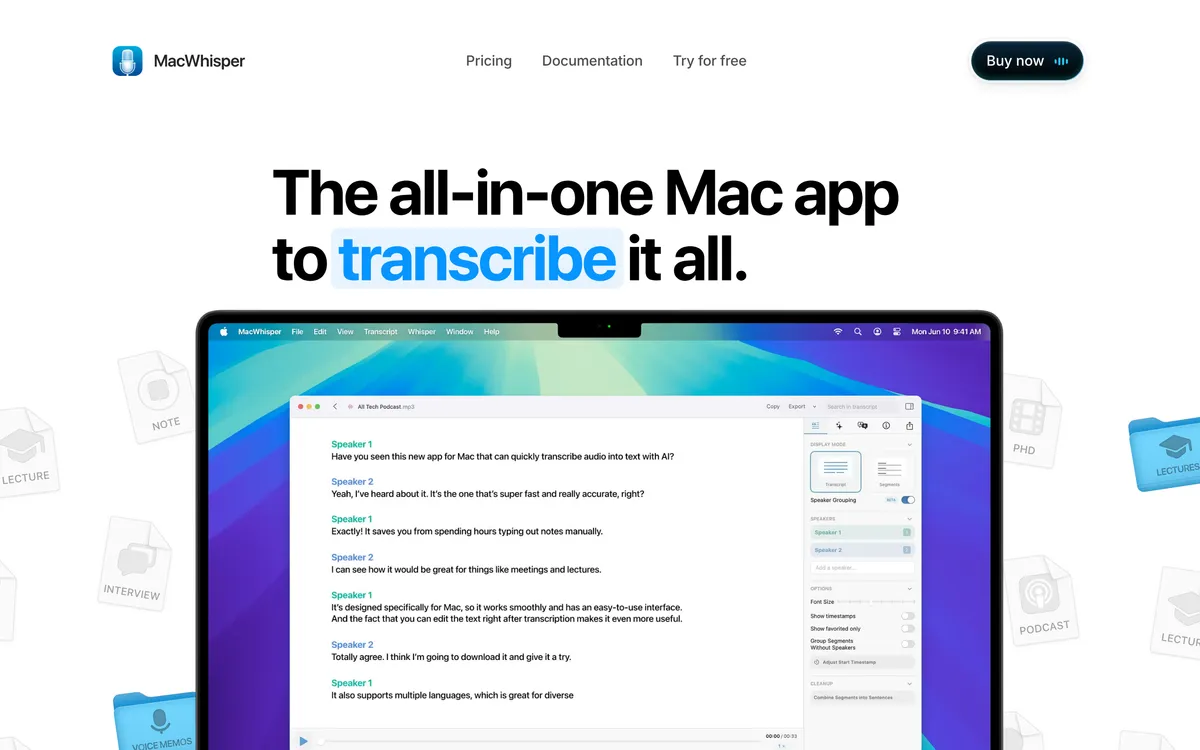 Screenshot of macwhisper.com, taken November 2, 2026.
MacWhisper does two jobs. It transcribes audio and video files (mp3, wav, m4a, ogg, opus, mov and mp4, per its homepage), and it does system-wide dictation. On Linux, you replace them separately.
For files, use Buzz or Spokenly. Buzz is free (MIT) and transcribes audio and video files offline with Whisper. Its README lists speaker identification, export to TXT, SRT and VTT, and Flatpak, Snap and AppImage builds for Linux. Spokenly's Linux app also transcribes MP3, WAV, M4A and MP4 files.
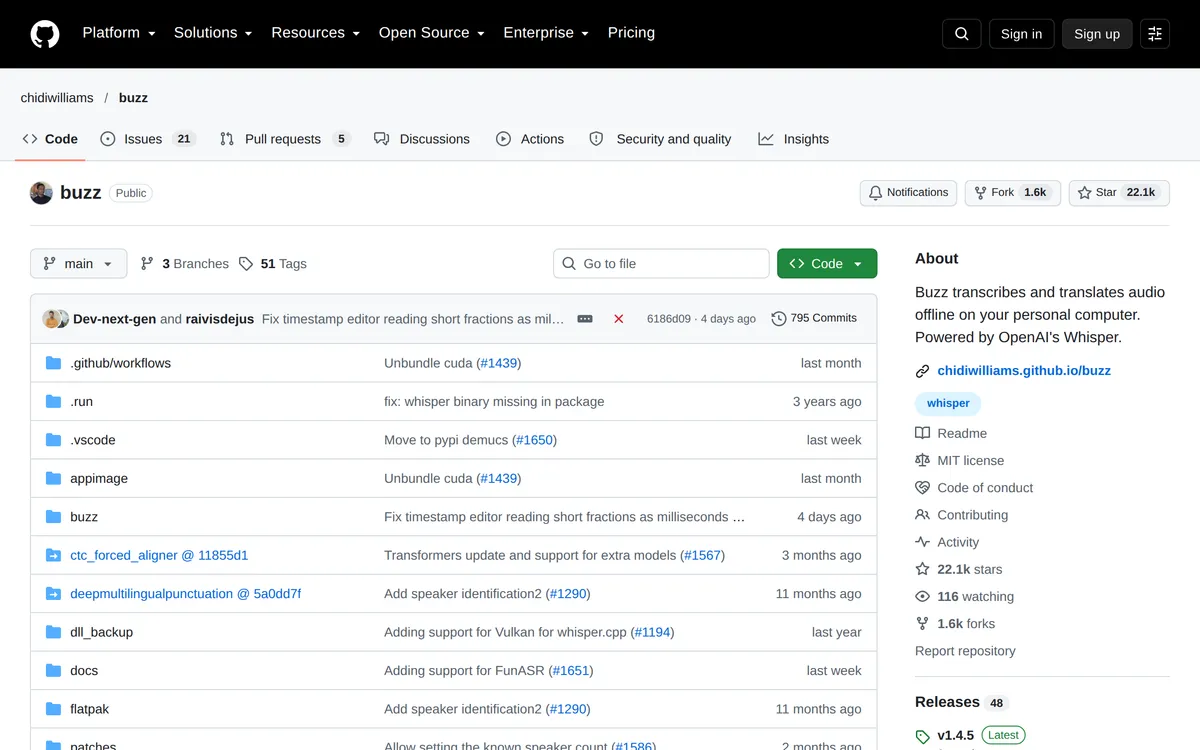 Screenshot of github.com, taken October 21, 2026.
For dictation, use Blip AI, Spokenly, Handy or Vocalinux (see the next section). Blip AI isn't a file transcriber: the app is built for live dictation. Developers can send an audio file of up to 25 MB to Blip's API and get the text back. For a feature-by-feature view on a Mac, see Blip AI vs MacWhisper. On Windows instead? Read MacWhisper for Windows.
What should you use on Linux instead?
Blip AI: our pick for most Linux users
Blip AI comes first because it's our pick for Linux users who want polished text without running a model. Hold Ctrl + Super, speak and let go. Blip removes filler words, fixes punctuation and formatting, and types the text into whatever window has focus, terminals included.
Why we pick it over the two Linux builds above:
- Over Typeless: Fedora and Arch too, and an offline option. One Blip AppImage covers Ubuntu/Debian, Fedora and Arch, on both Wayland and X11. Typeless's Linux download is a .deb, and we couldn't find a list of distributions or display servers on its site. Typeless's data page says transcription is performed in the cloud; Blip Cloud is the default, and on Pro you can download a Whisper model (Base, Small, Medium or Large Turbo) to transcribe and clean up text offline. Pro also costs half as much billed monthly ($15 against $30).
- Over Spokenly: cloud transcription with no key, even on the free plan, and Android too. Spokenly's free tier means running local models or bringing your own API keys; its own cloud models come with Pro. Blip Cloud is the default, and Blip's free plan of 2,000 words a month runs on it, so there's no GPU, model or key to set up. The same Blip app also runs on Mac, Windows, iPhone and Android. Spokenly's pricing page lists macOS, Windows, Linux and iOS, and its Android page says the Android app "is in development and will be available in the coming weeks" (checked 2 November 2026).
Blip also has Action Mode: start with "Hey Blip", describe the reply you want, and Blip drafts the email or Slack message instead of typing your words back. Your dictation history is stored on your device, not on Blip's servers.
The limits: the Linux AppImage is x86-64 only, while Spokenly, Handy and Vocalinux have ARM64 builds. Cloud is the default, and on-device models need Pro. Blip is a subscription, and it doesn't transcribe files in the app.
Price: a free plan of 2,000 words a month, and Pro at $15 a month, or $12 a month billed yearly, with a 7-day free trial (pricing). Get it from the Linux page or the download page. On X11 the AppImage runs as is; on Wayland there are four short setup steps, covered in the Linux setup guide.
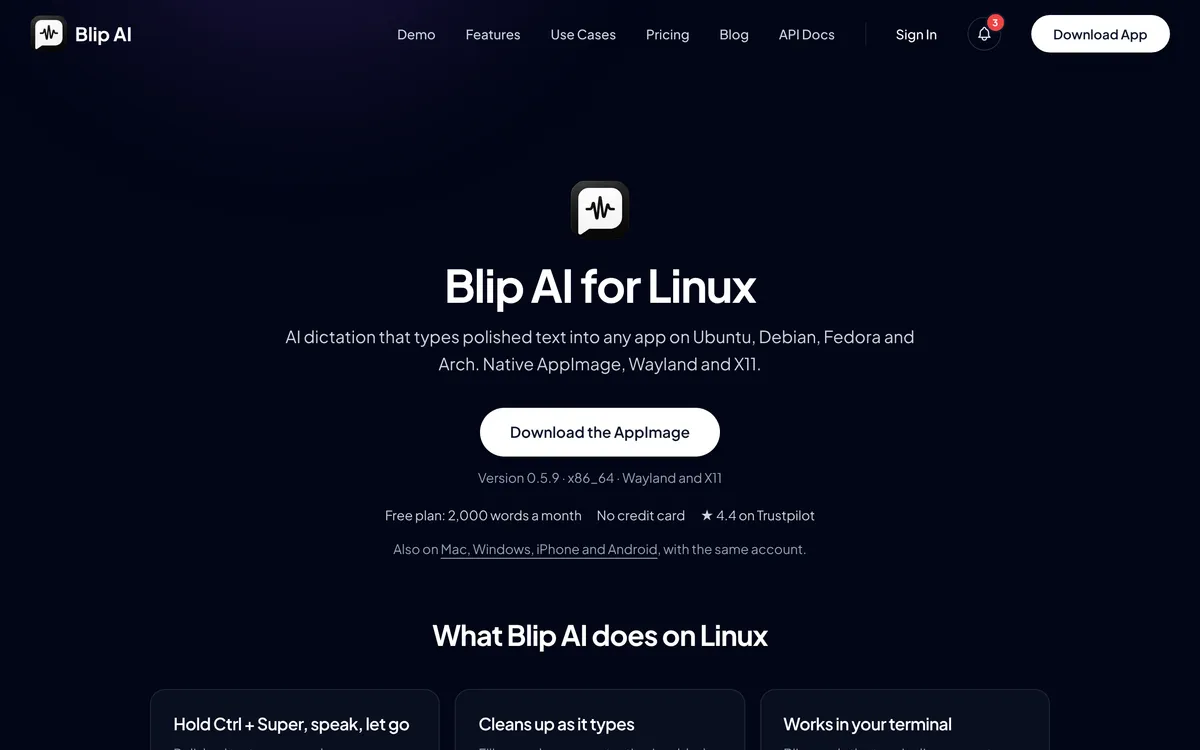 Screenshot of blipai.app, taken November 2, 2026.
Handy: free, small and offline
Handy (MIT) is a minimal app: press a shortcut, speak, and the text appears in the focused field. It runs Whisper and Parakeet models on your machine, and audio isn't sent to the cloud. Its v0.9.8 release (3 October 2026) has AppImage, .deb and .rpm files, including ARM64 builds. The README calls Wayland support limited: you need wtype or dotool, and on Ubuntu 26.04 it says wtype doesn't work, so use ydotool.
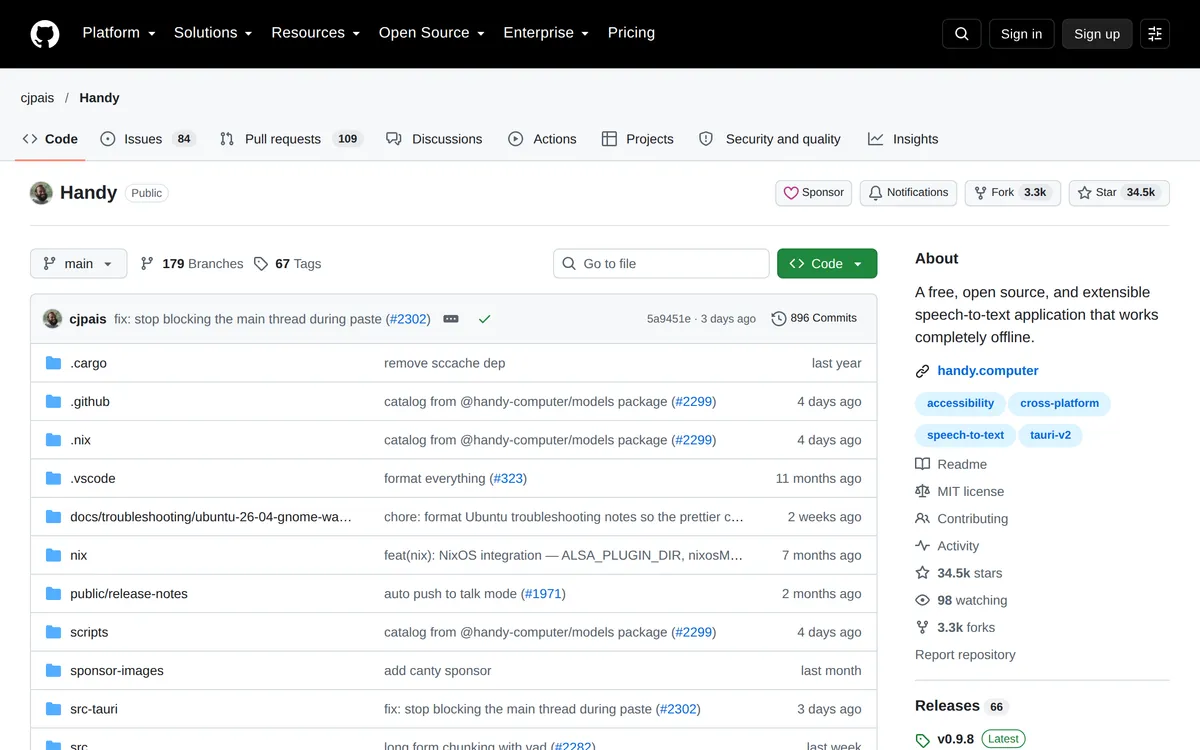 Screenshot of github.com, taken October 24, 2026.
Vocalinux: offline and built for Linux
Vocalinux (AGPL-3.0) types into whatever app has focus on X11 and Wayland. It uses whisper.cpp by default, with Whisper, Faster Whisper, VOSK and Parakeet as options, and runs them on your machine once you download a model. You can install it with a script, an AppImage, .deb, .rpm, AUR, Snap, Flatpak or PyPI; the AppImage and Flatpak come in x86-64 and aarch64 versions. There's no AI cleanup, so you get a word-for-word transcript, though you can point it at your own script to rewrite the text.
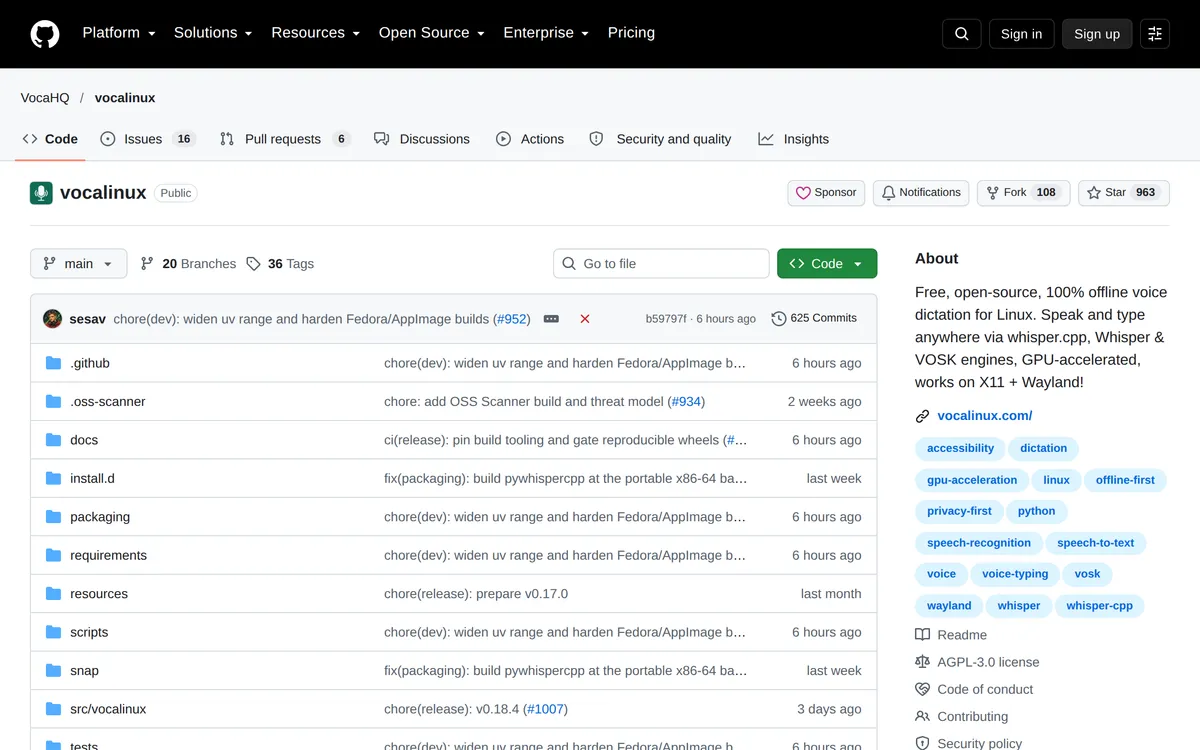 Screenshot of github.com, taken October 24, 2026.
OpenWhispr: open source, local or cloud
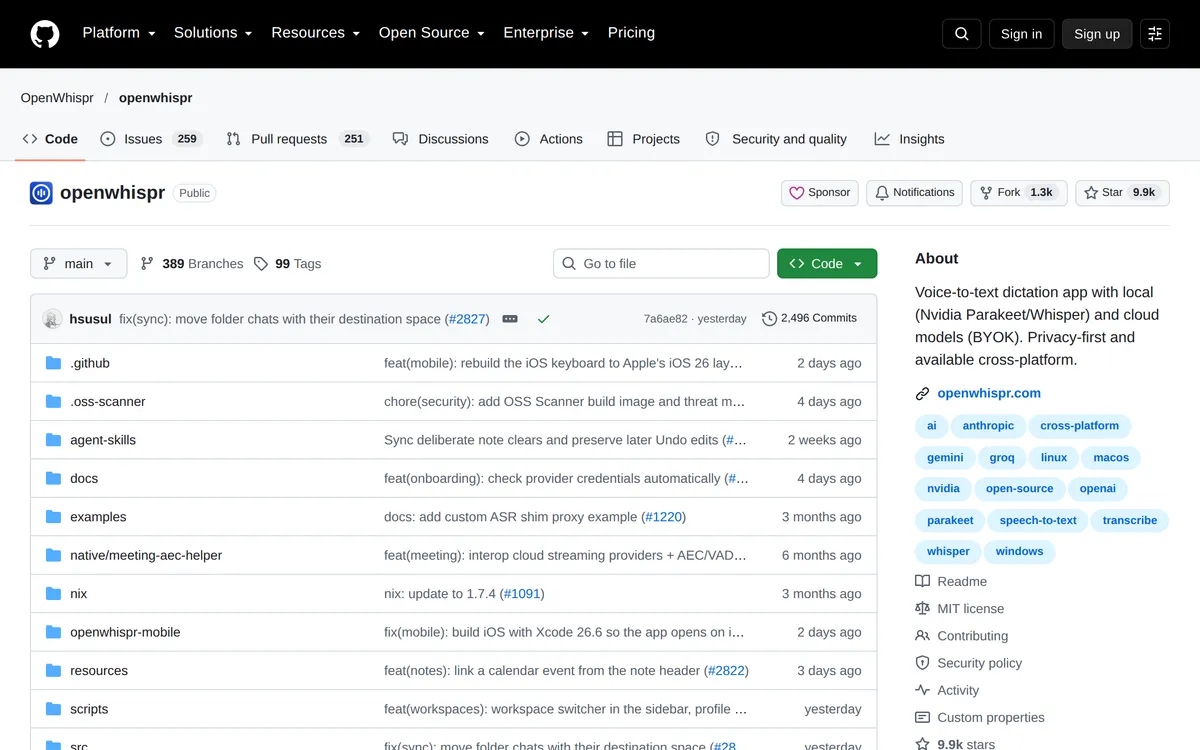
OpenWhispr (MIT) runs Whisper, Parakeet or Cohere Transcribe locally, or uses cloud models. Its cleanup, on by default, removes filler words, fixes grammar and polishes punctuation, using OpenWhispr Cloud, your own key or a local model. The free plan has unlimited local models and 2,000 words a week of OpenWhispr Cloud; Pro is $80 per user per year. Its Linux docs list .deb, .rpm, AppImage and .tar.gz builds for x86-64, with no ARM build.
 Screenshot of github.com, taken October 24, 2026.
Which one should you pick?
Start from what you used on your Mac:
- You used Typeless: keep Typeless if you're on an x86-64 machine with .deb packages and cloud transcription is fine. Otherwise try Blip AI, for Fedora, Arch and an offline option.
- You used Spokenly: keep it. The Linux app is generally available.
- You used VoiceInk: Handy or Vocalinux for free, or Spokenly Local+ for $29 once.
- You used MacWhisper for recordings: Buzz, free and offline, or Spokenly.
- You used MacWhisper for dictation: Blip AI, Spokenly or Handy.
If you're not sure, try Blip's free plan (2,000 words a month, cloud only), and keep Spokenly's free tier or Handy installed for offline dictation.
What about Wispr Flow, Superwhisper, Aqua Voice and Willow Voice?
Four more Mac-first apps people ask about, each with its own post. Checked on 2 November 2026:
- Wispr Flow: no. Its supported devices page lists Linux as not supported. See Wispr Flow for Linux.
- Superwhisper: Linux builds on GitHub, up to 1.1.3 on 31 October. Its README still calls them "prerelease software" aimed at x86-64 systems running Omarchy, while the release notes call 1.0.0 "the first stable release" and list GNOME 51 support and ARM builds in 1.0.1. See Superwhisper for Linux.
- Aqua Voice: no Linux dictation app. Its download page offers Mac, Windows, iPhone and Android. It also links the Aqua CLI, which runs on macOS, Windows and Linux: it edits the dictionary, replacements and instructions Aqua uses, and transcribes audio files with an API key. The CLI page doesn't describe live dictation. See Aqua Voice for Linux.
- Willow Voice: no. Its download page lists macOS, Windows and iOS, with Android "coming soon", and doesn't mention Linux. See Willow Voice for Linux.
For every Linux option side by side, see the best dictation apps for Linux.
FAQ
Does Typeless work on Linux? Yes. Typeless added a Linux app in version 2.2.0 on 24 September 2026. The download is a .deb for x86-64 machines that you install through the App Center, and transcription runs in the cloud. We couldn't find a list of supported distributions on Typeless's site, or anything on whether it works on Wayland or X11.
Is there a VoiceInk for Linux? No. VoiceInk runs only on Apple Silicon Macs with macOS 14.4 or later, plus iOS. Its code is open source under GPL v3, but the README lists macOS under its requirements. On Linux, Handy and Vocalinux are free local options, and Spokenly Local+ costs $29 once.
Does Spokenly have a Linux version? Yes. Spokenly 1.2.0 for Linux ships .deb and .rpm packages for x86-64 and ARM64 and an x86-64 AppImage. It works on X11 and Wayland, and its local Whisper and Parakeet models run offline on the free plan.
Is MacWhisper available for Linux? No. MacWhisper runs on macOS 14 or later, with older builds for earlier macOS and a separate iPhone and iPad app. A "MacWhisper for Linux" download isn't from its developer, and MacWhisper warns that scam sites may carry malware. On Linux, use Buzz for recordings and Blip AI, Spokenly or Handy for dictation.
What's the best MacWhisper alternative on Linux? For transcribing audio and video files, Buzz: free, open source and offline, with TXT, SRT and VTT export. Spokenly does both files and live dictation. For live dictation with cleanup and drafted replies, we recommend Blip AI.
Which Mac dictation apps also run on Linux? As of 2 November 2026, Spokenly and Typeless have Linux apps. Superwhisper has Linux builds on GitHub: its README still calls them prerelease, while its release notes call 1.0.0 "the first stable release". VoiceInk, MacWhisper, Wispr Flow and Willow Voice have no Linux version. Aqua Voice has no Linux dictation app, though its Aqua CLI runs on Linux for dictionary settings and audio-file transcription with an API key. Blip AI, which we build, runs on Mac, Windows and Linux.
Does Blip AI work offline on Linux? Yes, with an on-device Whisper model, which is a Pro feature. Blip Cloud is the default, and the free plan is cloud only.