
Aqua Voice for Linux? Not Available. The Closest Options
Aqua Voice runs on Mac, Windows, iPhone and Android, but not Linux. Compare the Linux dictation apps instead: Blip AI, Vocalinux, Handy and more.
Quick answer: Aqua Voice has no Linux app. It runs on Mac, Windows, iPhone and Android, and Aqua's blog points Linux users to command-line tools like nerd-dictation. For Aqua users on Linux, our pick is Blip AI: a hold-to-talk app with cleanup like Aqua, as a native AppImage for Wayland and X11. Free, offline options: Vocalinux and OpenWhispr.
By the Blip AI team; we make a competing app. Facts about Aqua Voice were checked on aquavoice.com on 29 September 2026; its prices and platforms were re-checked on 30 October 2026.
Does Aqua Voice work on Linux?
No. Aqua Voice is available on Mac, Windows, iPhone and Android (through Google Play). There's no Linux app, and Aqua's blog post on dictating into a terminal suggests command-line tools such as nerd-dictation, voice2json and whisper.cpp for Linux instead.
That's a fair pointer if you're comfortable wiring up a CLI tool. If you wanted a hold-to-talk app that puts clean text into any window, the options below are closer.
What Aqua Voice is, and what a Linux version would need
Aqua's pitch is that speaking beats typing: "We've typed for 150 years. It's time to speak." It's a cloud dictation app with a fast changelog and a custom dictionary. Pricing starts with 1,000 free words, then Pro at $12/month ($10/month billed yearly) and Max at $24/month ($19/month yearly), which adds Realtime Mode.
A Linux replacement should give you push-to-talk into any app, cleanup of the transcript, a custom dictionary, and Wayland support that isn't a shell script.
The best Aqua Voice alternatives on Linux
Blip AI: our pick, the same kind of app with a Linux build
AppImage · Wayland and X11 · Ubuntu/Debian, Fedora, Arch · free plan with 2,000 words a month; Pro $15/month or $12/month billed yearly
Blip AI is first because it's the same kind of product as Aqua Voice: hold a key, speak, and get polished text in the focused window. Blip's Linux version is a native AppImage for Wayland and X11, with the same core features as on Mac and Windows: filler words removed and punctuation fixed, a custom dictionary, and Action Mode, where you start with "Hey Blip" and describe the reply you want.
How Blip AI compares with Aqua Voice:
- Free plan: Blip gives 2,000 words every month. Aqua's free plan, which its FAQ calls Starter, includes 1,000 free words, and neither its pricing page nor its FAQ says whether they reset.
- Pro price: Blip is $15/month or $12/month billed yearly; Aqua Pro is $12/month or $10/month yearly. Aqua is cheaper.
- Platforms: Blip runs on Mac, Windows, Linux, iOS and Android. Aqua runs on Mac, Windows, iPhone and Android.
- Realtime Mode: Aqua's Max plan shows your words as you speak; Blip types the text when you let go of the key.
- Processing: Aqua's FAQ says cloud dictation needs an internet connection and that offline availability "varies by platform, app version, and mode" (checked 30 October 2026). Blip is cloud by default, with downloadable on-device Whisper models on Pro for offline dictation, on Linux too.
Where Blip is behind: Aqua's Pro plan is cheaper, and its changelog moves fast. Where Blip is ahead: it runs on Linux, and Aqua doesn't. If you only use a Mac, Aqua is a good choice. If your daily driver is Linux, Aqua isn't an option, and Blip AI is our pick.
A limit on Blip's side: the on-device models that work offline need Pro; the free plan is cloud only.
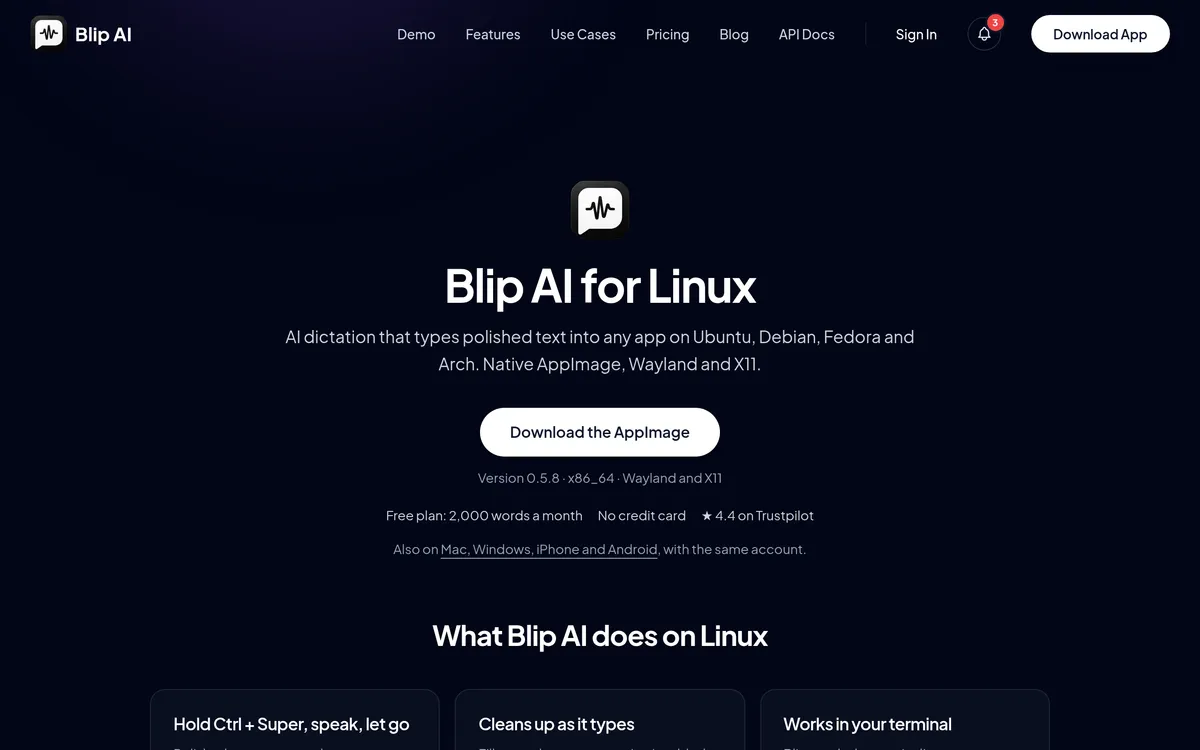 Screenshot of blipai.app, taken October 24, 2026.
Vocalinux: free and local
Open source · Wayland and X11 · free
If you'd rather not send audio anywhere, Vocalinux (AGPL-3.0) runs whisper.cpp locally by default and types into the focused app on both display protocols. It doesn't clean up filler words, and it needs hardware that can run a decent model.
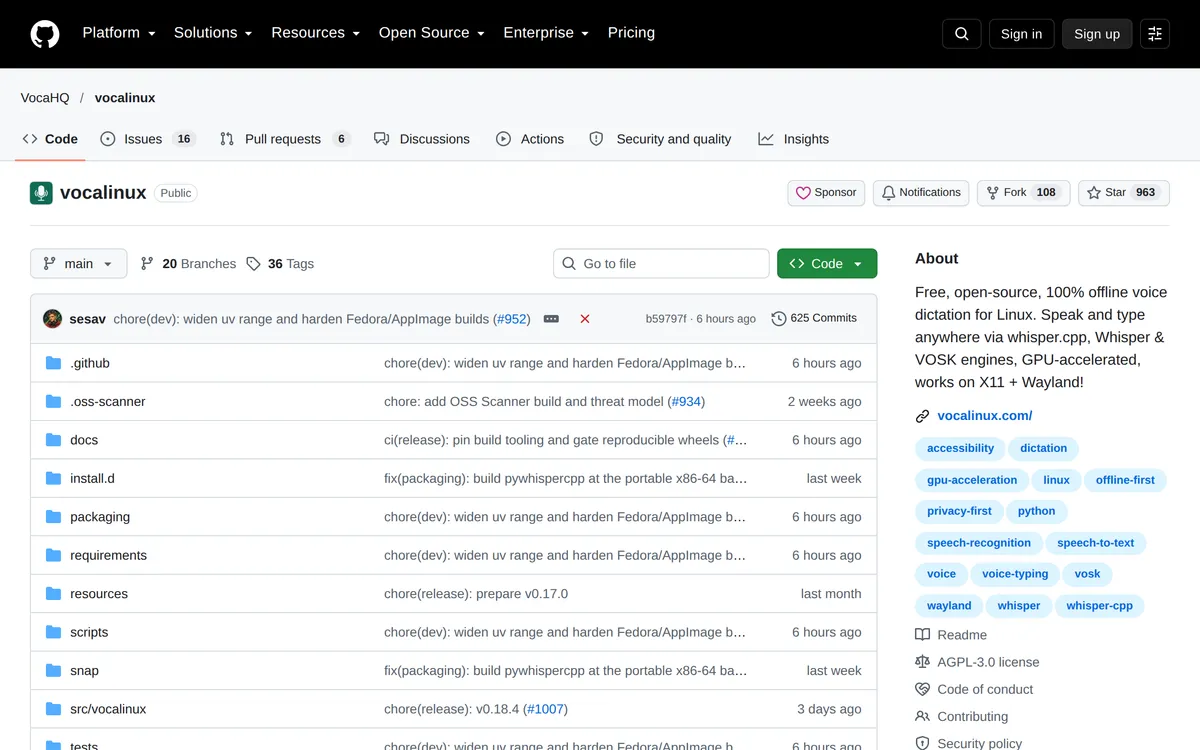 Screenshot of github.com, taken October 24, 2026.
The CLI tools Aqua recommends: nerd-dictation, whisper.cpp and voice2json
Aqua's blog isn't wrong that these work, with caveats. nerd-dictation runs the Vosk engine offline and types into the focused window via xdotool, ydotool or dotool; you bind your own key to start and stop it. It hasn't had a commit since October 2025. whisper.cpp is an actively developed speech engine, the one underneath many of the apps on this page, with a live microphone example rather than a dictation app. voice2json is archived and hasn't been updated since 2022, so skip it. All three are free and fully local, and all assume you'll read a README, edit a config and bind your own keys.
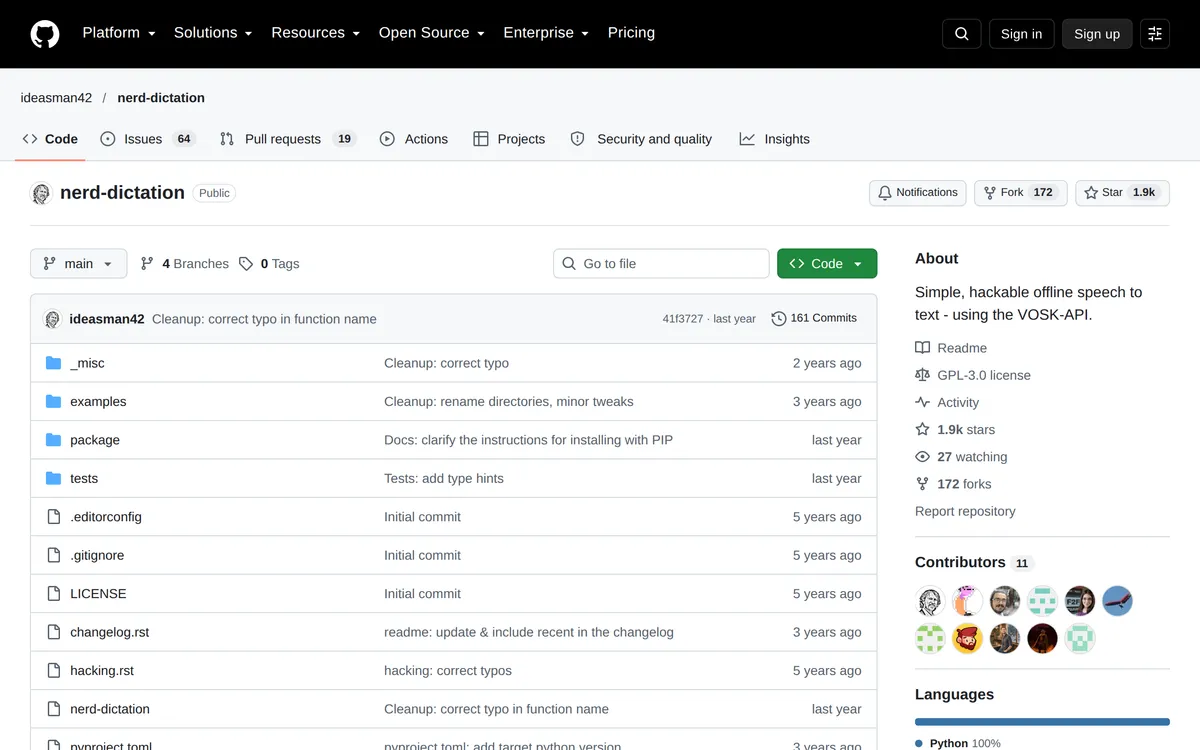 Screenshot of github.com, taken October 24, 2026.
Handy: offline and minimal
MIT · limited Wayland support · free
Handy is a small local dictation app that's easy to install, removes filler words by default, and can add AI cleanup if you plug in a model. On Wayland it needs helper tools such as wtype or dotool.
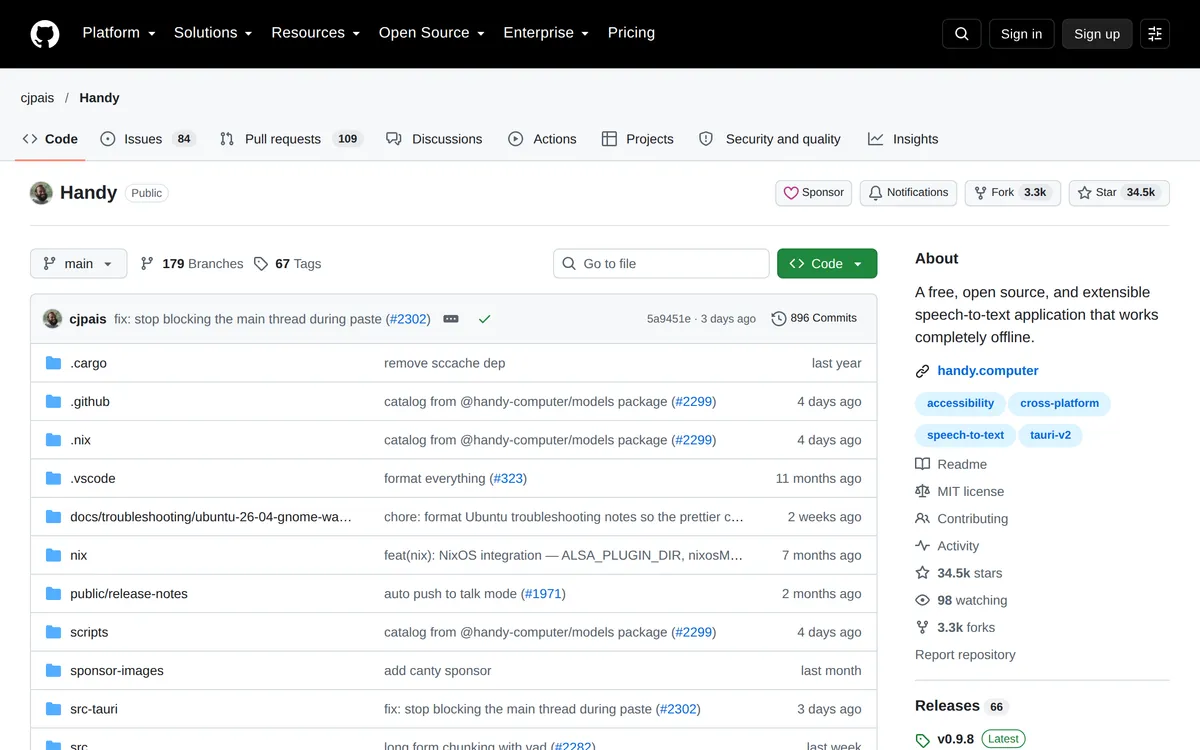 Screenshot of github.com, taken October 24, 2026.
OpenWhispr: open source, with AI cleanup
MIT · free
OpenWhispr is the open-source option closest to Aqua's "clean text, not a raw transcript" approach. It transcribes locally, through OpenWhispr Cloud or with your own API key, then a local or cloud language model removes filler words and fixes grammar and punctuation, per its docs (checked 30 October 2026). Expect some setup on Wayland.
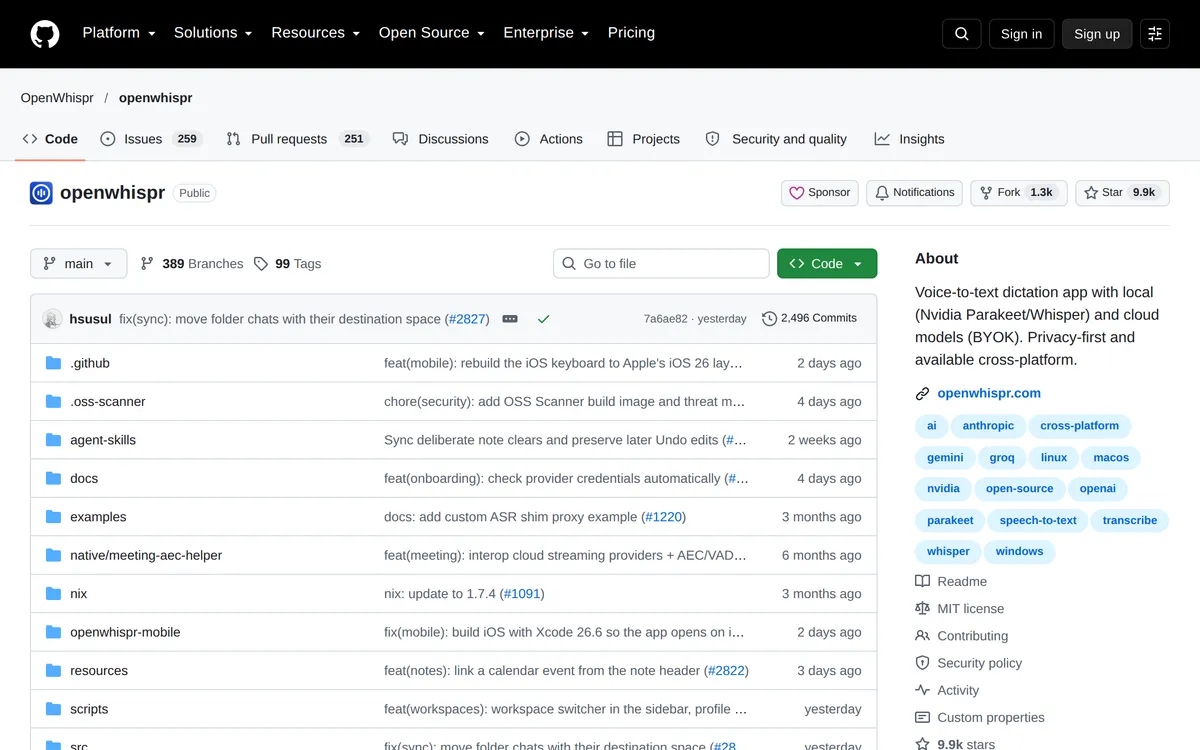 Screenshot of github.com, taken October 24, 2026.
Aqua Voice vs Linux alternatives
| Aqua Voice | Blip AI | Vocalinux | nerd-dictation | |
|---|---|---|---|---|
| Linux | No (its blog points to CLI tools) | Yes: AppImage | Yes | Yes |
| Wayland | — | Yes | Yes | Via ydotool or dotool |
| Processing | Cloud (offline varies by platform, per its FAQ) | Cloud by default, on-device models on Pro | Local | Local |
| Cleanup | Yes | Yes | No | No |
| Custom dictionary | Yes | Yes | No | Manual config |
| Free | 1,000 free words | 2,000 words a month | Free | Free |
| Pro | $12/month, or $10/month yearly | $15/month, or $12/month yearly | — | — |
| Other platforms | Mac, Windows, iPhone, Android | Mac, Windows, iOS, Android | Linux only | Linux only |
Prices checked 30 October 2026 on Aqua Voice's pricing page and Blip's pricing page.
How to install Blip AI on Linux
On X11, the AppImage works out of the box: make it executable with chmod +x and run it. On Wayland, there are a few short steps so Blip can type into other windows: install wl-clipboard and wtype, join the input group, run the AppImage, and on GNOME and KDE allow it to paste the first time it asks. It takes about two minutes. The full commands for Ubuntu, Fedora and Arch are in our Linux dictation guide and on the download page.
More Linux dictation guides
- Blip AI for Linux: download, supported distros and the Wayland setup, in one place.
- Wispr Flow on Linux: the same question for Wispr Flow.
- Willow Voice for Linux.
- Superwhisper for Linux.
- How to voice type on Linux and speech to text on Ubuntu.
- Blip AI pricing: the free plan and Pro.
FAQ
Does Aqua Voice work on Linux? No. Aqua Voice is available on Mac, Windows, iPhone and Android, and Linux isn't offered.
What does Aqua Voice recommend for Linux? Aqua's blog post on terminal dictation points Linux users to nerd-dictation, voice2json and whisper.cpp, which are command-line tools that run locally. Note that voice2json is archived and hasn't been updated since 2022.
What's the closest Aqua Voice alternative on Linux? Blip AI, our pick: the same kind of hold-to-talk cloud dictation with cleanup and a custom dictionary, plus a native AppImage for Wayland and X11 and on-device models on Pro. If you want free and open source instead, try Vocalinux or OpenWhispr.
Is there a cheaper Aqua Voice alternative on Linux? The open-source tools, such as Vocalinux, OpenWhispr and Handy, are free. Among paid cloud apps, Aqua's own Pro plan ($10/month billed yearly) is cheaper than Blip's ($12/month billed yearly), but Aqua doesn't run on Linux.
The full list: the best dictation apps for Linux. Feature comparison: Blip AI vs Aqua Voice.