
Best Dictation App for Developers (Technical Terms, Code)
Which dictation app handles technical terms and code best? Blip AI, Wispr Flow, Superwhisper and Aqua Voice compared on dictionary, IDE, terminal and Linux.
Quick answer: For developers who dictate prompts, commit messages and Slack replies, our pick is Blip AI: it types into any app, terminals and SSH sessions included, runs on Mac, Windows and Linux, and gets technical terms like Vercel, Supabase and Claude right, with a custom dictionary for the rest. Pick Wispr Flow if you want file tagging in Cursor.
By the Blip AI team. We make Blip AI, so we say where another app fits better. Every other app's page was checked on 10 November 2026.
What makes a dictation app good for developers?
A developer's speech is full of words a general dictation engine hasn't seen: product names, library names, acronyms and file names. Five things decide whether an app copes:
- A custom dictionary. You add the names it keeps getting wrong, once.
- Where it types. An editor, a terminal, an agent chat, a pull-request box and Slack should all work. A tool that fills only one chat box is a different kind of tool.
- Code-specific handling. Some apps say they handle
camelCase,snake_caseor acronyms. Check what the vendor actually states. - Platforms. Some developers work on Linux or over SSH, and several apps skip both.
- Privacy and price. Code and customer names leave your machine if transcription runs in the cloud, so find out what each app does with the audio.
None of the vendors below publishes an independent accuracy test for technical speech, so this post doesn't rank them by accuracy. Aqua Voice publishes its own benchmark, covered below, and it is Aqua's own number.
Best dictation apps for developers compared
Prices and features checked 10 November 2026 on each vendor's own pages. We picked these four as apps Blip is often compared with; this is a read of their own pages, not a hands-on test.
| Blip AI | Wispr Flow | Superwhisper | Aqua Voice | |
|---|---|---|---|---|
| Custom dictionary | Yes | Yes, on the free plan; shared team dictionary on Pro and up | Custom vocabulary and text replacements on the free plan | Personal dictionary on Pro, shared on Business |
| Code and IDE handling | Types into any app with a text field: VS Code, Cursor, terminals, SSH | Tags files in Cursor and Windsurf; says it handles camelCase, snake_case and acronyms | Works with Cursor, Claude Code, Open Code, Amp and Codex | Homepage says "Speak code with precision"; its demo shows Claude Code |
| Platforms | Mac, Windows, Linux, iPhone, Android | Mac, Windows, iPhone, Android | Mac, Windows, iPhone, Android; a separate Linux build (our post) | macOS, Windows, iPhone, Android |
| Cloud or on-device | Both (on-device models on Pro) | Cloud: "Transcription always occurs on the cloud" (data controls) | Local models keep audio on your device | Privacy Mode (opt-in): "nothing is stored on our servers at all" |
| Free plan | 2,000 words a month | "Limited words per week" (pricing) | $0: unlimited dictation with local Whisper models, up to two modes without AI processing | 1,000 words |
| Paid from | Pro $15/mo, $12/mo billed yearly | Pro $15/mo, $12/mo billed yearly | $8.49/mo, $84.99/yr or $249.99 once | Pro $12/mo, or $10/mo billed annually |
Our take: if you work in several apps, in a terminal, over SSH or on Linux, Blip AI is the one to try first. If your day is mostly Cursor, Wispr Flow's file tagging is a real advantage that we don't match. If you want local-only models and many modes, look at Superwhisper.
Wispr Flow: best for tagging files in Cursor and Windsurf
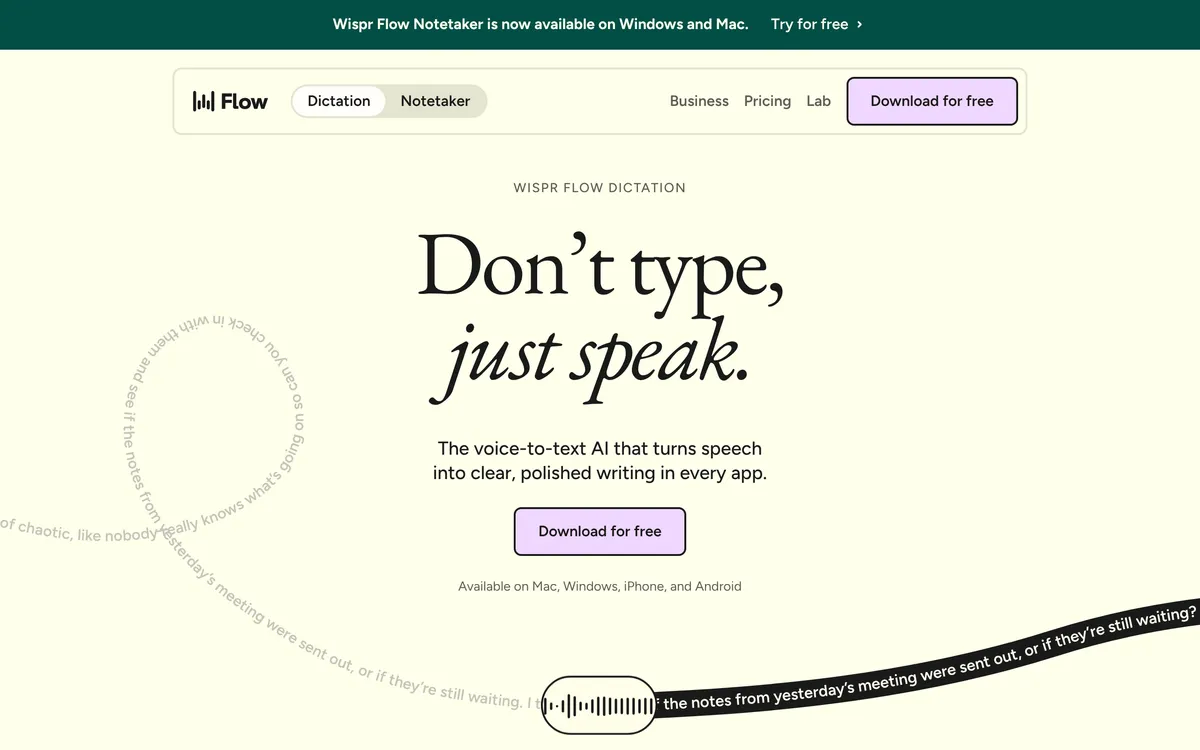 Screenshot of wisprflow.ai, taken November 10, 2026.
Wispr Flow's developers page says Flow tags files in Cursor and Windsurf, so their context lands in your prompt. It also says it handles camelCase, snake_case and acronyms, and gets developer terms like Supabase or MongoDB. Its pricing page lists a personal dictionary on the free plan, Pro at $12 a month billed yearly or $15 monthly, and SOC 2 Type II and ISO 27001 certification. Its data controls page says "Transcription always occurs on the cloud."
The catches: the developers page doesn't mention terminals or Claude Code, transcription is cloud-only, and there is no Linux app (the full answer). More options are in Wispr Flow alternatives.
Superwhisper: best if you want local models and custom modes
 Screenshot of superwhisper.com, taken November 10, 2026.
Superwhisper's homepage says it works with Cursor, Claude Code, Open Code, Amp and Codex, lets you enter names, abbreviations and specialized terms once, and offers Custom Modes that define how it writes and formats. Its docs say that with local models nothing you say leaves your device, and that its coding-agent connection lets you answer an agent by voice when it asks for input.
Its plans page lists $8.49 a month, $84.99 a year or $249.99 once, all with the same features, and says the free plan gives unlimited dictation with local Whisper models, up to two modes and custom vocabulary. For Linux, read Superwhisper for Linux first, since its Linux build has requirements.
Aqua Voice: best if you want a vendor that targets technical speech
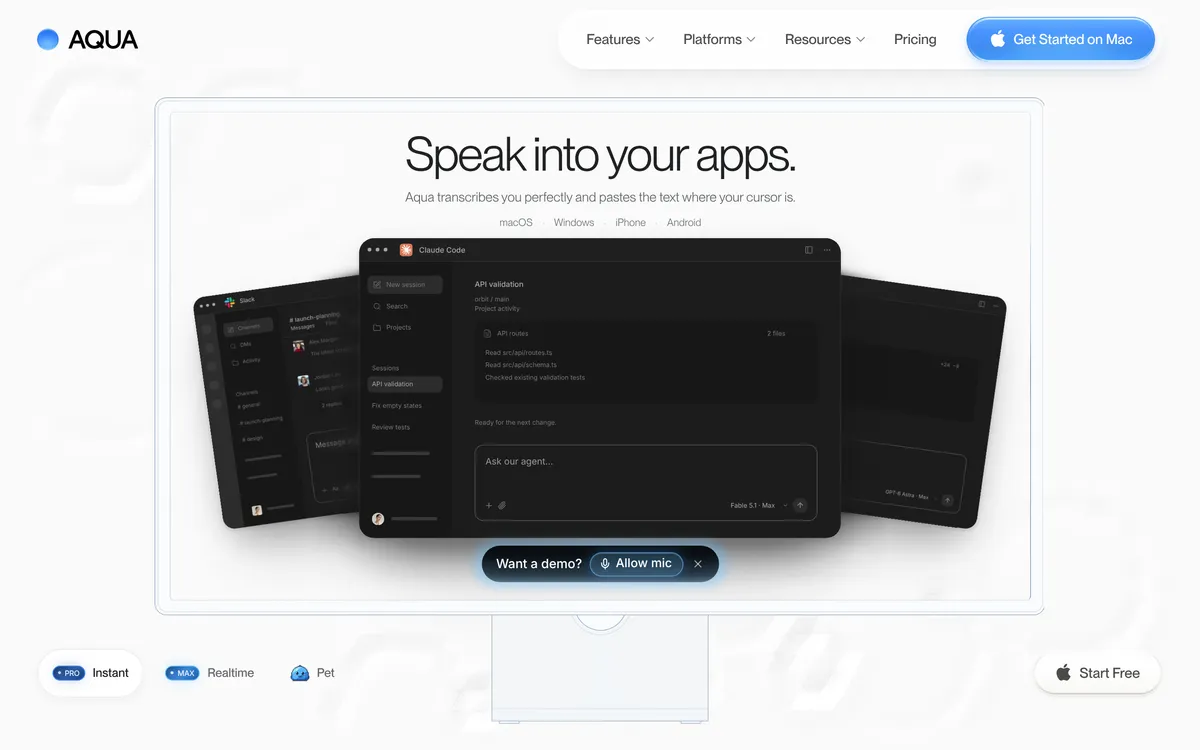 Screenshot of aquavoice.com, taken November 10, 2026.
Aqua Voice's homepage says "Speak code with precision" and says you can teach it names, brands and technical terms. It reports that its Avalon model scored 97.4% key-term accuracy on AISpeak-10, a benchmark Aqua describes as its own (source), with Whisper Large v3 at 65.1% on the same chart. Treat that as a vendor claim: it is Aqua's test, and we haven't re-run it. The listed platforms are macOS, Windows, iPhone and Android. Its pricing page lists a 1,000-word free plan and Pro at $12 a month, or $10 a month billed annually. Privacy Mode is opt-in.
MacWhisper, Talon and the built-in dictation
- MacWhisper is a Mac app that transcribes with local models and sells a one-time Pro license (macwhisper.com). Its page lists custom prompts, a CLI for agent and scripting workflows and bring-your-own API keys, and its page doesn't mention a custom dictionary.
- Talon Voice is for controlling your computer, code included, by voice rather than dictating prose. It lists macOS, Windows and Linux (X11) on talonvoice.com. See Talon Voice alternatives for who it suits.
- Apple Dictation and Windows voice typing are free. Neither vendor's guide describes adding custom words (Apple, Microsoft), which is the first thing a developer needs.
How to dictate technical terms with Blip AI
- Install Blip AI on Mac, Windows or Linux.
- Hold the hotkey (Fn on Mac or Ctrl + Win on Windows and Linux; all configurable), speak, and let go. The text lands in the focused window: an editor, a terminal, an SSH session, an agent chat.
- Add your project's names, internal tools and odd library names to the dictionary.
- Add Space to the hotkey for hands-free mode when you want to talk longer.
Blip gets technical terms like Vercel, Supabase and Claude right out of the box, removes filler words and fixes punctuation. Say "Hey Blip" first and describe the reply you want to have Action Mode draft a Slack message or email. Blip can run on Blip Cloud or on-device models (on-device is part of Pro). History is stored on your device, not on Blip's servers. Pricing is on the pricing page: free for 2,000 words a month, Pro $15 a month or $12 a month billed yearly.
Its limit for this audience: Personalized Blip's custom prompt is skipped in code editors and terminals, so it won't rewrite your code-adjacent text with your style rules. For voice in specific tools, see voice in Claude Code, voice typing in Cursor and typing by voice into any app.
Which dictation app should you pick as a developer?
- You work in terminals, over SSH, or on Linux: Blip AI, our pick, which types into any focused window on all three desktops.
- Your day is Cursor or Windsurf: Wispr Flow, for the file tagging its developers page describes.
- You want local models and custom modes: Superwhisper.
- You're on a Mac and mostly transcribe recordings: MacWhisper.
- You want to control the computer by voice: Talon.
- You dictate little and want free: the built-in dictation, plus Blip's free plan when its missing dictionary starts to hurt.
FAQ
Which dictation app is best for developers? It depends on where you type. Blip AI is our pick for terminals, SSH and Linux; Wispr Flow fits Cursor users who want file tagging; Superwhisper fits people who want local models.
Does dictation get technical terms and product names right? Better apps do when you add the names to a custom dictionary. Blip AI recognizes terms like Vercel, Supabase and Claude out of the box and takes your own names in its dictionary. No vendor here publishes an independent accuracy test.
Can I dictate into a terminal or over SSH? Blip AI types into the focused window on your local machine, so it works in terminals and SSH sessions. Claude Code's own /voice doesn't work over SSH (details).
Is there a dictation app for Linux developers? Yes. Blip AI runs on Linux as an x86-64 AppImage for Ubuntu/Debian, Fedora and Arch on Wayland and X11. Wispr Flow has no Linux app, and Superwhisper's Linux build needs Wayland. See the Linux page.
Is there a free dictation app for developers? As of 10 November 2026, Blip AI's free plan is 2,000 words a month, Aqua Voice's is 1,000 words, and Superwhisper's free tier is unlimited dictation with local Whisper models. Apple and Microsoft's built-in tools are free but their guides describe no custom words.