
Typeless for Linux: The .deb, Its Limits, and Alternatives
Typeless for Linux is an x86-64 .deb with cloud-only transcription. What it covers, what it doesn't (Fedora, Arch, ARM, offline), and what to use instead.
Quick answer: Yes. Since September 2026 Typeless has an x86-64 .deb you install through the App Center, and it transcribes in the cloud. We found no official .rpm, AppImage, ARM build or offline mode. On Fedora or Arch, our pick is Blip AI: cloud cleanup with no model or key, one x86-64 AppImage for Wayland and X11, offline models on Pro.
Written by the Blip AI team. We make a competing dictation app, so weigh our pick with that in mind. Typeless's downloads, pricing, data controls and install pages were checked on 5 November 2026; its Linux release notes and download file on 2 November 2026 (the notes only load in a browser). We haven't installed Typeless for this post: where Typeless's pages don't say something, we tell you instead of guessing.
Does Typeless work on Linux?
Yes. Typeless's downloads page has a Download for Linux button next to macOS and Windows, and its pricing page lists "Desktop (Linux)" among its platforms. The Linux app arrived in version 2.2.0, which Typeless's Linux release notes titled "Introducing Typeless for Linux" on 24 September 2026 (notes checked 2 November 2026).
When we checked on 2 November 2026, the Linux button downloaded Typeless-2.2.1-x64.deb: a Debian package for x86-64 machines. Typeless's post-download page gives three steps:
- Open
Typeless.debfrom your Downloads folder. - Click Install in the App Center and authenticate when prompted.
- Search for Typeless on your computer and click its icon.
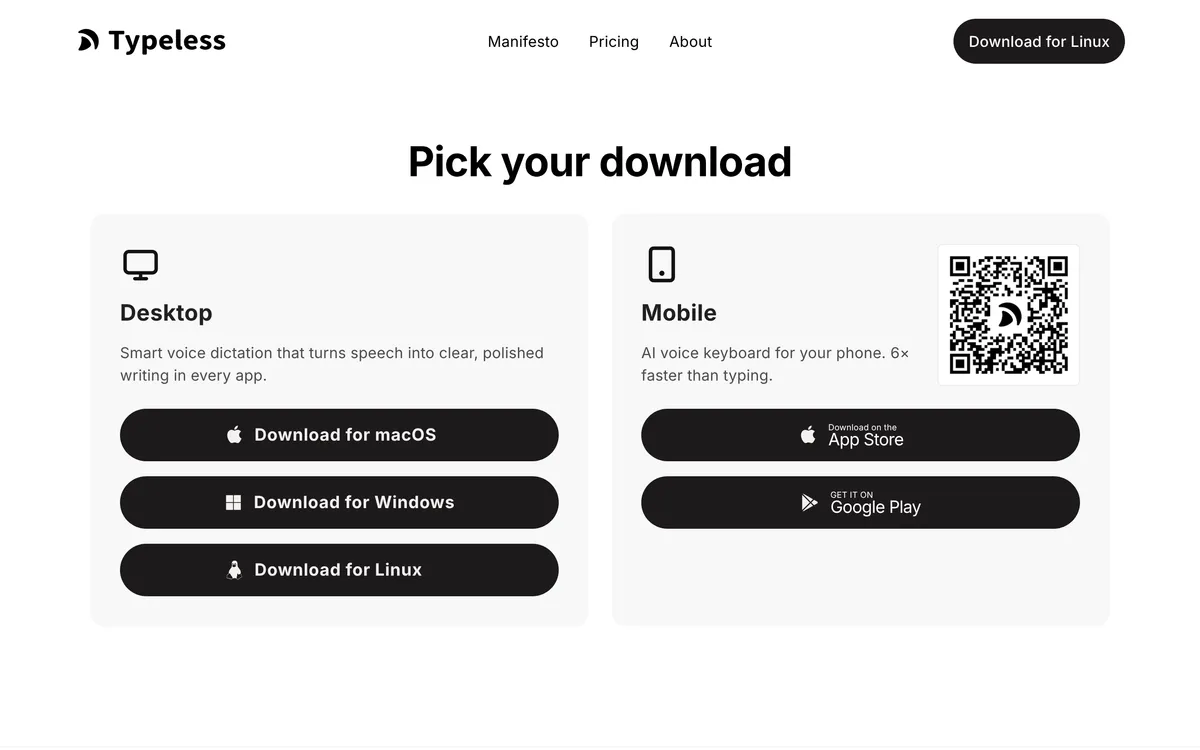 Screenshot of typeless.com, taken November 2, 2026.
If you've read that Typeless has no Linux app, that was true until September 2026.
What Typeless's Linux pages don't tell you
We read the downloads page, the install page, the pricing page, the data controls page and the help center's FAQs on 5 November 2026. None of them gives:
- a list of supported distributions or versions;
- whether it works on Wayland, X11 or both;
- an .rpm, AppImage, Flatpak or ARM build;
- the Linux hotkey (the FAQ mentions the Fn key, which is a Mac and laptop key);
- an offline mode.
That doesn't mean those things don't work. It means you find out by installing it, so keep a fallback ready if you dictate for work.
Does Typeless work on Ubuntu?
Typeless doesn't name Ubuntu, but its Linux download is a .deb package and its install steps use the App Center, so Ubuntu and Debian-based distros on x86-64 are the systems it's packaged for. If that's you, Typeless is worth trying with its free plan.
What we can't tell you is which Ubuntu versions it supports, or how it behaves on Ubuntu's Wayland session, because Typeless doesn't say.
Does Typeless work on Fedora, Arch or Omarchy?
Not officially. Typeless ships a .deb, not an .rpm, so there's nothing to install on Fedora from Typeless itself, and Typeless's site offers no Arch package either.
On Arch and Omarchy, people are making it work themselves:
- typeless-omarchy by howiehu is an independent compatibility layer for "the official Typeless Linux app on Omarchy, Hyprland and Fcitx5". Its README has you install the
typeless-binpackage through Omarchy's AUR installer, then build its fixes on top. (We couldn't open the AUR page to see who maintains that package.) The fixes it lists include a missing Fcitx addon in "the inspected Linux package", text flicker on its test desktop, and Ask Anything trying to paste with no reliable target. It was tested with Typeless 2.2.1 on Omarchy 4.0.6 and Hyprland, and says it's not affiliated with or endorsed by Typeless.
That's useful if you like to tinker, but it isn't support from Typeless, and an update from either side can break it.
Does Typeless work on Wayland?
Typeless doesn't say. Its pages don't mention Wayland or X11. The one independent report we found is the howiehu project above, which runs the official app on Hyprland, a Wayland compositor, with its own Fcitx5 module and other fixes added. That shows it can be made to work on one Wayland setup, not that it works on yours out of the box.
Is there a Typeless ARM build for Linux?
No official one. An unofficial port, typeless-omarchy by thomasbrugman, rebuilds Typeless for arm64 Linux, and its README states that "Typeless only ships an x64 .deb for Linux". The README says the earlier port it builds on was shelved, but this one still builds: it reports building Typeless 2.2.1 on aarch64 Omarchy with Hyprland. It's unofficial and not supported by Typeless.
On an ARM laptop, the simpler route is an app that ships ARM64 builds itself: Superwhisper, Spokenly or Handy (below).
Is OpenTypeless the same as Typeless?
No. OpenTypeless is a separate open-source project (MIT licence) with Linux AppImage, .deb and .rpm builds. It works with your own API keys (Deepgram, AssemblyAI, OpenAI, Groq and others), a local Whisper-compatible endpoint, or its own cloud. Its README says its default shortcuts follow a "Typeless-style flow", but we found no statement that it's connected to Typeless the company. If you searched "Typeless Linux" and landed on OpenTypeless, you're looking at a different app.
What Typeless does, and what it costs
From Typeless's homepage (checked 5 November 2026), Typeless:
- removes filler words, and keeps "only your final intended message" when you change your mind mid-sentence;
- turns spoken lists, steps and key points into structured text;
- translates as you speak, and edits selected text when you tell it to make it shorter, longer or change the tone;
- learns names and terms in a personal dictionary;
- supports "100+ languages".
Privacy: Typeless's data controls page says "Transcription is performed on the cloud", your voice audio is not stored, history text stays on your device unless you turn on cloud sync, and dictation data isn't used for model training.
Price (Typeless pricing, checked 5 November 2026): Free has "limited words each week" (the page doesn't give the number). Pro is $12 per member per month billed yearly, or $30 billed monthly, with unlimited words and Cloud Sync. Enterprise is custom-priced and adds SSO and HIPAA controls. The page doesn't mention a free trial.
The best Typeless alternatives on Linux
| App | Linux packages | Wayland / X11 | Processing | AI cleanup | Price |
|---|---|---|---|---|---|
| Typeless | .deb (x86-64) | Not stated | Cloud only | Yes | Free weekly limit; Pro $12/mo yearly or $30 monthly |
| Blip AI | AppImage (x86-64) | Both | Cloud by default, on-device models on Pro | Yes | Free 2,000 words/month; Pro $15/mo or $12/mo yearly |
| Superwhisper | Install script; .tar.zst (x86-64, ARM) |
Wayland only (GNOME, KDE Plasma, Hyprland) | Cloud, or offline models | Yes, per its beta release notes; plan not stated for Linux | Plans page doesn't mention Linux |
| Spokenly | .deb, .rpm (x86-64, ARM64), AppImage (x86-64) | Both, "varies by compositor" | Local models or cloud | Yes, with Pro, your own key or a local model | Free with local models (checked 2 Nov 2026) |
| OpenWhispr | .deb, .rpm, AppImage, .tar.gz (x86-64) | Both | Local, its cloud or your own key | Yes | Free; Pro $80/user/year |
| Handy | .deb, .rpm, AppImage (x86-64, ARM64) | X11; Wayland limited | Local transcription | Filler words removed by default; optional post-processing through your own AI provider | Free, open source |
Sources and dates for each row are in the sections below. OpenWhispr's packages and Wayland notes are from its Linux docs as checked on 2 November 2026.
Blip AI: our pick for most Linux users
Blip AI comes first because it's the closest swap for Typeless's cloud dictation: cleanup on Blip Cloud with no model or API key to set up, even on the free plan, on Fedora and Arch as well as Ubuntu, on Wayland and X11. Hold Ctrl + Super, speak and let go. Blip removes filler words, fixes punctuation and formatting, and types the text into whatever window has focus, terminals included.
Where Blip AI covers what Typeless's Linux build doesn't:
- Fedora and Arch, not only Debian-based distros. One Blip AppImage runs on Ubuntu/Debian, Fedora and Arch, on both Wayland and X11.
- An offline option. Blip Cloud is the default. On Pro you can download an on-device Whisper model (Base, Small, Medium or Large Turbo) to transcribe and clean up text offline. Typeless's data page says transcription is performed in the cloud.
- Half the monthly price. Blip Pro is $15 billed monthly against Typeless's $30. Billed yearly, both are $12 a month.
- Action Mode. Start with "Hey Blip", describe the reply you want, and Blip drafts the email or Slack message instead of typing your words back.
Where Typeless is ahead: it advertises 100+ languages, translation as you speak and voice editing of selected text, and its Enterprise plan lists HIPAA controls. Blip AI isn't HIPAA compliant. If you're on Ubuntu, need those features and cloud-only is fine, Typeless may suit you better.
The limits on Blip's side: the AppImage is x86-64 only, on-device models need Pro, and on Wayland you install a few tools before Blip can type into other windows (below). Your dictation history is stored on your device, not on Blip's servers.
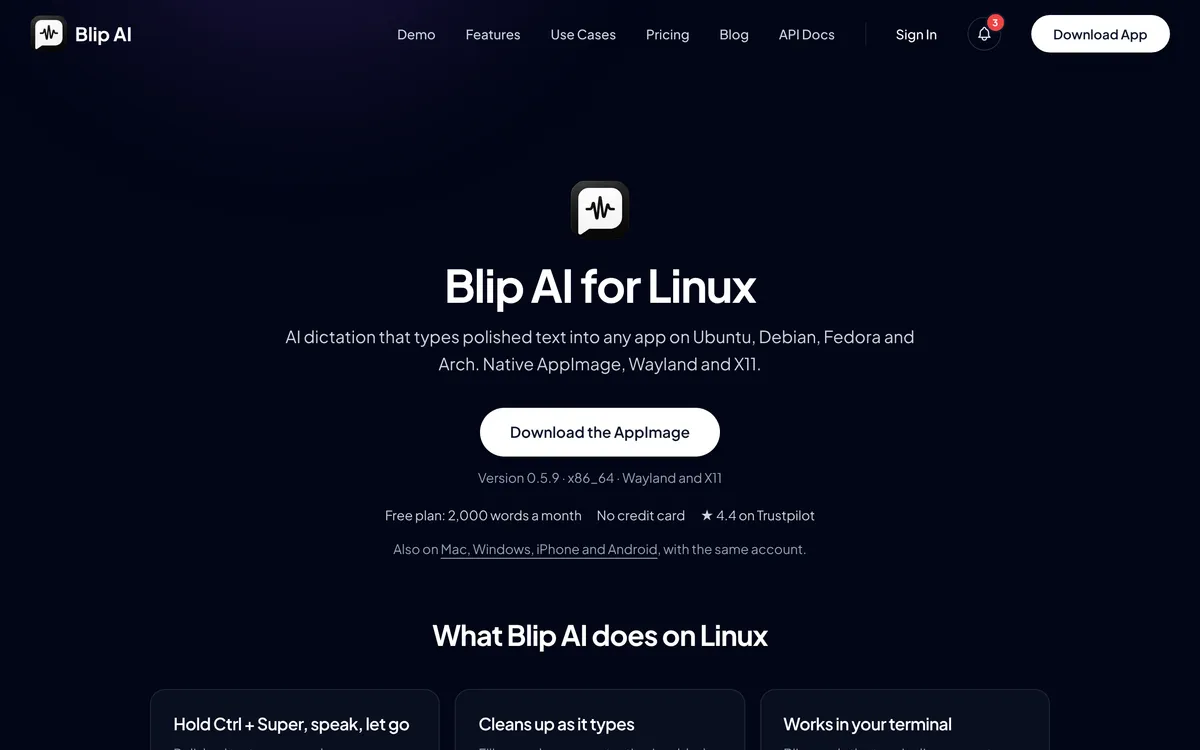 Screenshot of blipai.app, taken November 2, 2026.
Get it from the Blip AI for Linux page. The free plan is 2,000 words a month, and every paid plan has a 7-day free trial (pricing).
Superwhisper: official on Linux, Wayland only
Superwhisper now has an official Linux page (checked 5 November 2026) listing Ubuntu 24.04+, Debian 13+, Fedora 40+, Linux Mint 22+, Arch, CachyOS, openSUSE Tumbleweed and Omarchy, with x86-64 and ARM builds and a one-line installer. It says it "Needs Wayland (Hyprland, KDE Plasma or GNOME) and systemd", so it isn't an option in an X11 session. Its beta release notes describe text cleanup with its S1 Mini model; the plan that includes it isn't stated for Linux. Its plans page lists Pro at $8.49 a month but doesn't mention Linux. Details are in Superwhisper for Linux.
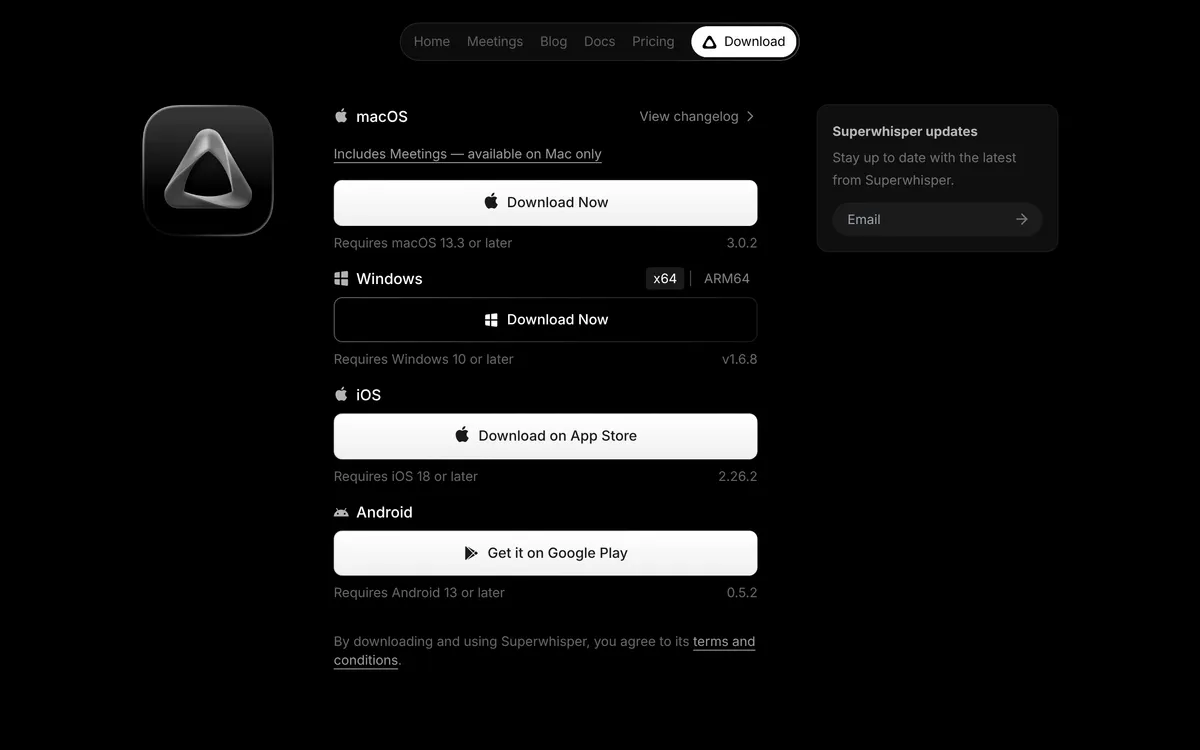 Screenshot of superwhisper.com/download, taken October 25, 2026. Linux has its own page, linked from the site's footer.
Spokenly: the most complete Linux packaging
Spokenly ships .deb and .rpm packages for x86-64 and ARM64 plus an x86-64 AppImage, and works on X11 and Wayland, though it says shortcuts and text insertion "vary by compositor and target app". Its local Whisper and Parakeet models run offline on the free plan, with no account; its own cloud models come with Pro (all checked 2 November 2026). Pick Spokenly over Blip if you want free offline dictation or you're on an ARM machine.
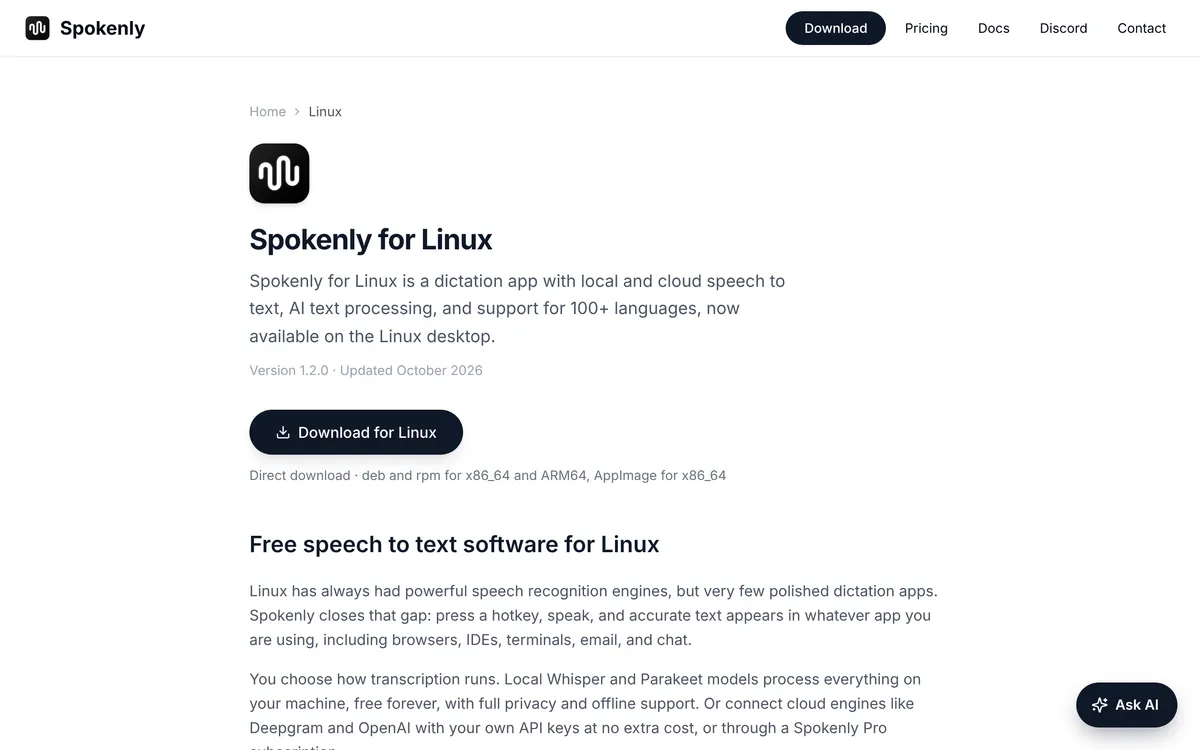 Screenshot of spokenly.app, taken November 2, 2026.
OpenWhispr: open source, with cleanup
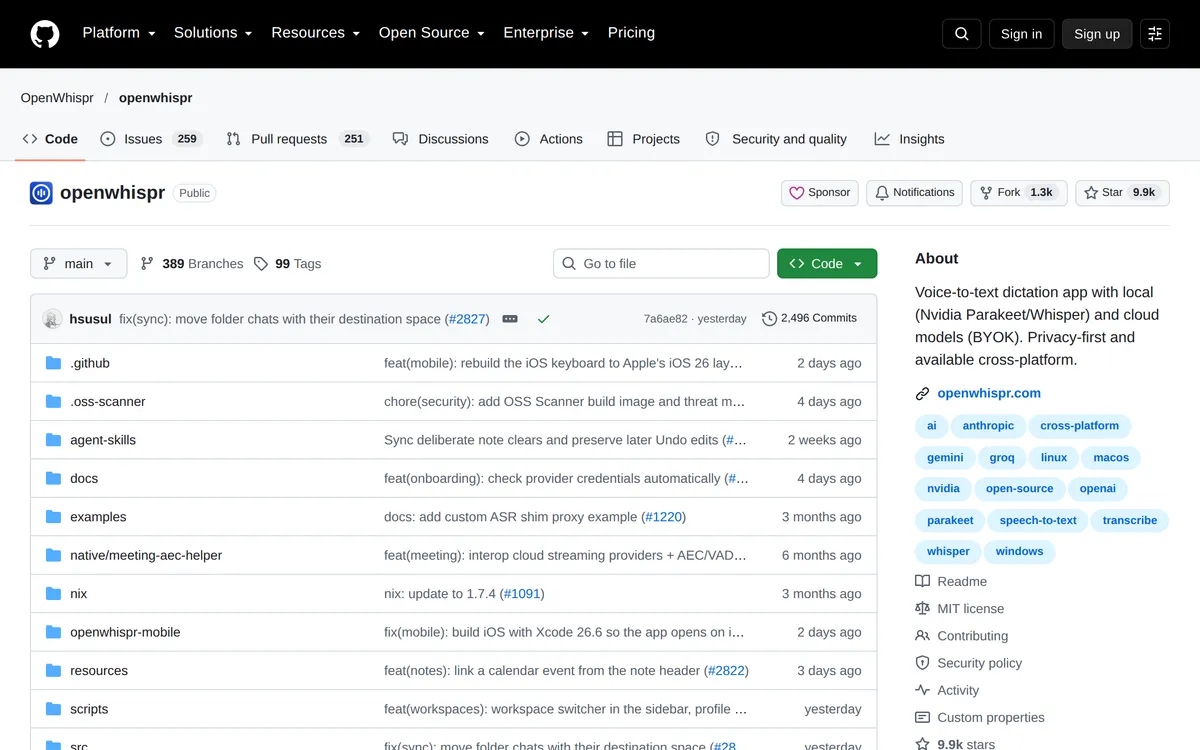
OpenWhispr (MIT) runs Whisper, Parakeet or Cohere Transcribe locally, or uses OpenWhispr Cloud or your own API key, and its cleanup removes filler words and fixes grammar and punctuation. Its pricing page (checked 5 November 2026) makes unlimited local dictation free, with 2,000 words a week of OpenWhispr Cloud; Pro is $80 per user billed yearly. Its Linux docs listed .deb, .rpm, AppImage and .tar.gz builds for x86-64 when we checked on 2 November 2026; on Wayland it needs you to join the input group, with wtype or ydotool as fallbacks.
 Screenshot of github.com, taken October 24, 2026.
Handy: free, small and offline
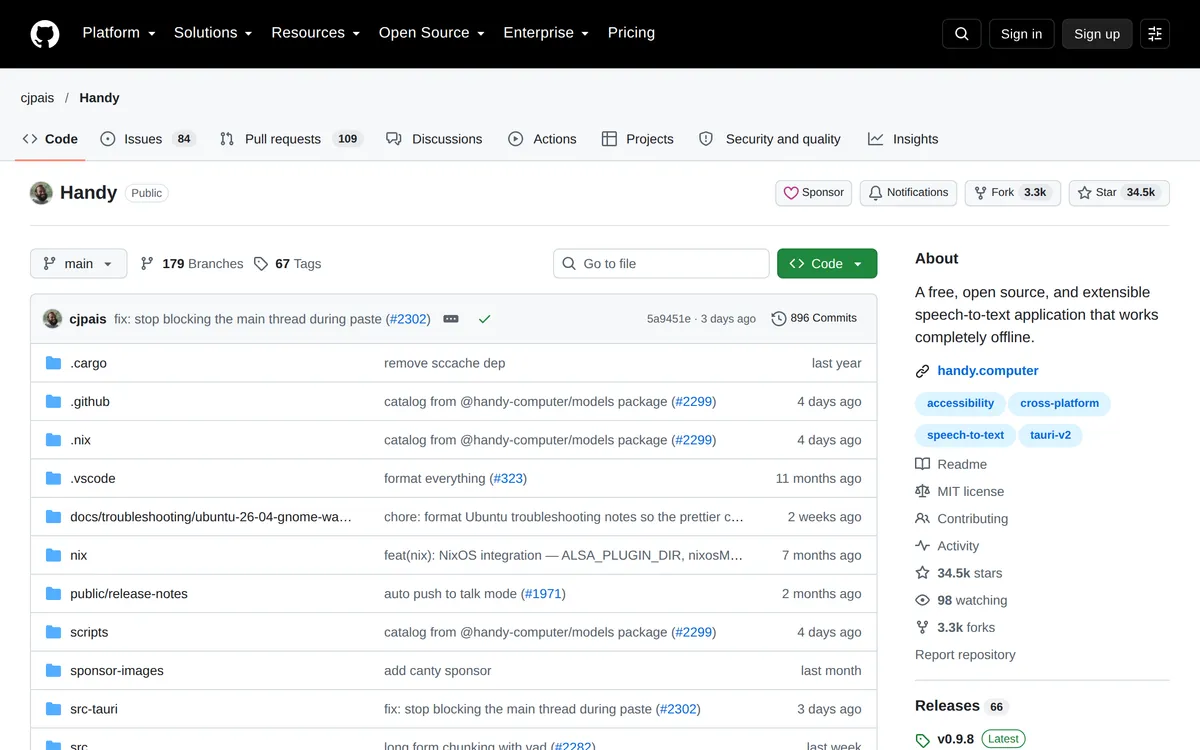
Handy (MIT) transcribes offline with Whisper or Parakeet models: press a shortcut, speak, and the text is pasted into the active app. Its v0.9.8 release (3 October 2026) has AppImage, .deb and .rpm files for x86-64 and ARM64 (checked 5 November 2026). Filler-word removal is on by default, and its settings offer optional post-processing (off by default) through an AI provider you choose, such as OpenAI, Anthropic, OpenRouter or Groq. The README (checked 5 November 2026) calls Wayland support limited: text input needs wtype or dotool, ydotool on Ubuntu 26.04, and global shortcuts are set in your desktop's own settings.
 Screenshot of github.com, taken October 24, 2026.
Which should you pick: Typeless or an alternative?
- You're on Ubuntu or Debian (x86-64) and cloud is fine: try Typeless's free plan first, especially if you need translation or many languages.
- You're on Fedora or Arch, or want an offline option: Blip AI, our pick, with one AppImage for Wayland and X11 and on-device models on Pro.
- You're on an ARM machine: Superwhisper (Wayland only), Spokenly or Handy. Typeless and Blip AI are both x86-64 only on Linux.
- You're on Wayland with GNOME, KDE Plasma or Hyprland, on a recent distro: Superwhisper is a fair pick too; see Superwhisper for Linux.
- You want free and open source: OpenWhispr if you want cleanup, Handy if you want the smallest app.
If you're not sure, install Blip AI on its free plan (2,000 words a month, cloud only) next to Typeless's free plan, and use each for a day.
Typeless vs Blip AI for Linux users
| Typeless | Blip AI | |
|---|---|---|
| Linux package | .deb (x86-64) | AppImage (x86-64) |
| Distros named | None on its pages | Ubuntu/Debian, Fedora, Arch |
| Wayland and X11 | Not stated | Both |
| Processing | Cloud only, per its data page | Cloud by default, on-device models on Pro |
| Free plan | "Limited words each week" | 2,000 words a month |
| Pro price | $12/mo billed yearly, $30 billed monthly | $12/mo billed yearly, $15 billed monthly |
| Other platforms | Mac, Windows, iOS, Android | Mac, Windows, iOS, Android |
Typeless's rows come from its downloads, pricing and data controls pages, checked 5 November 2026. Blip's come from Blip's pricing page and the Linux page.
How to install Blip AI on Linux
Download the AppImage from the Linux page, make it executable with chmod +x and run it. On X11 that's all. On Wayland, Blip needs some tools before it can type into other windows: install wtype, wl-clipboard and ydotool, add yourself to the input group and log out and back in, and on GNOME and KDE start the ydotool daemon. The Linux setup guide has the commands for Ubuntu/Debian, Fedora and Arch.
FAQ
Does Typeless work on Linux? Yes. Typeless added a Linux app in version 2.2.0 on 24 September 2026. It's an x86-64 .deb you install through the App Center, and transcription runs in the cloud. Typeless's pages don't list supported distributions or say whether it works on Wayland or X11.
Is there a Typeless AppImage or .rpm? Not from Typeless. Its Linux download is a .deb for x86-64. On Arch, an AUR package, typeless-bin, packages the official app, and an independent Omarchy project adds fixes on top. Fedora users have no official package.
Does Typeless work offline on Linux? We found no offline mode. Typeless's data controls page says transcription is performed in the cloud. For offline dictation on Linux, try Spokenly's or Handy's local models, or Blip AI's on-device models on Pro.
Is Typeless free on Linux? Typeless has a free plan with "limited words each week"; its pricing page doesn't give the number. Pro is $12 per member per month billed yearly, or $30 billed monthly.
Is OpenTypeless made by Typeless? We found nothing that says so. OpenTypeless is a separate, MIT-licensed open-source app that uses your own API keys, a local endpoint or its own cloud, with Linux AppImage, .deb and .rpm builds.
What's the best Typeless alternative for Linux? For most Linux users we recommend Blip AI: one AppImage for Ubuntu/Debian, Fedora and Arch on Wayland and X11, cleanup on Blip Cloud with no key to set up, and on-device models on Pro. On Wayland with GNOME, KDE Plasma or Hyprland, Superwhisper is also worth a look. For free and offline, Spokenly's free plan or Handy.
Does Blip AI work on Fedora and Arch? Yes. Blip AI's Linux AppImage runs on Ubuntu/Debian, Fedora and Arch, on both Wayland and X11. It's x86-64 only.
More Linux comparisons: Wispr Flow for Linux, Superwhisper for Linux, Spokenly, VoiceInk and MacWhisper on Linux and the best dictation apps for Linux.