
Dragon NaturallySpeaking on Linux: Does It Run in 2026?
Dragon NaturallySpeaking has no Linux version: its current edition, Dragon Professional v16, is Windows only. What people try, and apps that do run on Linux.
Quick answer: No. Dragon NaturallySpeaking's current edition, Dragon Professional v16, has no Linux version: Nuance's page is headed "Dragon Professional (Windows)" and its release notes list only Windows 10, 11 and Windows Server. For dictation that runs on Linux, our pick is Blip AI: an x86-64 AppImage for Wayland and X11. For voice control, try Talon.
By the Blip AI team. We build Blip AI, a competing dictation app, so weigh our pick with that in mind. Nuance's pages, Talon's, Spokenly's, Superwhisper's, Handy's and Blip's own Linux page were checked on 5 November 2026. We haven't installed Dragon, so where its pages are silent we say so.
Does Dragon NaturallySpeaking work on Linux?
Not as a supported product. Wikipedia's Dragon NaturallySpeaking page lists "Dragon Professional" as the edition for version 16 (February 2023). Nuance's page for it says it is "optimized for Windows 11 and backwards-compatible to Windows 10". The page has no Linux download and doesn't mention Linux.
The Dragon Professional 16.1 release notes are as specific as Nuance gets. They list these systems:
- Windows 11 (64-bit)
- Windows 10 (32-bit and 64-bit)
- Windows Server 2016, 2019 and 2022
Nothing on that page mentions Linux, Mac, virtual machines or Wine. Nuance's page also shows no price, only "Contact us" buttons (checked 5 November 2026).
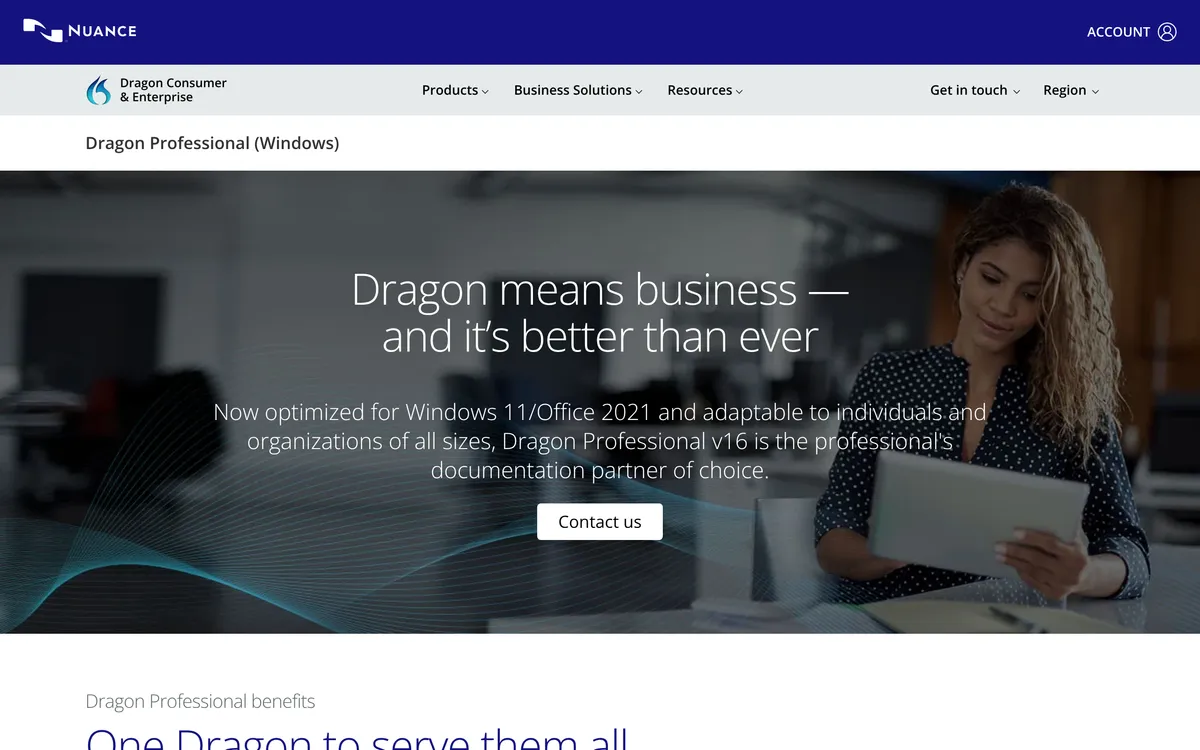 Screenshot of dragon.nuance.com, taken November 5, 2026.
If you're asking because Dragon is what you used on Windows, the short version is that you have three routes on Linux: a Windows setup you maintain, a different dictation app, or a voice-control tool. The rest of this page covers each.
Can you run Dragon on Linux with Wine?
We can't tell you, and we won't promise it. Wine isn't a supported way to run Dragon: Nuance lists Windows only. WineHQ's AppDB is where Wine users record how each program runs, but it refused our automated check on 5 November 2026, so we couldn't read a current Dragon rating, and we found no write-up of Dragon Professional v16 under Wine that we could open and verify.
If you want to try anyway, treat it as an experiment:
- Look up the exact Dragon version you own on the AppDB before you buy or install anything.
- Expect to be on your own if a Wine update, a Dragon update or your audio setup breaks it. Nuance won't support it.
- Keep a second dictation tool installed so a broken day doesn't stop your work.
Can you run Dragon in a Windows virtual machine on Linux?
It's the route people try after Wine. Nuance's pages don't address virtual machines at all, so there's no vendor guidance either way. The release notes do list a known issue for Citrix, a different setup from a VM on your own machine: "Dragon does not recognize dictation or commands when using the Citrix environment in Generic Mode".
Our own caution: dictation inside a VM only types into apps inside that VM, not into your Linux windows.
A VM is a reasonable fit if you need Dragon's own features and have a Windows licence. For writing in your normal Linux apps, a native dictation app is simpler.
What runs on Linux instead of Dragon NaturallySpeaking?
| App | Linux build | Wayland / X11 | Voice control | Cost |
|---|---|---|---|---|
| Blip AI | AppImage (x86-64) | Both | Dictation and drafting, not hands-free control | Free 2,000 words a month; Pro $15/mo or $12/mo billed yearly |
| Superwhisper | One-line installer (x86-64 and ARM) | Wayland only: GNOME, KDE Plasma, Hyprland | Not described on its Linux page | See its plans page |
| Spokenly | .deb, .rpm (x86-64, ARM64), AppImage (x86-64) | Both, "vary by compositor" | Not described on its Linux page | Local models and your own API keys are free |
| Handy | .deb, .rpm, AppImage | X11; Wayland "limited support" | Not described | Free, open source (MIT) |
| Talon | Linux (X11) download | X11 only listed | Yes: commands and dictation | See talonvoice.com |
Sources and dates for each row are in the sections below. "Not described" means the page we read doesn't say, not that the app can't do it.
Blip AI: our pick for dictation on Linux
Blip AI is what we'd point a former Dragon user at if the job is writing: emails, documents, chat messages, code comments and prompts. Hold Ctrl + Super, speak and let go. Blip removes filler words, fixes punctuation and formatting, and types the text into whichever window has focus, terminals included. It works on Ubuntu/Debian, Fedora and Arch, on Wayland and X11, and cleanup on Blip Cloud needs no GPU, model or API key. On Pro you can download an on-device Whisper model and transcribe offline.
It also has a custom dictionary for names, products and jargon. Start a request with "Hey Blip" and Action Mode drafts the email or Slack reply you describe instead of typing your words back.
Where Blip isn't a Dragon replacement: it dictates and drafts, it doesn't run your computer by voice, so there are no spoken commands for menus, window management or the mouse. The AppImage is x86-64 only, on-device models need Pro, and on Wayland you install a few tools first (below). Your dictation history is stored on your device, not on Blip's servers. We also haven't compared Blip with Dragon's Legal edition, so if you dictate legal documents on Windows, check that first.
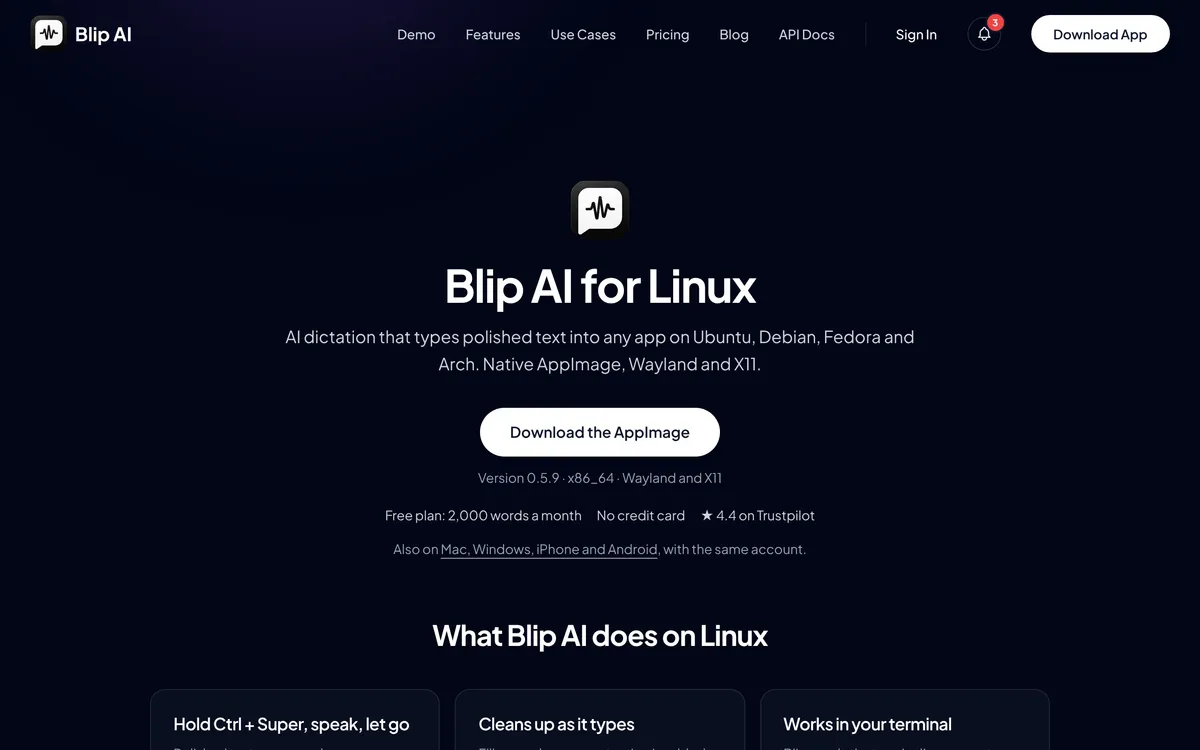 Screenshot of blipai.app, taken November 5, 2026.
The Blip AI for Linux page has the download (other systems are on /download), and pricing has the plans: the free plan is 2,000 words a month, and every paid plan has a 7-day free trial. Our Dragon NaturallySpeaking alternative page compares the two on Windows and Mac too.
Talon: the closer fit if you used Dragon to control the computer
If what you miss about Dragon is saying "click" and "close window", dictation apps won't replace it. Talon is built for that: its homepage lists "Commands and dictation", custom voice commands and "Mouse by just looking", with downloads for Linux (X11), macOS and Windows. Its homepage lists no Wayland support (checked 5 November 2026), and what's reported about its Linux future is in Talon Voice alternatives. Many people pair a voice-control tool with a dictation app rather than choosing one.
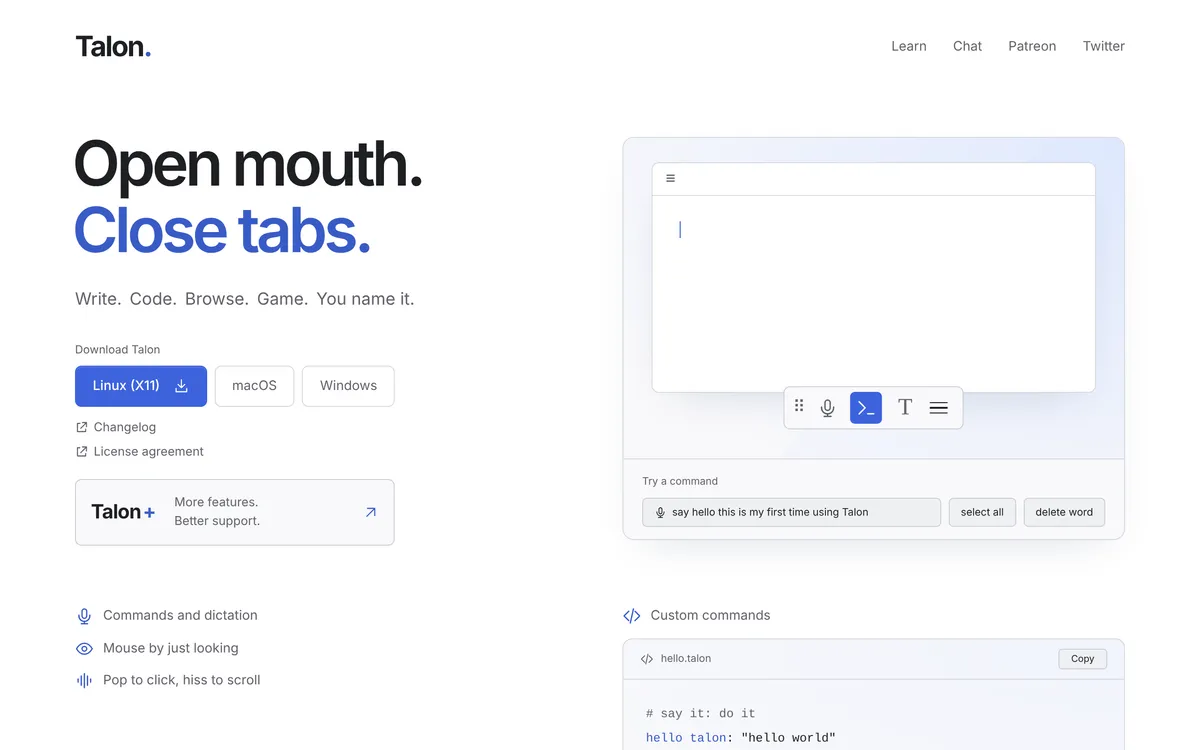 Screenshot of talonvoice.com, taken November 5, 2026.
Superwhisper: official on Linux, Wayland only
Superwhisper's Linux page lists Omarchy 4.0+, Arch, CachyOS, Ubuntu 24.04+, Linux Mint 22+, Debian 13+, Fedora 40+ and openSUSE Tumbleweed, with GNOME, KDE Plasma and Hyprland as desktops, and says it "Needs Wayland (Hyprland, KDE Plasma or GNOME) and systemd". It lists "x86-64 and ARM builds". That makes it a fair pick on a supported Wayland desktop, or on an ARM laptop where Blip's x86-64 AppImage won't run. Its page says it needs Wayland, so we wouldn't expect it to run in an X11 session. More in Superwhisper for Linux.
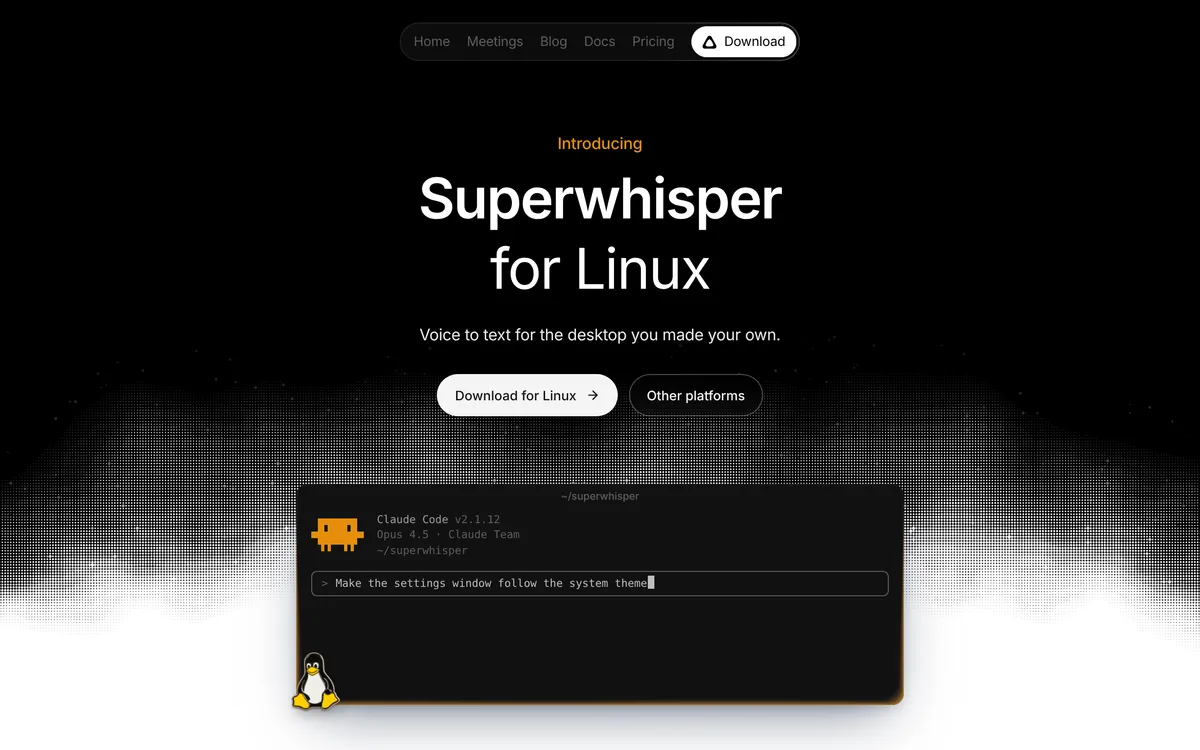 Screenshot of superwhisper.com, taken November 5, 2026.
Spokenly: free local models, plenty of packages
Spokenly's Linux page lists .deb and .rpm packages for x86-64 and ARM64 and an x86-64 AppImage. It says it supports X11 and Wayland, but that global shortcuts and text insertion "vary by compositor and target app". Local models and your own API keys are free with no account, according to its FAQ; its cloud transcription needs a subscription. Pick it over Blip if you want free offline dictation or you're on ARM.
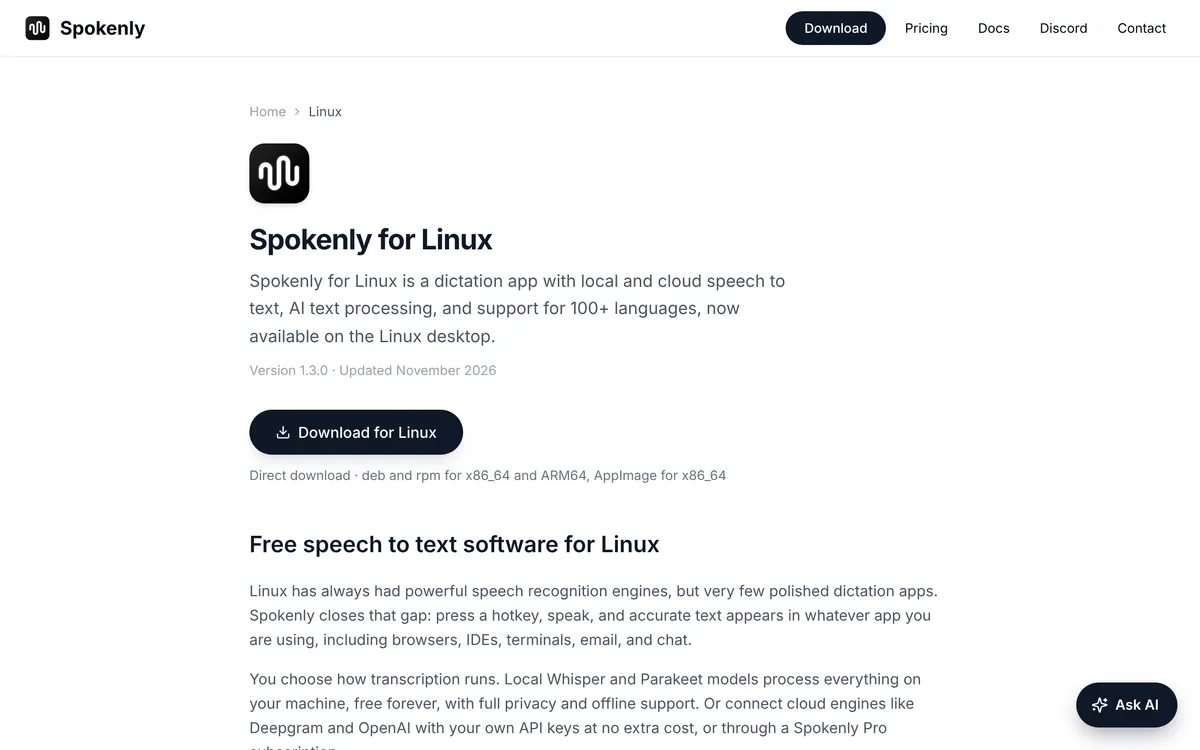 Screenshot of spokenly.app, taken November 5, 2026.
Handy: free, open source, offline
Handy is MIT-licensed, and its README says transcription happens on your own computer, with models you download first. Linux is a listed platform, but the README describes Wayland support as limited: text input uses xdotool on X11 and wtype or dotool on Wayland, global shortcuts are set in your desktop's own settings, and on Ubuntu 26.04 it says wtype doesn't work and you need ydotool. The README (checked 5 November 2026) doesn't describe voice commands. It's the smallest option here.
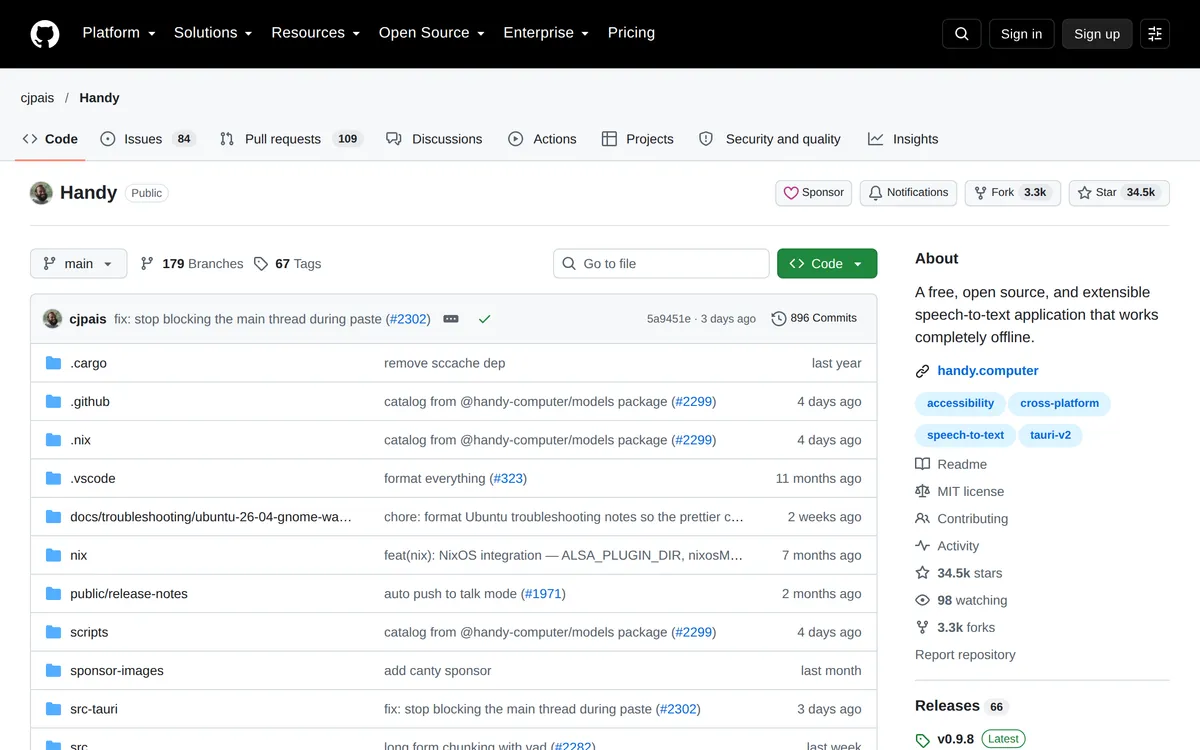 Screenshot of github.com, taken October 24, 2026.
Which should you pick instead of Dragon on Linux?
- You write in normal Linux apps and want polished text with little setup: Blip AI, our pick, on X11 or Wayland.
- You used Dragon mainly to control the computer by voice: Talon, if you're on X11.
- You're on a supported Wayland desktop or an ARM machine: Superwhisper or Spokenly.
- You want free and offline: Spokenly's local models or Handy.
- You need Dragon itself: use Windows, natively or in a VM, and expect to maintain it yourself.
Not sure? Install Blip AI's free plan next to one other option and use each for a day. Best dictation apps for Linux covers more of them, and Wispr Flow for Linux answers the same question for that app.
How to install Blip AI on Linux
Download the AppImage from the Linux page, make it executable with chmod +x and run it. On X11 that's all. On Wayland, Blip needs some tools before it can type into other windows: install wtype, wl-clipboard and ydotool, add yourself to the input group and log out and back in, and on GNOME and KDE start the ydotool daemon. The Linux setup guide has the commands for Ubuntu/Debian, Fedora and Arch.
FAQ
Does Dragon NaturallySpeaking work on Linux? No. Nuance's Dragon Professional v16 page is headed "Dragon Professional (Windows)", and its release notes list Windows 10, Windows 11 and Windows Server 2016 to 2022. There's no Linux version.
How much does Dragon cost? Nuance's Dragon Professional v16 page shows no price, only "Contact us" buttons (checked 5 November 2026).
Can you run Dragon NaturallySpeaking with Wine? Nuance doesn't support it, and we couldn't verify a current Wine rating for Dragon Professional v16 because WineHQ's AppDB blocked our check on 5 November 2026. Look up your exact version on the AppDB before you try.
Can you use Dragon in a virtual machine on Linux? Nuance's release notes don't address virtual machines. They do list a known Citrix problem where Dragon doesn't recognize dictation or commands in Generic Mode. A Windows VM only dictates into apps inside the VM.
What is the best Dragon NaturallySpeaking alternative for Linux? For dictation into Linux apps we recommend Blip AI: an x86-64 AppImage for Ubuntu/Debian, Fedora and Arch on Wayland and X11, with cleanup on Blip Cloud and on-device models on Pro. For voice control, Talon. For free and offline, Spokenly's local models or Handy.
Is there a free Dragon alternative for Linux? Yes. Handy is free and open source, and Spokenly's local models and your own API keys are free. Blip AI's free plan is 2,000 words a month.
Does Blip AI work on Fedora and Arch? Yes. The Linux AppImage runs on Ubuntu/Debian, Fedora and Arch, on both Wayland and X11. It's x86-64 only.
More Linux comparisons: Wispr Flow for Linux, Superwhisper for Linux, Talon Voice alternatives, Typeless for Linux and how to voice type on Linux.