
MacWhisper for Windows: Mac Only. What to Use Instead
MacWhisper has no Windows version. What replaces it on a PC: apps that transcribe audio files, apps for live dictation, and the free tools built into Windows.
Quick answer: There is no MacWhisper for Windows. MacWhisper is a Mac app (macOS 14 or later), with a separate iPhone and iPad version, and its official site doesn't mention Windows. On a PC, Superwhisper and Spokenly cover both audio files and dictation, Buzz or Word's Transcribe handle files, and Windows voice typing or Blip AI handle live dictation.
By the Blip AI team. We build Blip AI, a dictation app for Windows, so weigh our picks with that in mind. Facts about MacWhisper and every other app below were checked on each vendor's own site on 21 October 2026.
Is there a MacWhisper Windows version?
No. MacWhisper's homepage calls it "the all-in-one Mac app to transcribe it all," and its Gumroad store page lists the supported systems as macOS Sonoma, Sequoia and Tahoe (14.0 and higher), with M-series Macs recommended and Intel Macs also working. Older builds exist for earlier macOS versions. Neither page mentions Windows, and neither announces a Windows release.
The only other version is on Apple's own devices: the Gumroad page says MacWhisper is "now also available on iPhone and iPad," through an App Store app called Whisper Transcription.
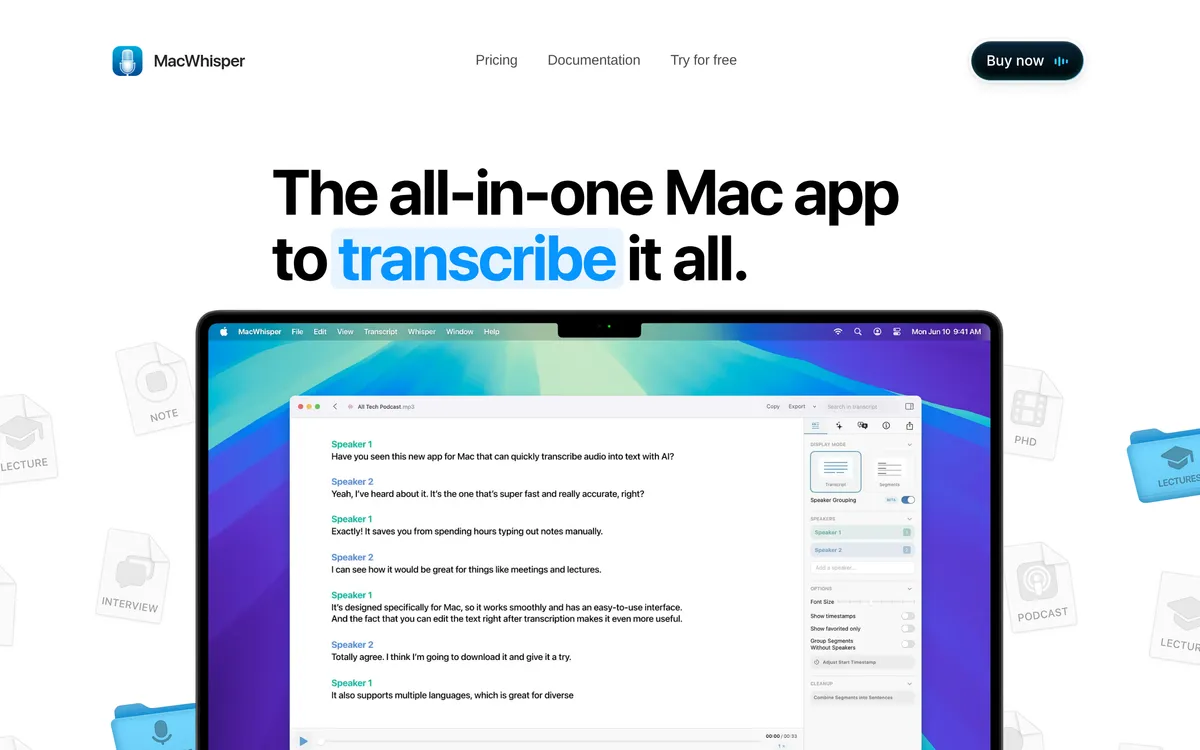 Screenshot of macwhisper.com, taken October 21, 2026.
Be careful with "MacWhisper for Windows" downloads
If you find a site offering MacWhisper for Windows or "MacWhisper for PC", don't install it. MacWhisper's own homepage warns that scam websites pretend to be the official site and "may contain malware downloads." It says every purchase goes through its Gumroad page or the App Store, and the only official site is macwhisper.com.
So a Windows installer with MacWhisper's name on it isn't MacWhisper. At best it's another app borrowing the name.
MacWhisper's two jobs: file transcription and dictation
MacWhisper is two tools in one app, and most Windows apps only cover one of them. Work out which half you use before you pick a replacement.
1. File transcription (MacWhisper's main job). You drag in an audio or video file (mp3, wav, m4a, ogg, opus, mov or mp4) and get a transcript in one of 100 languages, using local models such as Whisper and Parakeet. It also handles speaker recognition, subtitles (.srt and .vtt), YouTube links, batch jobs, watched folders and meeting recording.
2. Live dictation. MacWhisper also has system-wide dictation: you speak and the text appears in the app you're using, with optional grammar cleanup and your own AI prompts.
Price: MacWhisper has a free version, and MacWhisper Pro is a one-time licence of €64 with lifetime updates, according to macwhisper.com on 21 October 2026.
On Windows, file transcription and live dictation are mostly separate products. Two apps, Superwhisper and Spokenly, do both. The rest do one or the other, and the table below says which.
MacWhisper alternatives for Windows at a glance
| App | Runs on | Transcribes audio files | Live dictation into any app | Works offline | Price (checked 21 Oct 2026) |
|---|---|---|---|---|---|
| MacWhisper | Mac; separate iPhone and iPad app | Yes | Yes | Yes | Free; Pro €64 one-time |
| Superwhisper | Windows 10 and 11, Mac, iOS, Android | Yes (Pro) | Yes | Yes | Free; Pro $8.49/month, $84.99/year or $249.99 lifetime |
| Spokenly | Windows 10 and 11 (64-bit), Mac, Linux, iPhone | Yes | Yes | Yes, with local models | Free with local models; Pro $9.99/month or $99.99/year |
| Buzz | Windows, Mac, Linux | Yes, plus YouTube links | Live transcription in its own window | Yes | Free, open source |
| Word Transcribe | Word for the web (Edge or Chrome); desktop Word on Windows only for work or school (commercial) Microsoft 365 accounts | Yes (.wav, .mp4, .m4a, .mp3) | No | No | Included with Microsoft 365 (300 minutes a month) |
| Windows voice typing | Windows 10 and 11 | No | Yes | No, needs internet | Free, built in |
| Blip AI | Windows 10 and 11, Mac, Linux, iOS, Android | No, built for live dictation | Yes | Yes, with on-device models on Pro | Free, 2,000 words a month; Pro $15/month or $12/month yearly |
Sources are linked in each app's section below.
Apps that replace both halves of MacWhisper
Superwhisper: the closest paid match
Superwhisper runs on Windows 10 and 11 and does both of MacWhisper's jobs. For files, you click the tray icon and choose Transcribe File, or right-click a file in File Explorer and choose Transcribe with Superwhisper (on Windows 11 it's under Show more options), per its file transcription docs. File transcription is a Pro feature, but Superwhisper's homepage FAQ says you can try the Pro features free for 3,000 words.
For dictation, the free plan includes unlimited dictation with local Whisper models, and Pro adds cloud and AI models. Superwhisper's plans page lists Pro at $8.49 a month, $84.99 a year or $249.99 lifetime, and one Pro licence covers your Macs, Windows PCs, an iPhone and an Android phone. That makes it the easy pick if you have a Mac and a PC. One gap: meeting recording is marked "Mac only" on its homepage.
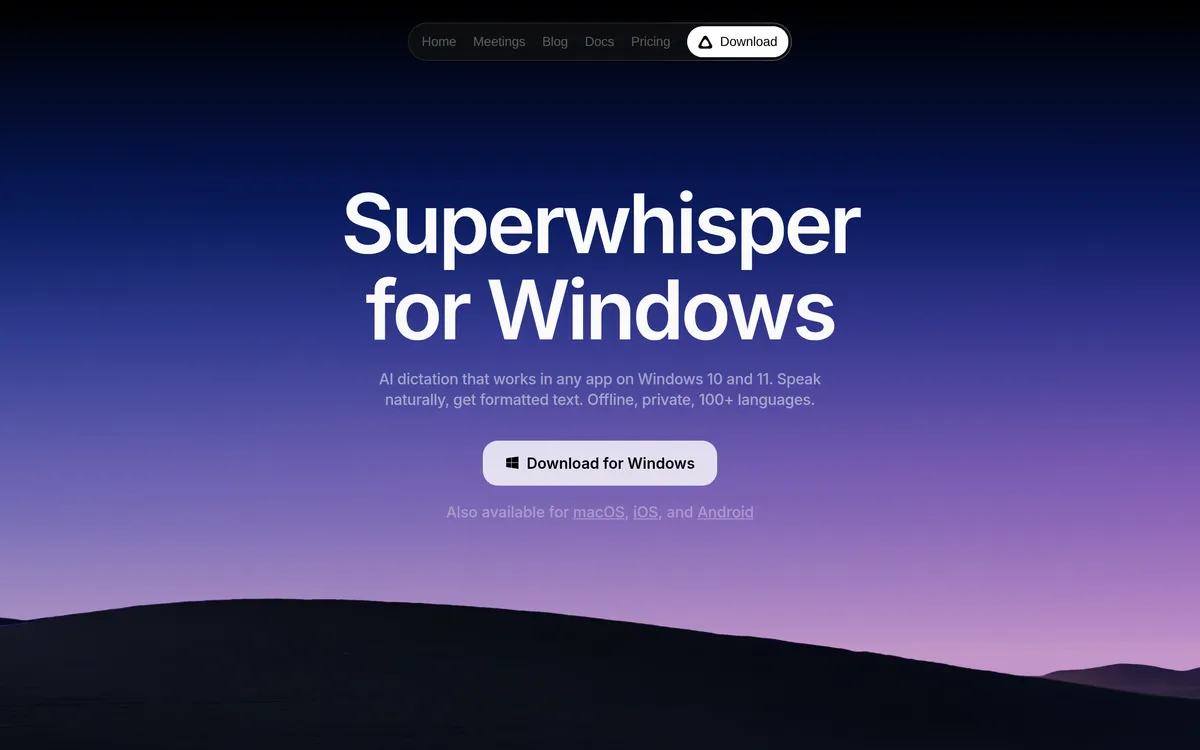 Screenshot of superwhisper.com, taken October 21, 2026.
Spokenly: the closest free match
Spokenly for Windows comes from the Microsoft Store and runs on 64-bit Windows 10 and 11. Its Windows page lists local Whisper and Parakeet models, "real-time streaming and file-based transcription", and AI text processing. Local models and your own API keys are free with no account. Spokenly's homepage lists Pro, which adds Spokenly's cloud models, at $9.99 a month or $99.99 a year.
The trade-off is maturity. Spokenly's own Windows FAQ says the Mac and iOS versions are "the most mature" and the Windows build covers the core dictation and transcription flows. If you rely on MacWhisper's extras, such as speaker labels or batch jobs, test them on Windows before you commit. Spokenly also publishes its own MacWhisper for Windows comparison, so read it knowing it's a vendor page, like this one.
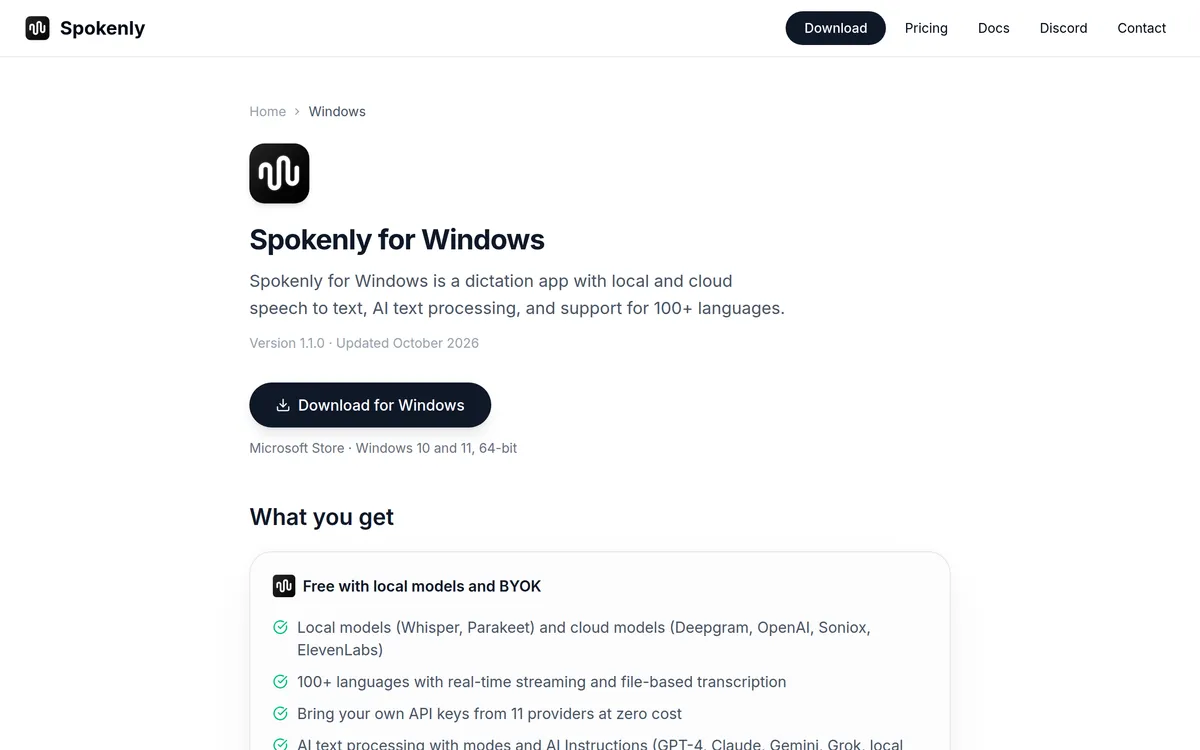 Screenshot of spokenly.app, taken October 21, 2026.
Windows apps for transcribing audio files
If you mostly used MacWhisper to turn interviews, lectures or podcasts into text, these two are the closest fit.
Buzz: free, open source and offline
Buzz is the nearest thing to MacWhisper's file side on Windows, and it costs nothing. Its README says it transcribes and translates audio and video files or YouTube links offline, using OpenAI's Whisper. It also lists speaker identification, a watch folder, a command-line tool, and export to TXT, SRT and VTT. Buzz is MIT-licensed and runs on Windows, Mac and Linux.
Two things to know. The Windows installer comes from SourceForge and isn't signed, so Windows warns you when you run it; the README says to choose More info, then Run anyway. And Buzz's live mode transcribes your microphone into its own window, so it isn't a dictation tool that types into other apps. For speed on large files, Buzz supports CUDA on Nvidia GPUs and Vulkan on most other GPUs.
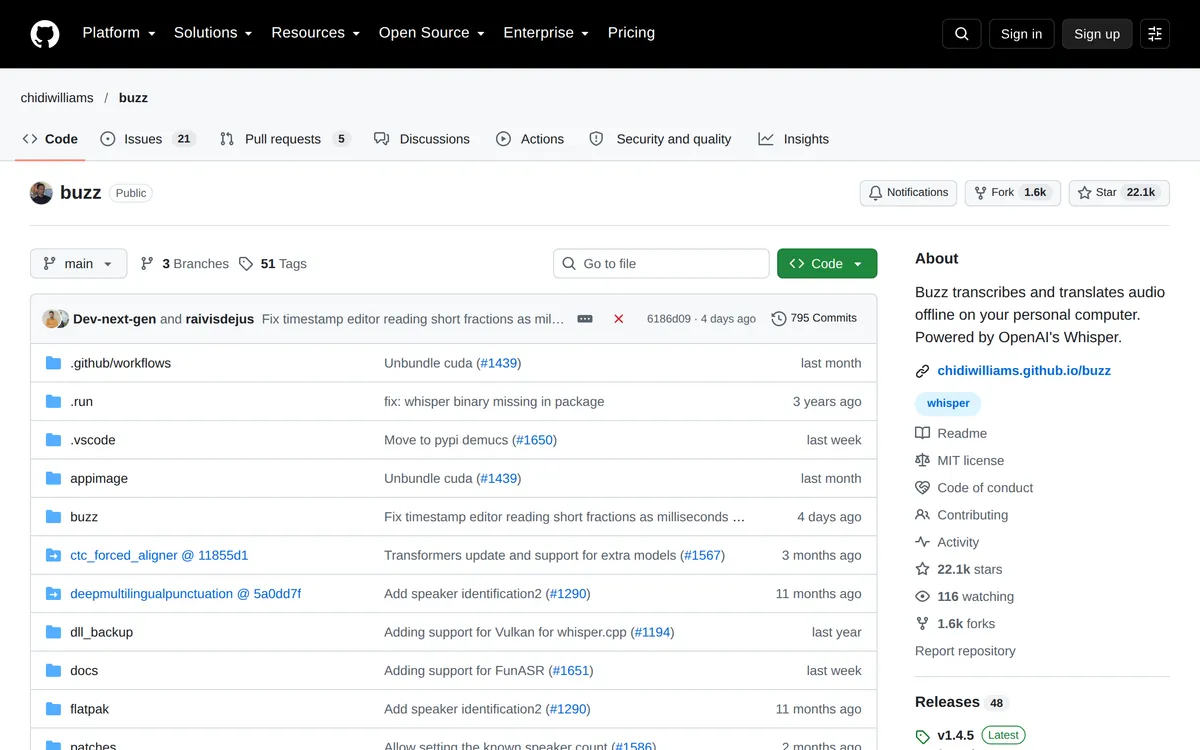 Screenshot of github.com, taken October 21, 2026.
Microsoft Word Transcribe: included with Microsoft 365
If you have Microsoft 365, you may already own a file transcriber. Where you can use it depends on your account. Microsoft says the feature is "currently only available in Word for Microsoft 365 on Windows in Commercial Tenants", which means desktop Word only has it on work or school Microsoft 365 accounts. On a personal or family plan, use Word for the web instead: sign in to Microsoft 365 in Edge or Chrome, open a document, go to Home > Dictate > Transcribe and upload a recording. Microsoft's Transcribe page says it accepts .wav, .mp4, .m4a and .mp3 files, labels speakers as "Speaker 1", "Speaker 2" and so on, and lets you play back the timestamped audio to fix mistakes.
The limits: it needs an internet connection, Microsoft 365 subscribers get 300 minutes of uploaded audio a month, and Word for the web's version only works in Edge and Chrome. Because it needs the internet, it's the wrong choice if you liked MacWhisper for keeping files on your own computer.
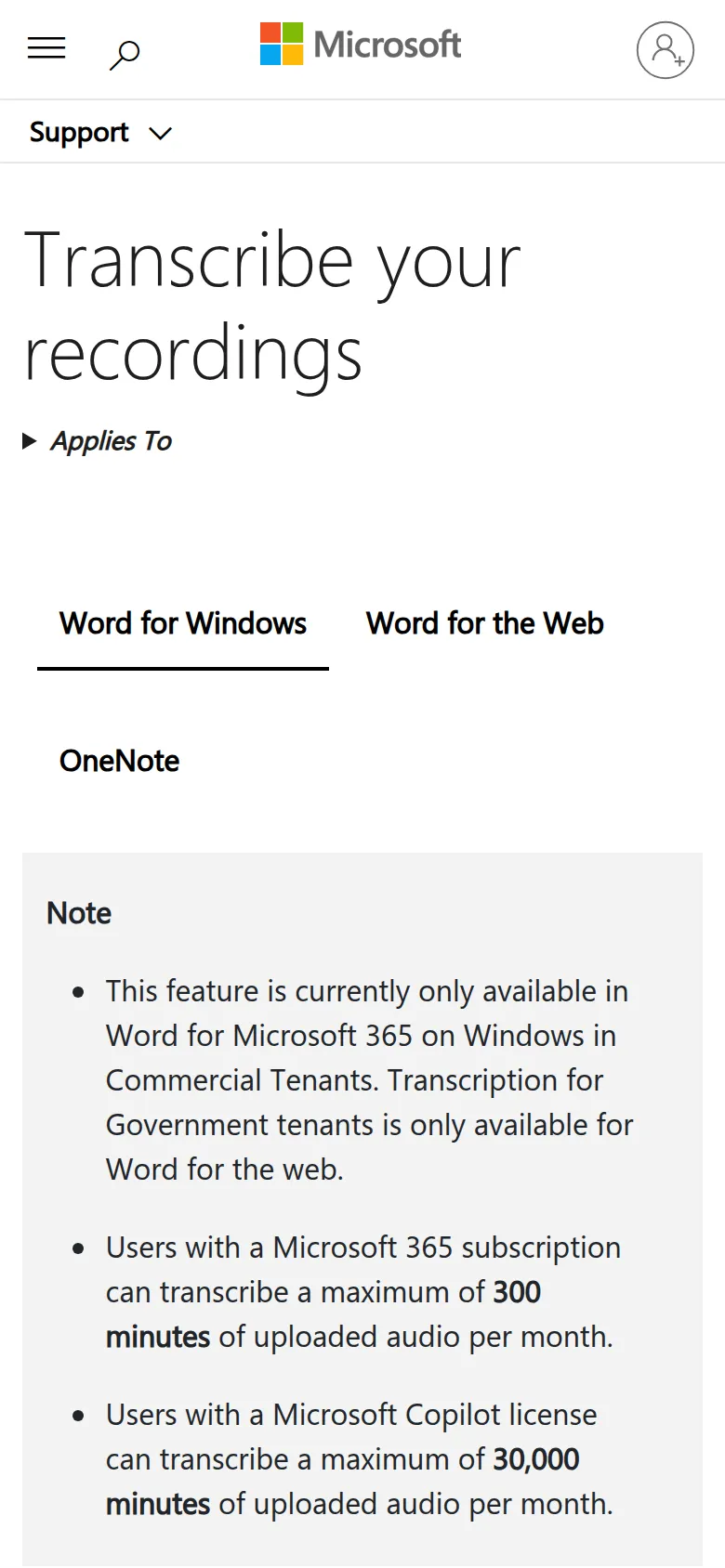 Screenshot of support.microsoft.com, taken October 21, 2026.
Windows apps for live dictation
If you mostly used MacWhisper's dictation, you don't need a file transcriber at all. You need an app that types where your cursor is.
Windows voice typing: free and already installed
Press Windows key + H in any text box and start talking. Microsoft's voice typing page says you need an internet connection, a working microphone and your cursor in a text box, because voice typing "uses online speech recognition, which is powered by Azure Speech services." You can turn on automatic punctuation, or say punctuation out loud ("question mark"), and use commands such as "delete that" and "stop listening".
On Copilot+ PCs, Microsoft adds fluid dictation for English, which uses on-device language models to fix grammar, punctuation and filler words. On other PCs, expect a plain transcript.
Voice typing is worth trying first, because it costs nothing. What it doesn't do: open an audio file, run offline, or rewrite what you said into a finished message.
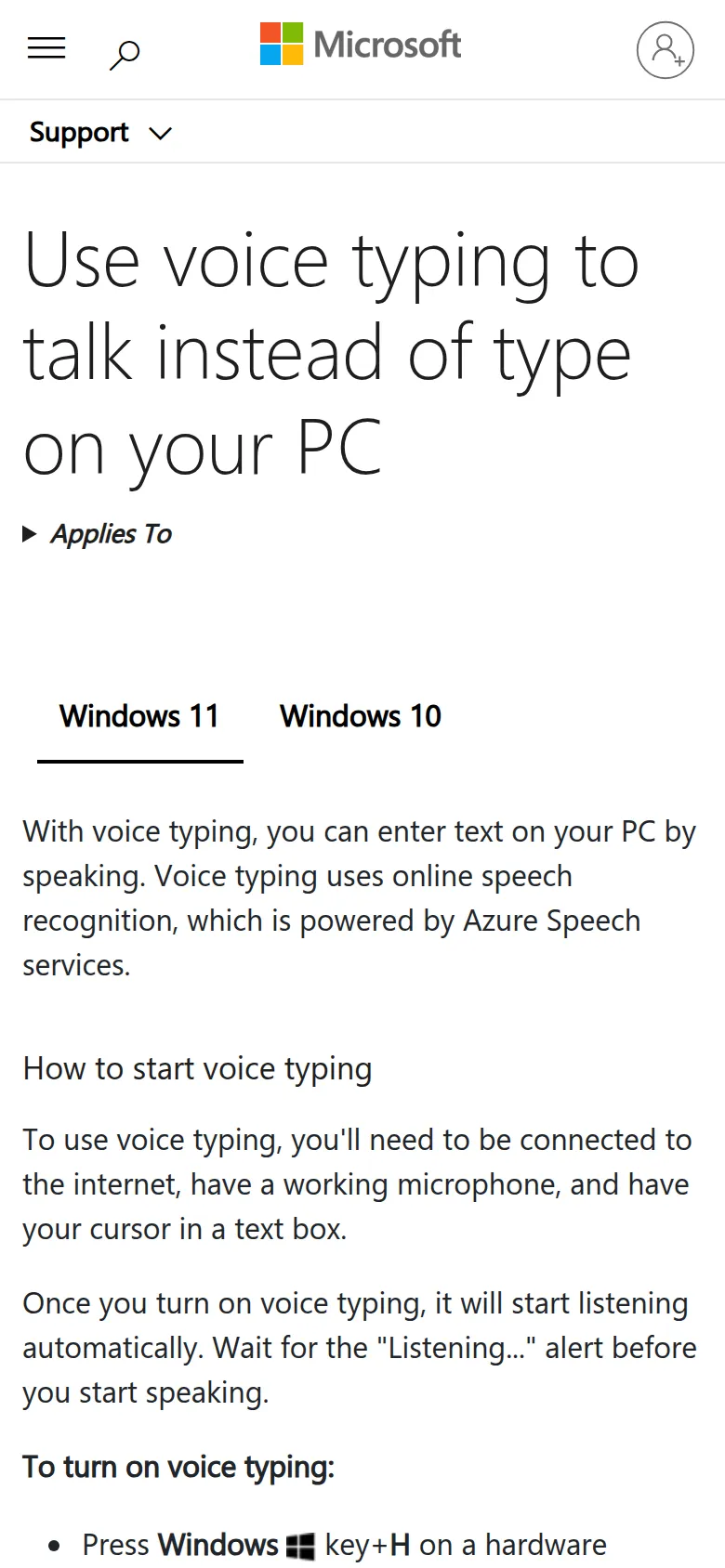 Screenshot of support.microsoft.com, taken October 21, 2026.
Blip AI: dictation with cleanup and drafted replies
Blip AI is our app, and it replaces MacWhisper's dictation half, not its file half. Blip is built for live dictation, so if you transcribe recordings, pair it with Buzz or Word Transcribe, or pick Superwhisper or Spokenly instead.
How it works on Windows 10 and 11: hold Ctrl + Win, speak, and let go. Blip types polished text into whatever app has the cursor, such as Gmail, Slack, Notion, ChatGPT, VS Code or a terminal. It removes filler words and fixes punctuation and formatting on the way.

What's different from Windows voice typing:
- Action Mode. Start with "Hey Blip" and describe the reply you want, and Blip drafts the email or Slack message instead of typing your words back.
- Your own rules. Like MacWhisper's dictation prompts, Blip's Personalized Blip setting takes a custom prompt of up to 300 characters, such as "use British English", and applies it whenever Blip writes (except in code editors and terminals).
- Cloud or on-device. Blip Cloud is the default. On Pro, you can download an on-device Whisper model (Base, Small, Medium or Large Turbo) and dictate offline.
- Your history stays local. Dictation history is kept on your device and isn't stored on Blip's servers.
- The same app everywhere. Blip also runs on Mac, Linux, iOS and Android.
Price: the free plan covers 2,000 words a month. Pro is $15 a month, or $12 a month billed yearly, with a 7-day free trial (pricing). Where MacWhisper wins: it's a one-time payment, and it transcribes files.
To install, download Blip for Windows and follow the Windows setup guide, which covers the "Windows protected your PC" screen. For a feature-by-feature view, see Blip AI vs MacWhisper.
Which MacWhisper alternative should you pick on Windows?
- You want one app that does what MacWhisper did: Superwhisper if you'll pay, and especially if you also have a Mac. Spokenly if you want free local models.
- You only transcribe files, and want it free and offline: Buzz.
- You only transcribe files, and already pay for Microsoft 365: Word Transcribe, if cloud processing is fine. On a personal or family plan, use it in Word for the web; desktop Word only has it on work or school accounts.
- You only dictate, and want to spend nothing: Windows voice typing (Windows key + H).
- You dictate all day, into email, Slack and AI tools: Blip AI, for the cleanup and Action Mode. Try it on the free 2,000 words first.
If you just want to hear how well your voice is picked up before installing anything, our free speech-to-text tool runs in Chrome, Edge or Safari.
FAQ
Is there a MacWhisper for Windows? No. MacWhisper runs on macOS 14 or later (older builds exist for earlier macOS), with a separate iPhone and iPad app. Its official site and Gumroad page don't list Windows or announce a Windows version, as of 21 October 2026.
Is "MacWhisper for PC" safe to download? Treat it as unsafe. MacWhisper's homepage warns about scam sites that pretend to be official and may contain malware, and says purchases only go through its Gumroad page or the App Store.
What is the closest MacWhisper equivalent for Windows? Superwhisper and Spokenly, because both transcribe audio files and do live dictation on Windows 10 and 11. Superwhisper's file transcription needs Pro; Spokenly is free with local models.
How do I transcribe an audio file on Windows for free? Install Buzz, an open-source app that transcribes audio and video files offline with Whisper and exports TXT, SRT or VTT. Spokenly with a local model is another free option.
Does Windows have built-in speech to text? Yes. Press Windows key + H in any text box to start voice typing on Windows 10 or 11. It needs an internet connection and can't open audio files.
Can Blip AI transcribe audio files? No. Blip AI is a live dictation app: you hold a hotkey, speak, and it types into the app you're using. For recordings, use Buzz, Word Transcribe, Superwhisper or Spokenly.
Can I use my MacWhisper licence on Windows? No. A MacWhisper Pro licence is for the Mac app, and there's no Windows app to use it with.