
LibreOffice Speech to Text: How to Dictate in Writer
LibreOffice has no built-in speech to text. Dictate into Writer with Win + H, Mac Dictation, Ubuntu's Myna or Blip AI on Linux. Steps checked Nov 2026.
Quick answer: LibreOffice has no built-in speech to text, so you dictate with a tool that types into Writer for you. On Windows, press Windows key + H. On a Mac, use Apple's Dictation. On Linux, our pick is Blip AI: hold Ctrl + Win, speak, let go, and cleaned-up text lands in Writer on Wayland or X11.
We build Blip AI, one of the options below, so weigh our pick accordingly. The LibreOffice, Microsoft, Apple, Canonical and open-source project pages linked here were checked on 19 November 2026.
Which tool to use depends on your operating system, and Linux gets the least coverage in the guides that rank for this search. This one covers Windows, Mac and Linux.
Does LibreOffice have speech to text?
No. We searched the command list of LibreOffice Writer 24.2 (the version Ubuntu 24.04 ships) for a dictation or speech command and found none. LibreOffice's own help page, Assistive Tools in LibreOffice, names screen magnification software, screen readers and on-screen keyboards as examples of the assistive tools it supports, and doesn't mention speech input.
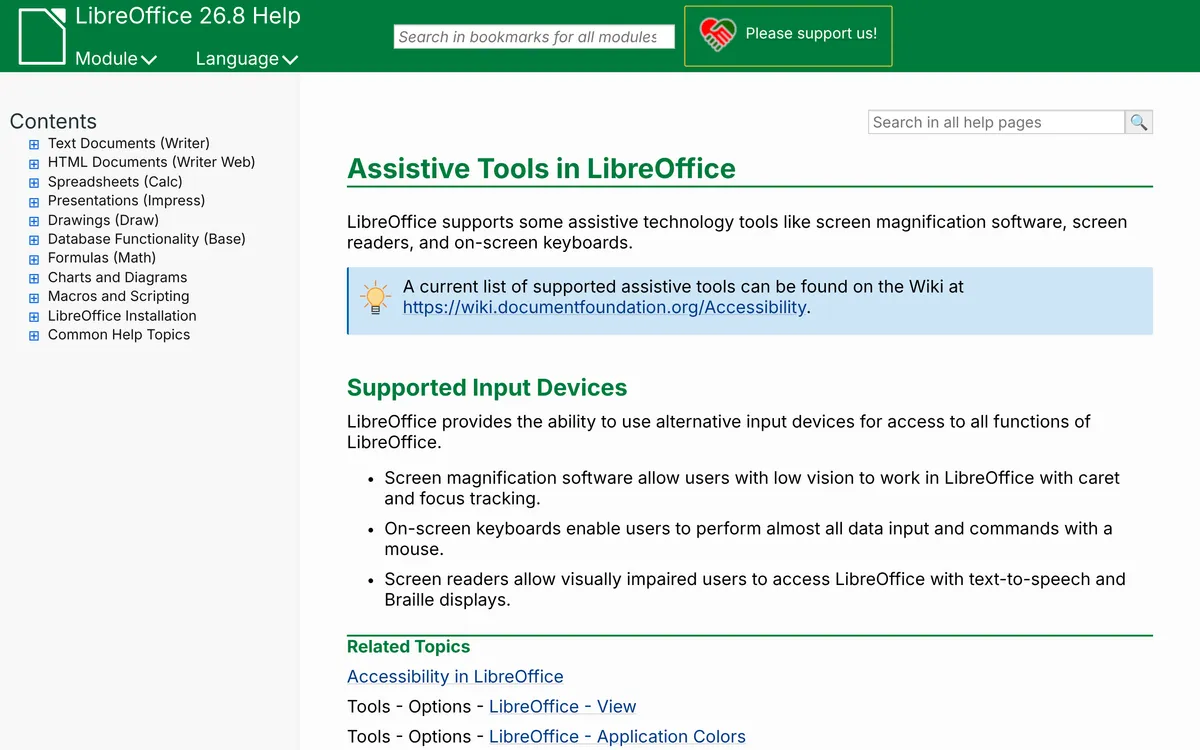 Screenshot of help.libreoffice.org, taken November 19, 2026.
So speech to text in LibreOffice means a dictation tool from outside it: put the cursor in your document, start the tool and speak.
How to use speech to text in LibreOffice on Windows
Windows voice typing works in Writer because it types wherever your cursor is.
- Open your document in LibreOffice Writer and click where the text should go.
- Press Windows key + H. The voice typing bar opens.
- Speak. Say "new line" or "new paragraph" for breaks, and "delete that" or "scratch that" to remove what you just said.
Microsoft's voice typing guide lists Windows 11 and Windows 10. It says voice typing needs an internet connection, a working microphone and your cursor in a text box, and that it "uses online speech recognition, which is powered by Azure Speech services". You can turn on automatic punctuation in its settings. On Copilot+ PCs, the same page describes Fluid dictation, which runs on on-device small language models and is on by default in English.
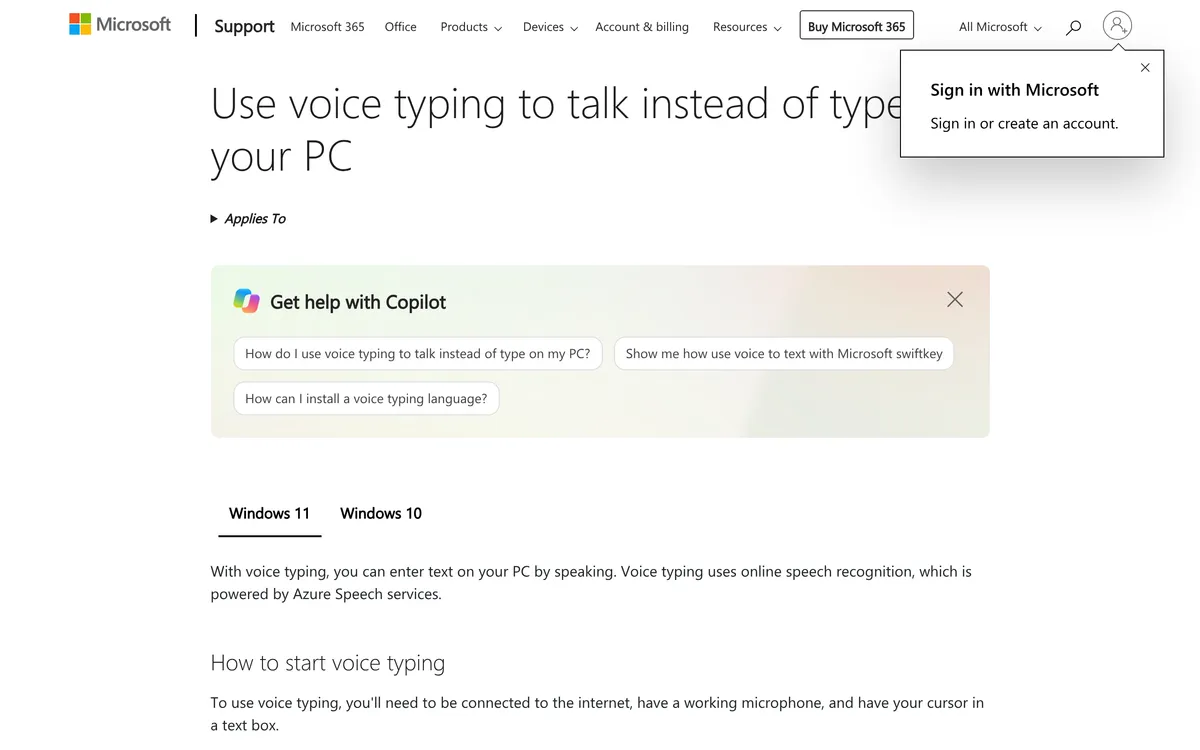 Screenshot of support.microsoft.com, taken November 19, 2026.
Our voice to text on Windows guide covers the rest of its commands and Voice Access.
How to dictate in LibreOffice on a Mac
Apple's Dictate messages and documents on Mac page says Dictation lets you "speak to enter text anywhere you can type it", which includes a Writer document.
- Turn it on in System Settings > Keyboard > Dictation.
- Click into your LibreOffice document.
- Press the Microphone key if your keyboard has one, or the Dictation shortcut you chose in Keyboard settings, and speak.
Apple's page says you can dictate text of any length without a timeout, and that Dictation stops after 30 seconds without detected speech. Say "new line" or "new paragraph" for breaks. Commas, periods and question marks go in automatically in supported languages. More in speech to text on Mac.
How to use speech to text in LibreOffice on Linux
On Linux you add a dictation app. These are the options we'd consider, all checked on their own pages.
Blip AI: our pick for most Linux users
Blip AI is the one we recommend if you want clean text in Writer without running a speech model yourself:
- Polished text, no GPU or API key. Blip Cloud is the default, so filler words come out and punctuation gets fixed even on a thin laptop. On Blip Cloud, text appears about 700 ms after you let go.
- Wayland and X11 from one AppImage, for Ubuntu, Debian, Fedora, Arch, Linux Mint and other modern 64-bit distros. It's x86-64 only.
- Offline when you need it, with on-device Whisper models on Pro.
- The same app on Mac, Windows, iPhone and Android (download page), if you also write on other machines.
To dictate into Writer, click into the document, hold Ctrl + Win (the Windows key, which Linux calls Super), speak, and let go. Add Space to the same keys for hands-free mode. Start with "Hey Blip" and describe what you want, and Blip's Action Mode drafts it instead of transcribing word for word.
On Wayland, Blip needs a short setup: install wl-clipboard and wtype, join the input group for the hotkey, and on GNOME and KDE Plasma 6 allow the paste prompt the first time. The app's setup screen offers each step as a button, and Blip AI for Linux: setup guide has the commands. On X11 you can skip it. The free plan covers 2,000 words a month, and Pro is $15 a month or $12 billed yearly, with a 7-day free trial (prices checked 19 November 2026).
 Screenshot of blipai.app, taken November 17, 2026.
Myna on Ubuntu (technology preview)
Canonical made Myna available as a technology preview on 12 October 2026, describing it as "private, local speech-to-text dictation" for Ubuntu Desktop. The post says it:
- runs on Ubuntu 24.04 LTS, 26.04 LTS and 26.10 (amd64), on GNOME on Wayland;
- "transcribes directly into the application you're using" (the post doesn't name LibreOffice, and app compatibility is one of the things Canonical asks preview users to report on);
- needs no internet connection once a model is downloaded.
Install it with sudo add-apt-repository ppa:canonical-desktop-team/myna and sudo apt install myna-config, open Myna's settings and follow the setup. Then put the cursor in your document, press the hotkey you configured and talk. Canonical calls it a technology preview and says to "expect some rough edges". Speech to text on Ubuntu compares it with the other Ubuntu options.
Free, open-source dictation apps
If you want free and offline, these run speech models on your own computer and type into the window that has focus:
- Vocalinux (AGPL-3.0): "turns speech into typed text in whatever app has focus", on X11 and Wayland, with whisper.cpp as the default engine. New installs use hold Right Alt to talk. Our Vocalinux guide covers setup.
- Handy: "the free and open source app for speech to text", which lets you "speak into any text field" with your voice staying on your computer. Linux builds are on its download page. See Handy on Linux.
- Speech Note (MPL-2.0, Flatpak): an offline notes app that can also "insert the decoded text into any window that is currently in focus". Its README says that works out of the box on X11, and that on Wayland it needs the
ydotooldaemon installed and running. See Speech Note on Linux.
The best dictation apps for Linux compares them, and more, side by side.
Dictate in the browser, then paste into LibreOffice
If you'd rather not install anything, dictate in a browser tab and paste the text into Writer:
- Our free speech to text tool runs on your browser's own speech recognition in Chrome, Edge and Safari (not Firefox). It gives a raw transcript without Blip's AI cleanup.
- Google Docs voice typing: in Chrome, Edge or Safari, open a document and choose Tools > Voice typing, per Google's help page. Copy the result into LibreOffice when you're done. Our Google Docs voice typing guide has the details.
It's an extra step for every paragraph, which is why a tool that types straight into Writer is worth setting up if you dictate often.
LibreOffice speech to text options compared
| Option | Works on | Needs | Start dictating | Processing |
|---|---|---|---|---|
| Windows voice typing | Windows 10 and 11 | Internet, microphone | Windows key + H | Online (Azure Speech); Fluid dictation's corrections run on-device on Copilot+ PCs |
| Apple Dictation | Mac | Turned on in Keyboard settings | Microphone key or your Dictation shortcut | Check Keyboard settings for on-device processing |
| Blip AI | Linux, Mac, Windows (plus iPhone and Android) | Free plan 2,000 words a month; on Wayland, the setup above | Hold Ctrl + Win (Linux, Windows) or Fn (Mac) | Blip Cloud by default; on-device models on Pro |
| Myna | Ubuntu 24.04, 26.04, 26.10 on GNOME Wayland | PPA install; preview | Your configured hotkey | Local, after a model download |
| Vocalinux, Handy, Speech Note | Linux (Handy also on Mac and Windows) | Free; a model download | Each app's own shortcut | Local |
| Browser, then paste | Any system with Chrome, Edge or Safari | A copy and paste per chunk | A button in the page | Your browser's speech service (Google's help page says the browser decides how speech is processed) |
Our take: on Windows or a Mac, start with the built-in tool, since it's free and already there. On Linux, pick Blip AI if you want cleaned-up text without managing models, Myna if you're on Ubuntu with GNOME on Wayland and happy with a preview, and Vocalinux, Handy or Speech Note if free and fully offline matters most.
Tips for dictating into LibreOffice Writer
- Click into the document first. Every tool here types into the focused window, so the text lands wherever the cursor is.
- Dictate first, format after. Speak the draft in one go, then apply headings and styles with the keyboard. Stopping to format breaks your train of thought.
- Speak in full sentences. Windows and Mac add punctuation automatically when it's turned on, and Blip's cleanup fixes punctuation, so you don't need to say "comma" every few words.
- Keep the browser route as a fallback for a machine where you can't install anything.
FAQ
Does LibreOffice have speech to text? No. LibreOffice Writer has no dictation command, and LibreOffice's help page on assistive tools gives screen magnification software, screen readers and on-screen keyboards as examples, with no mention of speech input. To dictate into LibreOffice Writer, use a tool that types into the focused window: Windows voice typing, Apple Dictation, or a dictation app such as Blip AI on Linux.
How do I use voice typing in LibreOffice Writer on Windows? Click into your Writer document and press Windows key + H, then speak. Microsoft's voice typing guide says it needs an internet connection and a microphone, and that it supports commands such as "new paragraph" and "delete that".
How do I dictate in LibreOffice on Linux or Ubuntu? Install a dictation app that types into the focused window. We recommend Blip AI for cleaned-up text on Wayland or X11 without a GPU (hold Ctrl + Win and speak). On Ubuntu with GNOME on Wayland, Canonical's Myna preview runs locally. Vocalinux, Handy and Speech Note are free, open-source options.
Does Mac Dictation work in LibreOffice? Apple says Dictation works anywhere you can type text, which includes a LibreOffice document. Turn it on in System Settings > Keyboard > Dictation, click into the document and press the Microphone key or your Dictation shortcut.
Is there a free speech to text option for LibreOffice? Yes. Windows voice typing and Apple Dictation are free and built in. On Linux, Vocalinux, Handy and Speech Note are free and open source, and Blip AI's free plan covers 2,000 words a month. You can also dictate in a browser with Google Docs voice typing or Blip's free speech to text tool, then paste into LibreOffice.
Can LibreOffice read text aloud? That's text to speech, the opposite of dictation. LibreOffice's help says screen readers give visually impaired users access to LibreOffice with text-to-speech and Braille displays, so reading aloud comes from a screen reader, not from LibreOffice itself.