
Speech Note on Linux: Install, Voice Typing and Alternatives
Speech Note is a free, offline speech-to-text notes app for Linux. How to install it, type into any window on X11 or Wayland, and when to pick something else.
Quick answer: Speech Note is a free, open-source Linux app for offline speech to text, text to speech and translation. Install it from Flathub. It types into other apps out of the box on X11, and with the ydotool daemon on Wayland. For cleaned-up dictation with no model to manage, our pick is Blip AI (we build it).
By the Blip AI team. We build Blip AI, a competing dictation app, so weigh our pick with that in mind. Facts about Speech Note come from its GitHub README and its Flathub listing, checked on 16 November 2026. We didn't run Speech Note for this guide, so we report what its documentation says, not how it felt to use.
What is Speech Note?
Speech Note is a notes app built around three offline jobs: speech to text, text to speech and machine translation. You speak into its notepad window, it writes down what you said, and it can read text back to you or translate it. Michal Kosciesza develops it, and the code is released under the Mozilla Public License 2.0. The README describes it as a Linux desktop and Sailfish OS app.
The privacy promise is the headline. The README says text and voice processing "take place entirely offline, locally on your computer", and that "No data is sent to the Internet". You download the speech models once from a model browser inside the app; the install package doesn't include them.
For speech to text it gives you a choice of engines. The README lists Coqui STT (a fork of Mozilla DeepSpeech), Vosk, whisper.cpp with Parakeet, Faster Whisper, april-asr and Qwen3-ASR. Its language table covers 74 languages across all its engines, and English has the widest choice.
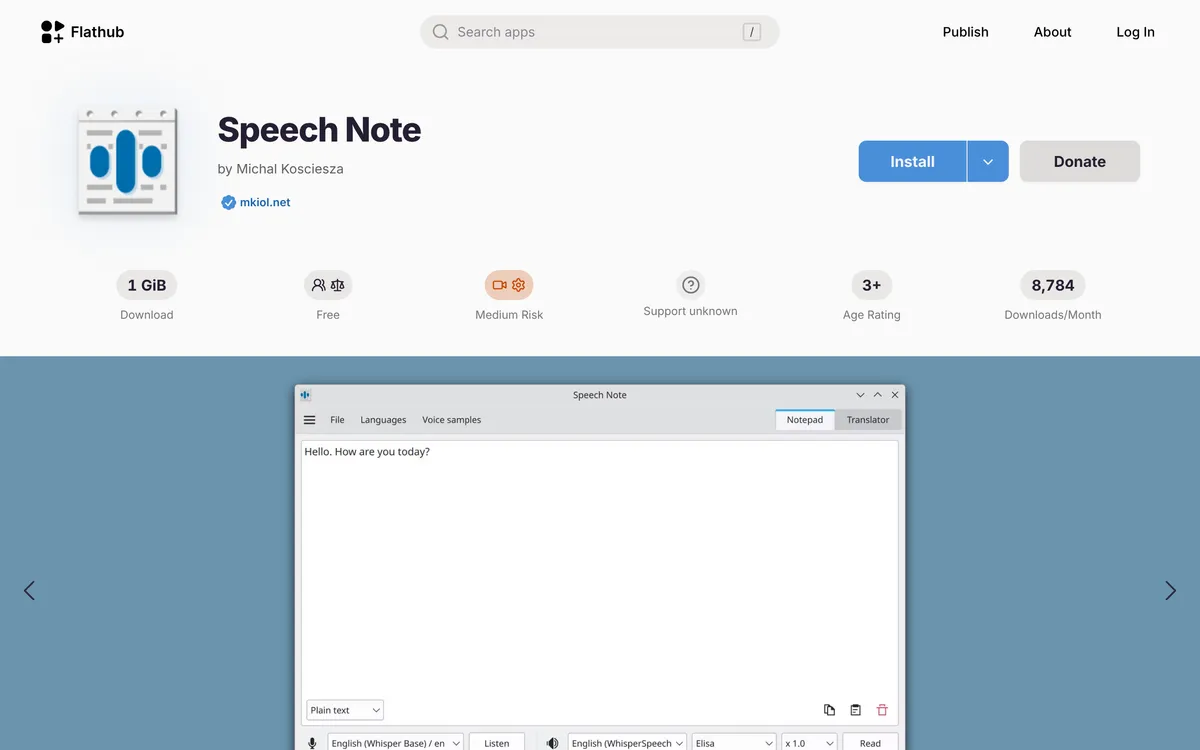 Screenshot of flathub.org, taken November 16, 2026.
Not the same as Speechnotes. Speechnotes is a different product: a website for speech to text in the browser. If you searched "speechnotes Linux" for that site, its homepage says it works in your Chrome browser, and Chrome runs on Linux too. Nothing in this guide applies to it.
How do you install Speech Note on Linux?
The README lists three ways for a Linux desktop:
| Route | Command or package | Notes |
|---|---|---|
| Flatpak (any distro with Flathub) | flatpak install net.mkiol.SpeechNote |
Listed first in the README, with optional GPU add-ons for NVIDIA and AMD |
| Arch Linux (AUR) | dsnote or dsnote-git |
Install with your AUR helper (for example, yay -S dsnote) |
| openSUSE | zypper in speechnote |
From the Packman repository; add speechnote-python-modules for the Python-based features |
Checked 16 November 2026 on the README. Flathub lists version 4.8.4 as the latest release, and the AUR's dsnote package is at 4.8.4 too.
On Ubuntu and Linux Mint, use the Flatpak. On Ubuntu, Flathub's setup page says to install Flatpak, add the Flathub repository and restart before you install apps:
sudo apt install flatpak
flatpak remote-add --if-not-exists flathub https://dl.flathub.org/repo/flathub.flatpakrepo
# restart, then:
flatpak install net.mkiol.SpeechNote
On Fedora, Flathub's Fedora page says Flatpak is installed by default on Workstation, Silverblue and Kinoite, so the job there is to enable Flathub (the flatpak remote-add command above works if the page's default route doesn't), then run flatpak install net.mkiol.SpeechNote.
Check your disk space first. The full Flatpak is big, because it bundles everything every feature needs. The README's size table:
| Package | Download | Installed |
|---|---|---|
| Base | 1.2 GiB | 3.6 GiB |
| Tiny | 48 MiB | 170 MiB |
| NVIDIA add-on | +4.3 GiB | +9 GiB |
| AMD add-on | +7.6 GiB | +34 GiB |
The README adds that installing the NVIDIA add-on needs 15 GiB of free disk space, and the AMD one 55 GiB, because the add-ons download extra modules during installation. If you only want plain speech to text, the Tiny package is the one to look at. It's on the project's Releases page, not Flathub, and it keeps whisper.cpp, Vosk, Coqui STT and april-asr. The README's feature table says Tiny drops Faster Whisper, Qwen3-ASR and punctuation restoration. You can pair Tiny with a GPU add-on.
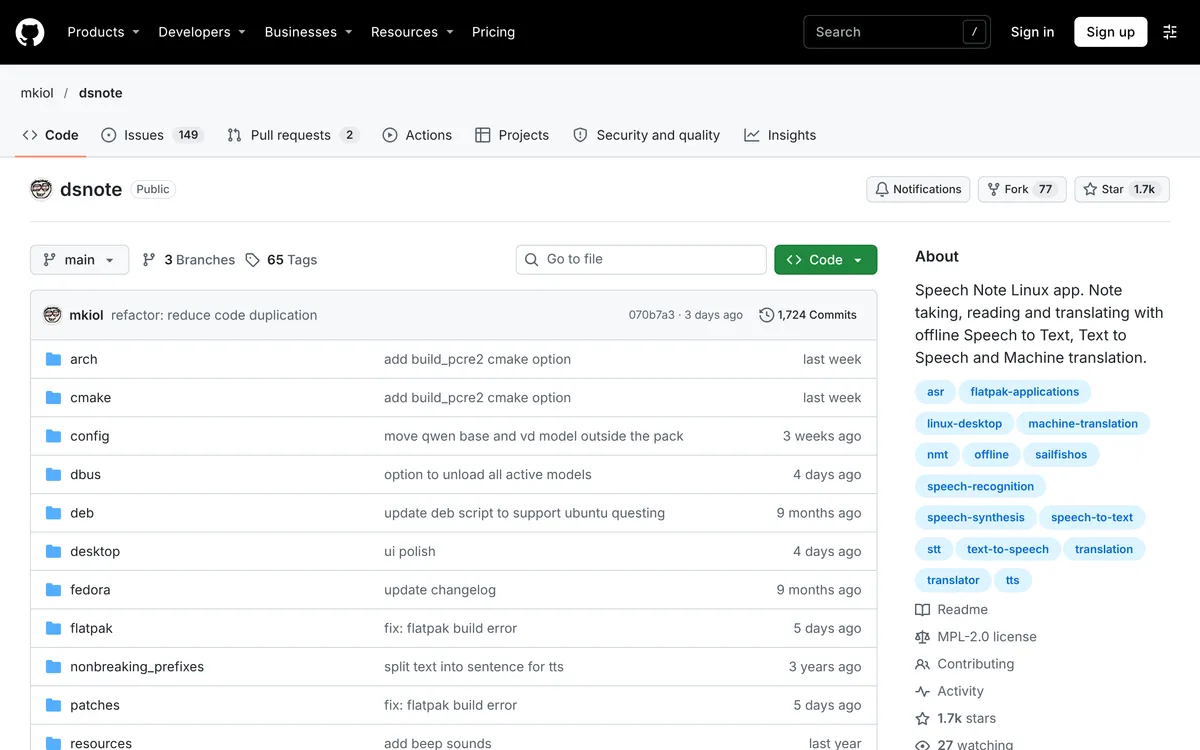 Screenshot of github.com, taken November 16, 2026.
ARM: Flathub builds Speech Note for both x86_64 and aarch64. The README notes that Faster Whisper, Qwen3-ASR and some text-to-speech models are only available on x86-64.
Can Speech Note type into other apps?
Yes. This is the part most people searching for Linux dictation care about, and it takes a little setting up. The README calls it Insert into active window: you start listening with a global shortcut or a command, and the text goes into whichever window has focus, so Speech Note works "as a voice typing tool on the desktop".
There are two ways to start it.
1. Global keyboard shortcuts. Turn them on first, under Settings → Accessibility → Use Global Keyboard Shortcuts, then set the keys. These work while Speech Note is minimized or sitting in the system tray.
2. The command line. With Speech Note already running, this command listens and types the result into the focused window:
flatpak run net.mkiol.SpeechNote --action start-listening-active-window
The README lists related actions too: start-listening to dictate into Speech Note itself, start-listening-clipboard to put the text on the clipboard instead, and cancel to stop. Because they're plain commands, you can bind them to keys in your desktop's or compositor's own shortcut settings.
Does Speech Note work on Wayland?
Yes, with setup, and the README splits it into two parts.
Typing into other windows. On X11, the README says inserting text "should work right out of the box". On Wayland, "the external ydotool daemon must be installed and running". If you use the Flatpak, the README adds that the app needs permission to reach the ydotool daemon's socket file. It doesn't give the command for either step, and the right one depends on your distro's ydotool package, so check how your distro runs the daemon before you start.
The global shortcuts. On Wayland, Speech Note's shortcuts go through the XDG Desktop Portal's GlobalShortcuts interface, which your desktop has to support. The README says that's "only in the latest KDE Plasma and GNOME desktops" (it names no others), and that you then change the key bindings in your desktop's own settings. Elsewhere, binding the command-line action to a key in your compositor's config is the route that doesn't depend on the portal.
Check your session with echo $XDG_SESSION_TYPE. If it prints x11, you skip both steps.
What Speech Note is good at, and where it's thin
Good at:
- Staying offline. Nothing leaves your computer, per its README and Flathub listing.
- Choice. Up to six speech-to-text engines (four in the Tiny package), GPU add-ons for NVIDIA and AMD, and models for dozens of languages.
- More than dictation. Text to speech from several engines (Piper, RHVoice, Kokoro and others), offline translation, and transcription to SRT subtitles.
Thin for system-wide dictation:
- No AI cleanup. The README lists punctuation restoration (in the Base package), but no filler-word removal or rewriting. What you say is what gets typed.
- Setup on Wayland. Typing into other apps needs the
ydotooldaemon, and shortcuts need a recent KDE Plasma or GNOME. - Size. The Base Flatpak is a 1.2 GiB download before you add any model.
Speech Note vs Handy vs Blip AI: which should you use?
| Speech Note | Handy | Blip AI | |
|---|---|---|---|
| Price | Free, MPL-2.0 | Free, MIT | Free plan (2,000 words a month); Pro $15 a month, or $12 a month billed yearly |
| Where the speech runs | On your computer | On your computer; its README says it "works completely offline". Optional LLM post-processing (off by default) sends text to a provider you choose | Blip Cloud by default; on-device Whisper models on Pro |
| Text cleanup | Punctuation restoration (Base package) | Filler-word removal on by default (per its settings code); optional LLM post-processing | Filler words removed, punctuation fixed |
| Typing into other apps | X11 out of the box; Wayland needs the ydotool daemon |
xdotool on X11; wtype or dotool on Wayland, where its README says support is limited (and that Ubuntu 26.04 needs ydotool, since wtype doesn't work there) |
X11 and Wayland; on Wayland install wl-clipboard and wtype, join the input group, and allow a paste prompt on GNOME and KDE Plasma 6 |
| Install | Flatpak, AUR, openSUSE Packman | .deb and other downloads from its releases page |
One AppImage, x86-64 only |
| Also does | Text to speech, translation, subtitles | Windows and macOS versions | Mac, Windows, iPhone and Android apps |
Speech Note's column is from its README and Flathub listing, and Handy's from its README and settings code, all checked 16 November 2026. Blip AI's column is from our own product facts.
Pick Speech Note if you want free, fully offline speech to text and you also want it to read text aloud or translate, or you mostly dictate into its own notepad. It's the one we'd point to for that mix.
Pick Handy if you only want push-to-talk dictation into other apps, free and offline, with filler words removed. Our Handy on Linux guide covers its setup.
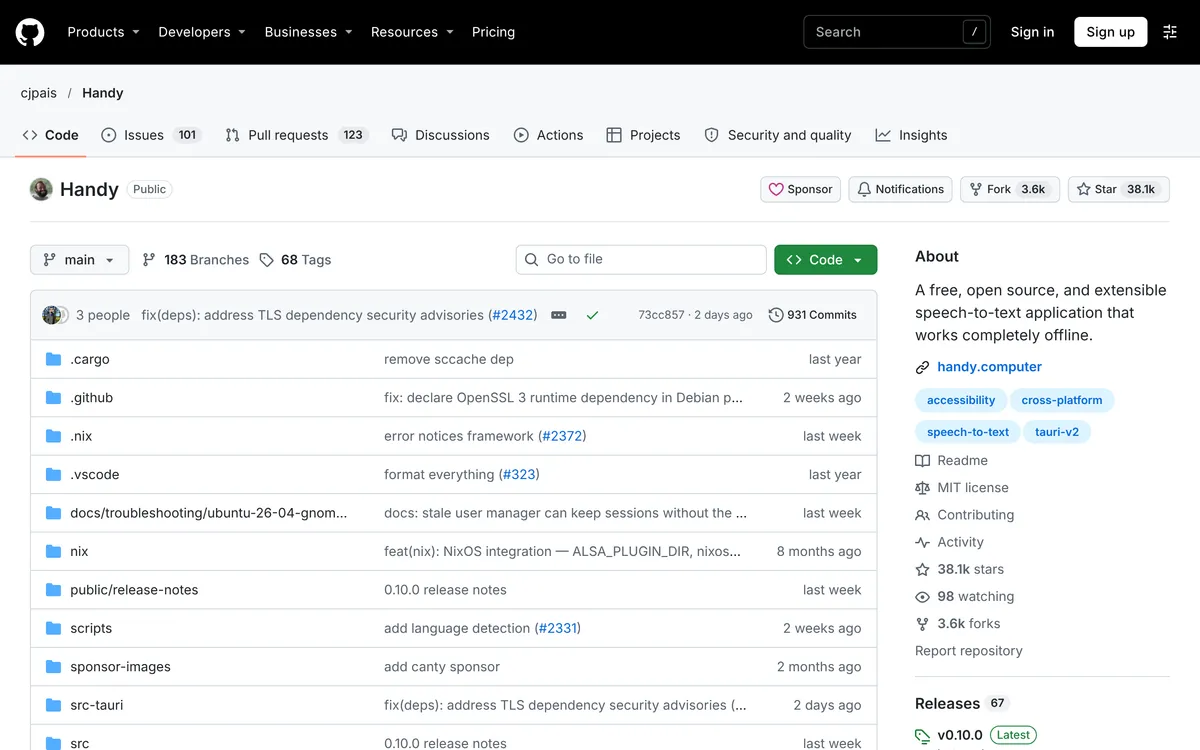 Screenshot of github.com, taken November 9, 2026.
Pick Blip AI if you want filler words and punctuation cleaned up without choosing or downloading a model, or you want the same app on your phone and your other computers.
How to dictate on Linux with Blip AI instead
Blip AI is one AppImage for any modern 64-bit Linux distro, such as Ubuntu, Debian, Fedora, Arch and Linux Mint, on Wayland and X11. It needs Ubuntu 22.04 or later or Debian 12 or later, and it's x86-64 only, so there's no ARM build. You hold Ctrl + Win, speak, and let go; the text lands in whichever app has focus. Adding Space to those keys switches to hands-free mode.
 Screenshot of blipai.app/linux, taken November 14, 2026.
- No model to manage. Blip Cloud is the default. It removes filler words and fixes punctuation, with no GPU and no API key.
- Offline when you need it. Pro adds downloadable on-device Whisper models that transcribe without a connection. The free plan is cloud-only.
- Same app elsewhere. It also runs on Mac, Windows, iPhone and Android.
Wayland takes setup here too: install wl-clipboard and wtype, join the input group for the hotkey, and on GNOME and KDE Plasma 6 allow the prompt that lets Blip paste. In a terminal on those two desktops Blip leaves the words on the clipboard and you press Ctrl + Shift + V yourself. The Linux setup guide has each step.
Download it from the Linux page, or from /download for Mac, Windows and phones, and compare plans on the pricing page. The honest trade: Speech Note is free, open source and keeps everything on your computer, while Blip AI's free plan sends audio to Blip Cloud to be transcribed (it isn't stored on Blip's servers) and stops at 2,000 words a month. If free and local matters most, use Speech Note or Handy.
For the whole field, see the best dictation apps for Linux and Whisper dictation on Linux. Other free tools have their own guides: Vocalinux, Voxtype and nerd-dictation. Coming from a Mac or Windows app? See Wispr Flow for Linux (Wispr Flow's site).
FAQ
What is Speech Note? Speech Note is a free, open-source Linux app for taking, reading and translating notes. It does speech to text, text to speech and machine translation offline on your computer, and it is developed by Michal Kosciesza under the Mozilla Public License 2.0.
Is Speech Note free? Yes. Flathub lists it as free, and the code is open source under MPL-2.0. Its README suggests a star, a review or, "if you have spare money", a small donation through ko-fi or Liberapay to support the project.
Does Speech Note work offline? Yes. Its README says text and voice processing "take place entirely offline, locally on your computer", with no data sent to the Internet. You need a connection once, to download the app and the speech models.
Can Speech Note type into any app? Yes, with its Insert into active window feature. Start it with a global shortcut or flatpak run net.mkiol.SpeechNote --action start-listening-active-window. The README says it works out of the box on X11 and needs the ydotool daemon running on Wayland.
Does Speech Note work on Wayland? Yes, with setup. Typing into other windows needs the ydotool daemon, plus access to its socket for the Flatpak. Global shortcuts need the desktop portal's GlobalShortcuts interface, which the README says only the latest KDE Plasma and GNOME support.
How big is Speech Note? The Base Flatpak is a 1.2 GiB download and 3.6 GiB installed, per the README. A Tiny package of 48 MiB (170 MiB installed) on the GitHub Releases page keeps the core speech-to-text engines. GPU add-ons for NVIDIA and AMD add several gigabytes more.
Does Speech Note remove filler words? Its README doesn't list filler-word removal or AI rewriting. It lists punctuation restoration in the Base package. For cleanup, Handy removes filler words for free, and Blip AI cleans up filler words and punctuation on Blip Cloud.
What's a Speech Note alternative for dictation on Linux? Blip AI is our pick if you want cleaned-up text with no model to run; it has a free plan of 2,000 words a month. Handy and Vocalinux are free, offline alternatives built only for dictation.
Last checked 16 November 2026. If Speech Note has changed since then, tell us and we'll update this page.