
Speech to Text on Fedora: GNOME, KDE and Wayland Setup
Fedora's docs mention no built-in dictation. Install Blip AI, Vocalinux, Voxtype or Handy, and do the Wayland step that Fedora's GNOME and KDE need.
Quick answer: Fedora's release notes and GNOME's help don't mention built-in speech to text, so you install an app. Our pick is Blip AI (we build it): one AppImage, cleaned-up text, no GPU or model download. Free and local: Vocalinux, Voxtype or Handy, which ship .rpm packages. Fedora's GNOME and KDE use Wayland, so do the Wayland step.
We build Blip AI, one of the options below, so weigh our pick accordingly. Facts about Fedora come from fedoraproject.org, its docs and its wiki. Facts about other tools come from each project's own page. All were checked on 15 November 2026, from the docs; we didn't install the other tools. Where another option suits you better, we say so.
Does Fedora have built-in speech to text?
Not that Fedora's or GNOME's own pages say. The Fedora Linux 45 release notes don't mention speech or dictation. GNOME Help's accessibility page lists the Orca screen reader, which reads the screen aloud, plus a magnifier and an on-screen keyboard. It has no entry for dictation. We didn't search all of Fedora's or KDE's docs, so read that as "the pages we checked don't list one".
So if you came from Windows looking for Win + H, plan on installing a dictation app that types into whichever window has focus.
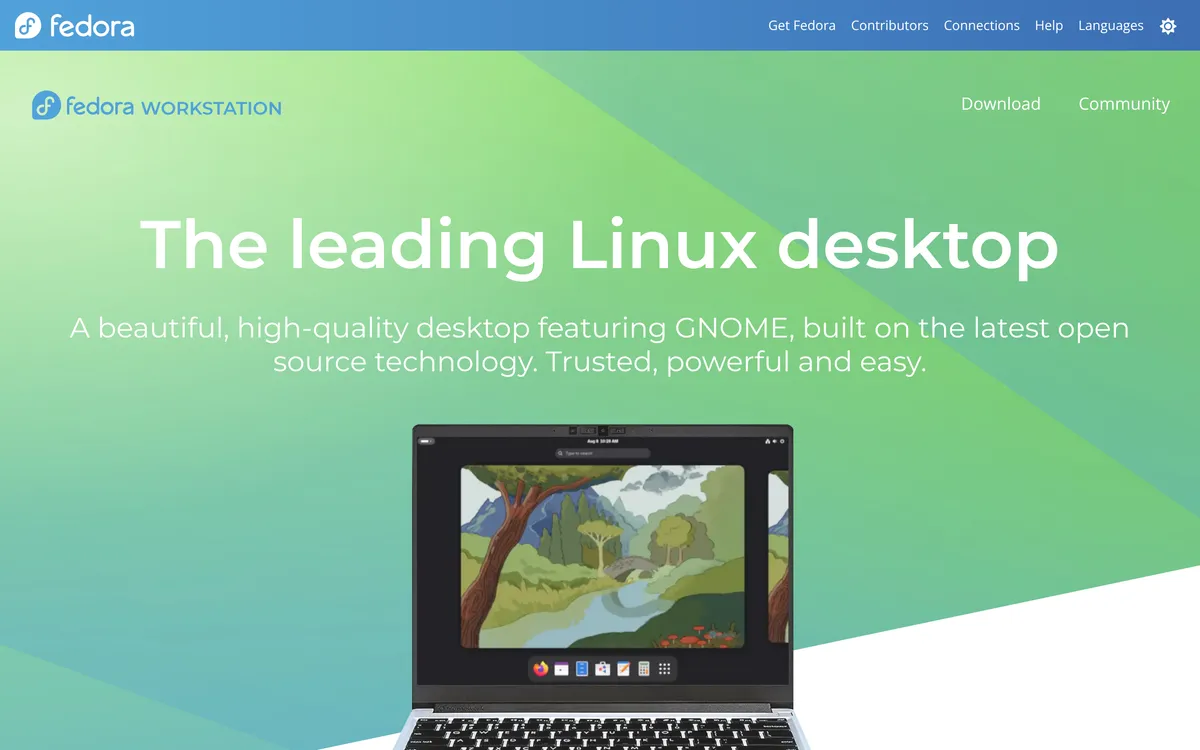 Screenshot of fedoraproject.org, taken November 15, 2026.
Is Fedora on Wayland or X11?
On the two main editions, Wayland. This matters more than anything else on this page, because Wayland is where dictation apps need extra setup.
- Fedora Workstation (GNOME). The release notes say Workstation 45 features GNOME 51. Fedora's change page for Fedora 43 says it removes the GNOME X11 packages from the repositories and moves people on the GNOME X11 session to GNOME on Wayland.
- Fedora KDE Plasma Desktop. The release notes say it features KDE Plasma 6.8. Fedora's Plasma 6 change page, for Fedora 40, says the X11 session was dropped, "leaving only Plasma Wayland as the sole offered desktop mode". The same page says X11 apps are still supported.
Fedora 45 came out on 3 November 2026. The sidebar of Fedora's releases page lists 44 and 43 as supported too, and says a release reaches end of life four weeks after the release two numbers later comes out. So 43 has only a few weeks left. Both come after those two changes. Other spins and window managers can differ, so check your own session:
echo $XDG_SESSION_TYPE
It prints wayland or x11. A lot of Linux dictation advice assumes X11, where typing into other windows needs less setup. On a default Fedora desktop that advice doesn't help you. On Wayland an app can't type into other windows by default, so each tool needs a helper or a permission. How to voice type on Linux explains why.
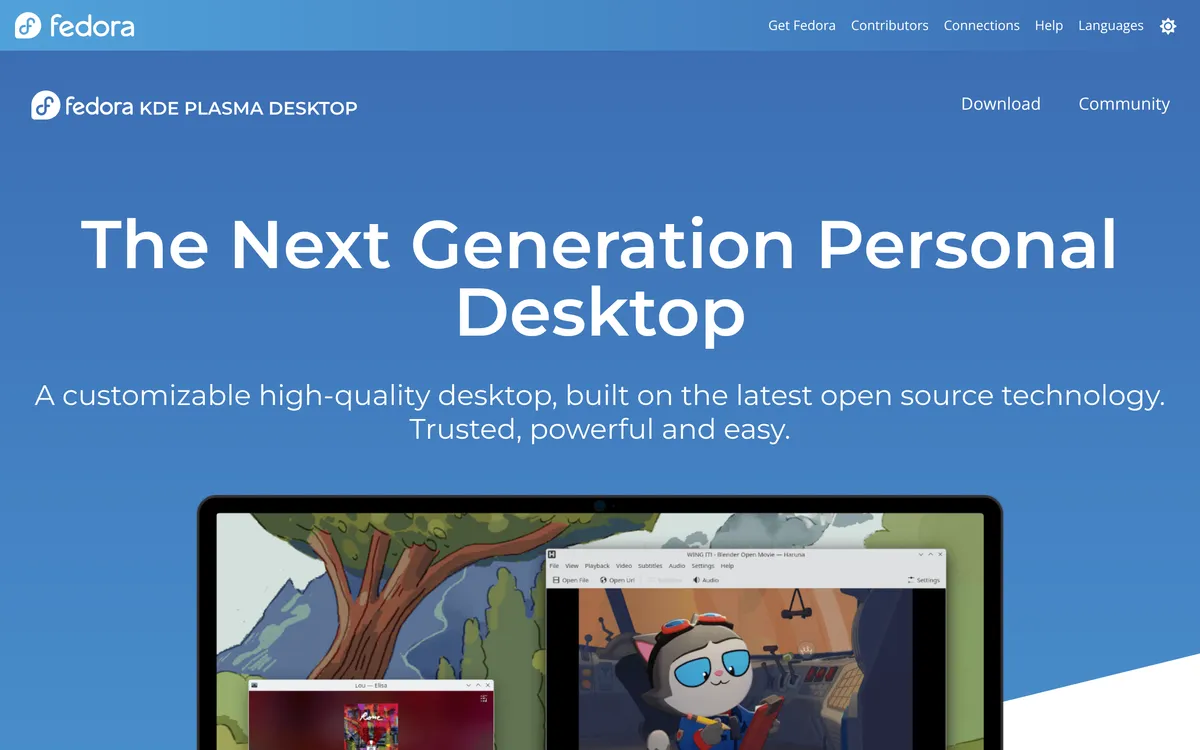 Screenshot of fedoraproject.org, taken November 15, 2026.
What are your options for speech to text on Fedora?
| Option | How it installs on Fedora | Cost and processing | Catch on Fedora |
|---|---|---|---|
| Blip AI | AppImage (x86-64 only) | Free plan of 2,000 words a month; cloud by default, on-device models on Pro | No .rpm; Wayland setup has three parts (below) |
| Vocalinux | .rpm for x86_64 and aarch64 |
Free (AGPL-3.0); local by default | README says Fedora 42+; no filler-word removal described (cleanup is a custom dictionary or your own script) |
| Voxtype | .rpm for x86_64 |
Free (MIT); local by default | On GNOME and KDE it falls back to dotool or ydotool |
| Handy | .rpm for x86_64 and aarch64 |
Free (MIT); works offline | README says "limited support" for Wayland |
| OpenWhispr | .rpm, x86-64 only |
Free for local models; cloud plan has a weekly word limit | Wayland needs the input group |
| Speech Note | Flatpak from Flathub | Free (MPL-2.0); offline | On Wayland the ydotool daemon must be running |
| Superwhisper | Install script; Fedora 40+ | Offline is free; cloud is free up to a limit | Wayland only, which fits Fedora's defaults |
| Spokenly | .rpm for x86_64 and ARM64; Fedora 40+ |
Free with local models; paid plans | Shortcuts and typing "vary by compositor" |
We put Blip AI first because it's the one we'd pick for most Fedora users: you get cleaned-up text without running a model. The free tools are the better choice in the cases we list under them.
How do you set up Blip AI on Fedora?
Blip AI for Linux is one AppImage for any modern 64-bit distro, Fedora included, on Wayland and X11. It's x86-64 only, so it won't run on an ARM machine. Blip's last release tests included Fedora 42. Fedora's end-of-life list now includes 42, and we haven't run the tests on Fedora 43, 44 or 45 yet. If something breaks on yours, tell us.
Download and start it:
mkdir -p ~/.local/bin
curl -L -o ~/.local/bin/BlipAI.AppImage "https://www.blipai.app/download/linux"
chmod +x ~/.local/bin/BlipAI.AppImage
~/.local/bin/BlipAI.AppImage
If the AppImage complains about FUSE, start it with --appimage-extract-and-run, which the AppImage docs describe.
On Wayland, which is what GNOME and KDE on Fedora use, Blip's setup screen walks you through three things with a button for each. By hand they are:
Install the helpers. Both are in Fedora's own repositories (wl-clipboard, wtype).
sudo dnf install wl-clipboard wtypeJoin the
inputgroup so Blip can hear your hotkey. Then log out and back in.sudo groupadd -f input sudo usermod -aG input $USERAllow Blip to paste. On GNOME, a Remote Desktop window opens: turn on Allow Remote Interaction, then click Share. On KDE Plasma 6.6 and later, which covers the Plasma 6.8 in Fedora 45, click Approve in the Remote control window (Share on Plasma 6.5 and earlier).
Then click into any text field, hold Ctrl + Win, speak and let go. On Blip Cloud, text appears about 700 ms after you let go. Add Space for hands-free mode. You can change the hotkey in Blip's settings.
One limit to know about. On GNOME and KDE Plasma 6, Blip pastes with Ctrl + V, and terminals don't paste with that shortcut. In a terminal your words wait on the clipboard, and you press Ctrl + Shift + V yourself. The Linux setup guide has every step in full.
Why we pick it for Fedora: Blip Cloud is the default, so a laptop with no GPU gets filler words removed and punctuation fixed, with no model download or API key. Pro adds on-device Whisper models that work offline on your computer, and the same app runs on Mac, Windows, iPhone and Android. What it doesn't give you: a native .rpm, an ARM build, or offline use on the free plan.
 Screenshot of blipai.app, taken October 24, 2026.
You can download Blip AI for Linux or see all downloads.
Which free speech to text tools have an .rpm for Fedora?
Four open-source projects ship an .rpm. We list what each project's own page says.
- Vocalinux (AGPL-3.0). Its install guide gives
sudo dnf install ./vocalinux-*.x86_64.rpm, and its site says releases cover x86_64 and aarch64. The README asks for Fedora 42 or newer, while the FAQ on vocalinux.com says Fedora 39+, so go with the stricter number. On Wayland the install guide says your user needs theinputgroup "or the hotkey is silently disabled". Vocalinux's Fedora guide adds that on the KDE spin under Wayland you set the virtual keyboard to IBus Wayland, and that on GNOME the tray needs the AppIndicator extension. The README lists spoken commands such as "period" and "new line". Its user guide adds a custom dictionary that corrects misheard words and a post-processing script you supply. Neither page describes filler-word removal. More in Vocalinux on Linux. - Voxtype (MIT). voxtype.io links an x86_64
.rpmthat you install withsudo dnf install, and says it requires Fedora 40+. The README says Fedora 39+, so again trust the stricter one. The README sayswtypedoesn't work on GNOME and KDE, and that Voxtype falls back todotoolorydotoolthere. It also says KDE doesn't send key-release events, so you use toggle mode instead of hold-to-talk. More in Voxtype on Linux. - Handy (MIT). Its download page lists a "RHEL/Fedora .rpm". The README gives
sudo dnf install gtk-layer-shellas the fix if Handy fails to start over a missinglibgtk-layer-shell.so.0, and describes "limited support for Wayland". It says to installwtypeordotoolso text input works, and that on Wayland you set the shortcut in your desktop's own settings. More in Handy on Linux. - OpenWhispr (MIT). Its Linux guide lists the
.rpmfor Fedora and says there's no ARM build. Its cleanup page says cleanup, which removes filler words and fixes grammar and punctuation, is on by default. On Wayland the guide has you join theinputgroup. Its plans page says local models are unlimited on the free plan, with 2,000 words per rolling 7 days of its cloud. More in OpenWhispr on Linux.
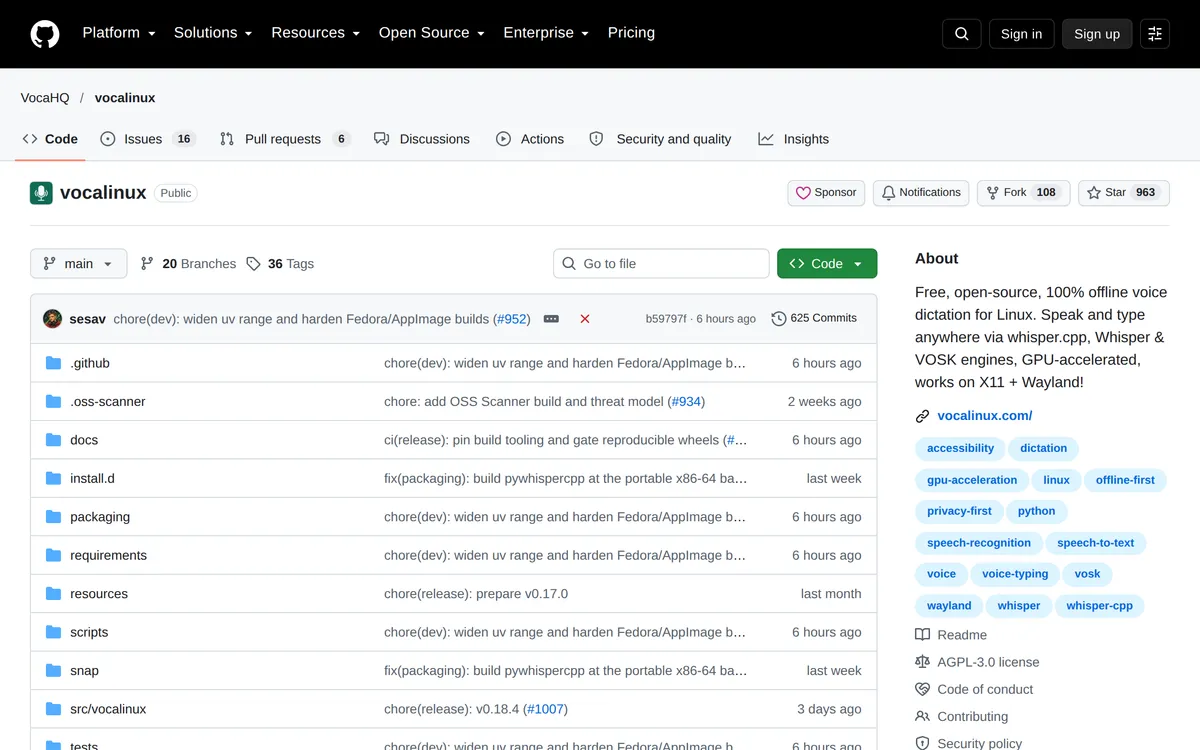 Screenshot of github.com, taken October 24, 2026.
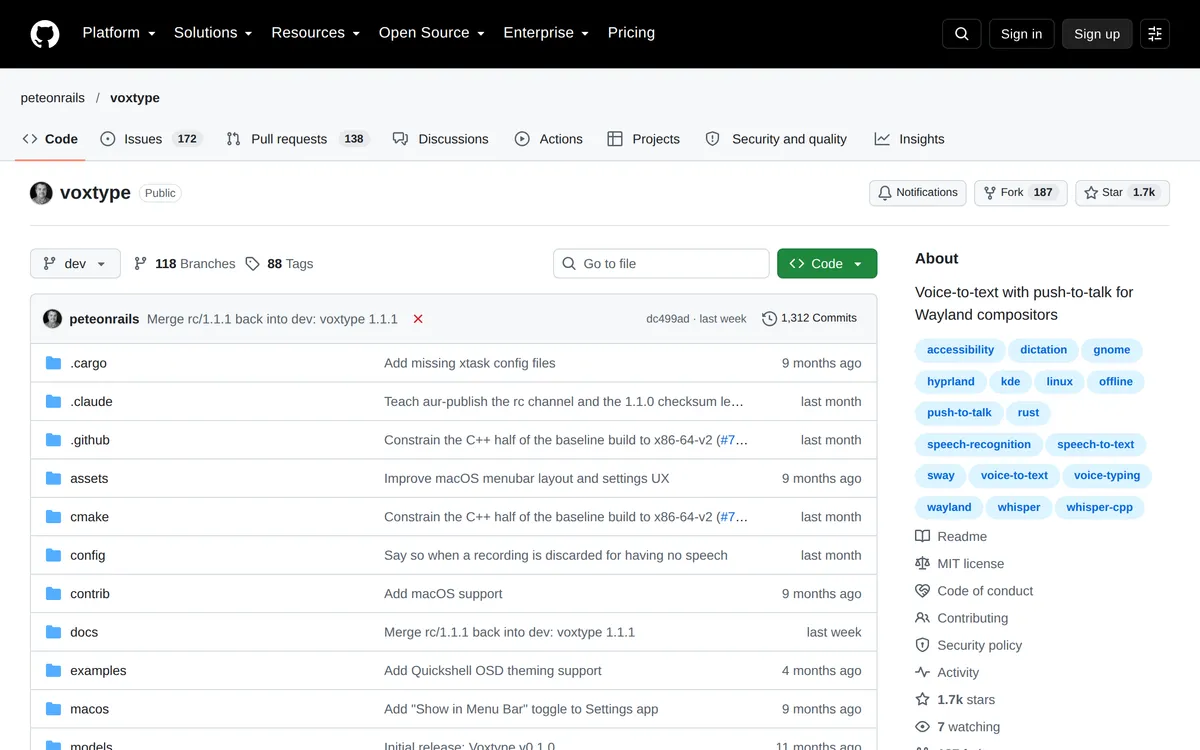 Screenshot of github.com, taken October 24, 2026.
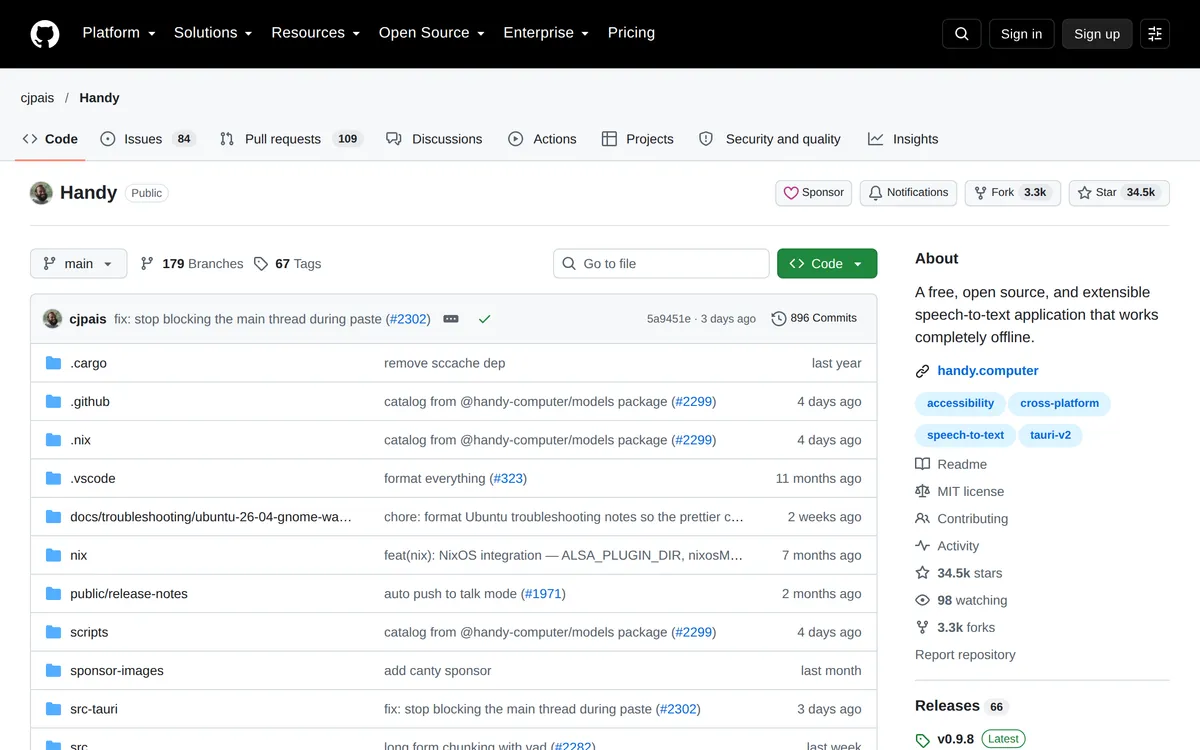 Screenshot of github.com, taken October 24, 2026.
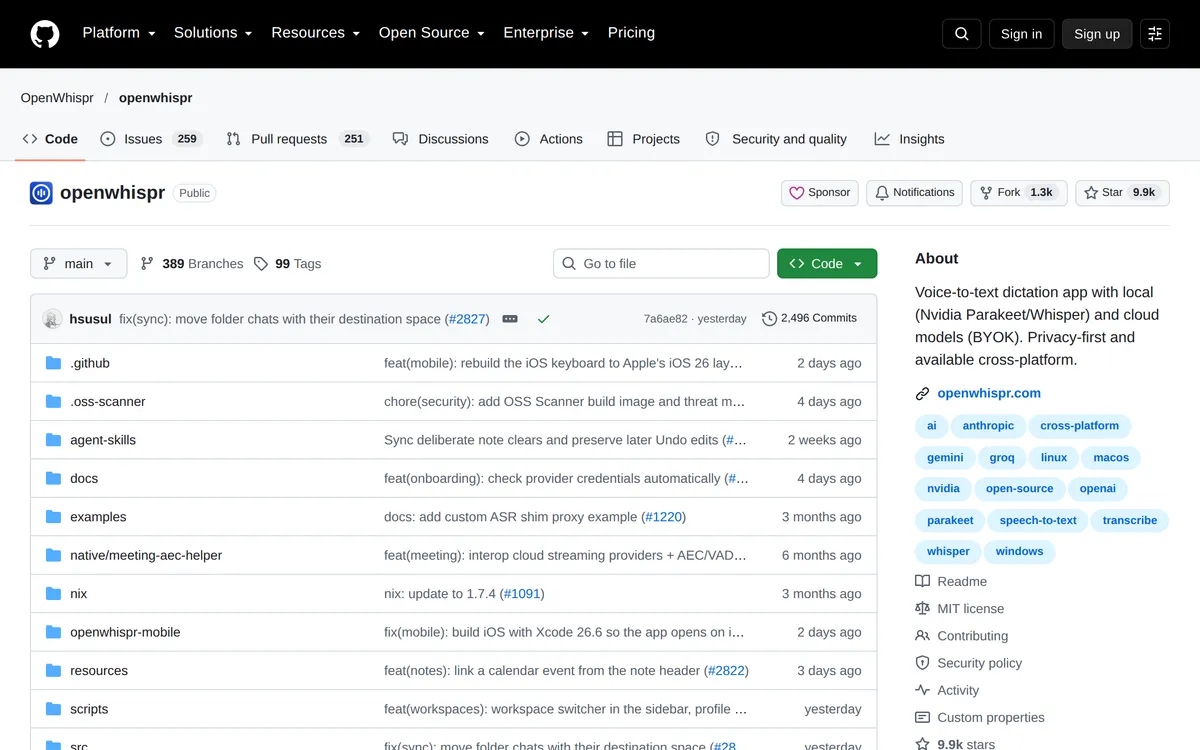 Screenshot of github.com, taken October 24, 2026.
Pick one of these over Blip AI if you want free and unlimited, open source, a package that dnf installs, or an ARM build (Vocalinux and Handy have one). OpenWhispr is one free option with cloud cleanup: its 2,000 cloud words a week is more than Blip's 2,000 a month.
What about Speech Note, Superwhisper and Spokenly on Fedora?
- Speech Note (MPL-2.0) installs with
flatpak install net.mkiol.SpeechNotefrom Flathub. Its README says processing happens offline. It also says typing into other apps works out of the box under X11, and that under Wayland the externalydotooldaemon must be installed and running. - Superwhisper lists "Fedora 40+" on its Linux page and installs with a script, not an
.rpm. The page says it "needs Wayland (Hyprland, KDE Plasma or GNOME) and systemd", which matches Fedora's two main desktops, and that it has x86-64 and ARM builds. It says offline use is free with no word limit, and cloud is free for 10,000 words every 30 days. If you're on Fedora on ARM, or you want Superwhisper's modes, it's a fair pick. See Superwhisper for Linux. - Spokenly ships a
.rpmfor x86_64 and ARM64, and says native packages require Fedora 40+. Its page says it works on X11 and Wayland, and that shortcuts and typing "vary by compositor and target app".
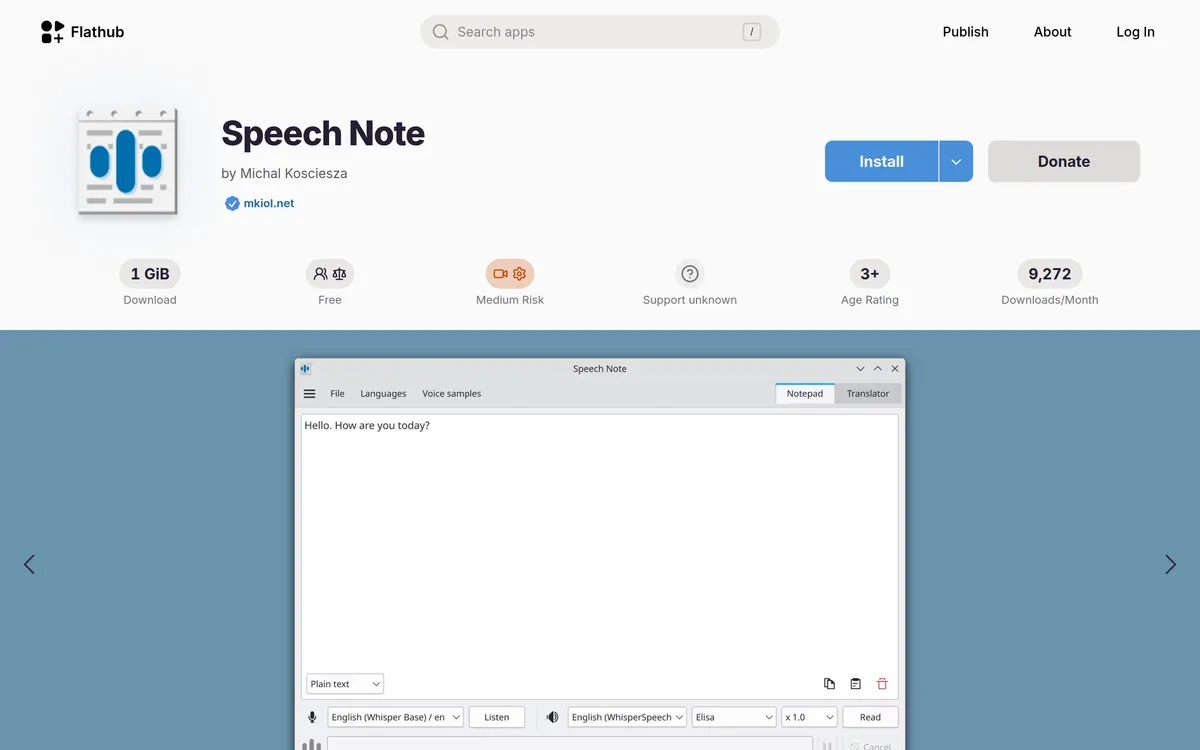 Screenshot of flathub.org, taken October 24, 2026.
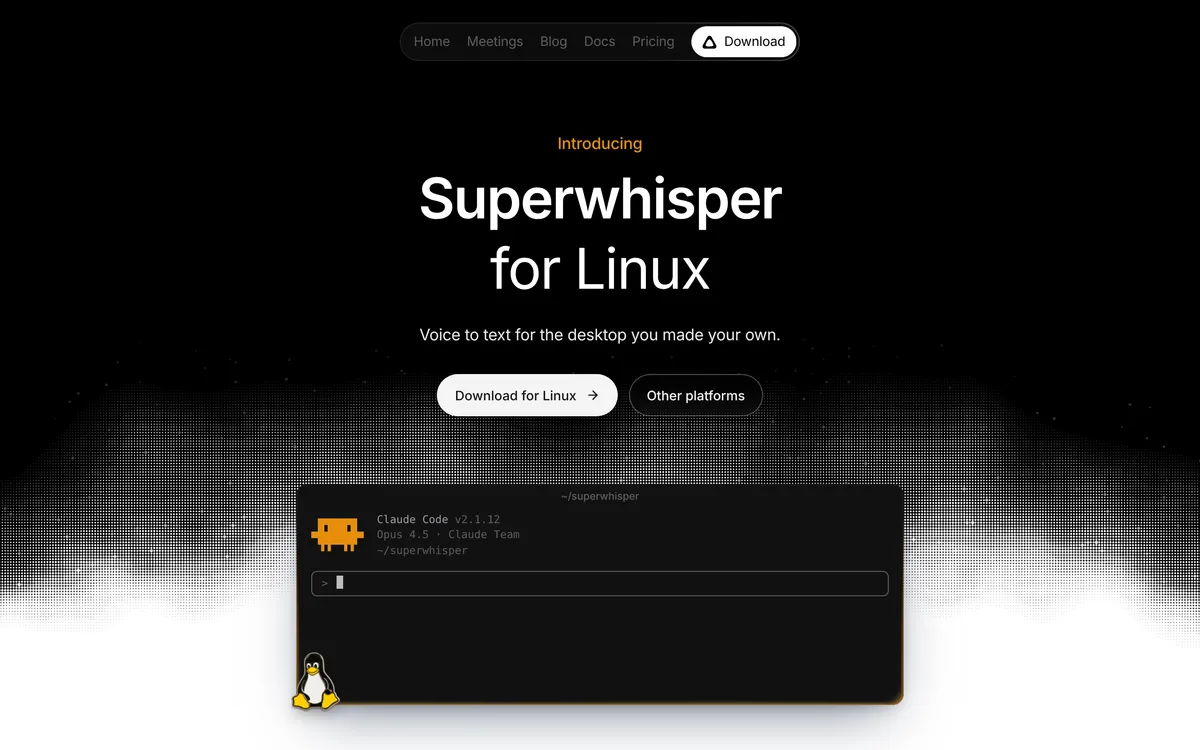 Screenshot of superwhisper.com, taken November 7, 2026.
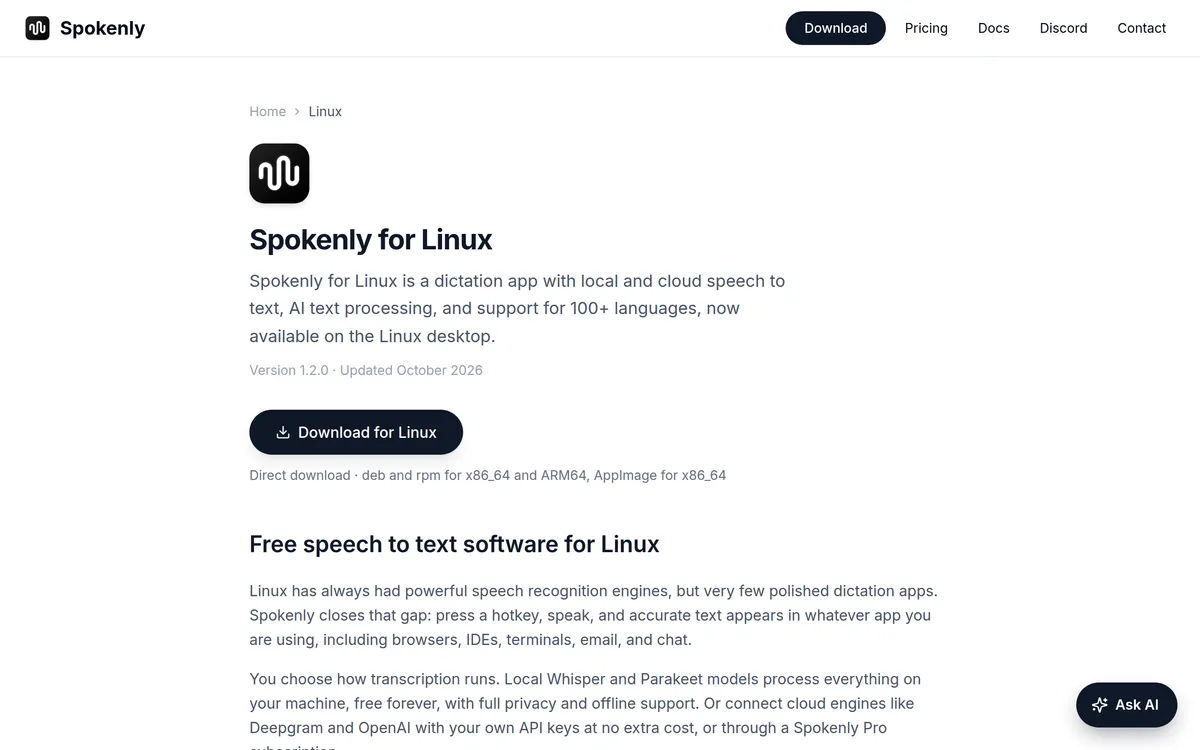 Screenshot of spokenly.app, taken October 24, 2026.
Two apps people ask about don't fit Fedora today. Wispr Flow's download page has no Linux app, only a button to vote for one; Wispr Flow for Linux covers what to use instead. And Typeless has a Linux download, but its install steps describe opening a .deb, and neither page mentions Fedora or an .rpm.
Does this work on Fedora Silverblue and Kinoite?
It depends on the tool. Fedora's Atomic Desktops docs say "Flatpak is the primary way that apps can be installed" there, and that most Fedora packages can be added with package layering (rpm-ostree install <package-name>).
Two tools on this list have a Flatpak. Speech Note is on Flathub. Vocalinux's README says its Flatpak comes from the project's own remote and is not on Flathub, and its install guide says the built-in hotkey on Wayland needs access to /dev/input from inside the Flatpak. Those are the natural first tries. We haven't tested Blip AI on Silverblue or Kinoite, and we haven't checked whether those images include wl-clipboard and wtype, so we can't promise it there.
Why isn't speech to text typing anything on Fedora?
- Nothing appears. You're almost surely on Wayland, and the app is missing its helper or permission. For Blip AI that's the three steps above. For the others, it's the tool named in the table.
- The hotkey does nothing. On Wayland, several of these tools need your user in the
inputgroup, and a full log out and log in after you join it. Rungroups | grep inputto check. - It works in the browser but not the terminal. With Blip AI on GNOME or KDE Plasma 6, press Ctrl + Shift + V: your words are on the clipboard.
- The AppImage won't start. Try
--appimage-extract-and-run. - The microphone is silent. Pick the right input in Settings → Sound, then test again.
Not on Fedora? See speech to text on Ubuntu or on Linux Mint. For every option side by side, read the best dictation apps for Linux.
FAQ
Does Fedora have built-in speech to text? The Fedora Linux 45 release notes and GNOME Help's accessibility page don't mention dictation. GNOME includes the Orca screen reader, which reads text aloud, but that is not speech to text. Plan on installing an app.
What is the best speech to text app for Fedora? For cleaned-up text with no GPU, model download or API key, we'd pick Blip AI, which we build. For free and offline with an .rpm package, try Vocalinux, Voxtype or Handy.
Does Blip AI work on Fedora? Yes. Blip AI for Linux is one x86-64 AppImage for any modern 64-bit distro, Fedora included. On Wayland, run sudo dnf install wl-clipboard wtype, join the input group and allow the paste prompt.
Is Fedora Workstation on Wayland or X11? Wayland. Fedora's change page for Fedora 43 says the GNOME X11 packages were removed from the repositories. Fedora's Plasma 6 change page says Fedora KDE has offered only the Plasma Wayland session since Fedora 40. Check yours with echo $XDG_SESSION_TYPE.
Is there free speech to text for Fedora? Yes. Vocalinux, Voxtype, Handy and Speech Note are free and run on your computer. Blip AI has a free plan of 2,000 words a month, with cloud transcription on that plan.
Does speech to text work offline on Fedora? Vocalinux, Voxtype, Handy and Speech Note say they run locally. Blip AI works offline with its on-device Whisper models, which need the Pro plan.
Does Wispr Flow work on Fedora? No. Wispr Flow's download page has no Linux app, only a button to vote for Linux support.