
Superwhisper Alternatives: 9 Apps for Windows, Linux & Mac
The best Superwhisper alternatives for Windows, Linux (X11 too) and Mac: 9 dictation apps compared on price, free plans and offline use. Checked 23 Nov 2026.
Quick answer: The best Superwhisper alternative depends on your reason. Our pick is Blip AI for Linux on X11, which Superwhisper's Linux app doesn't support, in one app with Mac, Windows, iPhone and Android, plus "Hey Blip" drafting. Free and open source: Handy or OpenWhispr. Unlimited free local models: Spokenly. Cloud only on Windows and Mac: Wispr Flow.
Superwhisper is a good app. You hold a key, talk, and text lands in whatever app you're using, from a local model or a cloud one. So start with what it does well, then look at the gaps that send people searching:
- Linux is Wayland only. Superwhisper's Linux page says it "Needs Wayland (Hyprland, KDE Plasma or GNOME) and systemd". So an X11 session is out. Its distro list starts at Ubuntu 24.04, Debian 13 and Fedora 40, and the page says to email support if your distro isn't listed.
- Some features aren't on Windows yet. Superwhisper's Windows guide lists what's missing there: Filesync, Simulate Keypresses, the coding agent integrations and the CLI, among others. Meetings work differently too.
- It isn't open source. Superwhisper's own comparison with Handy says "The tradeoff is it's closed-source."
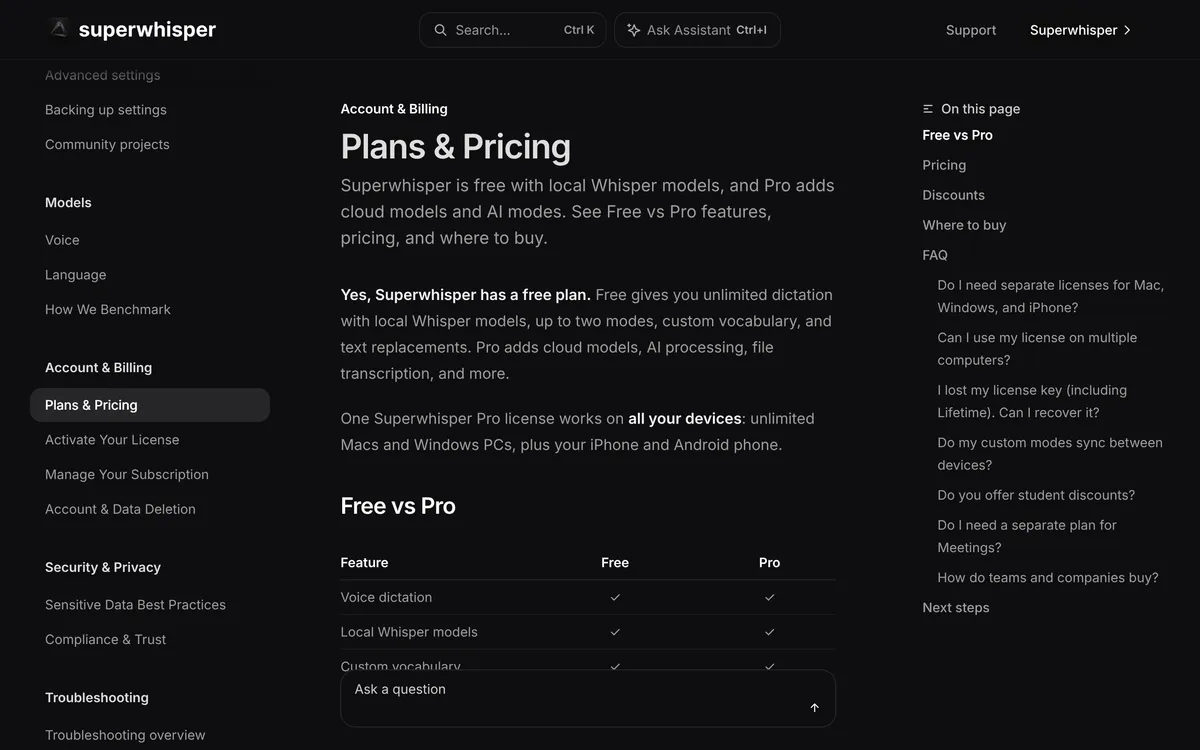
- AI cleanup is a Pro feature. The free plan has unlimited local Whisper models and up to two modes, but "without AI processing" (plans page).
We build Blip AI, one of the apps below, so weigh our opinion with that in mind. Every price and platform here was checked on the vendor's own site on 23 November 2026. Prices change, so check again before you buy.
 Screenshot of superwhisper.com, taken November 23, 2026.
What Superwhisper does well
Be fair to Superwhisper before you leave it. Its plans page puts Pro at $8.49 a month, $84.99 a year or $249.99 once, and one licence covers "unlimited Macs and Windows PCs, plus your iPhone and Android phone." That's cheaper than every subscription app here except OpenWhispr. Students, educators and non-profits get 40% off.
Free users aren't short-changed either. You can dictate as much as you like on any local Whisper model, keep a custom vocabulary and text replacements, and the page promises "Nothing you dictate leaves your device." Newcomers also get a 3,000-word taste of Pro. Paying unlocks the cloud and the extra local models, the AI modes, file transcription and Meetings.
Superwhisper also runs on more hardware than most. The Windows app is native on x64 and ARM64, and the Linux page offers "x86-64 and ARM builds". On Linux, the page says offline use is "free, always, with no word limit" and cloud use is free for 10,000 words every 30 days. Its enterprise page lists SOC 2 Type II and "HIPAA compliant".
So if you're on a Mac, a Windows PC or a Wayland desktop and price matters most, you may not need to switch. The apps below are for the gaps.
Quick picks
These picks follow one rule: each app has to fix a specific gap in Superwhisper. Blip AI comes first because it covers the one platform case Superwhisper rules out, Linux on X11, in the same app as Mac, Windows, iPhone and Android, with "Hey Blip" drafting built in. Its AppImage also runs on Ubuntu 22.04 and Debian 12, which aren't on Superwhisper's distro list. It doesn't fix price: Blip Pro costs more than Superwhisper Pro. The rest are in no particular order.
- Our pick for Linux on X11 or older releases: Blip AI. One x86-64 AppImage for any modern 64-bit distro (Ubuntu 22.04+, Debian 12+, Fedora, Arch and more), on X11 and Wayland. Spokenly, OpenWhispr and Vocalinux also run on X11, and Handy's README gives X11 setup.
- Windows: Wispr Flow, Aqua Voice, Blip AI, Spokenly, Handy and OpenWhispr all have Windows apps. Windows' own voice typing (Win + H) is free but needs internet.
- Free: Handy, Vocalinux, Spokenly's free plan, OpenWhispr's free plan and MacWhisper's free version (Mac) all run local models for $0.
- Open source: Handy (MIT), OpenWhispr (MIT), Vocalinux (AGPL-3.0) and VoiceInk (GPL v3, Mac).
- Pay once: VoiceInk ($25 for one Mac), Spokenly Local+ ($39), MacWhisper Pro (€64), or Superwhisper's own $249.99 lifetime licence.
- Cloud, no model on your computer: Wispr Flow (cloud only) and Aqua Voice (cloud; its FAQ says offline "varies by platform, app version, and mode"). Blip AI uses its cloud by default too, with on-device models on Pro.
Superwhisper alternatives compared
| App | Platforms | Paid plan | Processing | Free plan |
|---|---|---|---|---|
| Superwhisper | Mac, Windows (x64, ARM64), iPhone, Android, Linux (Wayland only) | $8.49/mo, $84.99/yr or $249.99 once | Local and cloud | Unlimited local Whisper models, up to two modes, no AI processing |
| Blip AI | Mac, Windows, Linux (X11 and Wayland, x86-64), iPhone, Android | Pro $15/mo, $12/mo billed yearly | Cloud by default; on-device Whisper models on Pro | 2,000 words a month |
| Wispr Flow | Mac, Windows, iPhone, Android | Pro $15/mo, $12/mo billed annually | Cloud only | 2,000 words a week (its homepage FAQ) |
| Aqua Voice | Mac, Windows, iPhone, Android | Pro $12/mo, $10/mo billed annually | Cloud | 2,000 words |
| Spokenly | Mac, Windows, Linux (X11 and Wayland, x86-64 and ARM64), iPhone, Android | Pro $15/mo, $12/mo billed yearly; Local+ $39 once | Local; cloud on Pro or with your own keys | Unlimited local models, no account |
| OpenWhispr | Mac, Windows, Linux (X11 and Wayland, x86-64); iPhone and iPad app on Pro | Pro $80 per user a year | Local, OpenWhispr Cloud or your own keys | Unlimited local models, 2,000 cloud words a week |
| Handy | Mac, Windows, Linux (x64 and ARM) | Free | Local; optional AI post-processing through a provider you set up | Free and open source (MIT) |
| Vocalinux | Linux (X11 and Wayland) | Free | Local by default | Free and open source (AGPL-3.0) |
| VoiceInk | Mac (macOS 15+); separate iOS app | $25 once for one Mac | Local, or a cloud model you pick | Free trial; source on GitHub (GPL v3) |
| MacWhisper | Mac; separate iPhone and iPad app | €64 once (Pro) | Local; optional cloud services | Free version |
Each Superwhisper alternative in detail
Each entry has the price and platforms from the vendor's own page, checked 23 November 2026, and what to watch out for.
1. Blip AI
 Screenshot of blipai.app, taken October 30, 2026.
Best for: Superwhisper users who also work on Linux under X11 or on an older release, and anyone who wants reply drafting built in.
Blip works like Superwhisper on the desktop: hold a key, speak, let go, and cleaned-up text appears in the app you're in. The default is Fn on a Mac and Ctrl + Win on Windows and Linux, and you can change it. Blip removes filler words and fixes punctuation. Action Mode drafts for you: start with "Hey Blip", describe the reply you want, and Blip writes the email or Slack message. Superwhisper's custom modes can also rewrite text by your instructions, with AI processing on Pro.
- Platforms: Mac (macOS 11+), Windows 10/11 and Linux (one x86-64 AppImage for any modern 64-bit distro, such as Ubuntu 22.04+, Debian 12+, Fedora or Arch, on X11 and Wayland), plus iPhone and Android apps.
- Processing: like Superwhisper, Blip has cloud and on-device models. Blip Cloud is the default. On Pro you can download an on-device Whisper model (Base, Small, Medium or Large Turbo) that transcribes and cleans up text with no internet connection.
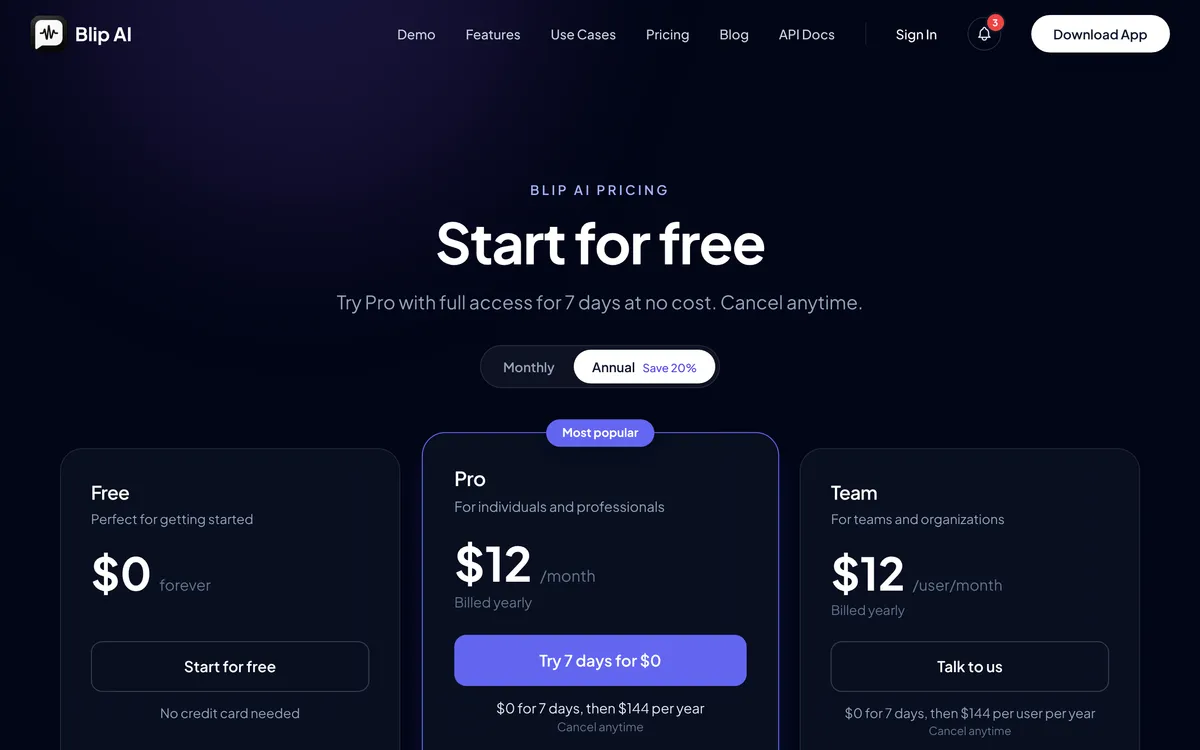
- Price: free plan with 2,000 words a month on Blip Cloud. Pro is $15 a month, or $12 a month billed yearly, with a 7-day free trial.
On Blip Cloud, text appears about 700 ms after you stop speaking. In our own tests that was faster than Superwhisper and Wispr Flow; that comparison doesn't cover Superwhisper's Linux build.
Where Superwhisper is better: price (Pro is $8.49 a month against Blip's $15), unlimited free local dictation (Blip's on-device models need Pro), ARM builds (Blip's Linux AppImage is x86-64 only), and compliance (Blip isn't HIPAA compliant and doesn't sign a BAA). On Linux, the setup isn't zero for either app: Blip on Wayland needs wl-clipboard and wtype, the input group and, on GNOME and KDE, a one-time paste permission (Linux setup guide).
Download Blip AI, or see Blip AI for Linux for the distro list.
2. Wispr Flow
 Screenshot of wisprflow.ai, taken November 23, 2026.
Best for: Windows and Mac users who want a polished cloud app and don't need offline.
Wispr Flow offers dictation "on Mac, Windows, iPhone, and Android". It learns your names and jargon, and its homepage FAQ says the free plan gives you 2,000 words a week with no credit card.
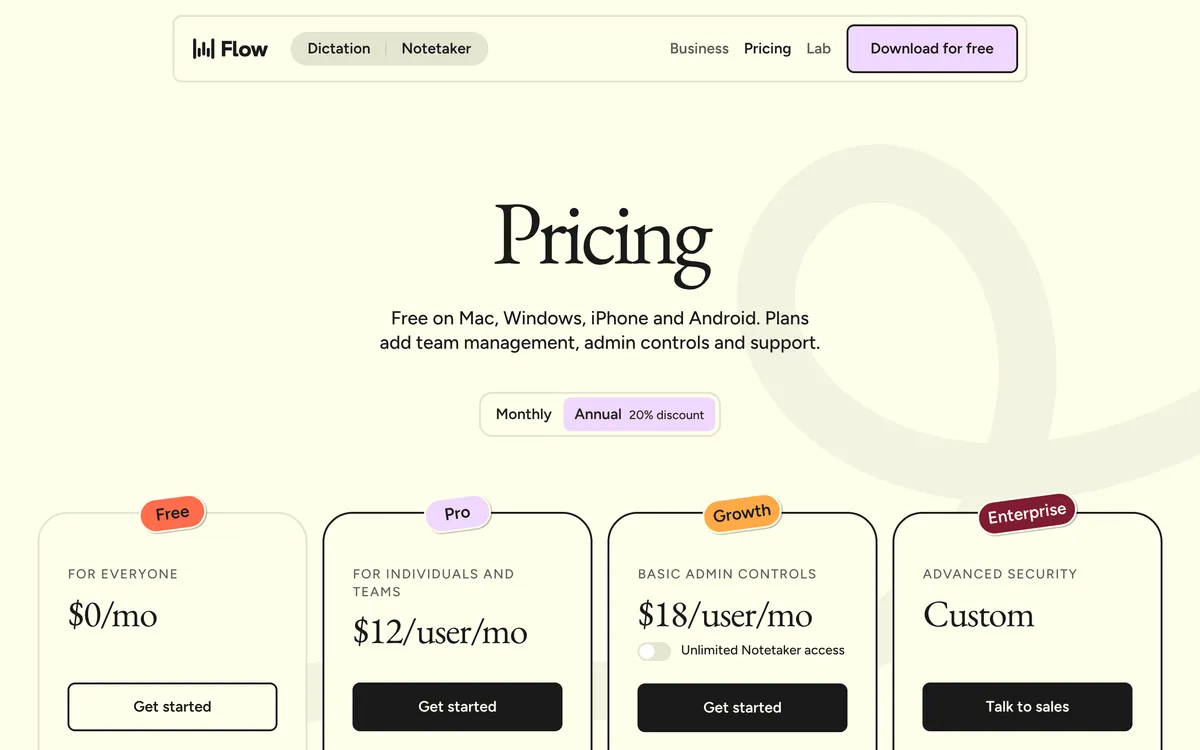
- Price: Pro is $15 a month, or $12 billed annually. Growth, for teams, is $23 a month or $18 billed annually (Wispr Flow pricing).
- Watch out for: Wispr's data controls page says "Transcription always occurs on the cloud", so it has no offline mode. There's no Linux app: its downloads page asks Linux users to vote for one.
Wispr Flow is a cloud-only option with no offline mode, so it isn't a like-for-like swap for Superwhisper's local models. It costs $144 a year against Superwhisper's $84.99. More in Wispr Flow vs Superwhisper.
3. Aqua Voice
 Screenshot of aquavoice.com, taken November 23, 2026.
Best for: a cloud app on Mac, Windows and phones for less than Wispr Flow.
Aqua Voice runs dictation on its own cloud model and has apps for Mac, Windows, iPhone and Android.
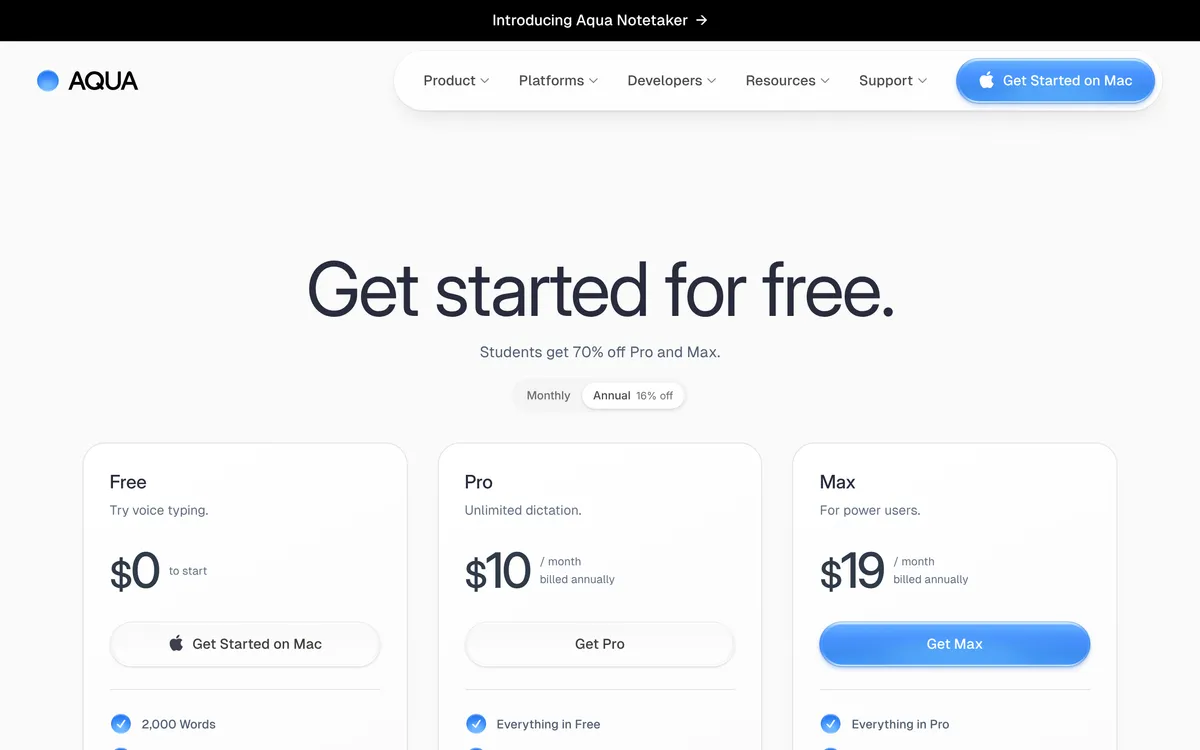
- Price: Pro is $12 a month, or $10 billed annually. Max is $24, or $19 billed annually. Students pay 70% less for either paid plan (Aqua pricing).
- Free plan: 2,000 words. The pricing page doesn't say they reset, so treat it as a trial.
- Watch out for: Aqua's FAQ says cloud dictation needs an internet connection and offline availability "varies by platform, app version, and mode". There's no official Linux dictation app. Aqua's CLI installs on Linux, but it's for settings, history and files, and its Omarchy guide points to an unofficial community client that "Aqua Voice does not maintain or support".
4. Spokenly
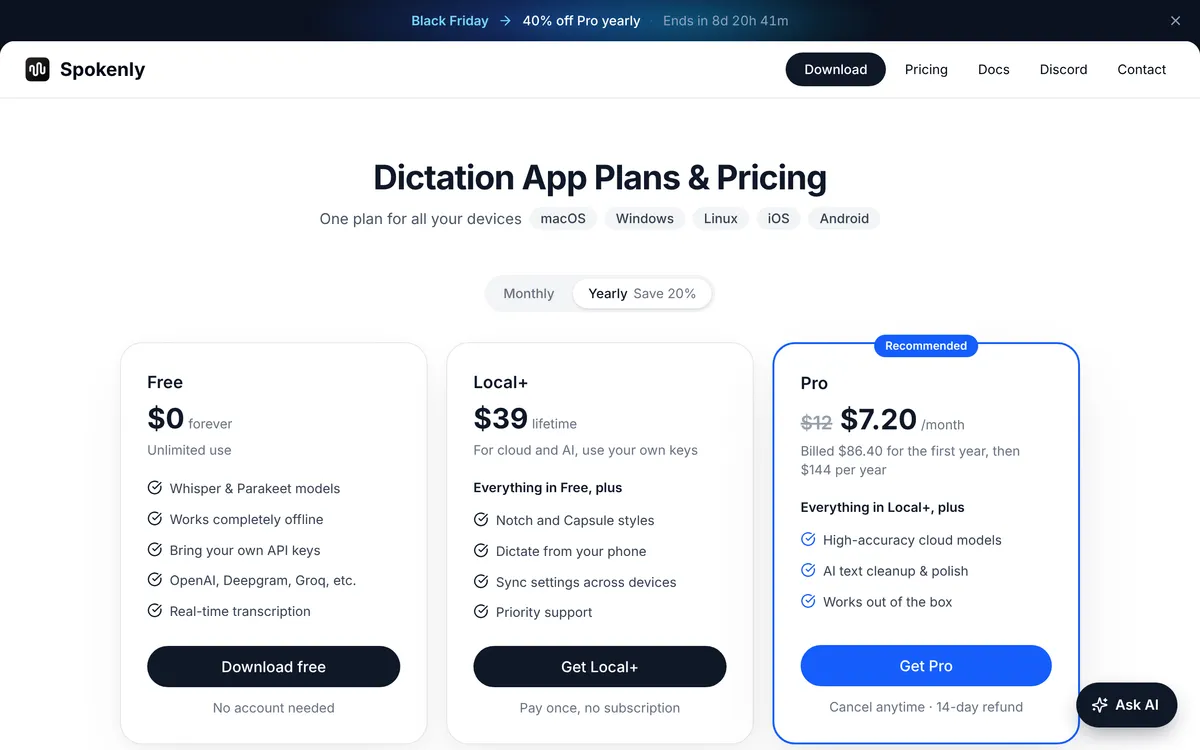 Screenshot of spokenly.app, taken November 23, 2026.
Best for: unlimited free local dictation on every platform, Linux on X11 included.
Spokenly is the closest match to Superwhisper's model. It runs Whisper and Parakeet models on your computer for free, with no account, and its pricing page lists macOS, Windows, Linux, iOS and Android. Its Linux page says it "Works on both X11 and Wayland". On ARM64 you get a .deb or .rpm; on x86-64 there's also an AppImage, which the page says runs on Ubuntu 20.04 and later.
- Price: Free is unlimited with local models, and cloud models on the free plan need your own API keys. Local+ is $39 once. Pro, with Spokenly's cloud models and AI text cleanup, is $15 a month or $144 a year ($12 a month). A Black Friday offer (40% off Pro yearly) was running when we checked (Spokenly pricing).
- Watch out for: on Linux, how well hotkeys and typing work depends on your desktop. Spokenly's own advice is to "test the current build" on yours.
Spokenly is the fairest rival to Blip: both run on X11 and on all five platforms, and Spokenly Pro includes Agent Mode. Pick Spokenly if unlimited free local dictation matters most. Pick Blip if you want its "Hey Blip" drafting, or cloud cleanup on the free plan without bringing your own API key.
5. OpenWhispr
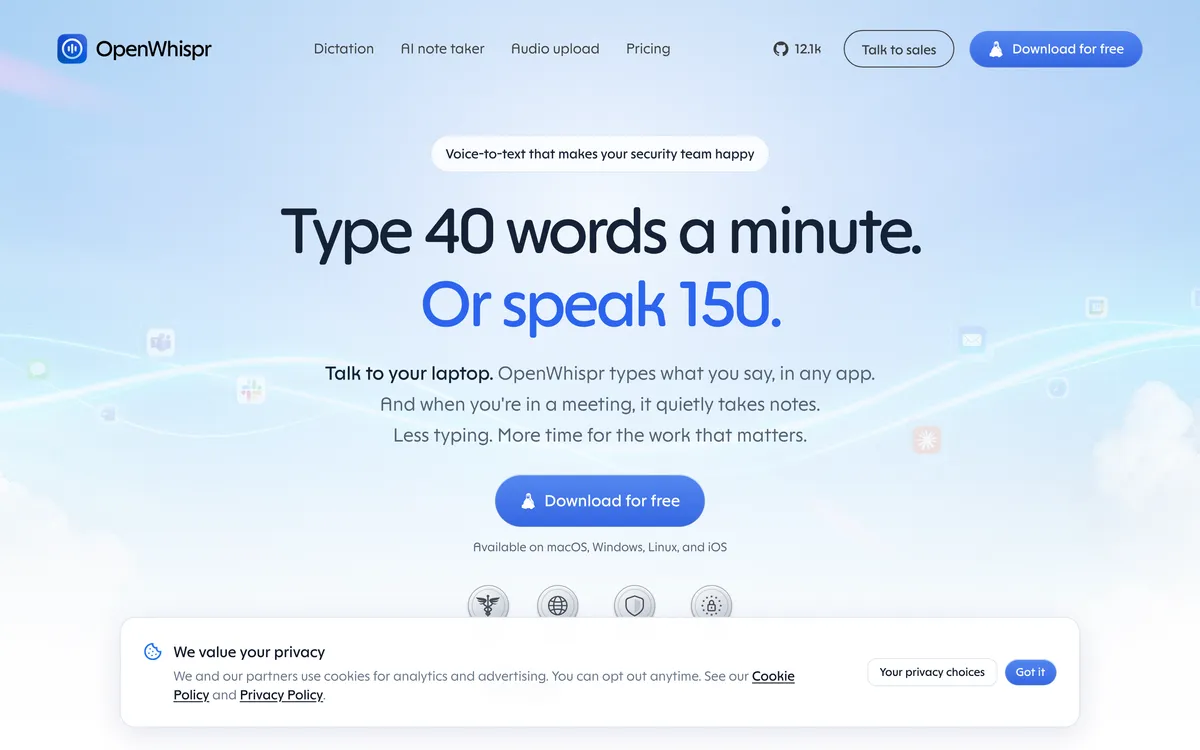 Screenshot of openwhispr.com, taken November 23, 2026.
Best for: an open-source app with Superwhisper's "local model or cloud, plus AI cleanup" setup.
OpenWhispr is MIT licensed and runs Whisper, Parakeet or Cohere Transcribe locally, or cloud transcription through OpenWhispr Cloud or your own API keys. It also takes meeting notes, and its homepage says you can "Give instructions by voice", such as "draft an email to Mike". Its pricing page lists Agent mode on Pro. The homepage lists macOS, Windows, Linux and iOS.
- Price: free with unlimited local models, unlimited cloud transcription with your own keys, and 2,000 OpenWhispr Cloud words a week. Pro is $80 per user a year (OpenWhispr pricing), a little under Superwhisper's $84.99.
- Linux: its Linux guide covers X11 and Wayland, with
.deb,.rpm, AppImage and.tar.gzpackages. It's 64-bit x86-64 only ("there's no ARM build"). - Watch out for: its docs say Android is "Not yet", though it's being built. Setup on our OpenWhispr on Linux page.
6. Handy
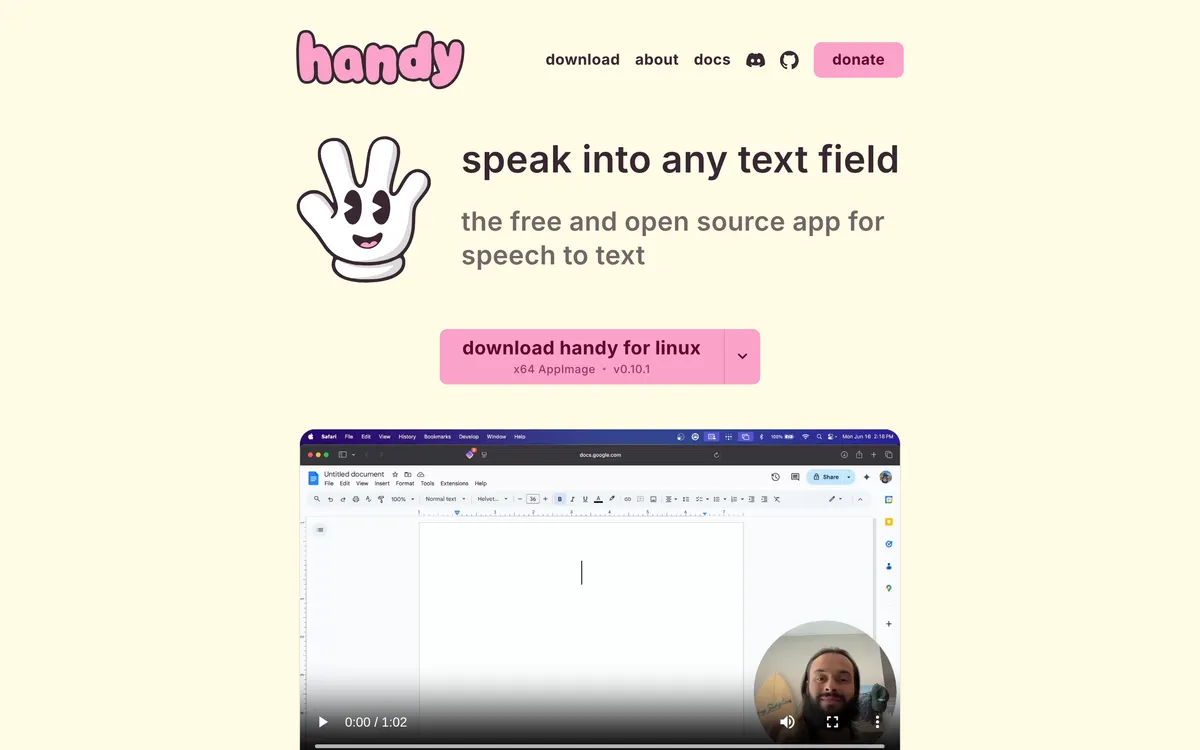 Screenshot of handy.computer, taken November 23, 2026.
Best for: free, open-source dictation on a computer, with nothing to sign up for.
Handy calls itself "the free and open source app for speech to text". Its README says it works on Windows, macOS and Linux, that transcription is entirely local, and that it's MIT licensed. Models include Whisper and Parakeet V3. Optional AI post-processing can send the text to a provider you set up.
- Price: free.
- Linux: builds for x64 and ARM on its download page. The README lists
xdotoolfor X11 andwtypeordotoolfor Wayland, and sayswtypedoesn't work on Ubuntu 26.04 with Wayland, where you needydotool. Our Handy on Linux guide has the setup. - Watch out for: there's no phone app, and no cloud model of its own.
7. Vocalinux
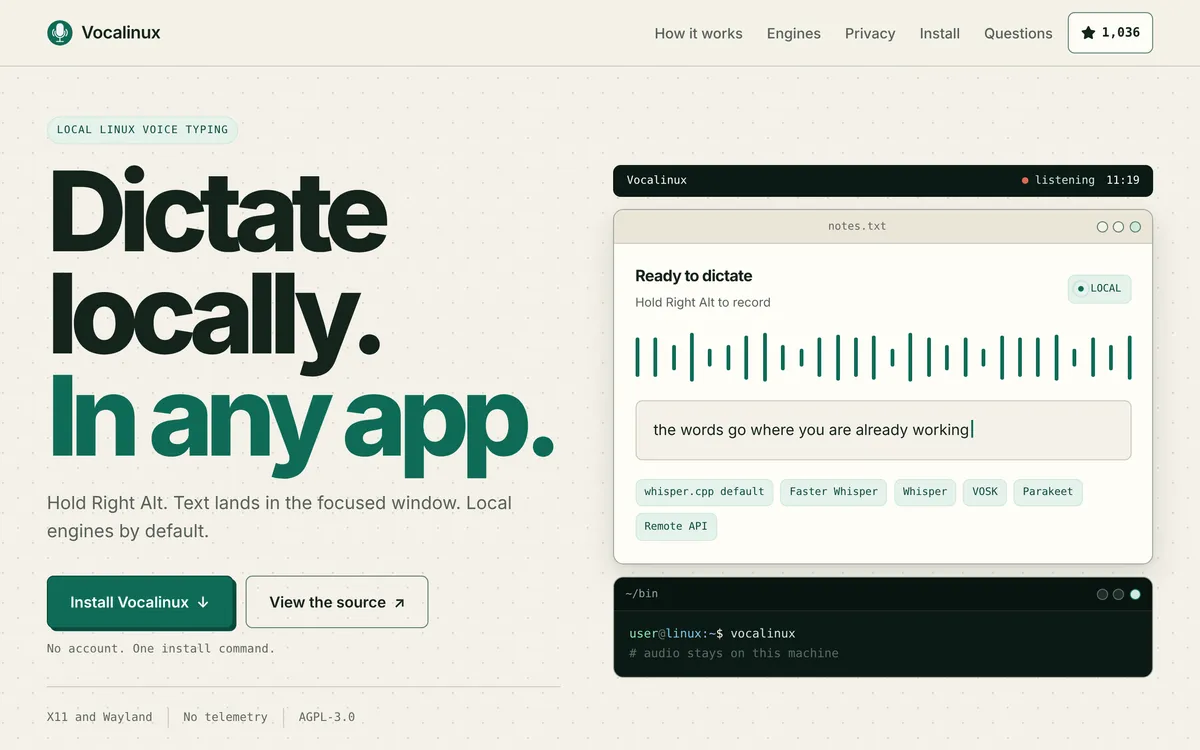 Screenshot of vocalinux.com, taken November 23, 2026.
Best for: free, offline dictation on Linux, X11 or Wayland.
Vocalinux is Linux only. Its homepage says you hold Right Alt and the text lands in the focused window, with local engines by default (whisper.cpp, Faster Whisper, Whisper, VOSK and Parakeet), on X11 and Wayland, under the AGPL-3.0 licence.
- Price: free.
- Watch out for: it has no built-in AI cleanup like Superwhisper's modes, and accuracy depends on the model your hardware can run. Install routes and Wayland setup are in Vocalinux on Linux.
8. VoiceInk
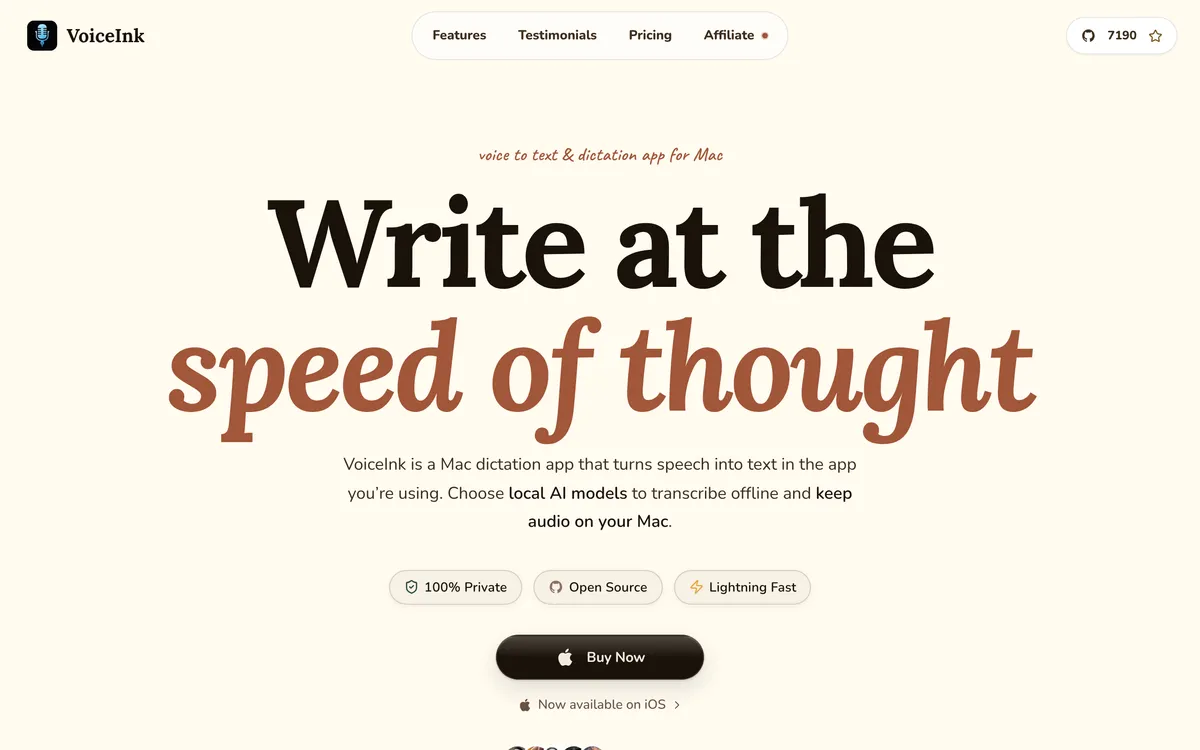 Screenshot of tryvoiceink.com, taken November 23, 2026.
Best for: Mac users who want open-source, local dictation for a one-time price.
VoiceInk transcribes on your Mac with local models, or with a cloud model you choose. Its source is GPL v3 on GitHub.
- Price: $25 for one Mac, $39 for two, $49 for three, once, with "No subscriptions" (VoiceInk pricing).
- Watch out for: it needs macOS 15 or later, and the site recommends cloud transcription on Intel Macs. The iOS app is separate. No Windows, Linux or Android version.
9. MacWhisper
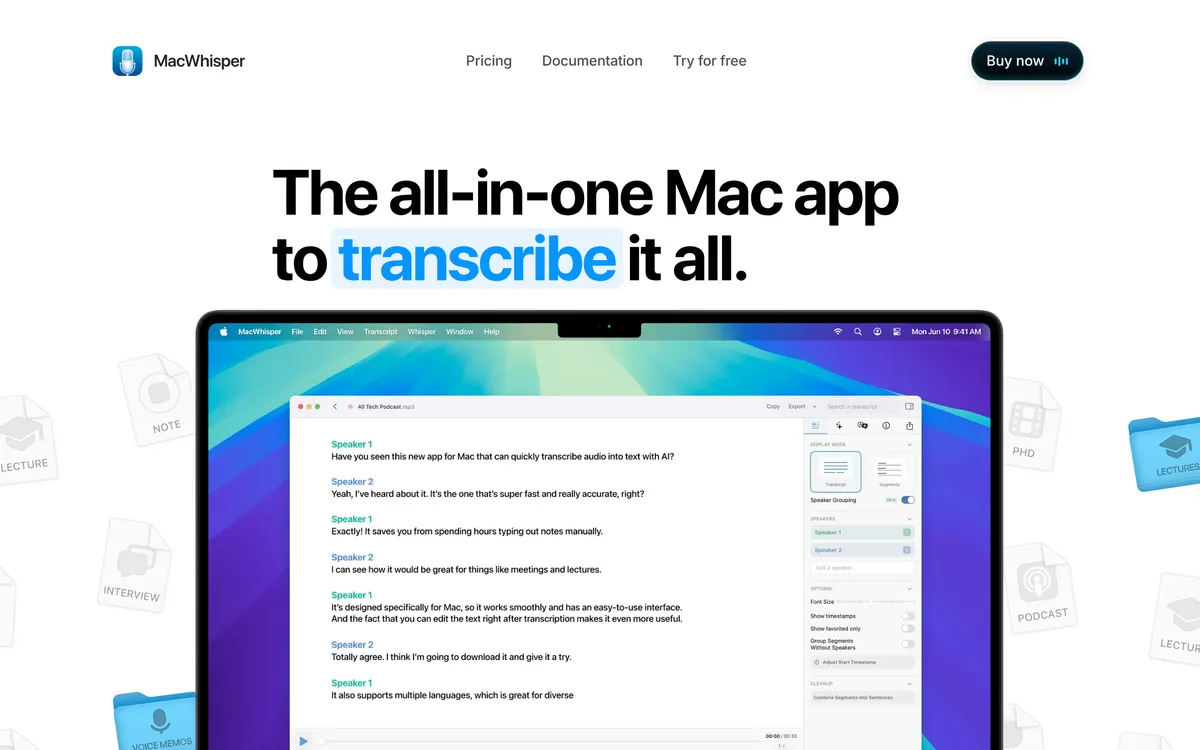 Screenshot of macwhisper.com, taken November 23, 2026.
Best for: Mac users who also transcribe audio files and meetings.
MacWhisper is mostly a transcription app, but it also offers "System wide dictation with Whisper". It processes locally by default, with optional cloud services such as ElevenLabs and Deepgram.
- Price: a free version, and Pro for €64 once with lifetime updates (the site showed euros when we checked).
- Watch out for: it's Mac only on the desktop, with a separate iPhone and iPad app.
What's a good Superwhisper alternative for Windows?
Superwhisper itself has a native Windows app for Windows 10 and 11, on both Intel/AMD and ARM64 PCs, and one licence covers it and your Mac. So the question is usually about the features its Windows guide says aren't there yet: Filesync, a custom app folder, Hold Shift to Auto-Send, Simulate Keypresses, the coding agent integrations (Claude Code, Cursor, Codex and others) and the CLI. Meetings on Windows use a Meeting mode with system audio instead.
We haven't compared the apps below on those exact features, so don't read them as a fix for that list. If one of them is a must-have, check Superwhisper's guide again before you switch: it marks Filesync as in development. Otherwise, pick a Windows app by what you need:
- Cloud and offline in one app, plus drafting by voice: Blip AI or OpenWhispr. Blip has Blip Cloud by default, on-device Whisper models on Pro, and "Hey Blip" to draft a reply; hold Ctrl + Win to talk, and the same app runs on Linux (X11 too) and Android. OpenWhispr has local models plus OpenWhispr Cloud, takes voice instructions, and is open source, but has no Android app yet.
- A cloud app: Wispr Flow, $12 a month billed annually, which is cloud only, or Aqua Voice, $10 a month billed annually, whose FAQ says offline "varies by platform, app version, and mode".
- Free and local: Spokenly's free plan, Handy and OpenWhispr, all with Windows apps and local models.
- Built in: Windows voice typing. Press Windows key + H. Microsoft's voice typing page says it uses online speech recognition, so you need to be connected to the internet.
Which Superwhisper alternative works on Linux?
Superwhisper's Linux app is official, but it needs Wayland with Hyprland, KDE Plasma or GNOME, and its list starts at Ubuntu 24.04, Linux Mint 22, Debian 13 and Fedora 40. If that's your setup, it's a fair pick, and it has ARM builds. Superwhisper for Linux covers it in detail.
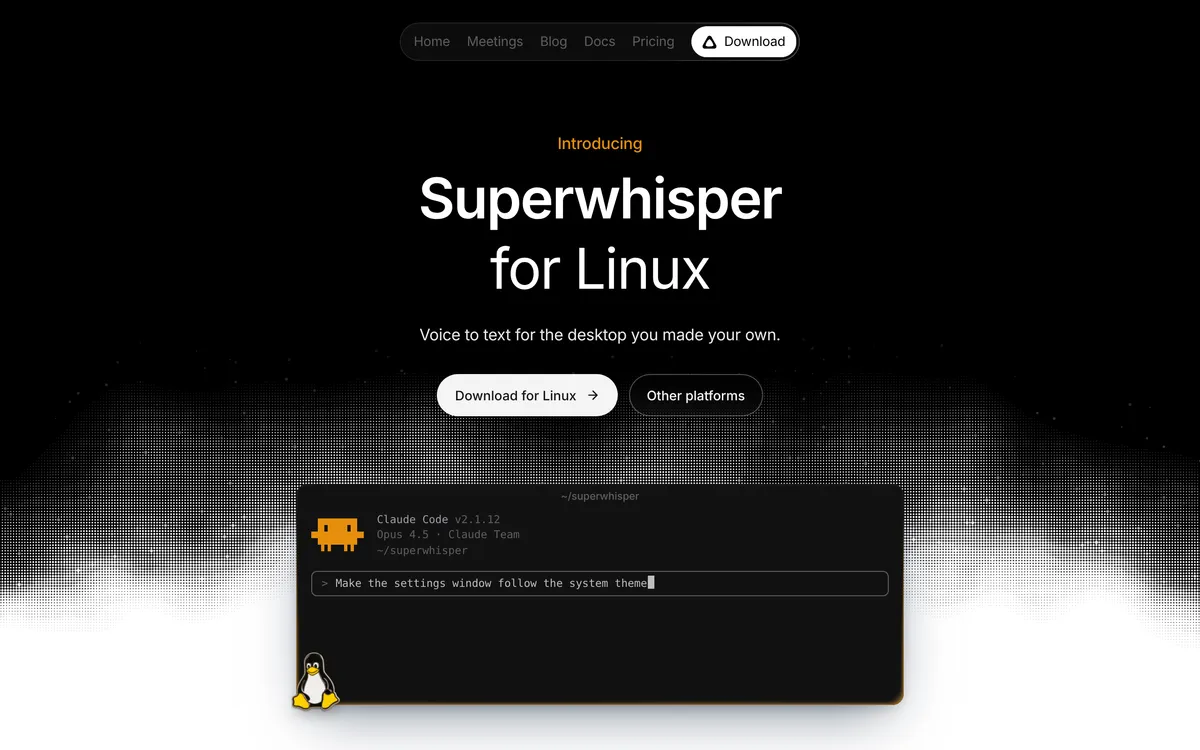 Screenshot of superwhisper.com, taken November 23, 2026.
If you're on X11 or an older release:
- Blip AI: X11 and Wayland, any modern 64-bit distro from Ubuntu 22.04 and Debian 12 up, x86-64 only. Cloud cleanup with no model to run, on-device models on Pro, and Action Mode.
- Spokenly: X11 and Wayland, x86-64 and ARM64; its AppImage lists Ubuntu 20.04+.
- OpenWhispr: X11 and Wayland, x86-64 only.
- Vocalinux: X11 and Wayland, free and offline.
- Handy: X11 with
xdotool, Wayland withwtypeordotool.
Wispr Flow has no Linux app, and Aqua Voice has no official Linux dictation app (its CLI runs on Linux for settings, history and files). For every option side by side, see the best dictation apps for Linux.
How to choose a Superwhisper alternative
Start with the reason you're leaving, because no single app beats Superwhisper on everything:
- You need Linux on X11, or Ubuntu 22.04 or Debian 12: Blip AI, our pick if you also want "Hey Blip" drafting and the same app on Mac, Windows, iPhone and Android. OpenWhispr runs on X11 and takes voice instructions too, but has no Android app yet. Spokenly if you want unlimited free local dictation. Vocalinux if you want free and open source.
- You want open source: Handy, OpenWhispr, Vocalinux (Linux) or VoiceInk (Mac).
- You want free: Handy, Vocalinux, or the free plans of Spokenly, OpenWhispr and MacWhisper. Or stay on Superwhisper's free plan, which already has unlimited local Whisper models.
- You want a cloud app on Windows: Wispr Flow, Aqua Voice or Blip AI.
- You want to pay once: VoiceInk, Spokenly Local+ or MacWhisper Pro. Superwhisper's own lifetime licence is $249.99.
- You only want to pay less: stay. Superwhisper Pro at $84.99 a year is already below Wispr Flow, Aqua Voice, Spokenly and Blip. Only OpenWhispr Pro ($80 a year), the pay-once apps and the free ones cost less.
FAQ
What is the best alternative to Superwhisper? It depends on why you're switching. Blip AI is our pick if you need Linux on X11 in the same app as Mac, Windows, iPhone and Android, with "Hey Blip" drafting. Spokenly has unlimited free local models on every platform. Handy and OpenWhispr are free and open source. Wispr Flow is a cloud-only option on Windows, Mac and phones.
Is there a free alternative to Superwhisper? Yes. Handy and Vocalinux are free and open source, Spokenly's free plan has unlimited local models with no account, OpenWhispr's free plan has unlimited local models, and MacWhisper has a free version on a Mac. Superwhisper's own free plan also has unlimited local Whisper models, without AI processing.
Is Superwhisper open source? No. Superwhisper's comparison with Handy says "The tradeoff is it's closed-source." Open-source alternatives are Handy (MIT), OpenWhispr (MIT), Vocalinux (AGPL-3.0) and VoiceInk (GPL v3).
Does Superwhisper work on Windows? Yes. Its Windows guide says it's a native app for Windows 10 and 11 on Intel/AMD and ARM64 PCs, under the same licence as the Mac. Filesync, Simulate Keypresses, the coding agent integrations and the CLI are among the features not on Windows yet.
Does Superwhisper work on Linux? Yes, on Wayland. Its Linux page says it needs Wayland with Hyprland, KDE Plasma or GNOME, plus systemd, on distros such as Ubuntu 24.04+, Debian 13+ and Fedora 40+. On X11, Blip AI, Spokenly, OpenWhispr, Vocalinux and Handy run instead.
Is Superwhisper cheaper than Wispr Flow? Yes. Superwhisper Pro is $8.49 a month or $84.99 a year (plans page). Wispr Flow Pro is $15 a month or $12 a month billed annually (Wispr pricing), which is $144 a year.
Is there a Superwhisper alternative that works offline? Spokenly, Handy, OpenWhispr, Vocalinux, VoiceInk and MacWhisper transcribe on your computer with local models. Blip AI does too with an on-device Whisper model on Pro. Wispr Flow is cloud only.
More comparisons: Wispr Flow alternatives, Willow Voice alternatives, Wispr Flow vs Superwhisper and Blip AI vs Superwhisper.