
Dragon for Mac: Discontinued in 2018, What Works Now
Dragon for Mac was discontinued in 2018, and Dragon v16 is Windows only. How Dragon Medical One runs on a Mac, Apple Dictation vs Dragon, and what to use.
Quick answer: No, you can't buy Dragon for Mac: Nuance discontinued it in 2018, and Dragon Professional v16 is Windows only. Dragon Medical One reaches a Mac as a published app, in a Windows VM or via Boot Camp on an Intel Mac. Otherwise, use free Apple Dictation, or our pick, Blip AI, for cloud and offline (Pro) dictation in one app.
We build Blip AI, a dictation app for Mac, Windows, Linux, iPhone and Android, so weigh our pick with that in mind. Dragon facts come from Nuance's and Microsoft's own pages, Apple's from support.apple.com, and each app's from its own site, all checked on 23 November 2026. We haven't run Dragon on a Mac, and where a vendor's page is silent, we say so.
Is Dragon for Mac discontinued?
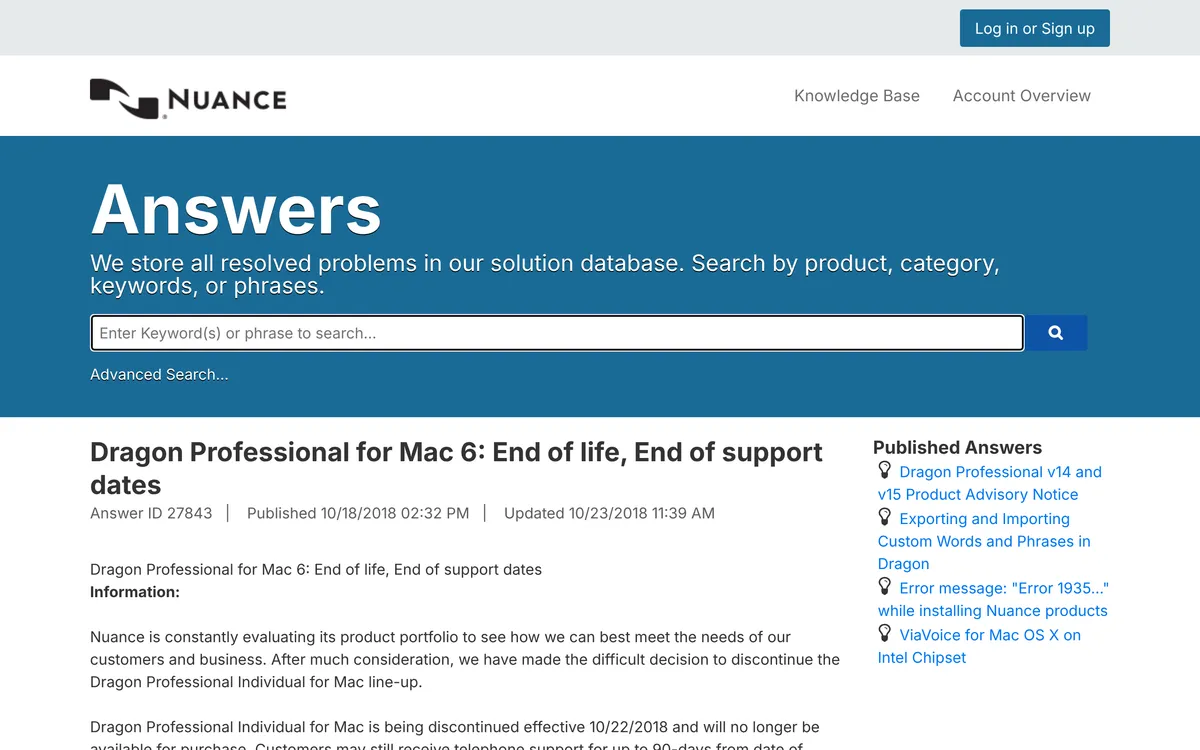
Yes. Nuance's support article Dragon Professional for Mac 6: End of life, End of support dates says Dragon Professional Individual for Mac was "discontinued effective 10/22/2018" and is no longer for sale. Nuance stopped updating it on the same day.
It was the last of several names. Nuance's upgrade FAQ for version 6 covers moving up from Dragon Dictate 4 or Dragon for Mac 5. So "Dragon Dictate for Mac" and "Dragon for Mac" are the same family, and all of it ended in 2018.
The notice told existing owners three things:
- You keep a perpetual license and may keep using the software.
- Phone support lasted up to 90 days after activation in North America, or up to 180 days in Europe, Africa, the Middle East and Asia-Pacific.
- The online Dragon knowledge base stays open.
MacRumors, reporting the news on 24 October 2018, added that Dragon Medical for Mac had been discontinued that August. We couldn't find Nuance's own notice for that product, so treat it as a press report.
 Screenshot of nuance.custhelp.com, taken November 23, 2026.
Can you still use an old copy of Dragon for Mac?
If it's installed and it runs, the license lets you keep using it. But it hasn't been updated since October 2018, and we found no Nuance page about running it on a current macOS or an Apple silicon Mac. If a macOS update breaks it, no fix is coming.
What Dragon does Nuance sell today?
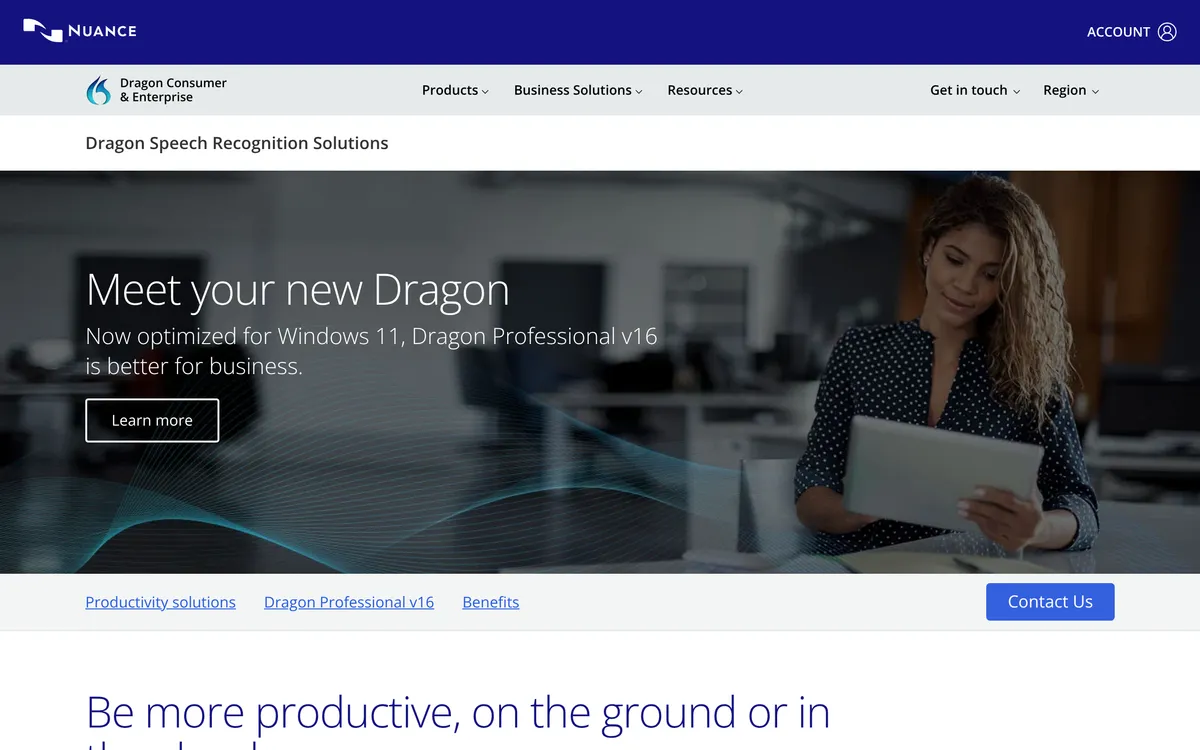
Nuance's Dragon lineup page has no Mac version. Here's what it lists:
- Dragon Professional v16, Dragon Legal v16 and Dragon Law Enforcement v16: installed on Windows. The page says Dragon Professional v16 is "optimized for Windows 11 and backwards‑compatible with Windows 10".
- Dragon Professional Anywhere and Dragon Legal Anywhere: cloud-hosted versions for organizations. The page calls Dragon Professional Anywhere "our Windows client".
- Dragon Anywhere Mobile: an app for phones and tablets. Its page says "Available on Android and iOS (US & Canada)" and lists iPhone, iPod touch and iPad models. It doesn't mention the Mac.
None of these pages shows a price. Dragon Professional's page is headed "Dragon Professional (Windows)" and has "Contact us" buttons instead.
 Screenshot of dragon.nuance.com, taken November 23, 2026.
Does Dragon Medical One work on a Mac?
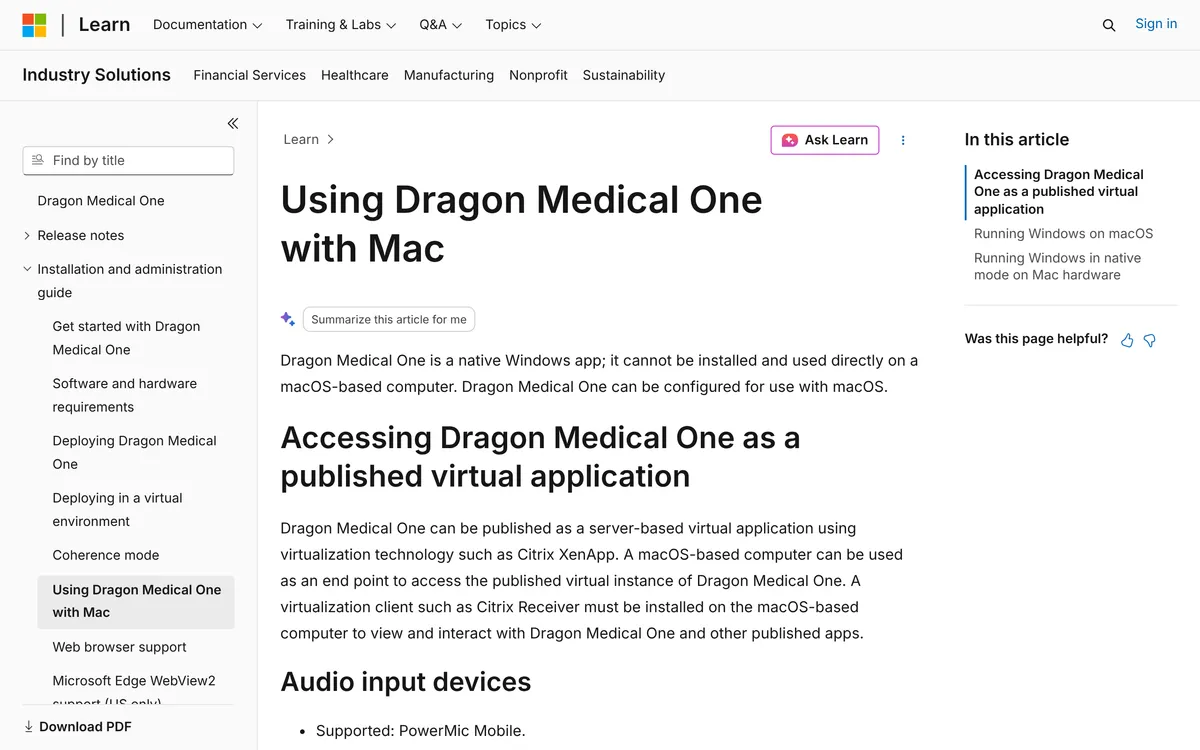
Not directly. Microsoft's page Using Dragon Medical One with Mac says: "Dragon Medical One is a native Windows app; it cannot be installed and used directly on a macOS-based computer." Its system requirements list Windows 10, Windows 11 and Windows Server.
The same page gives three ways to use it with a Mac:
| Route | How it works | Microphones | The catch |
|---|---|---|---|
| Published app | Your organization runs Dragon Medical One on a server (Microsoft's example is Citrix XenApp). Your Mac connects with a client app, for example Citrix Receiver | PowerMic Mobile only. PowerMic II, III and 4, other mics and headsets aren't supported | Your organization has to set it up |
| Windows VM | Windows runs in Parallels Desktop or VMware Fusion, with Dragon Medical One installed inside | The VM has to pass your microphone through to Windows | "Dictation at the cursor isn't supported in native macOS apps" |
| Boot Camp | Windows runs in "native mode" on the Mac's hardware, with no VM | No extra limits for PowerMic Mobile | Boot Camp needs an Intel-based Mac |
In a VM, Microsoft says dictating into the Dictation Box and moving the text to a Mac app "might be possible" but "isn't officially supported by Nuance". Apple's Boot Camp page covers Windows 10 on Intel-based Macs, and Microsoft ended Windows 10 support on October 14, 2025. Our read: on an Apple silicon Mac, the published app is the route to ask your IT team about.
Microsoft also invites Dragon Medical One customers to move to Dragon Copilot, which it says physicians can use "via web browser, mobile app, desktop application" or inside EHRs. It doesn't name macOS, so ask your Microsoft contact.
 Screenshot of learn.microsoft.com, taken November 23, 2026.
Can you run Dragon Professional on a Mac with Parallels or Boot Camp?
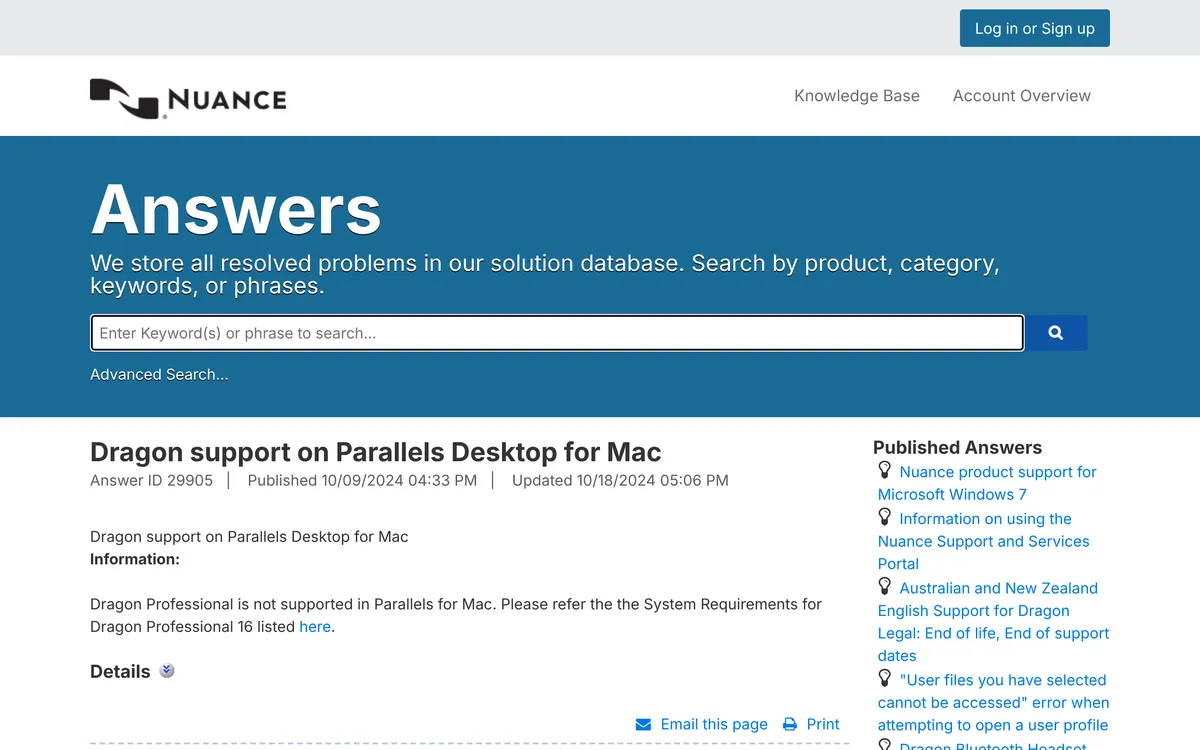
Not with Nuance's support. A Nuance support article, Dragon support on Parallels Desktop for Mac (updated October 2024), says it plainly: "Dragon Professional is not supported in Parallels for Mac." It points to the v16 system requirements. The Dragon Professional 16.1 release notes list Windows 10, Windows 11 and Windows Server 2016 to 2022. Apart from a Citrix known issue, they don't mention virtual machines, Macs or Arm processors.
Three more things to know before you try:
- Macs with M1, M2 and M3 chips run the Arm version of Windows. Microsoft's page on Windows 11 for those Macs says Parallels runs "Arm versions of Windows 11 Pro and Windows 11 Enterprise". Dragon's release notes don't say whether v16 supports Windows on Arm.
- Boot Camp means Windows 10 on an Intel Mac, per Apple. Windows 10 support has ended, though eligible personal PCs can get Extended Security Updates through October 12, 2027, per Microsoft. The Nuance pages we read don't mention Boot Camp.
- AirPods won't work as Dragon's microphone. The 16.1 release notes say "Dragon does not support dictation using Apple AirPods."
Our take: a Windows VM is a way to keep a Dragon license you already own, not a setup Nuance will help you fix. Microsoft says Dragon Medical One in a VM can't dictate at the cursor in Mac apps, and we'd expect the same of Dragon Professional (our inference; Nuance doesn't say).
 Screenshot of nuance.custhelp.com, taken November 23, 2026.
Apple Dictation vs Dragon: which is better on a Mac?
macOS has two free, built-in voice tools. Dictation types what you say. Voice Control also runs the Mac by voice, so it's the closer match to Dragon. We haven't tested any of them for accuracy, so this compares features, not how well each one hears you.
| Apple Dictation | Apple Voice Control | Dragon Professional v16 | Dragon Medical One | |
|---|---|---|---|---|
| On a Mac | Built in | Built in | No: Windows only, and not supported in Parallels | Through a published app, a Windows VM or Boot Camp |
| Cost | Free | Free | No price on Nuance's page ("Contact us") | No price on Microsoft's page |
| Offline | Apple's guide doesn't say. Keyboard settings show whether general dictation is processed on your Mac | Yes, after a one-time download | Installed on the PC; the data sheet lists internet for download and activation | Not stated on the pages we read |
| Custom vocabulary | Not in Apple's Dictation guide | Up to 1,000 terms in supported languages, typed or imported from a text file | Custom words and word lists | Yes, "custom vocabulary" |
| Voice commands | Punctuation, "new line", "new paragraph", emoji names | Navigate, interact with the screen, dictate and edit text, plus commands you create | Custom voice commands and macros | Commands "to help automate keystrokes and computer actions" |
| Medical or legal words | Not described | Add your own; Apple's example is "hemianopsia" | Legal vocabulary is in a separate edition, Dragon Legal v16 (Windows) | Choose your specialty from a list |
Sources, checked 23 November 2026: Apple's Dictation guide and Voice Control pages (setup, commands, vocabulary, custom commands); Nuance's v16 data sheet and Dragon Legal page; Microsoft's Introduction to Dragon Medical One.
So which is better?
- To dictate a note or a message: Apple Dictation, free and already there. With Apple Intelligence in macOS 27, Apple says it "uses an on-device model to improve spelling, punctuation, and capitalization", in English on Macs with M3 or later and at least 12GB of unified memory. Apple also says you can dictate "text of any length", but it stops "when no speech is detected for 30 seconds". Steps are in speech to text on Mac.
- To run the Mac by voice: Voice Control. It's the nearest thing to Dragon's commands on a Mac, and it takes your own vocabulary. While it's on, Apple says "standard macOS Dictation isn't available", so you dictate through Voice Control.
- For macros, Dragon Legal's vocabulary or a hospital's Dragon setup: Dragon, on Windows. On a Mac, that means one of the Windows routes above.
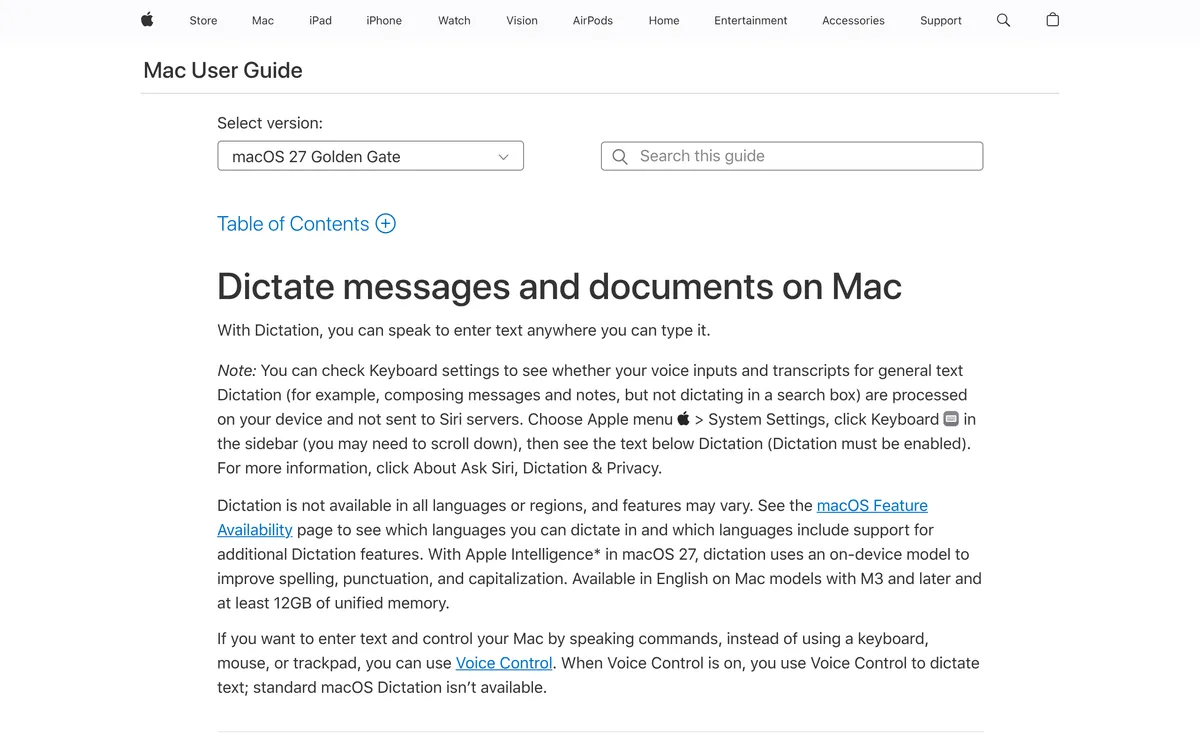 Screenshot of support.apple.com, taken November 23, 2026.
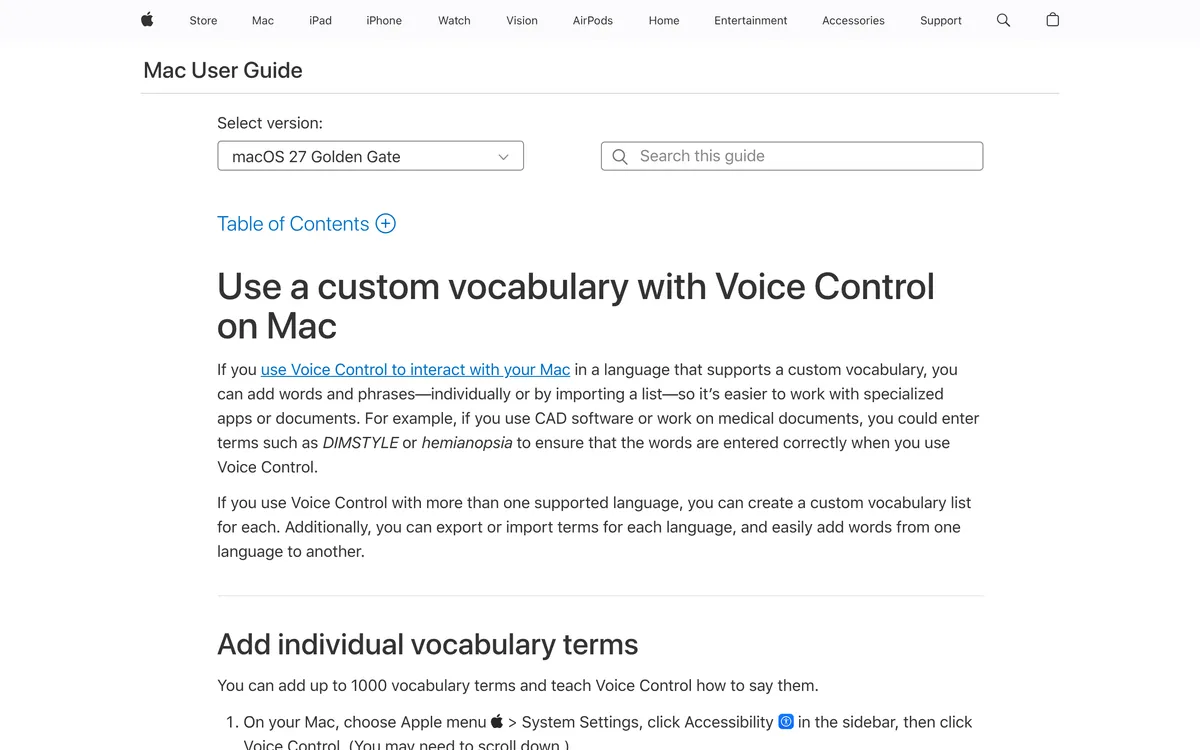 Screenshot of support.apple.com, taken November 23, 2026.
What do Mac users use instead of Dragon?
If you used Dragon to write, a dictation app that types into any Mac app is the closer replacement. To click and navigate by voice, use Voice Control (above).
How we picked: each app has a current Mac version on its own site and types into other apps. Our pick is for people who want cloud and offline dictation in one app, on their Mac and their Windows and Linux computers. Superwhisper meets that too, and costs less; Blip AI is first only because its Linux app also runs on X11, where Superwhisper needs Wayland. The rest are in alphabetical order. Prices and platforms were checked on each vendor's own site on 23 November 2026.
| App | Runs on | Where speech is processed | Your own words | Price | Free option |
|---|---|---|---|---|---|
| Blip AI | Mac (macOS 11+), Windows, Linux, iPhone, Android | Blip Cloud by default; on-device models on Pro | Dictionary | Pro $15/mo, or $12/mo billed yearly | 2,000 words a month |
| MacWhisper | Mac; an iOS app for files and voice memos | Local by default; remote models optional | Not listed on its homepage | Pro €64 once | Free version |
| Superwhisper | Mac, Windows, iOS, Android, Linux | Local or cloud | Custom words | Pro $8.49/mo, $84.99/yr or $249.99 lifetime | Free tier with Whisper models |
| VoiceInk | Mac (macOS 15+), iOS | Local or cloud models | Dictionary | $25 once for one Mac | Free trial |
| Wispr Flow | Mac, Windows, iPhone, Android | Cloud only | Dictionary | Pro $15/user/mo, or $12 billed annually | Limited words per week |
Blip AI: our pick for cloud and offline dictation on Mac, Windows and Linux
Blip AI is the app we build. Hold Fn, speak and let go, and Blip types polished text into any app with a text field. It removes filler words and fixes punctuation and formatting. Add Space (Fn + Space) to keep talking hands-free. On Blip Cloud, text appears about 700 ms after you stop speaking, faster than Wispr Flow and Superwhisper in our tests.
You can add names, products and jargon to Blip's dictionary. Start with "Hey Blip" and describe the reply you want, and Action Mode drafts the email or Slack message. Superwhisper has AI modes for messages and email too.
Why we pick it:
- Cloud and offline in one app. Blip Cloud is the default. On Pro, you can download an on-device Whisper model that transcribes and cleans up text offline on your Mac. Wispr Flow says its transcription "always occurs on the cloud". Superwhisper, MacWhisper and VoiceInk offer local and cloud models too.
- The same app on your other computers, X11 Linux included. Blip also runs on Windows, Linux, iPhone and Android, and its Linux AppImage works on X11 as well as Wayland (x86-64 only). Superwhisper also covers Mac, Windows, iPhone, Android and Linux, but its Linux page says it "Needs Wayland (Hyprland, KDE Plasma or GNOME) and systemd". MacWhisper's and VoiceInk's sites list Mac and iOS only, and Wispr Flow's pricing page lists no Linux app.
Blip runs on macOS 11 or later, on Apple silicon and Intel Macs. The free plan is 2,000 words a month. Pro is $15 a month, or $12 a month billed yearly, and every paid plan has a 7-day free trial. Your history is stored on your device, not on Blip's servers.
Where Blip AI isn't the fit: it's built for typing and drafting text, so to click and navigate by voice, Voice Control is the tool. It isn't HIPAA compliant (next section). Superwhisper is the better buy on price and on ARM Linux (below), and VoiceInk and MacWhisper are pay once. Our Dragon alternative page compares Blip and Dragon on Windows too.

MacWhisper: if you also transcribe recordings
MacWhisper calls itself "the all-in-one Mac app to transcribe it all": files, meetings and dictation, which "lets you use your voice in any app". Its FAQ says transcription happens "locally on your device when using the default local models", and its homepage says you can switch to models hosted remotely. The FAQ says it runs on Intel Macs but "performance may vary", that builds for Monterey and Ventura stay available from your purchase page, and that the iOS version focuses on files and voice memos.
The free version includes system-wide dictation, and Pro is €64 once, with lifetime updates. Pick MacWhisper if you used Dragon to transcribe recordings too; Nuance's data sheet says Dragon v16 transcribes recordings of "another single speaker".
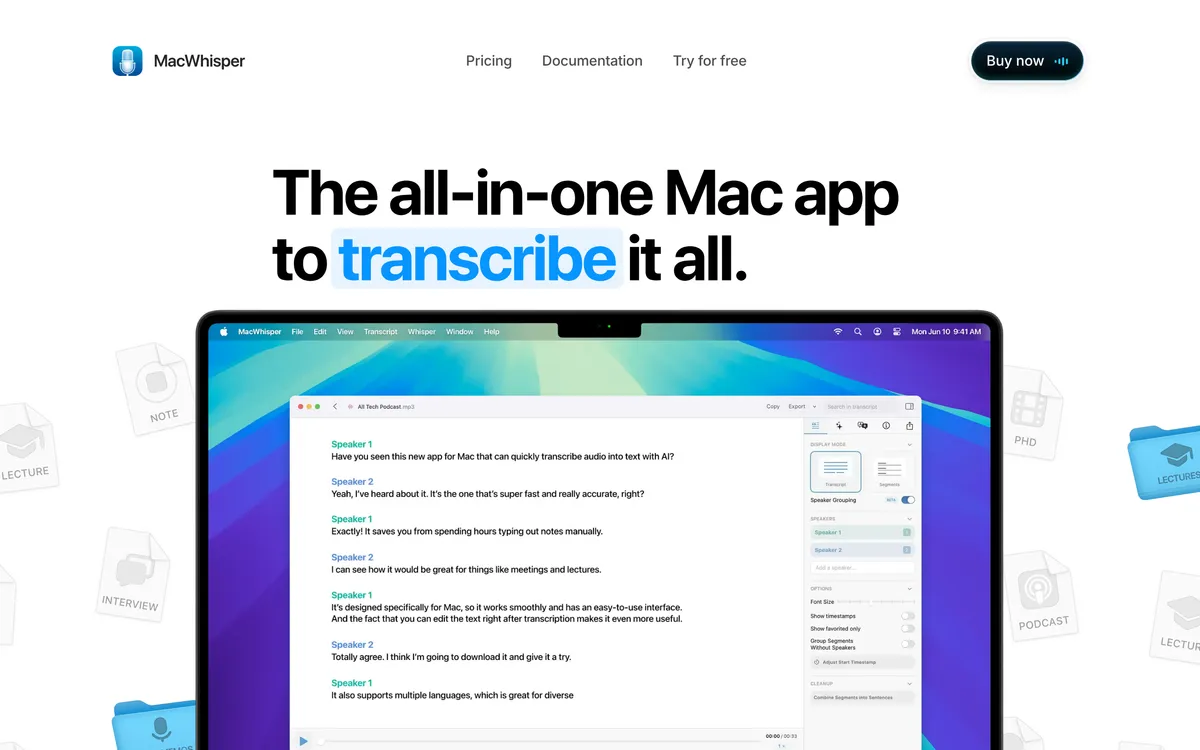 Screenshot of macwhisper.com, taken November 23, 2026.
Superwhisper: local or cloud, for less
Superwhisper lists Mac, Windows, iOS and Android, plus a Linux version. Its homepage says it "works offline", and the free tier includes "Unlimited use of Whisper models". Its FAQ says "Intel Macs work best with Cloud models" and offline models "only run really well on Apple Silicon macs". You can "Enter names, abbreviations, and specialized terms once". Its homepage also lists "Predefined modes" (Voice, Message, Email) and a "Super Mode" that "adapts to your screen". Its Linux version lists "x86-64 and ARM builds" and needs Wayland.
Pro is $8.49 a month, $84.99 a year or $249.99 for life, less than Blip Pro. Superwhisper meets the same cloud-and-offline test as Blip AI. Pick it instead if price matters most or your Linux machine is ARM; on the Wayland desktops it supports, it's a fair pick too.
 Screenshot of superwhisper.com, taken November 23, 2026.
VoiceInk: pay once, Mac first
VoiceInk is a dictation app for the Mac that "requires macOS 15 or later". With a local model it "transcribes audio on your Mac"; with a cloud model, "your audio goes to that provider". Its FAQ says "Local models work best on Apple Silicon", and for Intel Macs it recommends cloud transcription. It has a dictionary for your own words, an iOS app, and its code is "built in public on GitHub".
The pricing page lists $25 for one Mac, $39 for two and $49 for three, paid once, with a free trial. Pick VoiceInk if you only need a Mac on a recent macOS and want to pay once.
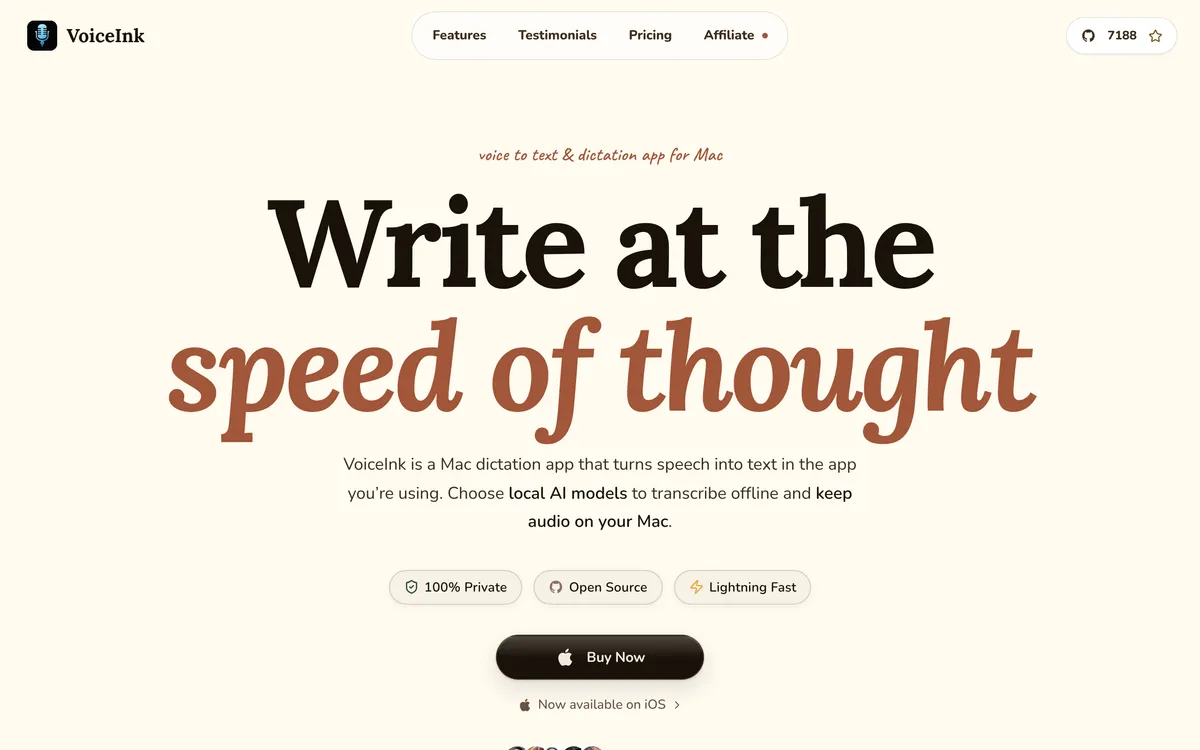 Screenshot of tryvoiceink.com, taken November 23, 2026.
Wispr Flow: cloud dictation, with a BAA for teams
Wispr Flow says it "types wherever your cursor is" and lists Mac, Windows, iPhone and Android on its pricing page. Its data controls page says "Transcription always occurs on the cloud". The free plan has "Limited words per week". Pro is $15 per user a month, or $12 billed annually. Growth is $23 per user a month, or $18 billed annually, and its pricing page offers "HIPAA-ready dictation and Notetaker with a signed BAA on Growth and Enterprise".
Pick Wispr Flow if cloud-only is fine and your team needs a BAA. More in Wispr Flow alternatives.
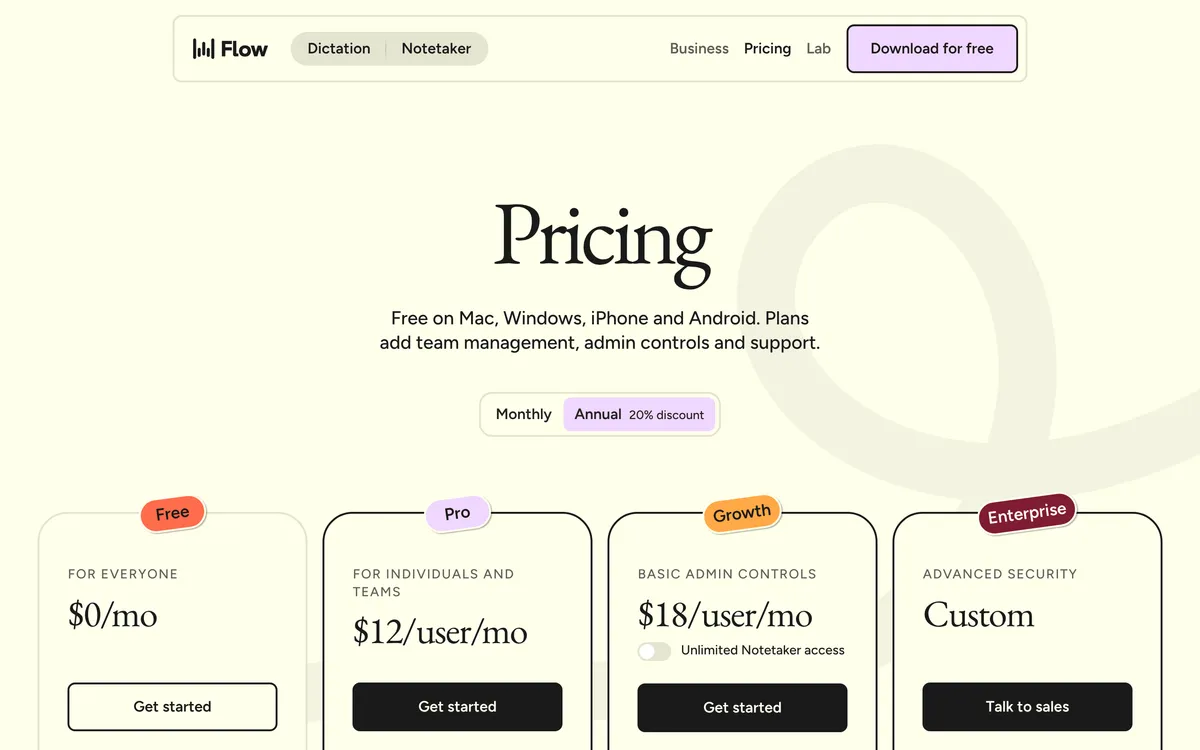 Screenshot of wisprflow.ai, taken November 23, 2026.
If keeping audio on your Mac matters most, see offline dictation apps.
What should doctors and lawyers use on a Mac?
Clinicians: Blip AI is not HIPAA compliant and has no BAA, so don't use it for patient information. If your organization licenses Dragon Medical One, ask IT for one of Microsoft's three Mac routes above. If you want a Mac dictation app with a BAA, two vendors in this post offer one:
- Wispr Flow's pricing page offers "a signed BAA on Growth and Enterprise".
- Superwhisper's enterprise page says a BAA "is available on request", and its compliance docs offer "Self-serve signing" for it. They also say that with local-only models "No audio or transcripts leave the device" and no BAA with Superwhisper is required.
We didn't find a BAA on the MacWhisper and VoiceInk pages we read. Ask your compliance team before dictating patient details.
Lawyers: Dragon Legal v16 has "a built-in legal vocabulary trained on more than 400 million words from legal documents", per Nuance's Dragon Legal page, but it runs on Windows. On a Mac without Windows, you add your terms yourself: Voice Control takes up to 1,000 in supported languages, and Blip AI, Superwhisper, VoiceInk and Wispr Flow have their own dictionaries. We haven't compared any of them with Dragon Legal.
Which should you pick instead of Dragon for Mac?
- You dictate the odd note or message: Apple Dictation. Free and built in.
- You control the Mac by voice: Voice Control, also free.
- You need Dragon itself (macros, Dragon Legal, a hospital setup): Dragon on a Windows PC, or your organization's published Dragon Medical One.
- You want cloud and offline dictation in one app, on your Mac and your other computers: Blip AI, our pick (offline on Pro), or Superwhisper, which meets the same need for less. Blip's Linux app also runs on X11; Superwhisper's needs Wayland.
- You want it cheaper, or to pay once: Superwhisper ($8.49 a month), VoiceInk ($25 once) or MacWhisper (€64 once).
- You want free dictation that works offline: Voice Control after its one-time download, Superwhisper's free Whisper models or MacWhisper's free version.
- You also transcribe recordings: MacWhisper.
On Linux instead? Dragon NaturallySpeaking on Linux covers that.
FAQ
Is Dragon for Mac discontinued? Yes. Nuance discontinued Dragon Professional Individual for Mac effective 22 October 2018 and stopped updating it that day. Owners keep a perpetual license. Nuance's current Dragon lineup has no Mac version.
Does Dragon Dictate still work on a Mac? Dragon Dictate was an earlier name for the same Mac line, which ended in October 2018. Your license lets you keep using a copy that still runs, but it gets no updates. We found no Nuance page about running it on a current macOS.
Does Dragon Medical One work on a Mac? Not directly. Microsoft says Dragon Medical One "is a native Windows app" that can't be installed on a Mac. A Mac can use it as a published app (Microsoft's example is Citrix), in a Windows VM (where dictation at the cursor doesn't reach Mac apps), or through Boot Camp on an Intel Mac.
Can you run Dragon Professional in Parallels on a MacBook? Nuance says "Dragon Professional is not supported in Parallels for Mac." On Macs with M1, M2 and M3 chips, Parallels runs Arm versions of Windows 11, per Microsoft, and Dragon's release notes don't mention Arm.
Is Apple Dictation as good as Dragon? For short notes, Apple Dictation is free and built in. Dragon has custom voice commands, macros and, in Dragon Legal, a legal vocabulary, but only on Windows. On a Mac, Apple's Voice Control is the closer match: it runs the Mac by voice and takes up to 1,000 custom vocabulary terms. We haven't compared their accuracy.
Does Dragon Anywhere work on a Mac? Nuance's Dragon Anywhere Mobile page lists Android and iOS phones and tablets, available in the US and Canada. It doesn't list the Mac.
What is the best Dragon alternative for Mac? For voice control, Apple's Voice Control. For cloud and offline dictation in one app, we recommend Blip AI (offline on Pro). Superwhisper meets the same need and costs less; Blip AI's Linux app also runs on X11, where Superwhisper needs Wayland. VoiceInk and MacWhisper are pay once.
Is Blip AI HIPAA compliant? No. Blip AI isn't HIPAA compliant and has no BAA. Clinicians should use Dragon Medical One through their organization, or a tool whose vendor signs a BAA, such as Wispr Flow's Growth and Enterprise plans or Superwhisper's BAA, on request or self-serve.