
Best Dictation Software for Windows 10 and 11 (2026)
Dictation software for Windows compared: Win + H, Voice Access, Dragon and 9 apps, with price, offline use and free plan for each. Prices checked 25 Nov 2026.
Quick answer: Start free: Win + H voice typing (needs internet) and Voice Access (offline, Windows 11 22H2 or later). Handy is a free offline app. Dragon suits voice commands. Wispr Flow is cloud only. We recommend Blip AI for cloud and on-device dictation plus meeting notes on Windows, in one app that also runs on Linux and Android.
We build Blip AI, so read our picks with that in mind. This isn't a hands-on test of every app. We read each vendor's own pages on November 25, 2026, and every price, platform and offline claim below links the page it came from. If the free tools in Windows already do what you need, we'll say so.
How we picked
A dictation app for Windows has to type where your cursor is, in any program: Outlook, Word, Slack, a browser, a code editor. We left out tools that only transcribe audio files. Then we compared each one on five things:
- Price and what the free plan really gives you.
- Where the speech is processed: in the cloud, on your PC, or both. On-device models work offline.
- Cleanup: whether it removes filler words and fixes punctuation, or types word for word.
- Windows support: Windows 10, Windows 11, and Windows on ARM where the vendor says.
- Other devices: whether the same app runs on your Mac, Linux machine or phone.
For every app in one list, see our best dictation software roundup. The two built-in tools come first because they're free and already on your PC. The apps after them are in alphabetical order, not ranked, because the right one depends on what you need. The "Which one should you pick" section at the end gives our picks.
The best dictation software for Windows at a glance
Prices are the lowest yearly rate per month unless noted, checked November 25, 2026. Each name links the page the row came from.
| Software | Price | Free plan | Processing | Also runs on |
|---|---|---|---|---|
| Windows voice typing (Win + H) | Built in | Free | Online (Azure Speech) | Windows 10 and 11 |
| Voice Access | Built in | Free | On your PC, works offline | Windows 11 22H2 and later only |
| Aqua Voice | $10/mo, or $12 monthly | 2,000 words and 3 meetings | Cloud (see the offline note) | Mac, iPhone, Android |
| Blip AI | $12/mo, or $15 monthly | 2,000 words and 5 meetings a month | Cloud by default; on-device models on Pro | Mac, Linux, iPhone, Android |
| Dragon Professional v16 | Contact sales | None listed | Installed on your PC | Windows (installed editions) |
| Handy | Free, open source | Everything | On your PC, offline | Mac, Linux |
| OpenWhispr | $6.67/mo, or $8 monthly | 2,000 cloud words a week; local models unlimited | Local or cloud | Mac, Linux, iPhone (on Pro) |
| Spokenly | $12/mo, or $15 monthly; $39 once for Local+ | Unlimited with local models | Local or cloud | Mac, Linux, iPhone, Android |
| Superwhisper | $84.99/yr, $8.49 monthly or $249.99 once | Unlimited Whisper models | Local or cloud | Mac, iPhone, Android, Linux (Wayland only) |
| Typeless | $12/mo, or $30 monthly | Limited words | Cloud | Mac, Linux, iPhone, Android |
| Willow Voice | $12/mo, or $15 monthly | Unlimited on its smaller model | Cloud on Windows | Mac, iPhone |
| Wispr Flow | $12/mo, or $15 monthly | Limited words per week | Cloud only | Mac, iPhone, Android |
Windows voice typing (Win + H): free, but online
Best for: quick dictation with nothing to install.
Click into any text box and press Windows key + H. Microsoft's voice typing guide says it uses "online speech recognition, which is powered by Azure Speech services", so you need an internet connection and a working microphone. It's on Windows 11 and Windows 10. On Windows 10 the same page calls it dictation and says its voice commands work in US English only.
Turn on Automatic punctuation in its settings, or you'll say every comma out loud. On a Copilot+ PC, voice typing also gets Fluid dictation. Microsoft's page says it "automatically corrects grammar, punctuation, and filler words as you speak", using small language models that run on the PC. It's for Copilot+ PCs only, in English, and on by default.
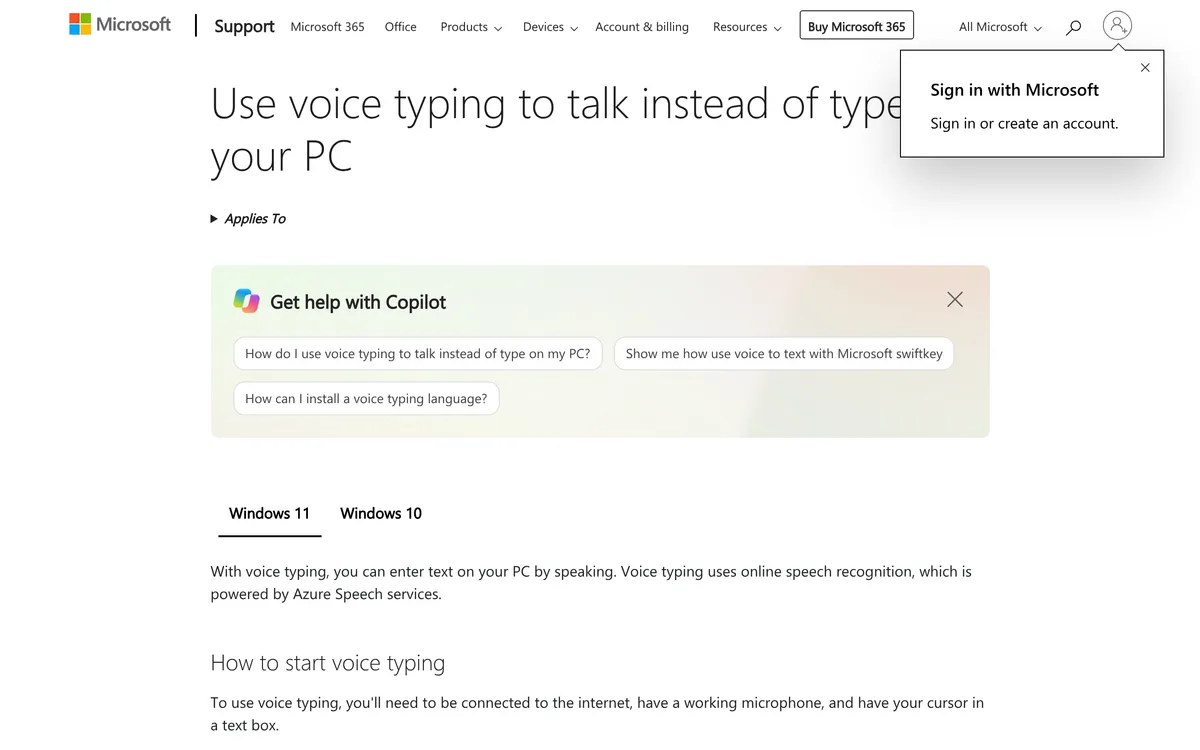 Screenshot of support.microsoft.com, taken November 25, 2026.
Our Windows voice typing guide has the steps, the settings and the full command list.
Voice Access: the built-in way to dictate offline
Best for: offline dictation and running the whole PC by voice, on Windows 11.
Voice Access is the bigger tool. Microsoft's getting started page says it lets you control your PC and write text by voice "without an internet connection", on Windows 11 version 22H2 and later. It isn't on Windows 10.
Turn it on in Settings > Accessibility > Speech. The setup page says the first setup needs internet to download the speech files, and it lists 15 languages and dialects. Say "Dictation mode" when you only want text and no commands.
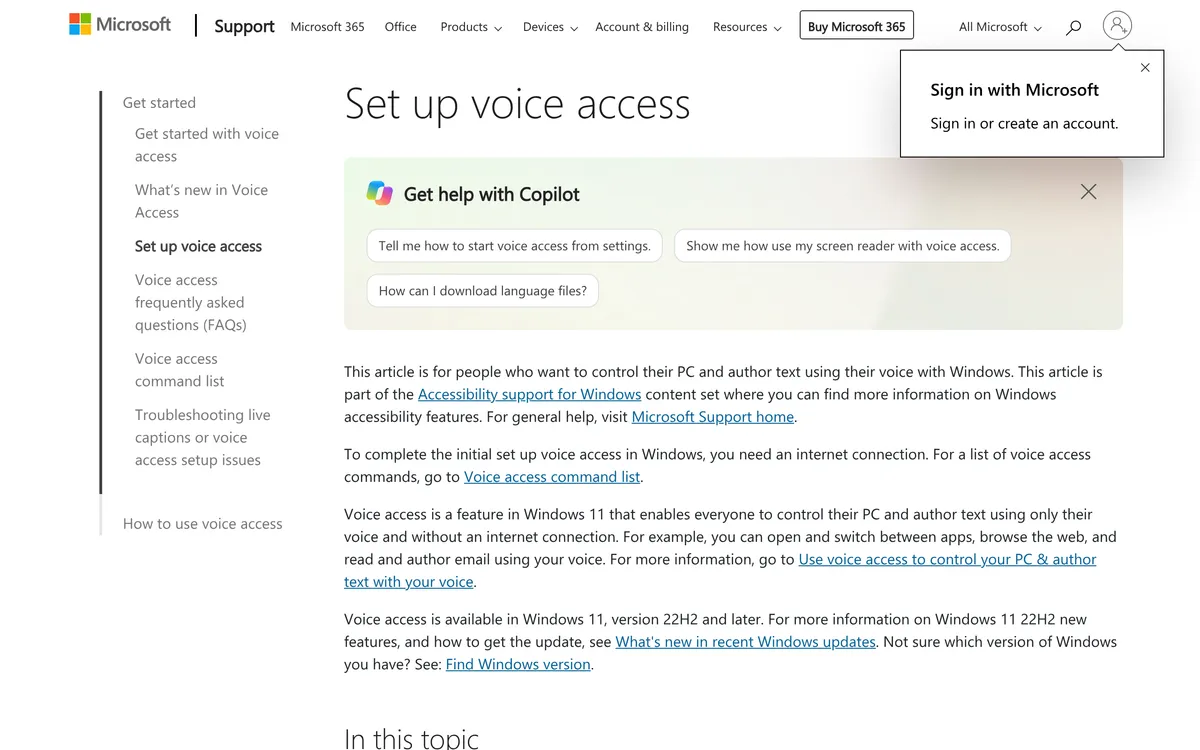 Screenshot of support.microsoft.com, taken November 25, 2026.
Voice Access types what you say, and so does Win + H unless you have a Copilot+ PC. If you want an app to tidy your sentences, or you're on Windows 10 and need offline, read on.
Aqua Voice
Best for: cloud dictation with custom instructions on Mac and Windows.
Aqua Voice runs on Windows 10 and 11, Mac, iPhone and Android, per its download page. Its pricing page shows Pro at $10 a month billed yearly or $12 monthly, and Max at $19 or $24. Pro lists custom instructions and a personal dictionary. Max adds Realtime Mode and voice commands. On the free plan you get 2,000 words and 3 Notetaker meetings before you need to pay. Its Windows page says Aqua removes filler words.
On offline use, Aqua's pages disagree. The download page says "there is no offline mode", while its FAQ says offline availability "varies by platform, app version, and mode". Plan on needing internet.
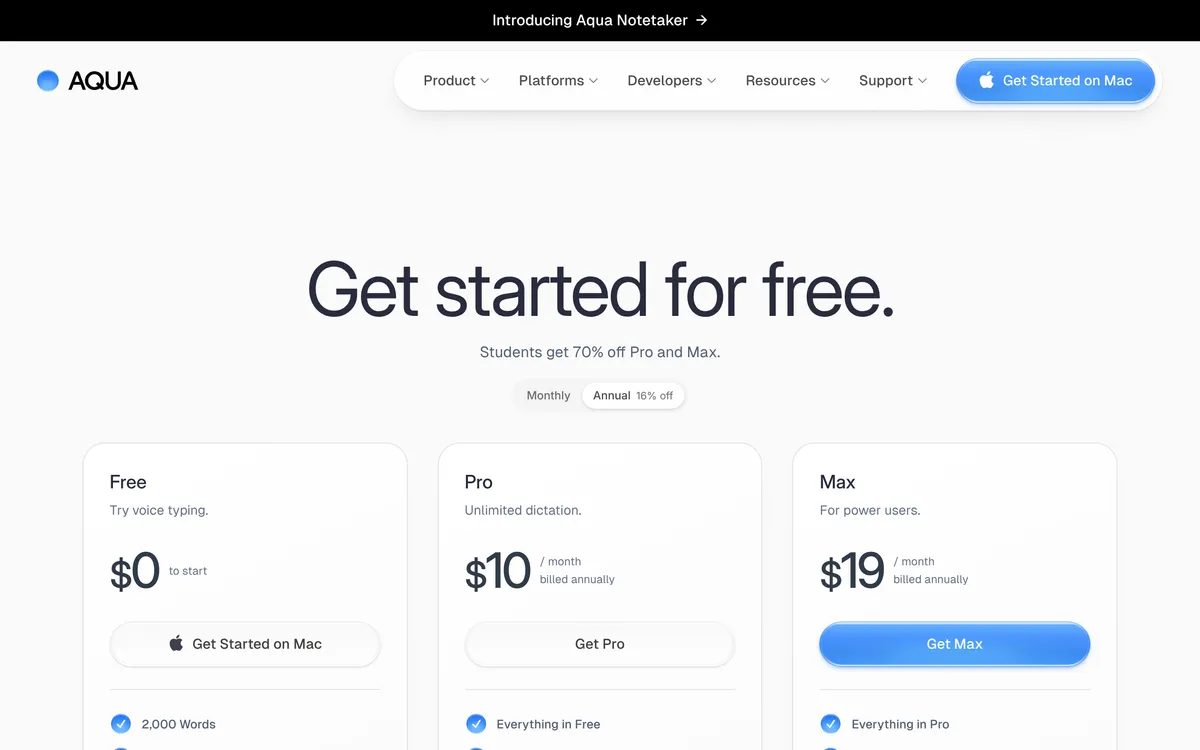 Screenshot of aquavoice.com, taken November 25, 2026.
Blip AI
Best for: cloud and on-device dictation plus a meeting notetaker on Windows, in an app that also runs on Linux and Android.
This is our app, so treat this section as our own description. Blip AI runs on Windows 10 and 11. Hold Ctrl + Win, speak and let go, and the text appears in whatever app your cursor is in. Add Space (Ctrl + Win + Space) for hands-free mode. Both shortcuts can be changed. Blip removes filler words and fixes punctuation. Start with "Hey Blip" and describe a reply, and Action Mode drafts the email or Slack message instead of typing your words.
Blip Cloud is the default, so your audio is sent to Blip Cloud to be transcribed. On Pro, you can download on-device Whisper models that transcribe on your PC with no internet. Your history is stored on your device, not on Blip's servers. Since version 0.5.10, Blip also has a Meetings notetaker on Windows: press Win + Alt + M. No bot joins the call: the meeting audio is transcribed on your computer, and only the text transcript is sent to write the notes.
The free plan is 2,000 words a month. Pro is $15 a month, or $12 a month billed yearly, with a 7-day free trial. Until December 2, 2026 (11:59 PM Pacific), the Black Friday deal takes 50% off every bill. The same app runs on Mac, Linux, iPhone and Android. The Windows download is an x64 installer.
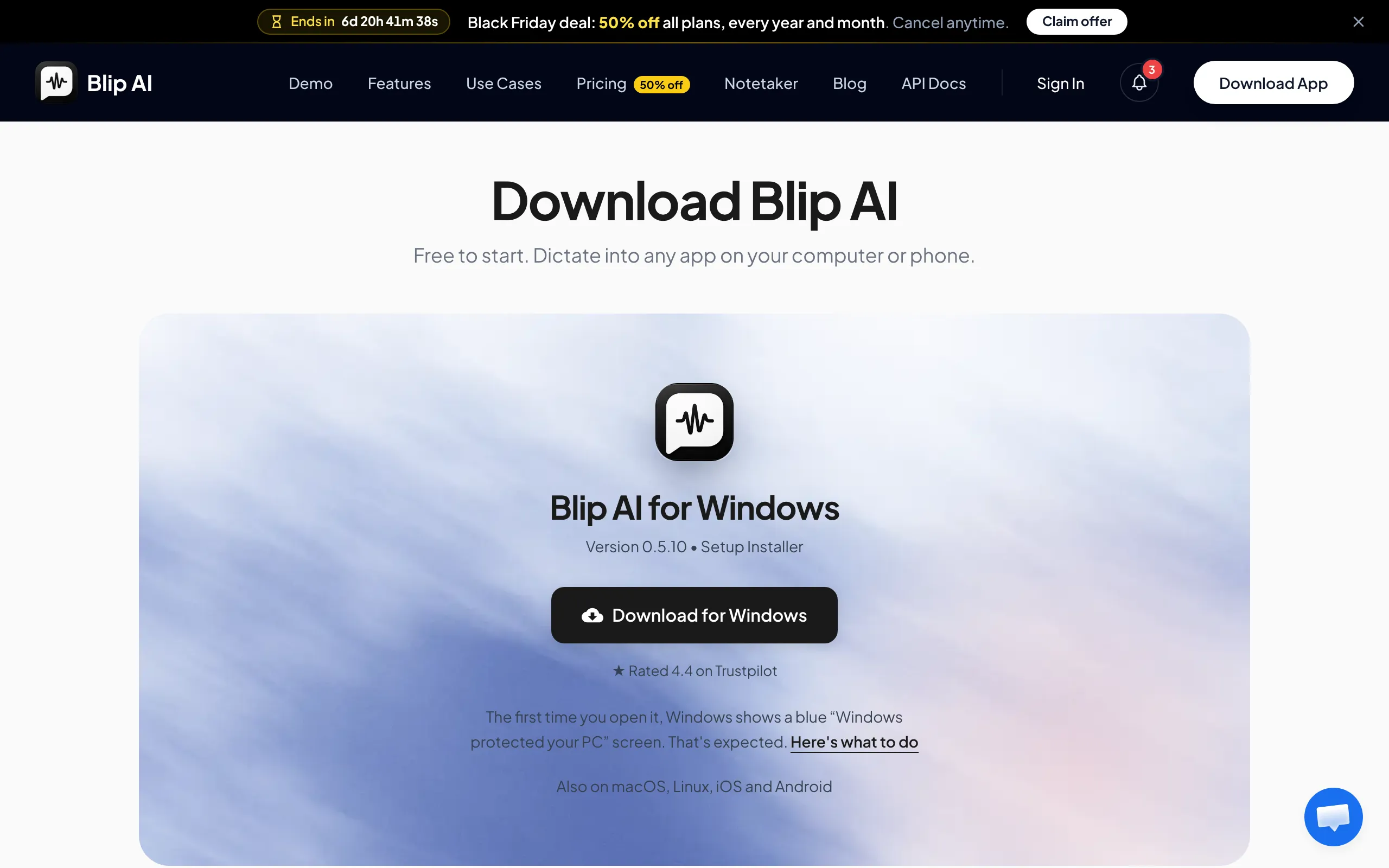 Screenshot of blipai.app, taken November 25, 2026.
Dragon Professional v16
Best for: voice commands, macros and law offices that already run Dragon.
Dragon's site is now run by Microsoft ("Nuance is now Microsoft", says its home page). The Dragon product page lists three installed v16 editions, Dragon Professional, Dragon Legal and Dragon Law Enforcement, plus cloud-hosted "Anywhere" editions for organizations. The Dragon Professional page says it's "optimized for Windows 11 and backwards-compatible to Windows 10", for one person or a group.
There's no price on any of these pages, only Contact us. We found no home or individual edition on Dragon's current site, and the old Dragon Professional Individual link now redirects to a general Microsoft health page. If you're weighing Dragon against newer apps, see our Dragon alternative page.
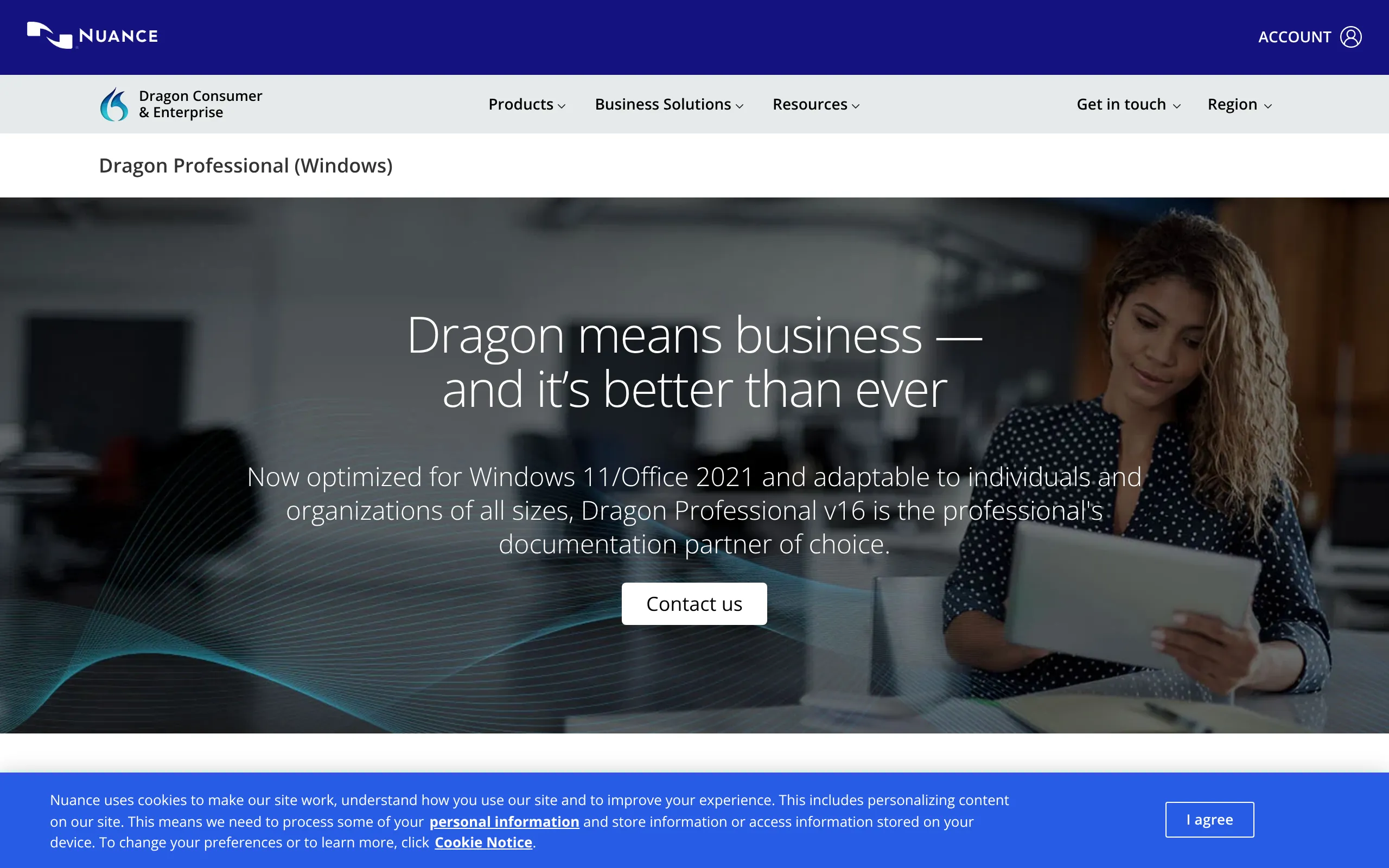 Screenshot of dragon.nuance.com, taken November 25, 2026.
Handy
Best for: free, open-source dictation that runs offline.
Handy is free and open source under the MIT license. Its download page has Windows builds for x64 and ARM, and its docs say "All models run entirely on your device", with Parakeet, Whisper and Cohere models to choose from. Its home page pitches it as a way to "speak into any text field". It's free, with no paid plan.
Read Handy speech to text for more on its models.
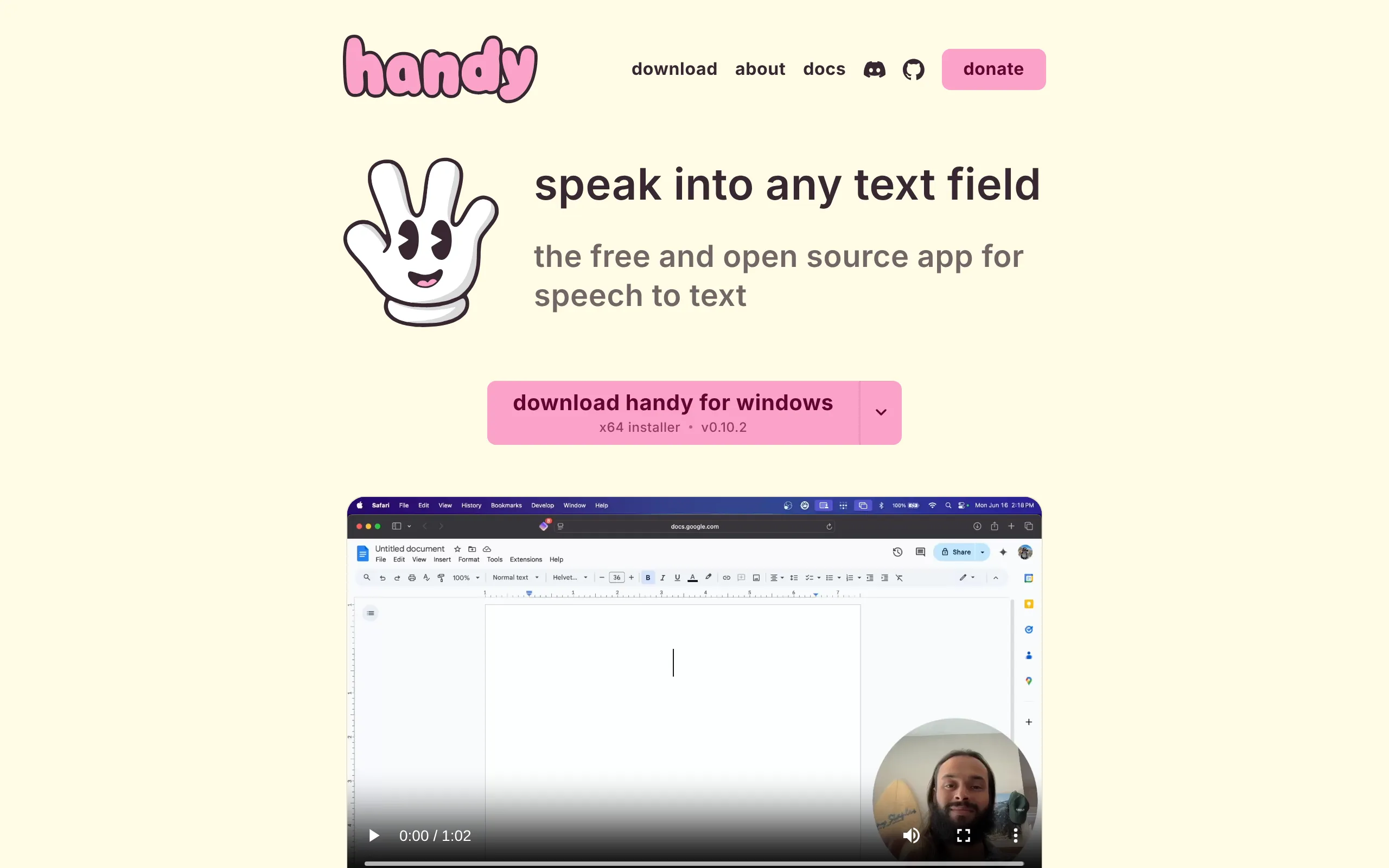 Screenshot of handy.computer, taken November 25, 2026.
OpenWhispr
Best for: open-source dictation with an optional paid cloud.
OpenWhispr is MIT licensed and has an installer for Windows 10 or later on its download page. Its home page says "Local dictation runs on your computer, with nothing sent to us or anyone else." Per its pricing page, the free plan has unlimited local models, unlimited cloud use with your own API keys, and 2,000 words a week on OpenWhispr's own cloud. Pro is $8 a month, or $80 a year, and adds Agent mode. OpenWhispr also takes meeting notes: the free plan includes 5 hours of meeting recordings a month and Pro 20 hours.
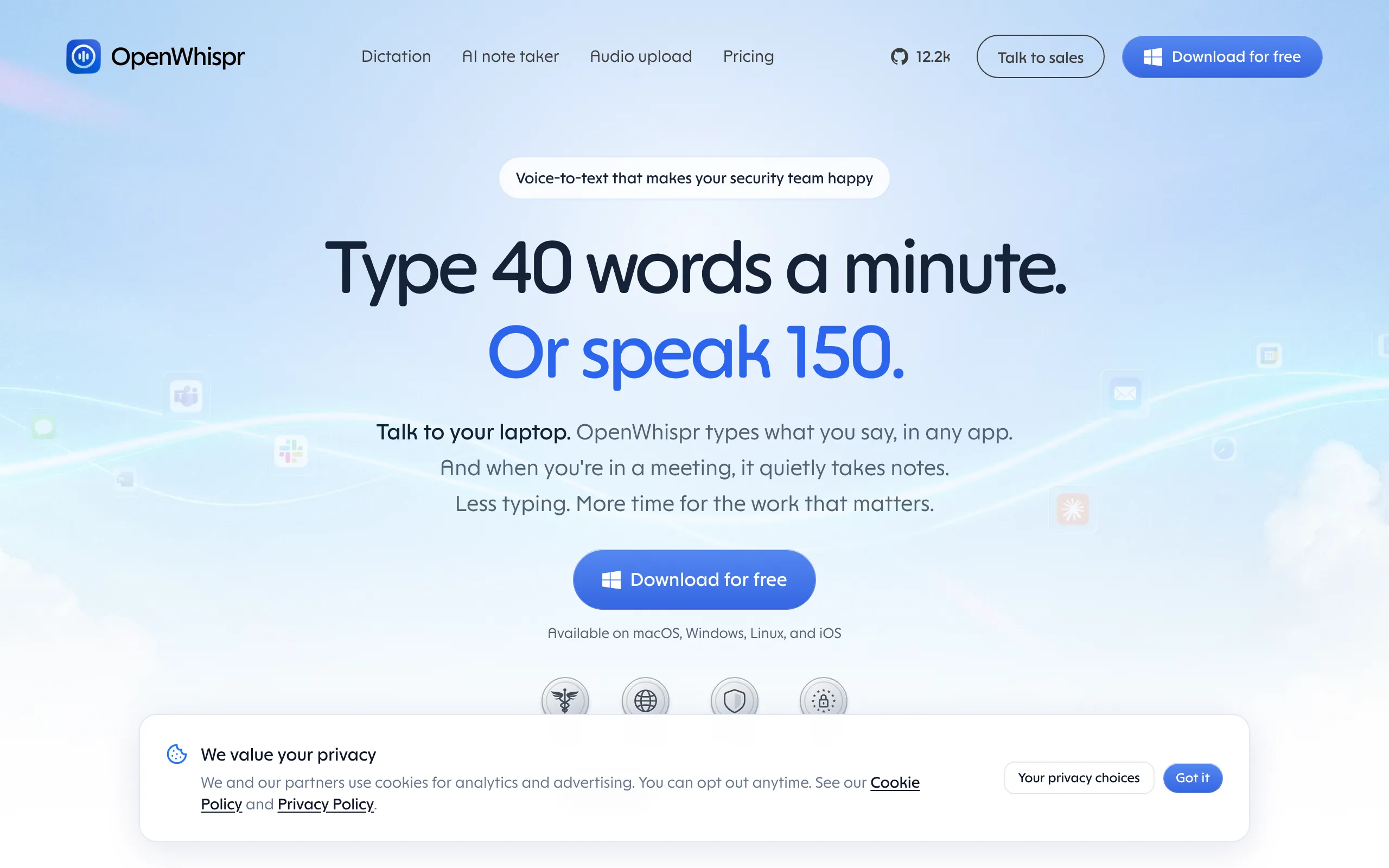 Screenshot of openwhispr.com, taken November 25, 2026.
Spokenly
Best for: free local models, or a one-time payment, on every device.
Spokenly installs from the Microsoft Store. Its Windows page lists Windows 10 and 11, 64-bit. Its FAQ adds that you can grab a direct installer from the download page when the Store isn't allowed on your PC. You don't need an account or a payment to use the Whisper and Parakeet models on your PC, or cloud models with keys you bring. The pricing page lists Local+ at $39 once, and Pro at $15 a month or $12 a month billed yearly, which adds cloud models and AI text cleanup with no keys. On November 25 a Black Friday banner there offered 40% off the first year of Pro billed yearly. Spokenly runs on Mac, Windows, Linux, iPhone and Android.
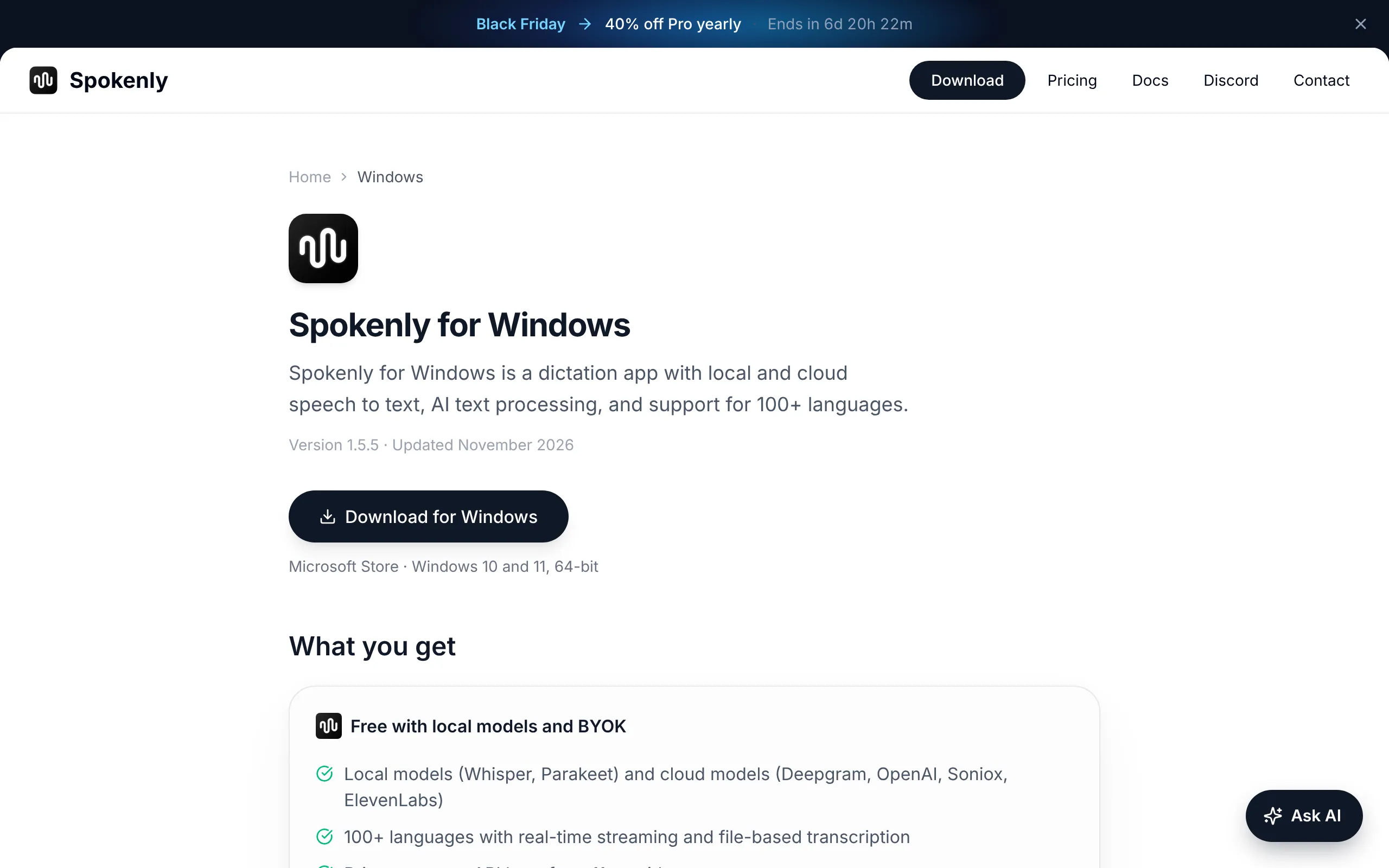 Screenshot of spokenly.app, taken November 25, 2026.
Superwhisper
Best for: local and cloud models with ARM64 builds and a lifetime license.
Superwhisper's Windows page describes "AI dictation that works in any app on Windows 10 and 11", and calls it "Offline, private, 100+ languages." Its download page has x64 and ARM64 builds. The free tier includes unlimited use of Whisper models, and its home page lists Pro at $8.49 a month, $84.99 a year or $249.99 for a lifetime license. Pro adds cloud models and your own API keys. The Windows page says "$8/mo", so check the home page for the current price.
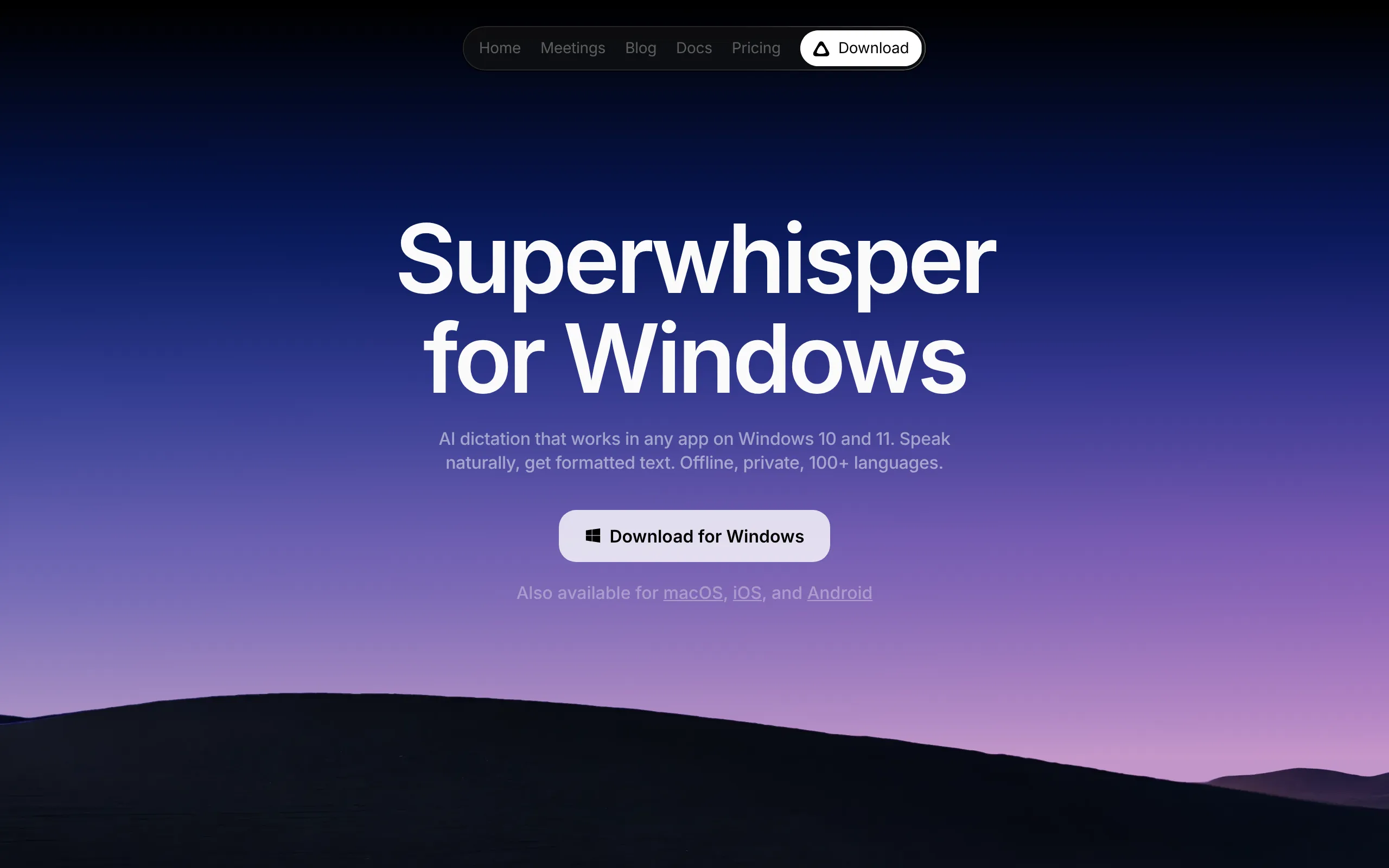 Screenshot of superwhisper.com, taken November 25, 2026.
Typeless
Best for: cloud dictation with per-app tones on the free plan.
Typeless has desktop apps for Windows, Mac and Linux, plus iPhone and Android. Its data controls page says "Transcription is performed on the cloud" and that your voice audio isn't stored. The pricing page shows Pro at $12 per member a month billed yearly or $30 monthly, and an Ultra plan at $200 a month. The free plan has "Limited words", with no number given, and lists a personal dictionary and a different tone for each app. Pro adds unlimited words, enhanced accuracy and priority access when demand is high.
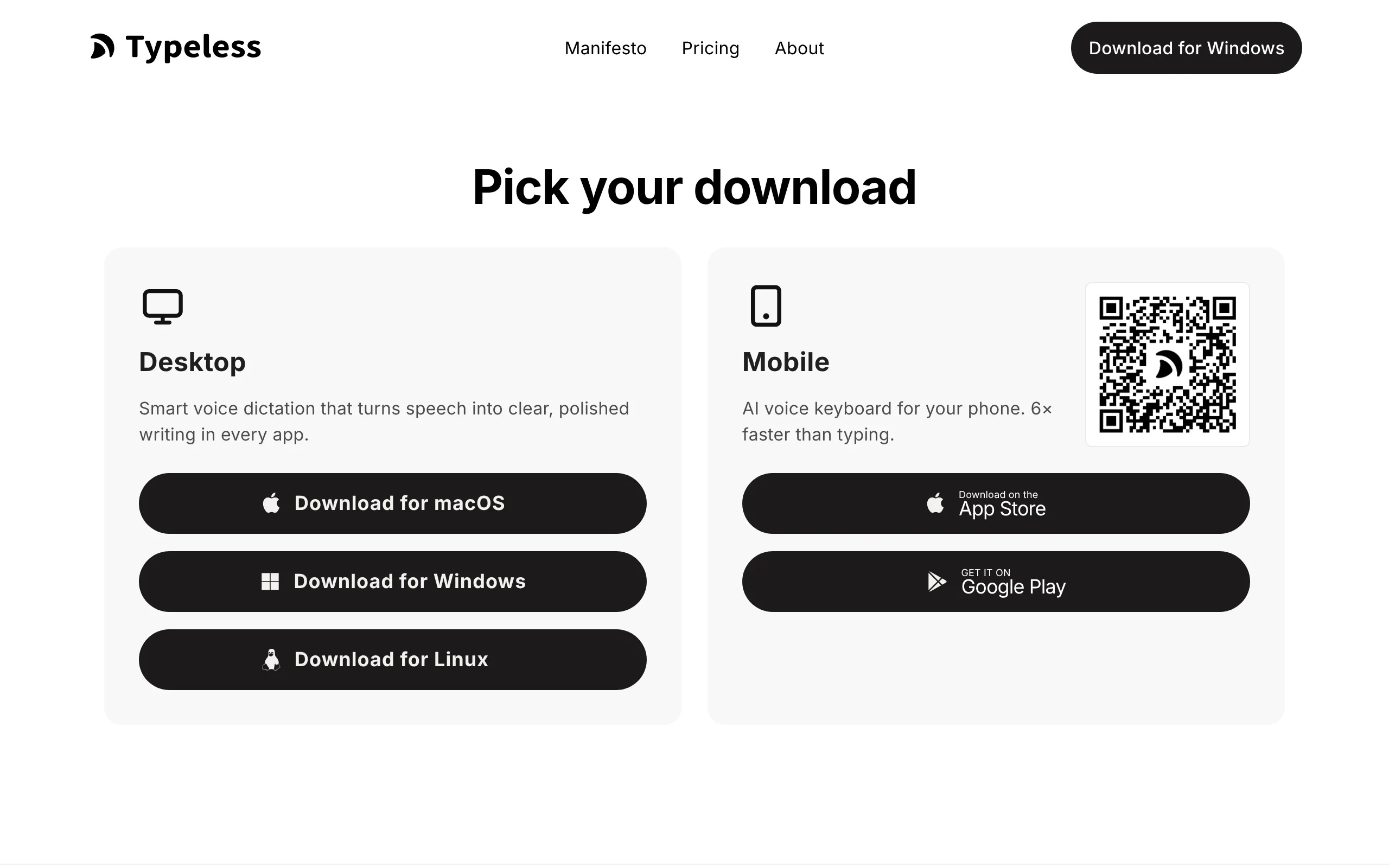 Screenshot of typeless.com, taken November 25, 2026.
Willow Voice
Best for: a free plan with no word cap, on a smaller model.
Willow Voice runs on Windows, Mac and iPhone, with Android listed as coming soon. Its pricing page shows Pro at $12 a month billed yearly or $15 monthly, and Business at $28 or $35, which lists enforced HIPAA compliance. The free plan gives unlimited use of a weaker model (Frontier Mini) and 20 Scribe uses a week. Willow's offline mode isn't on Windows: its own blog post says offline runs on Mac and iOS, and "Windows runs on zero-data-retention cloud processing."
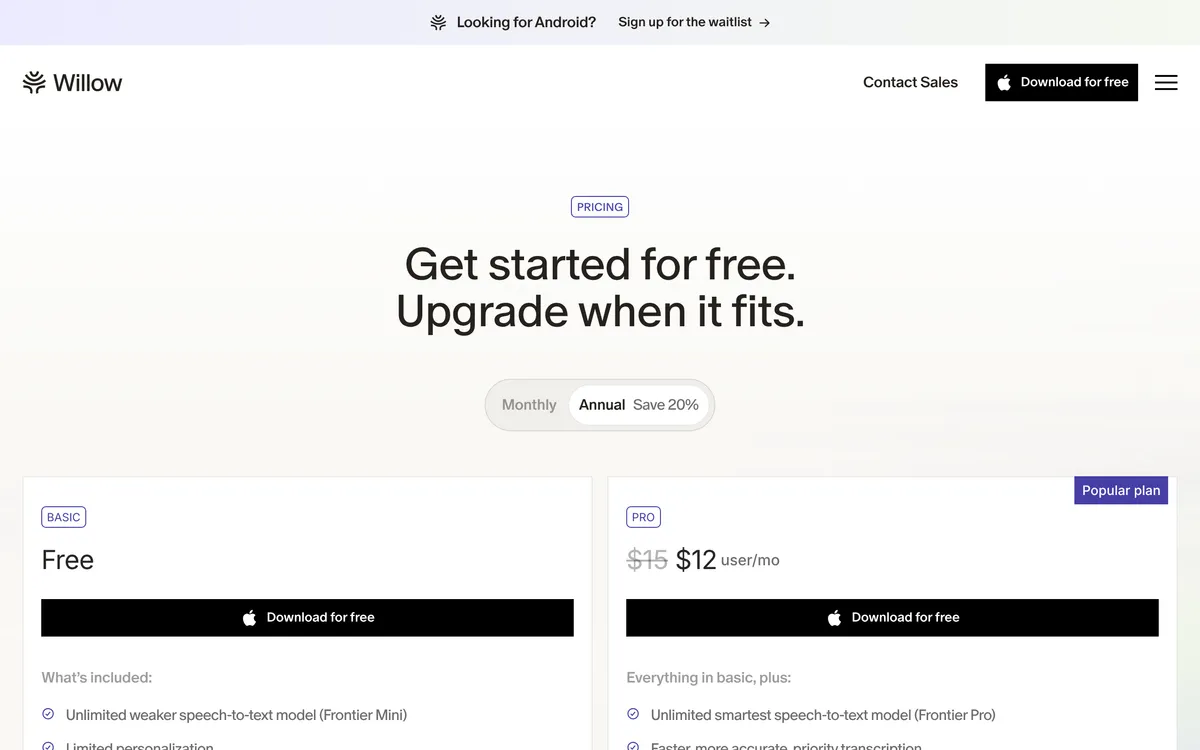 Screenshot of willowvoice.com, taken November 25, 2026.
Wispr Flow
Best for: cloud dictation on Mac, Windows and phones, with a BAA on team plans.
Wispr Flow has a free plan on all four of its platforms (Mac, Windows, iPhone and Android), per its pricing page, with "Limited words per week" on the free plan. Pro is $12 per user a month billed yearly or $15 monthly. A signed BAA comes with the Growth and Enterprise plans. Its data controls page says "Transcription always occurs on the cloud", so there's no offline mode. Wispr's system requirements list Windows 10 or 11 on an x64 processor, so it doesn't install on Windows on ARM. For other options, see Wispr Flow alternatives or our Wispr Flow alternative page.
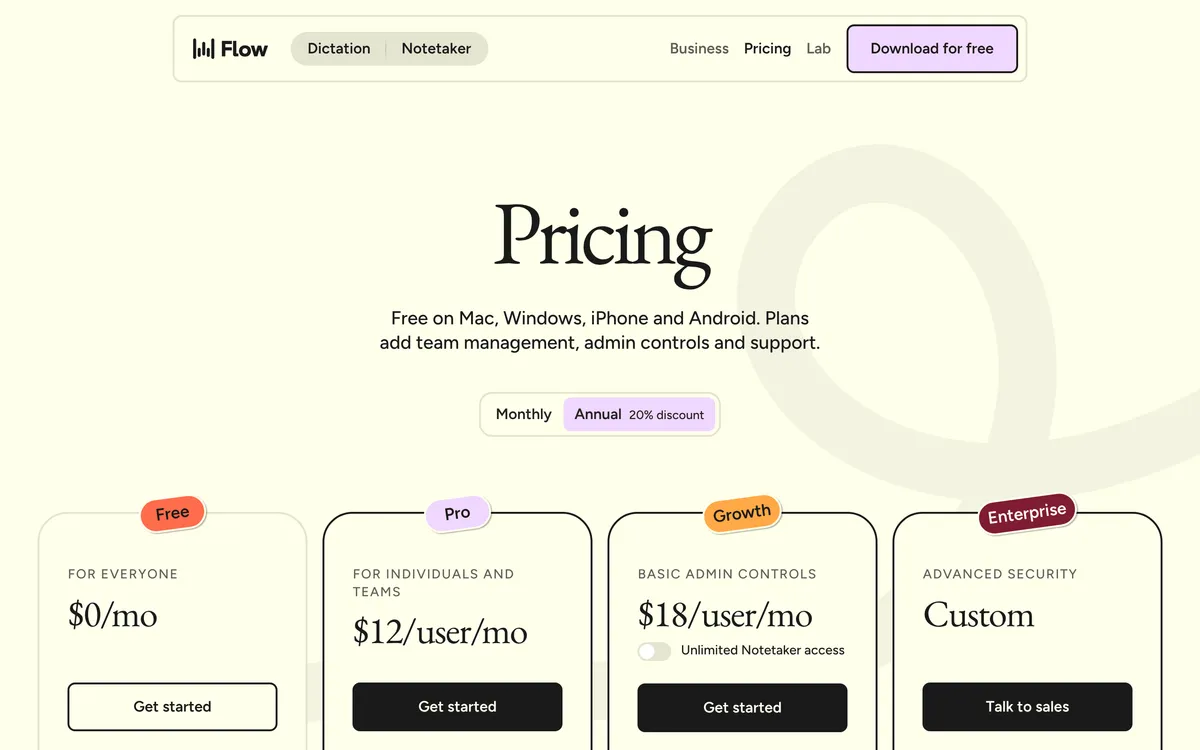 Screenshot of wisprflow.ai, taken November 25, 2026.
Which dictation software should you pick on Windows?
- You want it free and you're online: press Win + H. Turn on automatic punctuation and see if it's enough.
- You need offline on Windows 11: start with Voice Access. If you want a separate app, Handy is free, and Superwhisper, Spokenly and OpenWhispr also have free local models.
- You need offline on Windows 10: Voice Access isn't there. Handy, Superwhisper, Spokenly and OpenWhispr have free local models, and Blip AI's on-device models come with Pro.
- You run your PC by voice, or you're in a law office: look at Dragon Professional or Dragon Legal, and expect to contact sales for a price.
- You want local and cloud models for the least money: OpenWhispr Pro is $80 a year with free local models. To pay once, Spokenly's Local+ is $39 and Superwhisper's lifetime license is $249.99. Moving from VoiceInk, which has no Windows app? See VoiceInk for Windows.
- You want a cloud app and only use Windows, Mac and phones: Wispr Flow, Aqua Voice or Willow Voice.
- You want cloud and on-device dictation plus meeting notes, and you also use Linux and Android: we recommend Blip AI. On Windows it has Blip Cloud by default, on-device models on Pro, Action Mode to draft replies, and a Meetings notetaker with no bot. The same app runs on Linux (Wayland and X11), Mac, iPhone and Android. Spokenly, Superwhisper and Typeless also run on all five platforms, but Spokenly's home page describes meeting recording on Mac, Superwhisper lists "Meetings (Mac only)" and its Linux build needs Wayland, and Typeless is cloud only. OpenWhispr has meeting notes, local and cloud models and a Linux app, but its download page lists no Android app. Pick Spokenly if you'd rather run free local models or pay once.
FAQ
Does Windows have built-in dictation software? Yes, two tools. Windows voice typing opens with Win + H on Windows 10 and 11 and needs internet. Voice Access, on Windows 11 version 22H2 and later, dictates and controls the PC without an internet connection once its language files are downloaded.
What is the best free dictation software for PC? Windows voice typing (Win + H) is free and built in, but it needs internet. For free offline dictation, Voice Access (Windows 11) and the open-source Handy app both run on your PC. Superwhisper, Spokenly and OpenWhispr also have free plans with local models. Every free plan's limit is in best free dictation apps.
What is the best dictation software for Windows 11? For free, Voice Access, since it works offline and runs the PC by voice. For an app that cleans up your words, Wispr Flow and Aqua Voice are cloud options, Superwhisper and OpenWhispr add local models, and Blip AI is our pick for cloud and on-device dictation plus meeting notes in one app that also runs on Linux and Android.
Is there something better than Windows voice typing? Win + H types what you say, needs internet, and only Copilot+ PCs get Fluid dictation's filler-word cleanup. Blip AI removes filler words and fixes punctuation on Windows 10 and 11 (x64), and Aqua Voice's Windows page says it removes filler words too. Some apps in this list also work offline.
Is Dragon still available for Windows? Yes. Dragon's site lists three installed v16 editions (Professional, Legal and Law Enforcement) and cloud-hosted Dragon Anywhere editions. The Professional and Legal pages say they're optimized for Windows 11 and work on Windows 10. It shows no prices, only a contact form, and we found no home edition on the current site.
Which dictation apps work on Windows on ARM? Superwhisper and Handy list ARM64 builds for Windows. Wispr Flow needs an x64 processor, and Blip AI's Windows download is an x64 installer. Spokenly's Windows page says "64-bit" without naming ARM, and the other apps' pages we checked don't name an architecture.
Does dictation software work in every Windows app? Most apps here say they do: Wispr Flow's pricing page says "Speech-to-text in any app", Superwhisper's Windows page says it works in any app, and Blip AI types into any app with a text field. Windows voice typing works wherever your cursor is in a text box.