
Best AI Dictation Apps in 2026: 7 Apps Compared
The best AI dictation apps compared on price, free plan, offline use and platforms: Wispr Flow, Superwhisper, Aqua, Willow, Typeless, Spokenly and Blip AI.
Quick answer: The best AI dictation apps right now: Wispr Flow (cloud, Command Mode), Superwhisper (local models, pay once), Spokenly (free, offline), Aqua Voice and Typeless (voice editing), and Willow Voice (Scribe drafts). We recommend Blip AI for on-device models on Pro plus a no-bot meeting notetaker on Windows. It also runs on Linux, and on Android (cloud only).
We build Blip AI; weigh our pick accordingly. Apart from Blip's own speed timing, this isn't a hands-on test: we read each vendor's own pages on November 28, 2026, and every price, platform and offline claim links its source.
What is AI dictation?
AI dictation is speech to text with a language model on top. Plain speech to text types every word, "um" included. An AI dictation app types what you meant. It usually adds:
- Cleanup: removes filler words, fixes punctuation and formats lists.
- Any app: types where your cursor is, in email, Slack or a code editor.
- More than typing: rewriting selected text by voice, following your writing rules, or drafting a reply.
For built-in, free dictation, see our best dictation software roundup.
How we picked: we compared price and free plan, where your speech is processed (cloud, on your device or both; only on-device models work offline), platforms, and what the AI does beyond cleanup, from each vendor's own pages. The apps are in alphabetical order, not ranked: it depends on your computer and budget.
The best AI dictation apps at a glance
Yearly rate per month, then the monthly rate, checked November 28, 2026.
| App | Price | Free plan | Processing | Platforms |
|---|---|---|---|---|
| Aqua Voice | $10/mo, or $12 monthly | 2,000 words and 3 meetings | Cloud | Mac, Windows, iPhone, Android |
| Blip AI | $12/mo, or $15 monthly | 2,000 words and 5 meetings a month | Cloud by default; on-device on Pro | Mac, Windows, Linux, iPhone, Android |
| Spokenly | $12/mo, or $15 monthly; $39 once for Local+ | Unlimited with local models | Local or cloud | Mac, Windows, Linux, iPhone, Android |
| Superwhisper | $84.99/yr, $8.49 monthly, or $249.99 once | Unlimited Whisper models | Local or cloud | Mac, Windows, iPhone, Android, Linux (Wayland only) |
| Typeless | $12/mo, or $30 monthly | Limited words each week | Cloud | Mac, Windows, Linux, iPhone, Android |
| Willow Voice | $12/mo, or $15 monthly | Unlimited on its smaller model, or 2,000 words a week (see below) | Cloud, plus offline on Pro | Mac, Windows, iPhone (Android coming soon) |
| Wispr Flow | $12/mo, or $15 monthly | Limited words each week | Cloud only | Mac, Windows, iPhone, Android |
Aqua Voice
Best for: editing text on screen by voice.
Aqua lists Pro at $10 a month billed yearly or $12 monthly, and Max at $19 or $24. The free start is 2,000 words and your first 3 Notetaker meetings, with no card; its FAQ calls Free a trial. Beyond cleanup, Aqua has Edit Mode for changing text that's already on screen with your voice, and Custom Instructions for your own wording rules.
Aqua's download page says "there is no offline mode", while its FAQ says offline availability "varies by platform, app version, and mode". It has no official Linux dictation app (Aqua Voice on Linux).
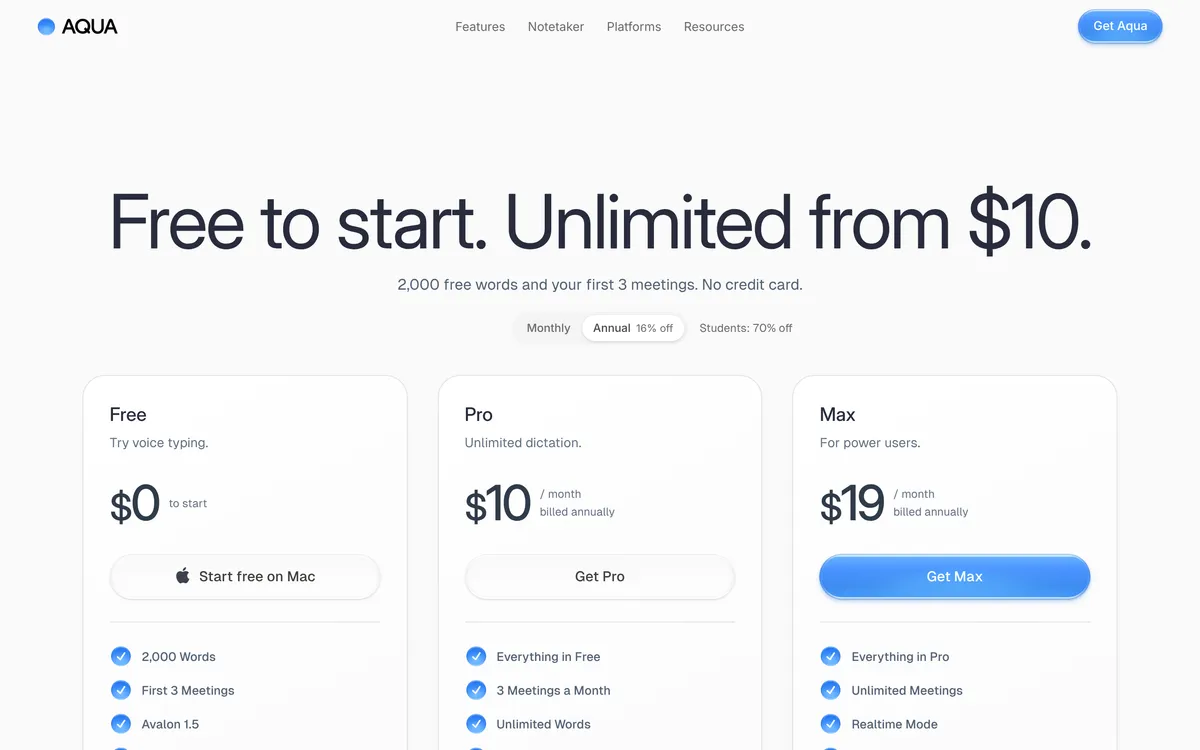 Screenshot of aquavoice.com, taken November 28, 2026.
Blip AI
Best for: offline-capable dictation (Pro) and no-bot meeting notes on Windows. It also runs on Linux, and on Android (cloud only).
Hold Fn on a Mac or Ctrl + Win on Windows and Linux, speak, and let go: Blip types cleaned-up text into any app. Say "Hey Blip" and describe a reply, and Action Mode drafts it. Your history is stored on your device, not on Blip's servers.
Blip Cloud is the default. On Blip Cloud, text appears about 700 ms after you stop speaking, which was faster than Wispr Flow and Superwhisper in our tests. For the speed figures other apps publish, see the fastest dictation app.
Pro adds downloadable on-device Whisper models that work offline on your computer. The Android app needs internet. The Meetings notetaker (Mac and Windows) records your computer's sound and microphone; no bot joins the call.
Free gives 2,000 words and 5 meetings a month. Pro is $15 a month, or $12 yearly, with a 7-day free trial. Subscribe by December 2 for 50% off every bill (Black Friday details), and a lifetime deal is on AppSumo (details).
Limits: the free plan is cloud only, offline needs Pro, the Linux app is x86-64 only, and Blip isn't HIPAA compliant.
 Screenshot of blipai.app, taken November 28, 2026.
Spokenly
Best for: free, unlimited, offline AI dictation.
Spokenly's free plan gives unlimited use of local Whisper and Parakeet models, which its pricing card says "works completely offline". Pro is $15 a month, or $12 billed yearly, and adds cloud models plus AI text cleanup and Agent Mode with no key. Local+ is $39 once. Both were on a Black Friday sale.
It runs on Mac, Windows, Linux, iPhone and Android. Its Linux page lists X11 and Wayland, .deb and .rpm packages for x86_64 and ARM64, and an x86_64 AppImage. On the free plan, cleanup needs Apple Intelligence or your own model key.
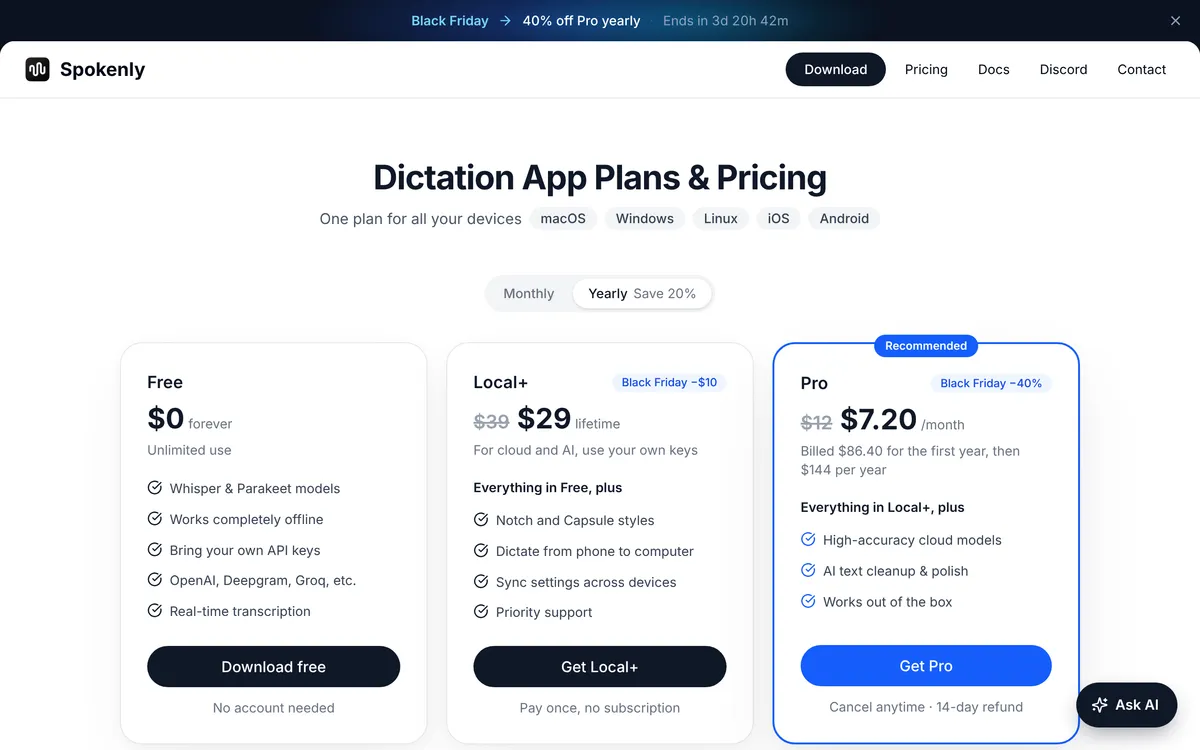 Screenshot of spokenly.app, taken November 28, 2026.
Superwhisper
Best for: local models, custom modes, and paying once.
Superwhisper Pro is $8.49 a month, $84.99 a year, or $249.99 for a lifetime licence. The free tier keeps unlimited Whisper models, after a 3,000-word taste of Pro features. Custom Mode lets you pick the AI model and write how it should rewrite your speech, and Super Mode uses what's on your screen. Meetings is Mac only.
On Linux it needs Wayland on Hyprland, KDE Plasma or GNOME, with x86-64 and ARM builds; see Superwhisper for Linux.
 Screenshot of superwhisper.com, taken November 28, 2026.
Typeless
Best for: asking about or rewriting selected text by voice.
Typeless's pricing page shows Pro at $12 per member per month billed yearly, or "$30 when billed monthly". The free plan has "limited words each week" and doesn't give the number. Typeless removes filler words, edits when you change your mind, and lets you select text and speak a command. It runs on Mac, Windows, Linux, iPhone and Android; the Linux download is an x86-64 .deb.
Its data controls page says "Transcription is performed on the cloud" (Typeless on Linux).
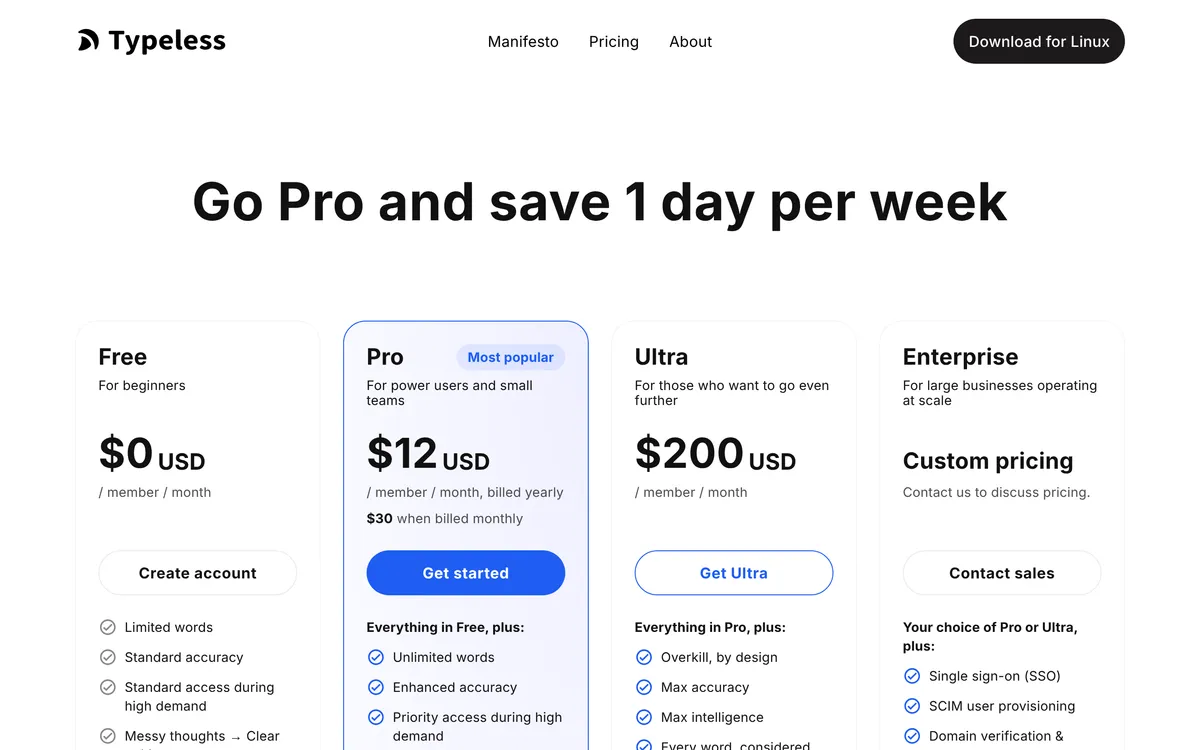 Screenshot of typeless.com, taken November 28, 2026.
Willow Voice
Best for: turning rough notes into finished writing on Mac and Windows.
Willow's pages disagree on its free plan. The pricing page says unlimited dictation on its weaker Frontier Mini model, with 20 Scribe uses a week; the help center's plans overview gives Free a word limit of "2,000 per week". Scribe turns rough notes into polished writing. Pro is $15 a month, or $12 yearly. Its smart formatting removes filler words and fixes punctuation.
Willow's homepage lists an offline mode, "powered entirely by your device", and the plans overview puts offline dictation on the Individual (Pro) plan. Its pricing table shows the iPhone app on paid plans only (the help center's chart ticks it on Free), and Android is "coming soon". There's no Linux app.
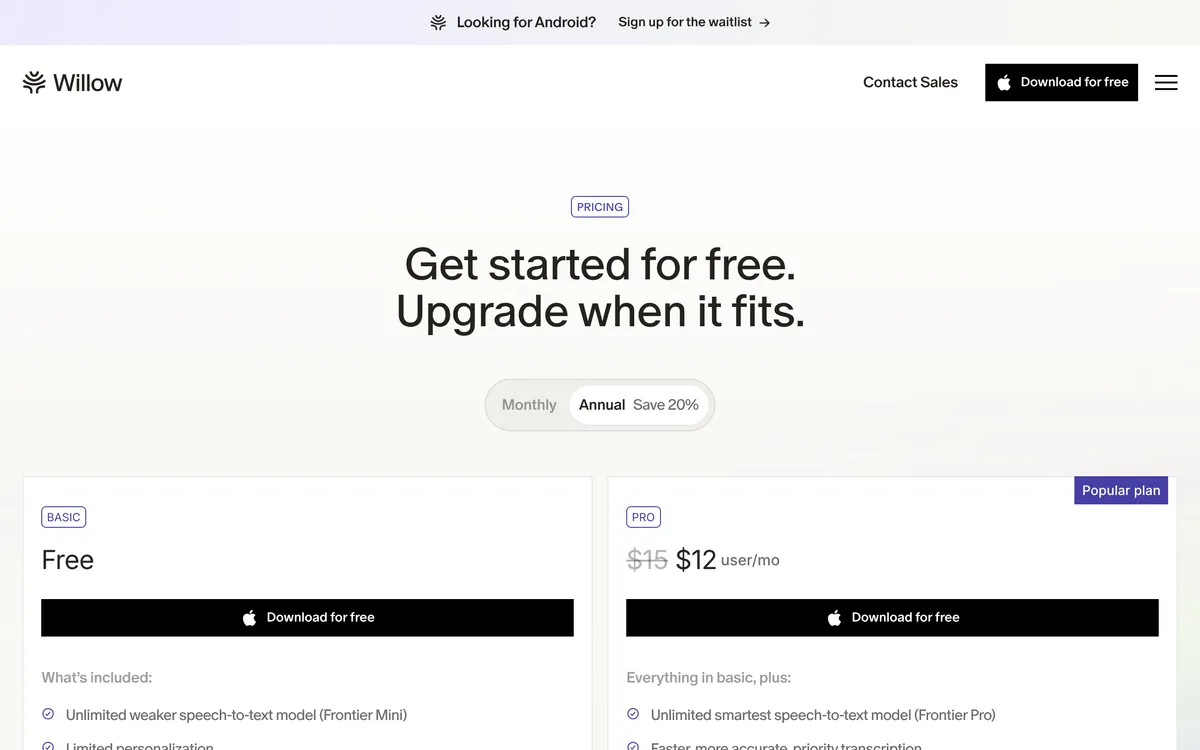 Screenshot of willowvoice.com, taken November 28, 2026.
Wispr Flow
Best for: cloud dictation with voice editing on Mac and Windows, plus apps for iPhone and Android.
Wispr Flow Pro is $15 a month, or $12 billed yearly (every plan). Its plans article gives the free desktop plan a 2,000-word weekly allowance: Flow slows down after it and blocks dictation at 5,000. Styles choose how Flow capitalizes and punctuates your dictation. Command Mode rewrites selected text or drafts new text on Mac and Windows, on paid plans or a trial.
Wispr's data controls say "Transcription always occurs on the cloud", and its support docs say "There is no native Linux application."
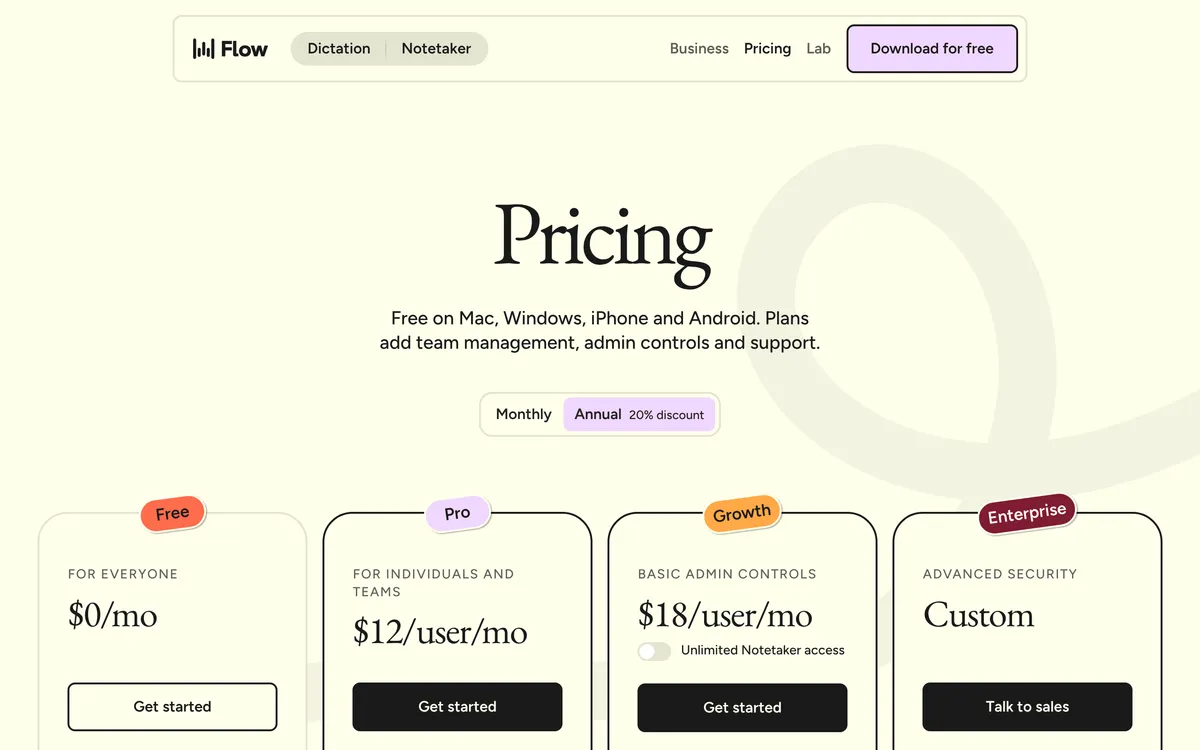 Screenshot of wisprflow.ai, taken November 28, 2026.
Which AI dictation app should you pick?
- Offline-capable dictation and no-bot meeting notes on Windows: Blip AI, our pick. Superwhisper lists Meetings as Mac only, Spokenly's FAQ describes meeting recording on Mac, and Aqua's no-bot Notetaker comes with an app whose download page says there is no offline mode. Blip also runs on Linux (X11 and Wayland), and on Android (cloud only).
- Linux: Blip AI for most Linux users: cleanup on Blip Cloud on the free plan with no model or API key (Spokenly's free plan needs your own key for cleanup), and on-device models on Pro (Typeless transcribes in the cloud). Superwhisper fits Wayland desktops or ARM; Spokenly fits free local models or ARM64. See our Linux roundup.
- Free and unlimited: Spokenly's free plan, or Superwhisper's free Whisper models.
- Pay once: Superwhisper's $249.99 lifetime licence, Spokenly Local+ for $39, or Blip's lifetime deal on AppSumo (details).
- Cloud dictation with Command Mode and Styles, with no Linux need: Wispr Flow (or see Wispr Flow alternatives).
- Editing on-screen text by voice: Aqua Voice's Edit Mode or Typeless.
FAQ
What is the best AI dictation app? It depends on your devices. Wispr Flow suits cloud dictation; Superwhisper and Spokenly suit local models. We recommend Blip AI if you want on-device models (Pro) and a no-bot meeting notetaker on Windows. It also runs on Linux, and on Android (cloud only).
Is there a free AI dictation app? Yes. Spokenly's free plan is unlimited with local models, and Superwhisper's free tier keeps unlimited Whisper models. Willow's pricing page says its free plan is unlimited on its smaller model, while its help center says 2,000 words a week. Blip, Aqua, Typeless and Wispr Flow have word limits; best free dictation apps lists each one.
Which AI dictation apps work offline? Spokenly and Superwhisper run local models offline, Blip's on-device models work offline on Pro, and Willow lists offline dictation on Pro. Wispr Flow and Typeless transcribe in the cloud, and Aqua's download page says it has no offline mode. See offline dictation apps.
Which AI dictation apps run on Linux? Blip AI, Spokenly and Typeless have Linux apps, and Superwhisper's Linux app needs Wayland. Wispr Flow, Willow and Aqua Voice have no official Linux dictation app.
Is AI dictation private? Cloud apps, Blip Cloud (Blip's default) included, send your audio to be transcribed; Blip stores your history on your device, not its servers. Wispr Flow and Typeless transcribe in the cloud; Typeless says your voice audio is not stored. On-device models in Blip (Pro), Spokenly and Superwhisper, and Willow's offline mode (Pro), transcribe on your computer.