
Fastest Dictation App: Who Says What About Delay
The fastest dictation app is the one with the shortest wait after you stop talking. Every figure, from Aqua, Willow and Blip AI, is the vendor's own claim.
Quick answer: No independent test compares dictation apps on speed; vendors measure differently. Aqua Voice reports a 365 ms median on a Mac; Willow claims "as little as 200ms". Blip AI, which we build, measured about 700 ms on Blip Cloud, faster than Wispr Flow and Superwhisper in our tests. Its on-device models are a different trade: offline, but untimed.
So don't rank those three numbers against each other. Below is what each app says about speed, where the delay comes from, and what you can change on your own machine.
What does "fastest" mean for a dictation app?
Two different things get called fast:
- Delay (latency): how long you wait between finishing a sentence and seeing the text. That's what this page is about. With hold-to-talk apps, it's the time from letting go of the key to the words landing in your app.
- Words per minute: how fast speaking is compared with typing. Speaking usually beats typing here. In a lab study from Stanford, speech on a phone was 2.93x faster than typing (153 vs 52 wpm). Our post on whether voice typing is faster than typing covers that question.
Some apps also show words while you're still talking (streaming, or a "realtime" mode). That changes how fast it feels, but the finished, cleaned-up text can still arrive a moment after you stop.
Which dictation apps are fastest?
| App | What its own site says about speed | Where speech is processed | Words while you talk |
|---|---|---|---|
| Aqua Voice | Final text a median of 365 ms after key release, in Aqua's test on a Mac on November 12, 2026 | Cloud; offline "varies by platform, app version, and mode" | Realtime Mode on Max, Mac and Windows |
| Willow Voice | "Text appearing in as little as 200ms"; no method given | Cloud; an offline mode on Pro | Not stated |
| Blip AI | About 700 ms after release on Blip Cloud, faster than Wispr Flow and Superwhisper in our tests | Blip Cloud by default; on-device Whisper models on Pro | Not claimed |
| Wispr Flow | No figure; cloud chosen for "low latency transcription" | Cloud only | Not stated |
| Superwhisper | No single figure; speed depends on the model you pick | Local or cloud models | Realtime on Pro, with some models |
| Spokenly | No figure; "text landing the moment you stop" | Local or cloud models | "Words appear as you speak", free plan |
Apps that publish a speed figure come first. Speed claims and plans checked on each vendor's site on November 29, 2026. Blip's 700 ms is our own measurement and covers Blip Cloud only, not the on-device models.
Aqua Voice
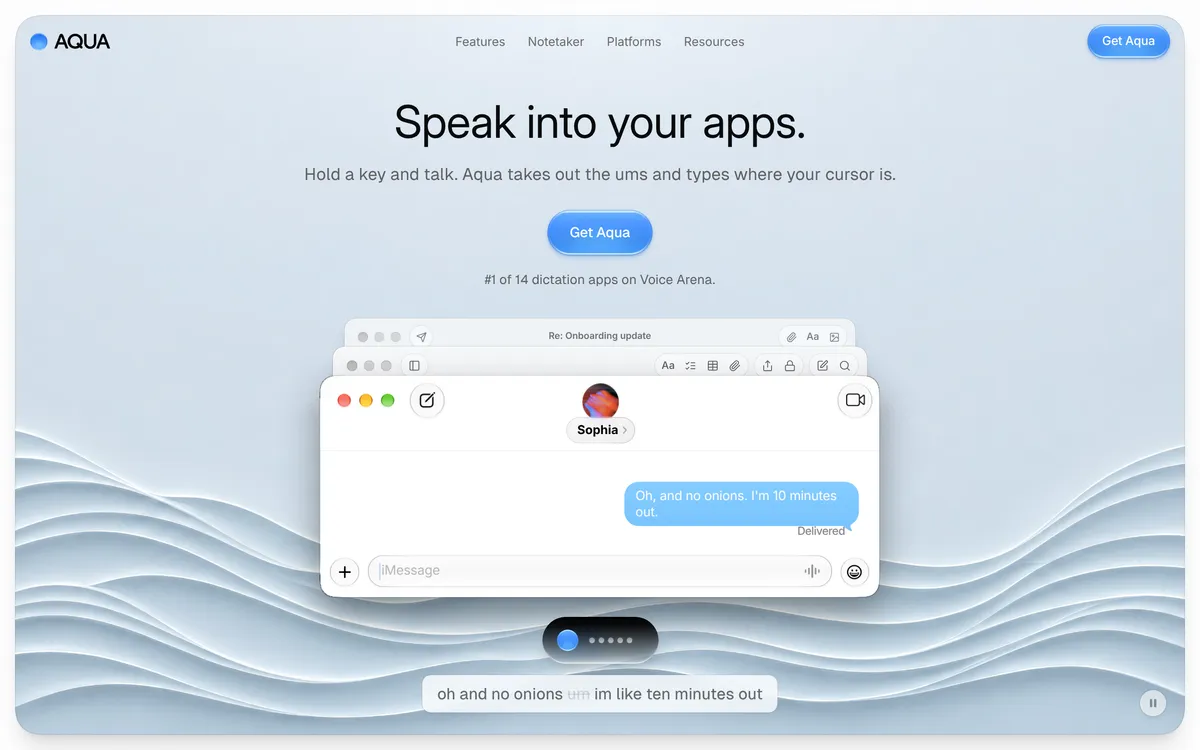 Screenshot of aquavoice.com, taken November 29, 2026.
Aqua is the only app here that publishes an end-to-end delay figure with a date and a setup. Its FAQ gives the 365 ms median for one Mac and adds that timing varies with the dictation mode, microphone and connection. Its Realtime Mode, part of the Max plan, shows words in a panel as you talk and then cleans them up, in any text field on Mac and Windows.
Willow Voice
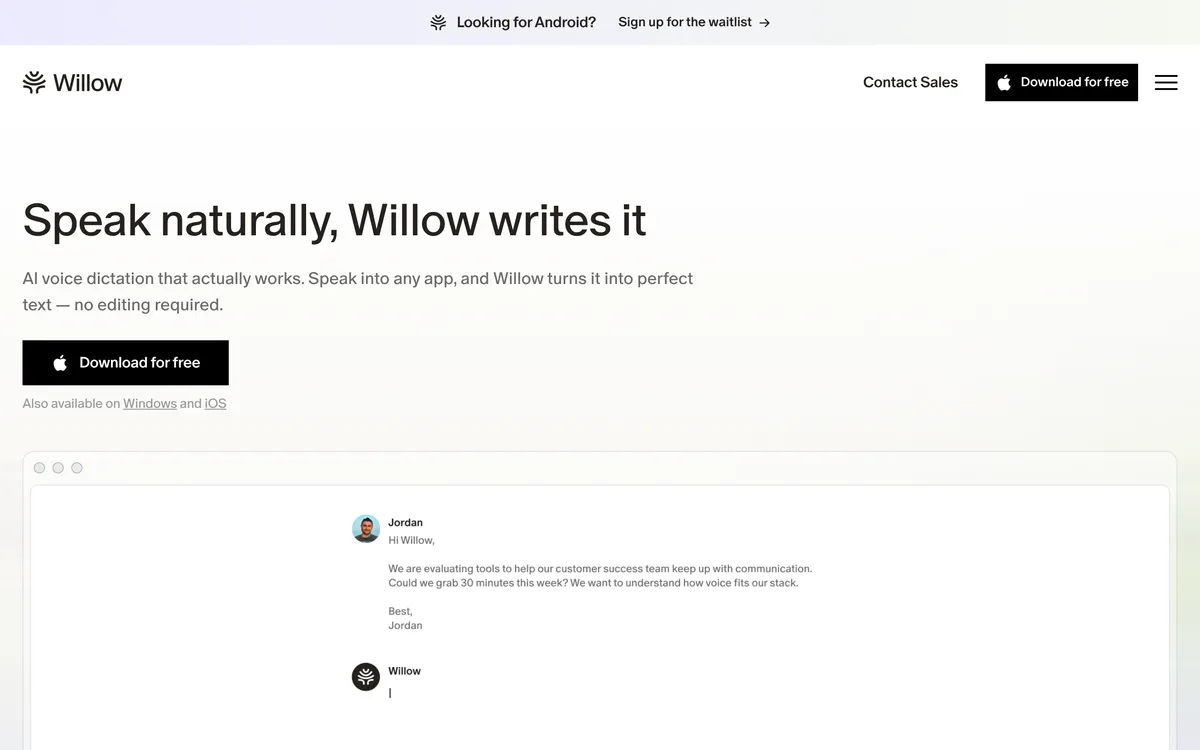 Screenshot of willowvoice.com, taken November 29, 2026.
Willow's homepage claims text in "as little as 200ms" but doesn't say what was timed or on what setup. "As little as" is a best case, not a typical one. Willow's privacy article says it uses cloud models because they're faster and more reliable than local models today.
Blip AI

We build Blip AI, so read this as our own description. You hold Fn on Mac or Ctrl + Win on Windows and Linux, speak and let go. On Blip Cloud, text appears about 700 ms after you let go, faster than Wispr Flow and Superwhisper in our tests. Filler words come out and punctuation gets fixed before the text lands. We haven't timed Aqua, Willow or Spokenly, so we don't claim to beat them.
Why we'd still point you to Blip: of the three apps that publish a speed figure, it's the only one with an official Linux dictation app (one AppImage for Wayland and X11). Pick Aqua instead if you want words on screen while you talk, or Spokenly if you want that free.
Wispr Flow
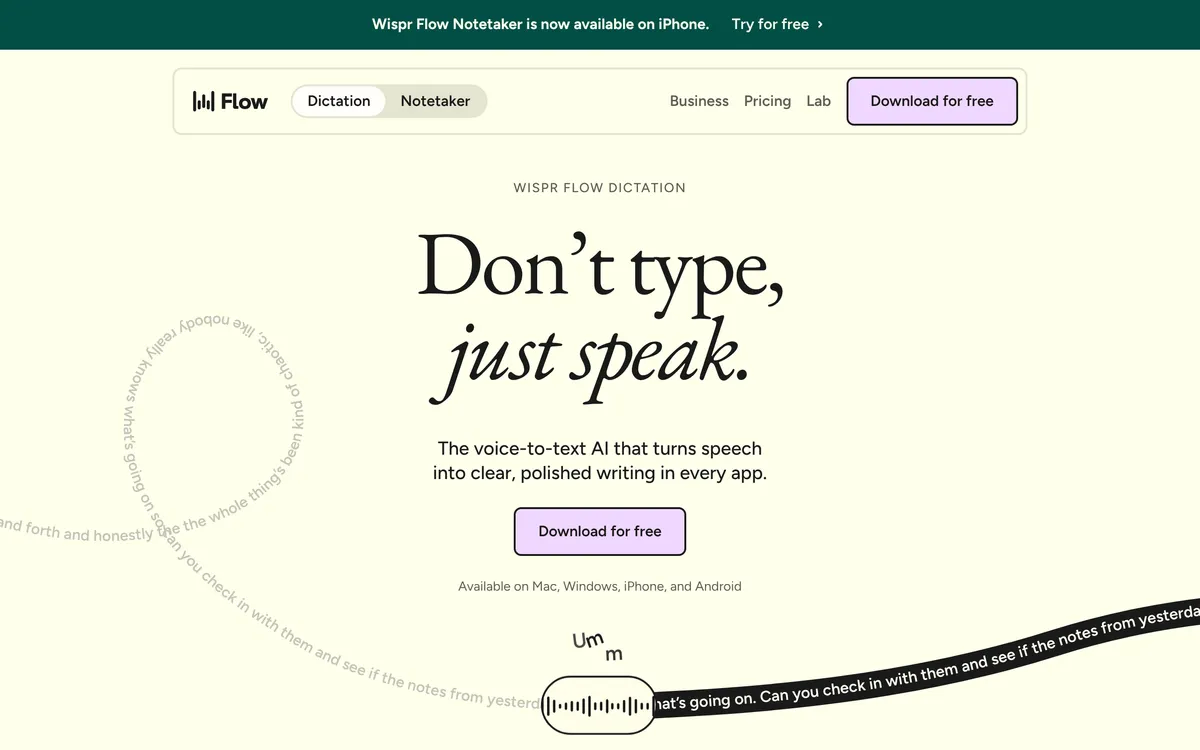 Screenshot of wisprflow.ai, taken November 29, 2026.
Wispr Flow publishes no latency figure. Its data controls page says transcription always runs in the cloud, which it calls the best way to give "accurate, low latency transcription". It has no offline mode for when your connection drops. See Wispr Flow alternatives if that matters to you.
Superwhisper
 Screenshot of superwhisper.com, taken November 29, 2026.
Superwhisper's speed depends on the model. Its performance tips say your hardware sets the speed of local models, and cloud speed depends on your connection. Its voice models page says Realtime works with the Nova, Scribe and Parakeet models, not Whisper. On Windows only its experimental Parakeet Real-time models support it, and Realtime needs a Pro license.
Spokenly
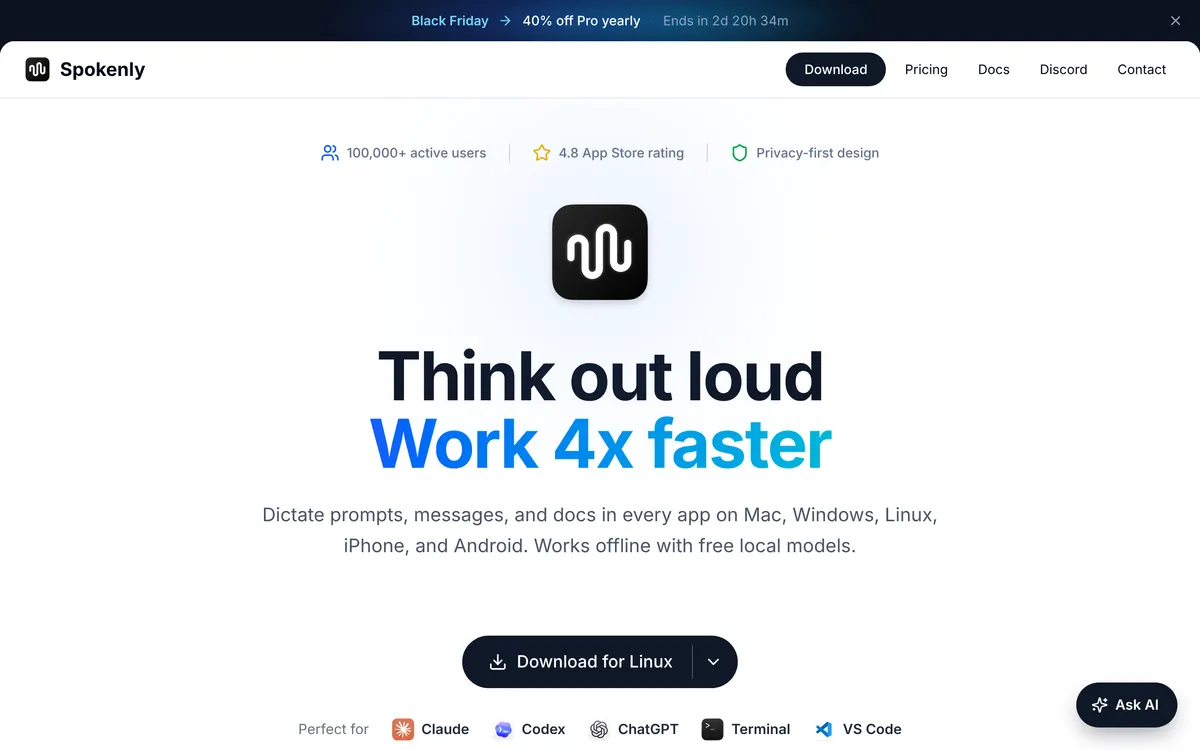 Screenshot of spokenly.app, taken November 29, 2026.
Spokenly says words appear as you speak, with streaming engines that range "from ultra-fast to maximum accuracy". Its homepage lists real-time transcription on the free plan. It gives no millisecond figure.
Are the built-in dictation tools faster?
They're free and already installed, but neither Apple nor Microsoft publishes a speed figure.
- Mac: Apple's guide says that in supported languages, punctuation is added as you dictate, and dictation stops by itself after 30 seconds of silence. Keyboard settings show whether your Mac processes speech on the device.
- Windows: press Windows key + H. Microsoft's page says voice typing uses online speech recognition powered by Azure, so it needs internet. On Copilot+ PCs in English, Fluid dictation fixes grammar, punctuation and filler words as you speak, using on-device models.
Is on-device dictation faster than cloud?
It depends on your computer. A local model has no network round trip, but your processor and memory do all the work. OpenAI's Whisper README lists the tiny model at about 10x the speed of large, base at 7x and turbo at 8x, measured on an A100 GPU, and warns that real-world speed varies with your hardware. Willow and Wispr Flow both chose the cloud for speed. Superwhisper suggests a smaller model, such as Whisper Base, or a cloud model if your machine struggles.
Blip's on-device models are a different trade: they keep working offline, but our 700 ms figure doesn't apply to them.
How to cut dictation delay
- Use a cloud model on a steady connection if your computer is older or has little free memory.
- Pick a smaller local model if you need offline. Superwhisper suggests Whisper Base; the Whisper README shows the speed gap.
- Close memory-heavy apps when you run a local model, as Superwhisper's tips say.
- Turn on a streaming mode if seeing words while you talk matters more to you than the finished text (Aqua Max, Superwhisper Pro or Spokenly).
To try Blip's speed on your own machine, download Blip AI and use the free plan (2,000 words a month).
FAQ
What is the fastest dictation app? No independent test exists. Aqua Voice reports a 365 ms median in its own Mac test, Willow claims "as little as 200ms", and Blip AI measured about 700 ms on Blip Cloud, faster than Wispr Flow and Superwhisper in our tests.
Is Wispr Flow fast? Wispr Flow doesn't publish a latency figure. It runs transcription only in the cloud, which it says gives low latency. In our tests, Blip AI on Blip Cloud was faster.
Why is my dictation slow? Superwhisper's docs say cloud speed depends on your connection and local speed on your hardware, and suggest trying a smaller model or a cloud model.
Does real-time dictation make an app faster? Realtime modes show words while you talk, so it feels quicker. Aqua's Realtime Mode still cleans the text up a moment later.
Is offline dictation slower? It depends on your computer, since your own hardware does the work. Willow says cloud models are faster than local models today, and the Whisper README shows small models running several times faster than large ones.