
VoiceInk for Windows: No Official App. What to Use Instead
VoiceInk has no Windows app; its site lists Mac and iPhone/iPad only. VoiceWink, Superwhisper, Spokenly, Handy and Blip AI compared for Windows.
Quick answer: No. VoiceInk's site says "VoiceInk is for macOS and iOS, not Windows." The closest match is VoiceWink, a pay-once Windows 11 derivative of VoiceInk from another developer. Superwhisper, Spokenly, Handy and Amical run local models for free. Our pick is Blip AI: cloud and on-device dictation (on-device on Pro) plus a dedicated meeting notetaker on Windows.
We build Blip AI. Other apps' facts come from their own sites, checked November 25, 2026.
VoiceInk vs the Windows options
VoiceInk and VoiceWink first, then A to Z.
| App | Windows app | Local (offline) | Cloud | Price |
|---|---|---|---|---|
| VoiceInk | No (Mac, iPhone, iPad) | Yes, on your Mac | Optional; audio goes to your provider | Pay once: $25 (1 Mac), $39 (2), $49 (3) |
| VoiceWink | Windows 11 only | Yes | Optional; you bring the API keys | Pay once: $25 (1 PC), $39 (2), $49 (3) |
| Blip AI | Windows 10 and 11 | On-device models on Pro | Blip Cloud, the default | Free 2,000 words/mo; Pro $15/mo or $12/mo yearly; lifetime deal on AppSumo |
| Handy | Yes | Yes | For optional AI cleanup, with your key | Free, open source |
| Spokenly | Windows 10 and 11 | Yes, free | On Pro, or bring your own keys | Free; Local+ $39 once; Pro $15/mo or $12/mo yearly |
| Superwhisper | Windows 10 and 11 | Yes, free | On Pro | Free; Pro $8.49/mo, $84.99/yr or $249.99 once |
| Win + H voice typing | Built in | No, needs internet | Yes (Azure Speech) | Free |
| Wispr Flow | Yes | No | Cloud only | Free (limited words/week); Pro $15/mo or $12/mo yearly |
Is there a VoiceInk Windows version?
No. VoiceInk's download page offers one Mac file, and the site has no waitlist or "coming soon" note for Windows.
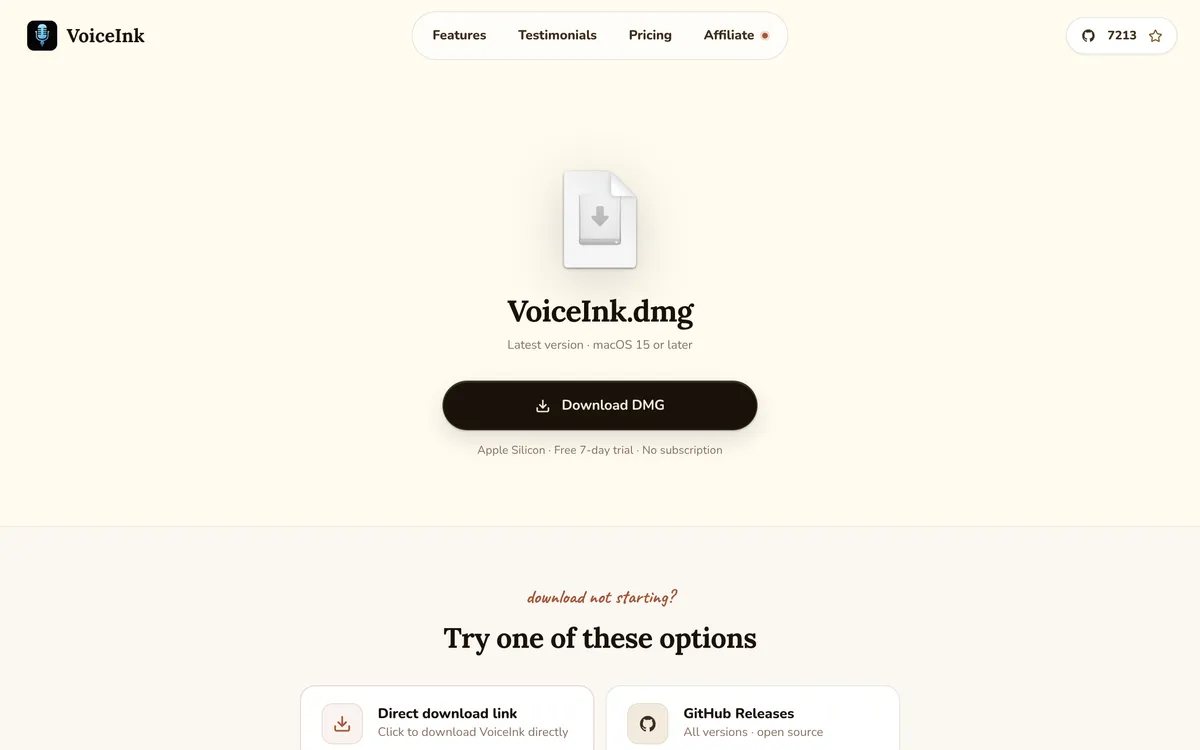 Screenshot of tryvoiceink.com, taken November 25, 2026.
VoiceInk alternatives for Windows
VoiceWink: the closest match, pay once
VoiceWink is a Windows 11 app from DV Studio that its FAQ calls "a derivative of VoiceInk", under GPL v3. It costs $25, $39 or $49 once for one to three PCs and dictates offline, though a paid license goes online "at least once every 30 days". Meetings are "Not in VoiceWink".
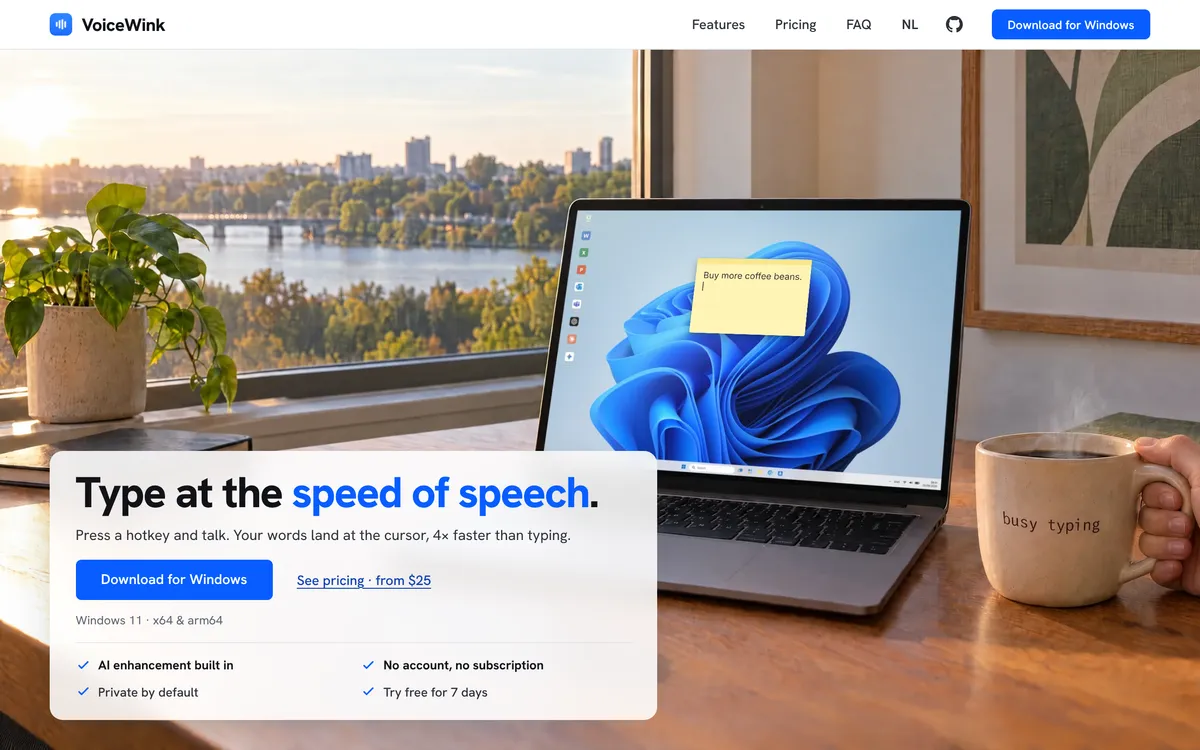 Screenshot of voicewink.app, taken November 25, 2026.
Blip AI: cloud, on-device and meeting notes (our pick)
Blip AI sends your audio to Blip Cloud by default, or dictates offline with on-device models on Pro. Its Meetings notetaker records calls on Windows with no bot, 5 a month on the free plan. History is stored on your device, not on Blip's servers, and there's a lifetime deal on AppSumo (details).
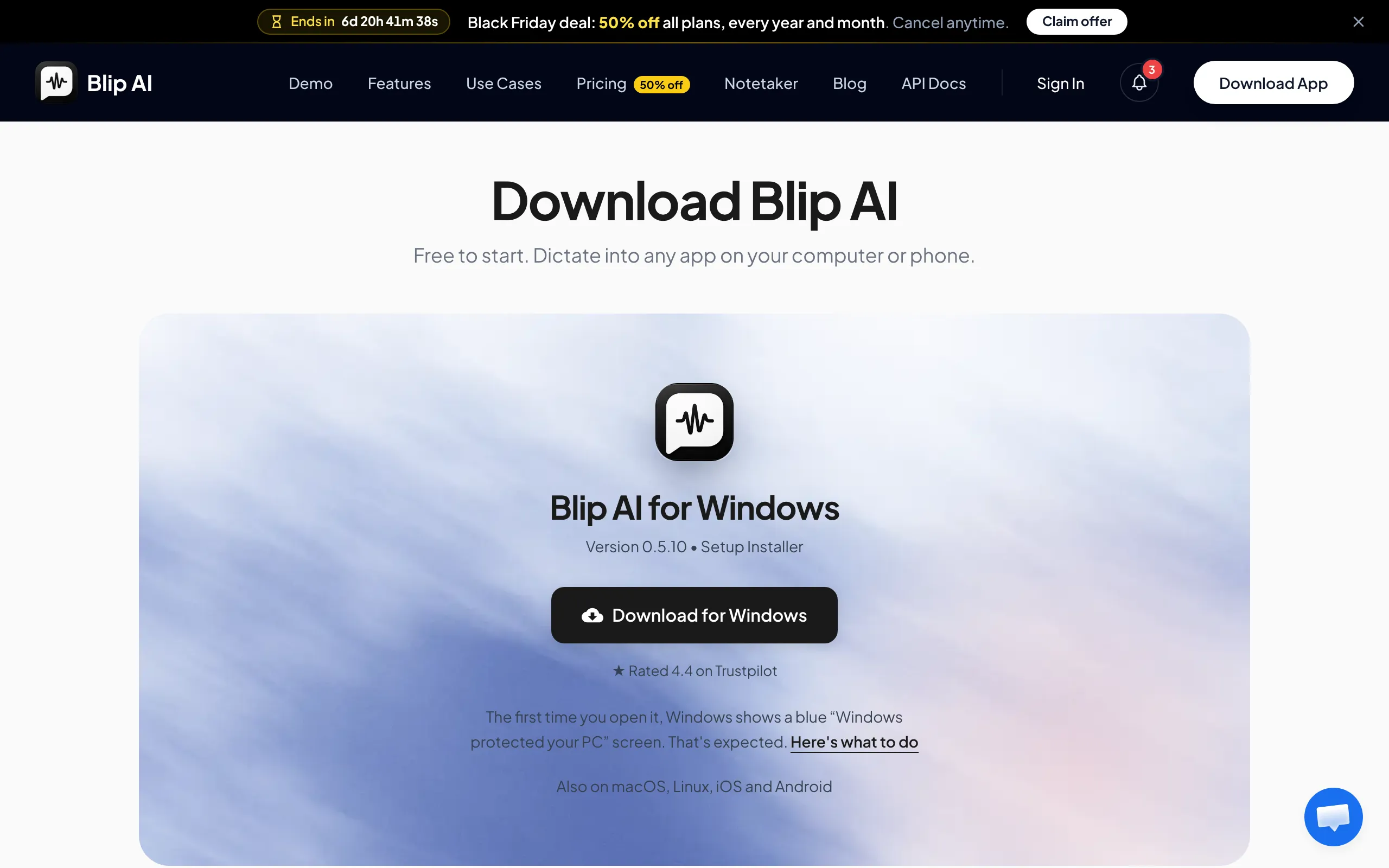 Screenshot of blipai.app, taken November 25, 2026.
Handy: free, open source and offline
Handy is free and open source, and its about page says it "runs completely offline using Whisper". Amical is another free, open-source pick, whose local models work offline on Windows 10 or later.
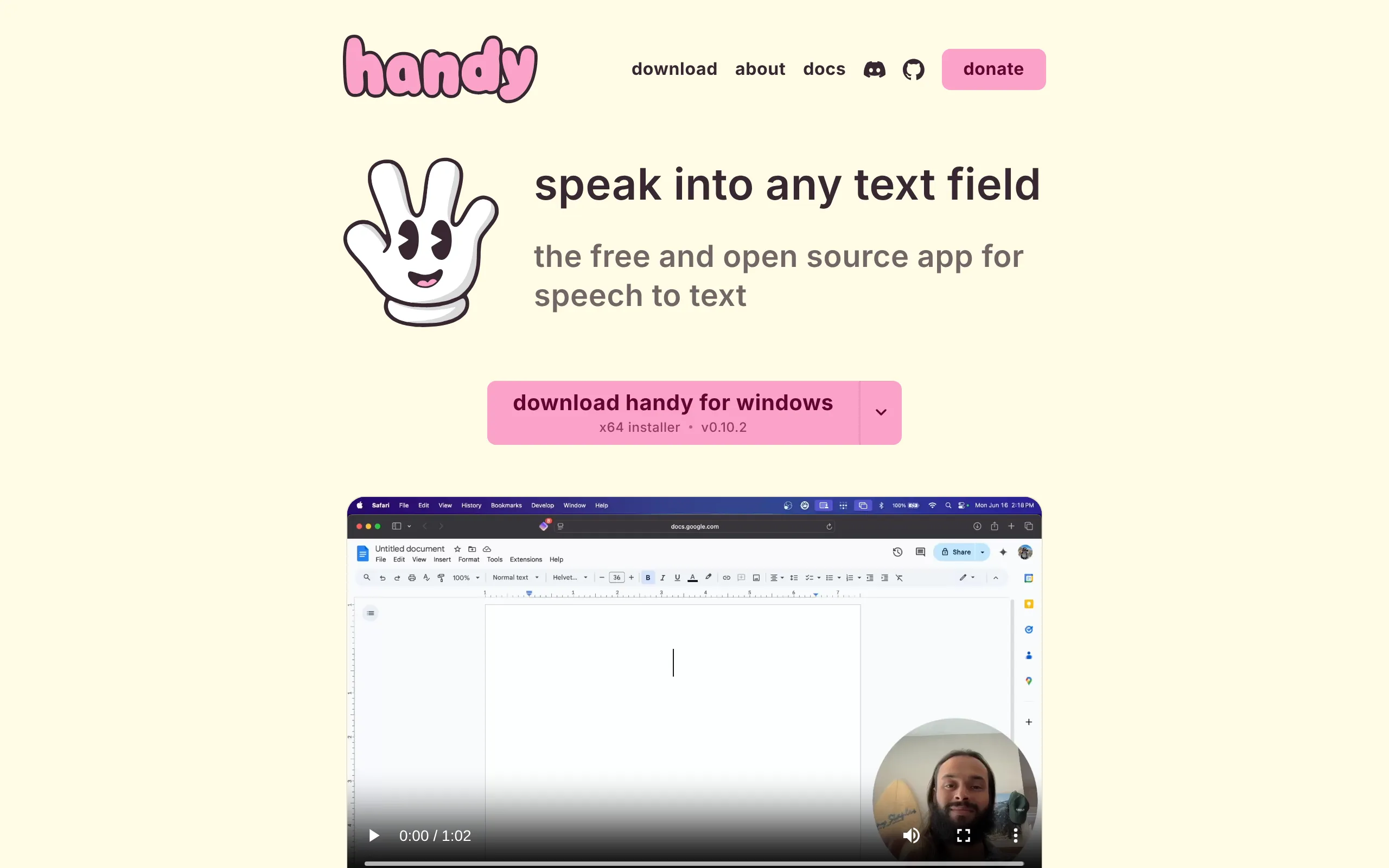 Screenshot of handy.computer, taken November 25, 2026.
Spokenly: free offline models, or $39 once
Spokenly runs Whisper and Parakeet models offline free, and Local+ is $39 once. Spokenly's own cloud models need Pro; your own API keys are free. Its meeting recording is for Mac.
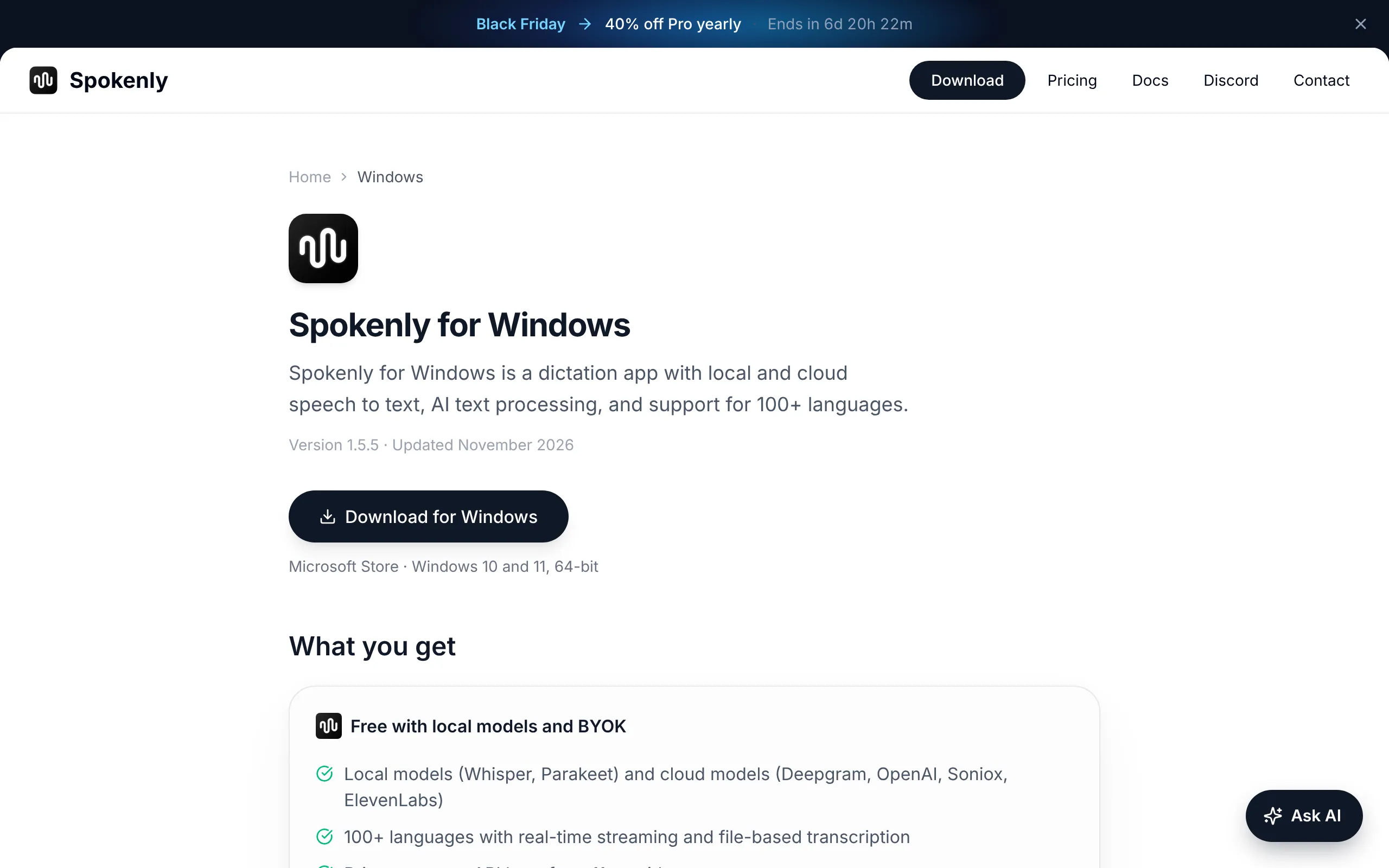 Screenshot of spokenly.app, taken November 25, 2026.
Superwhisper: free offline models, or $249.99 once
Superwhisper runs local Whisper models free, and one Pro license covers Mac, Windows, iPhone and Android. Meetings is "available on Mac only" (download page); Windows gets a Meeting mode, but AI modes and system audio recording are Pro after 3,000 free words.
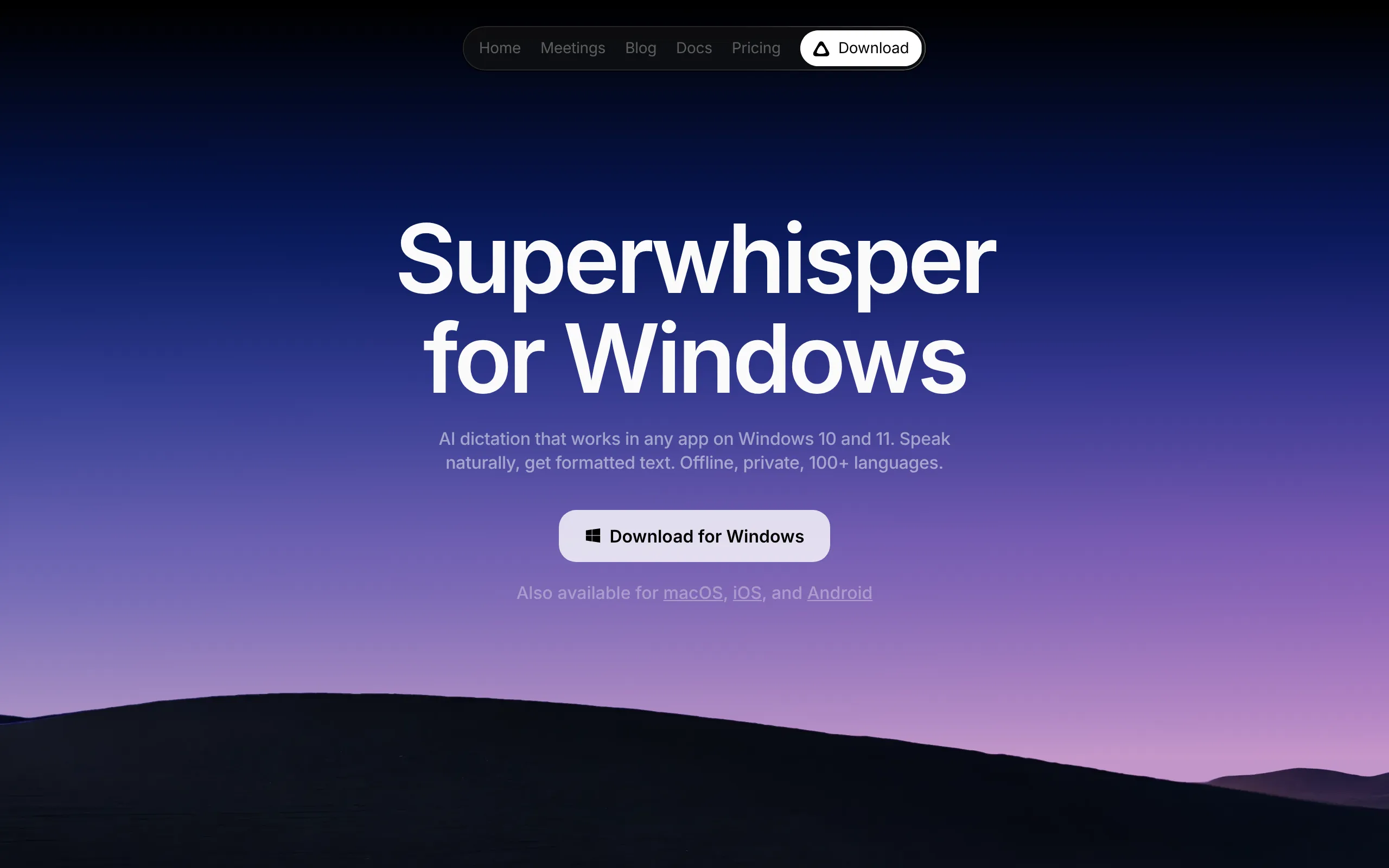 Screenshot of superwhisper.com, taken November 25, 2026.
Windows voice typing (Win + H): free, but online
Microsoft's voice typing guide says Win + H needs an internet connection (steps). For offline, Windows 11's Voice Access works "without an internet connection" (22H2 and later).
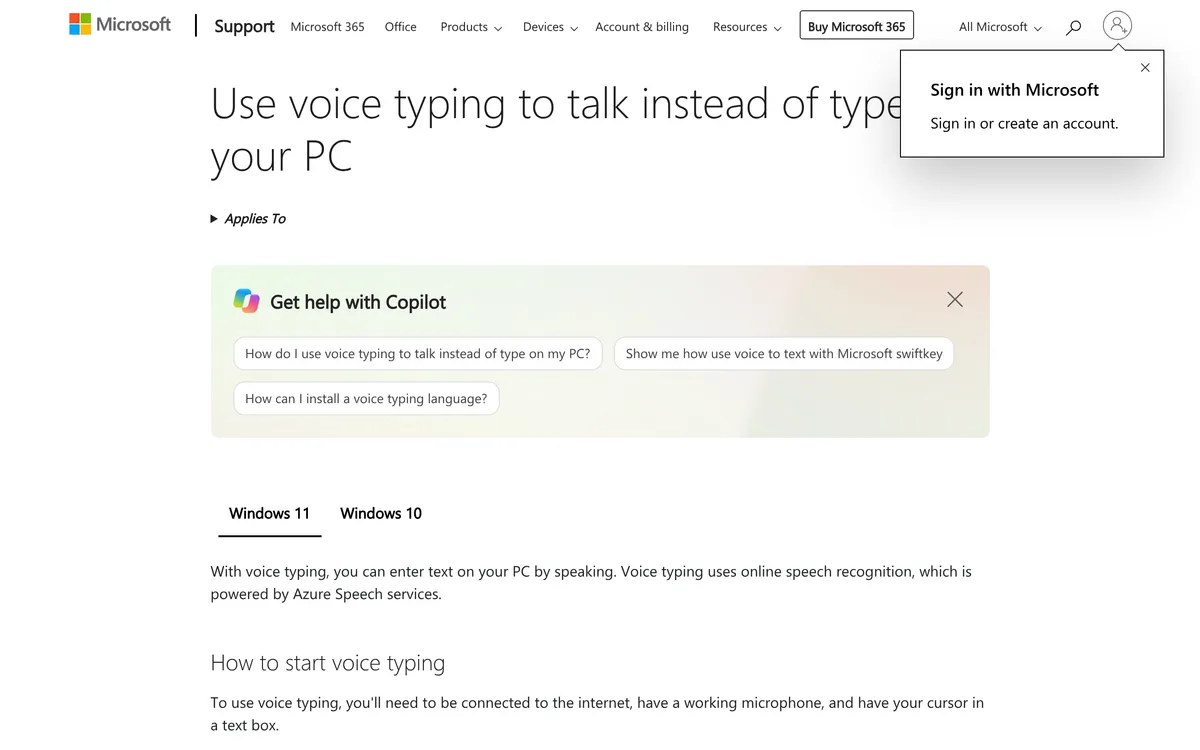 Screenshot of support.microsoft.com, taken November 25, 2026.
Wispr Flow: cloud only, by subscription
Wispr Flow's Notetaker runs on Windows, but its data controls page says "Transcription always occurs on the cloud."
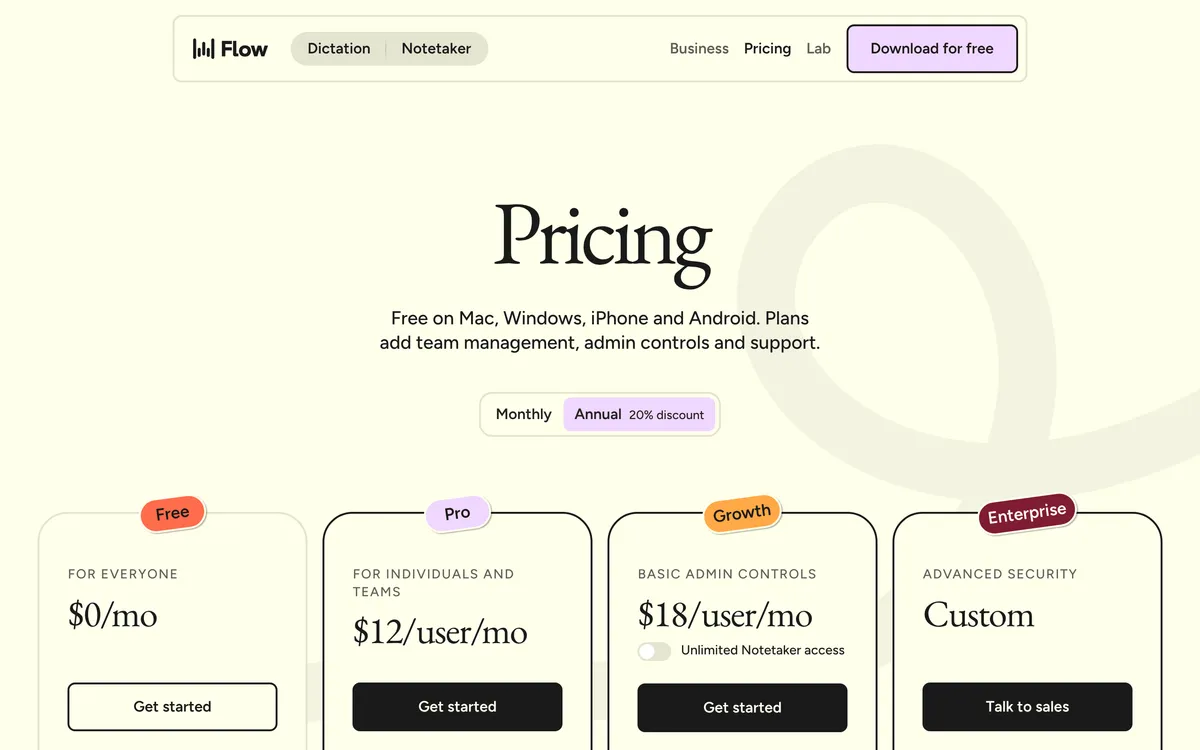 Screenshot of wisprflow.ai, taken November 25, 2026.
FAQ
Can I run VoiceInk on Windows from its source code? No. VoiceInk's source (GPL v3) is an Xcode project, and its build guide asks for macOS 15 or later and Xcode.
Is VoiceWink made by VoiceInk's developer? No. VoiceWink comes from DV Studio, and "A VoiceInk Mac license covers Macs only," says VoiceInk's iOS page.
Is there a VoiceInk for Android? No: VoiceInk lists Mac and iPhone/iPad apps only, and Google Play's "VoiceInk AI:Voice to Text" is another developer's ("wang kang"). Blip AI, Spokenly, Superwhisper, Wispr Flow and Amical have Android apps.
What is the best VoiceInk alternative for Windows? To pay once and stay local, VoiceWink or Spokenly Local+ ($39 once, checked November 25, 2026); for free, Handy, Amical, Superwhisper or Spokenly. Our pick is Blip AI: Blip Cloud, on-device models on Pro, and a Meetings notetaker on Windows (Superwhisper's Meetings is Mac only).